
Buying guides
Hardware buying guides.
We may earn a commission when you buy through our links.
A few picks for different budgets and uses. Planning a whole desk? Browse our setup guides by room or single-product reviews.
Planning a Black Friday purchase? Start with Black Friday GPU buying checks or the Black Friday hardware watchlist.
Choose a monitor
Match your screen to the room, resolution and work you do.
Best 4K Gaming Monitors: Choose OLED or Mini-LED for Your Desk
Choose ASUS PG27UCDM for 4K OLED gaming if you accept OLED care and burn-in risk. Consider KTC M27P6 Mini-LED when static desktop work dominates your day. Check your graphics card, the ports you will use and the supported refresh modes before ordering. A 1440p display may suit your setup better.
Read the guide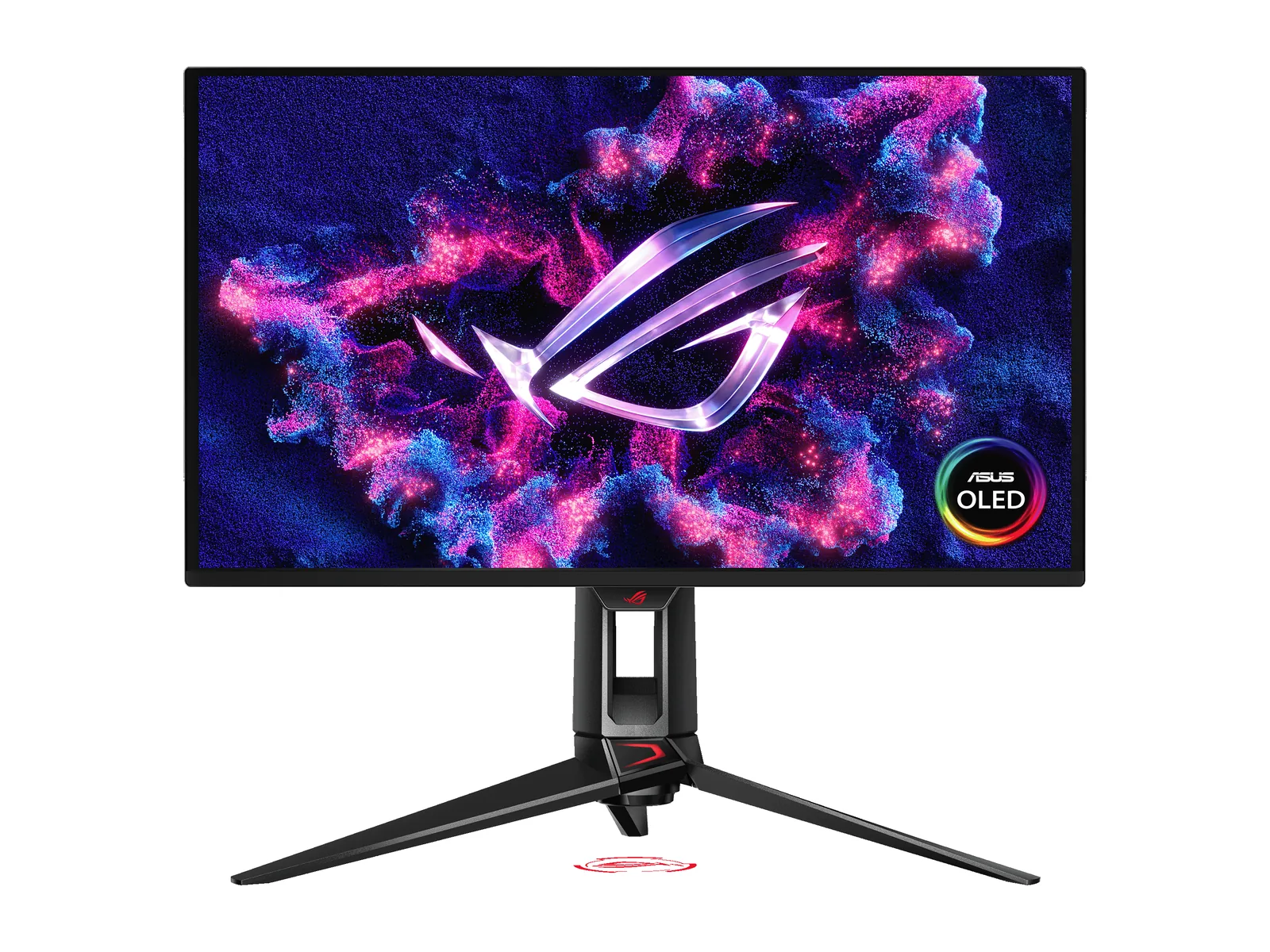 Image: ASUSBuying guide · Monitors
Best 1440p Gaming Monitors (2026): 27-Inch OLED, Matte OLED & Mini LED Picks
Choose for your room and the connection you will actually use. Compare the AOC Mini LED LCD with the LG, Alienware and ASUS OLED options. Check your device, monitor input and cable before choosing a model.
Read the guide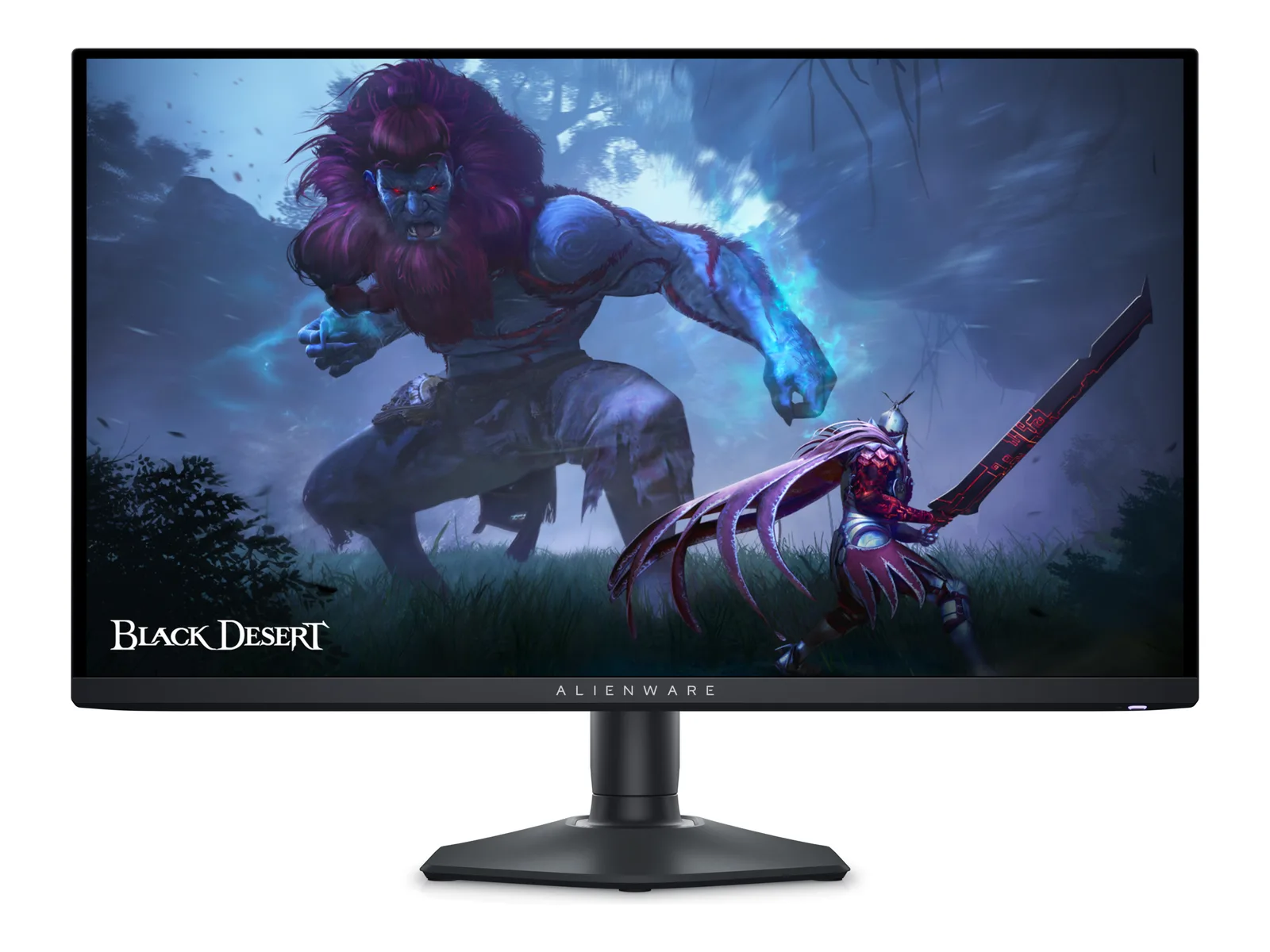 Image: DellBuying guide · Monitors
Black Friday 2026 Gaming Monitor Deals Watchlist: 1440p OLED, 4K OLED & Mini LED
No Black Friday deals are confirmed yet. Start with the LG for a matte 1440p OLED, the ASUS for 4K OLED or the AOC for 1440p Mini LED HDR. Check the exact listing, seller and return terms.
Read the guide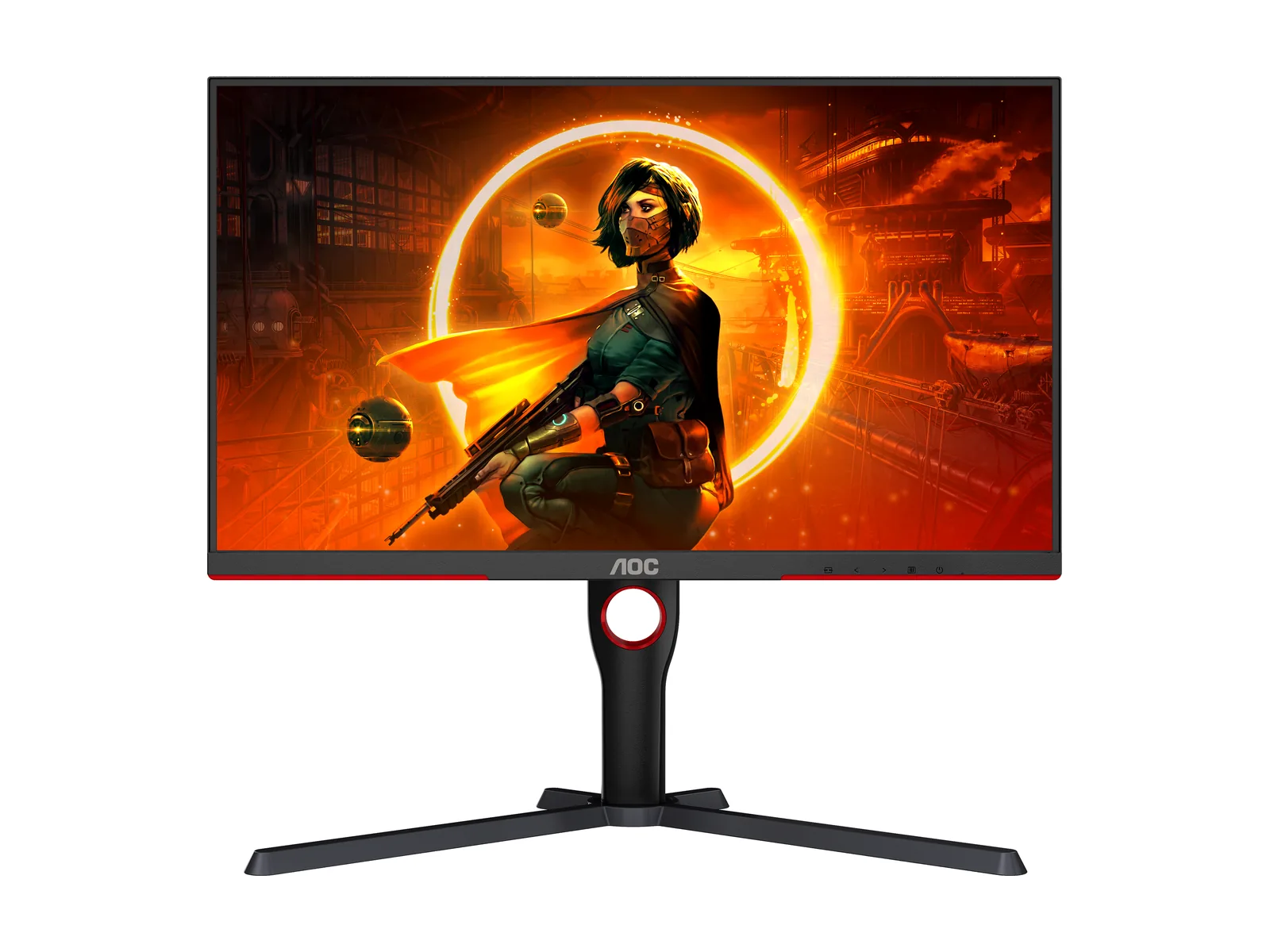 Image: AOCBuying guide · Monitors
Alienware AW2725DF vs ASUS PG27UCDM: 1440p 360Hz vs 4K 240Hz
Choose the Alienware AW2725DF for a dedicated 1440p shooter PC and 360Hz over DisplayPort. Choose the ASUS PG27UCDM for sharper 4K text, 240Hz gaming and a USB-C laptop connection with up to 90W charging. Control light hitting either QD-OLED screen before choosing.
Read the guideBuying guide · MonitorsBest portable monitor 2026: work or play?
For high-refresh travel use or mini HDMI, the ASUS MB16NCG (USB-C up to 155Hz, mini HDMI up to 120Hz). For documents and browsing, the ASUS MB16ACV. Check your source's video output and power.
Read the guideBuying guide · MonitorsBest budget 1440p monitors
ASUS VG27AQ3A for IPS or AOC Q27G3XMN for Mini LED HDR. Choose for your room, ports and stand requirements.
Read the guideImage: AOCBuying guide · MonitorsThe best monitors for creators who also game
Both jobs equally: ASUS PG27UCDM. Color work first: ASUS ProArt PA279CRV. Gaming first: ASUS XG27AQWMG.
Read the guideImage: ASUSUpgrade your PC
Plan a laptop, graphics, memory or storage upgrade.
Black Friday GPU Deals 2026: 3 Picks Compared Against MSRP
The RX 9070 was closest to MSRP in our November 2, 2026 Newegg check, at 37% over. We marked it Wait. The RX 9070 XT and RX 9060 XT 16GB were at least 54% over, a Skip for both. Compare the three boards by resolution, case fit, and power needs.
Read the guide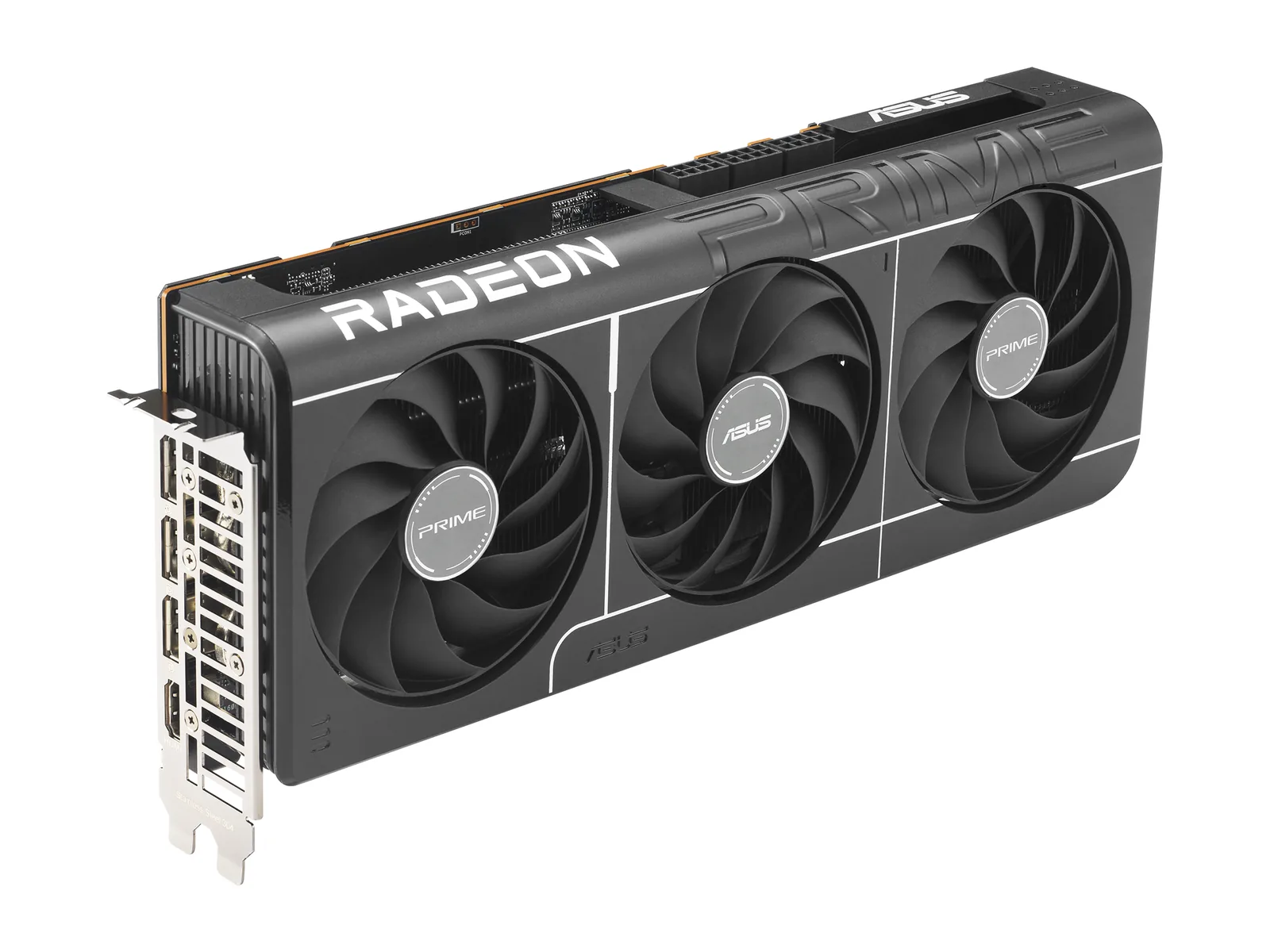 Image: ASUSBuying guide · Graphics cards
Best CPUs for Gaming (2026)
Start with X3D for high-refresh gaming or a 9600X for mainstream builds. The matrix pairs GPU and laptop examples with CPU tiers.
Read the guide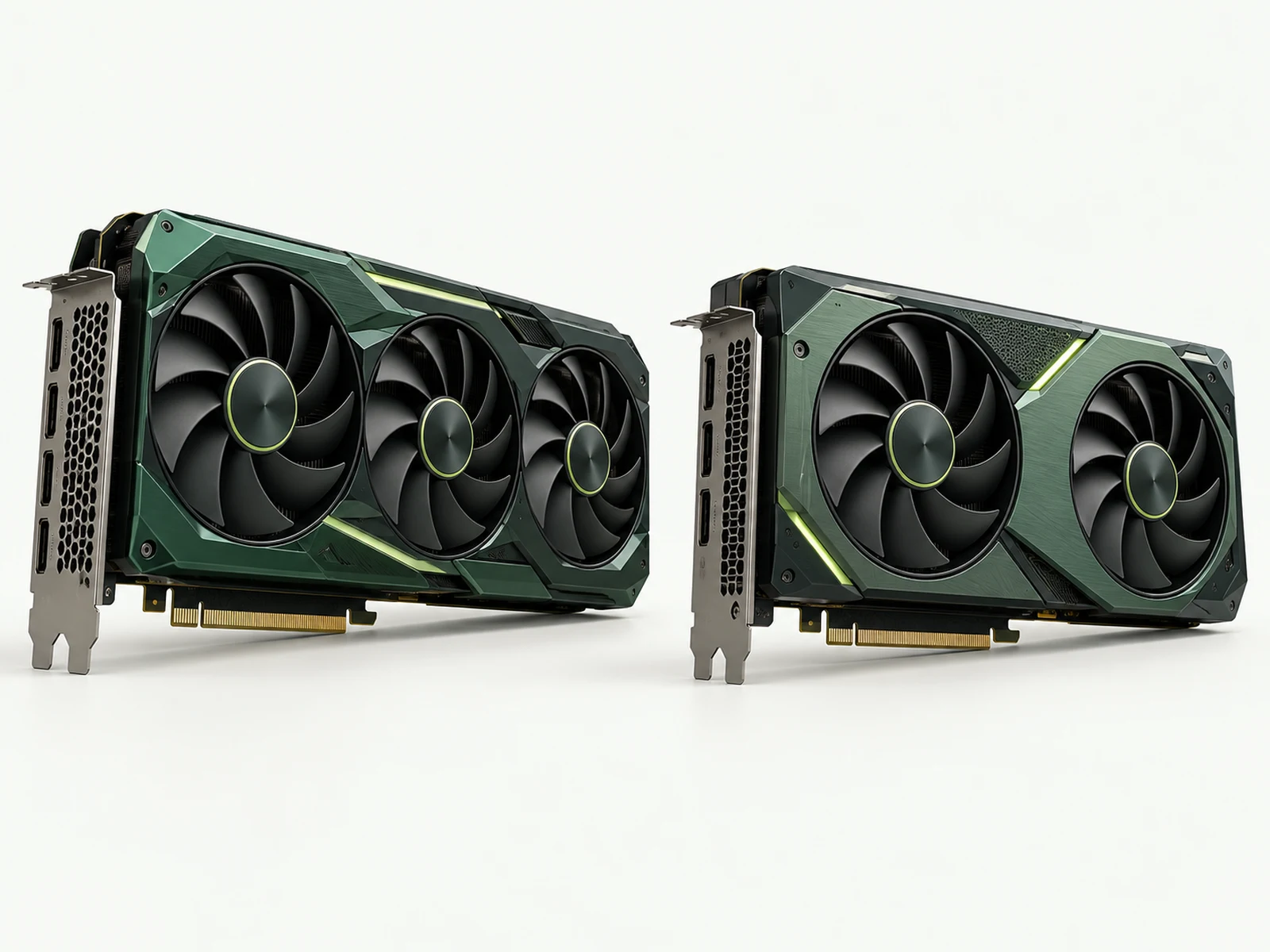 AI illustration: ChatGPT ImageBuying guide · Graphics cards
GPU Hierarchy Tier List (2026): 1080p, 1440p & 4K, VRAM and PSU by Tier
1080p: RX 9060 XT 16GB. 1440p: RX 9070 or RTX 5070. Entry 4K: RX 9070 XT or RTX 5070 Ti. Each tier below lists VRAM, power connectors and the PSU each exact board needs, or where to check it.
Read the guideAI illustration: ChatGPT ImageBuying guide · Graphics cardsATX 3.1 & PCIe 5.1 PSU Tier Guide (2026)
850W for TUF RTX 5070 Ti. 750W for Prime RX 9070 XT. RX 9060 XT 16GB: 550W planning tier; XFX lists a 450W minimum. Check your CPU power cap and cables next.
Read the guideAI illustration: ChatGPT ImageBuying guide · Graphics cardsWhich graphics card should you buy?
RTX 5070 Ti for DLSS with 16GB. RX 9060 XT 16GB for 1080p. RX 9070 XT for 1440p value. Compare your games, the exact board and the live total.
Read the guideImage: ASUSBuying guide · StorageBest NVMe SSDs: Gen4 vs Gen5 for Gaming, PS5 and Laptop Upgrades
Choose the Samsung 990 PRO 2TB for a gaming-PC upgrade, WD_BLACK SN850X 2TB with heatsink for a compatible PS5 installation, or WD_BLACK SN7100 2TB for a suitable laptop. Consider the Gen5 WD_BLACK SN8100 2TB for large-file work. Check slot support, clearance and cooling first; a faster rated drive alone does not guarantee faster games.
Read the guideBuying guide · Graphics cardsRTX 5070 Ti vs RX 9070 XT: which fits?
Choose RTX 5070 Ti for supported DLSS Multi Frame Generation and demanding ray-traced games. Choose RX 9070 XT when raster gaming and a three-8-pin power connection suit your build. Both have 16GB; check the exact board and current retailer terms.
Read the guideAI illustration: ChatGPT ImageBuying guide · LaptopsBest Budget RTX 5060 Gaming Laptops (2026)
All three RTX 5060 laptops here have 8 GB of GDDR7 video memory. Choose MSI for a 240 Hz QHD+ screen, Acer for 32 GB of system RAM, or Lenovo for a 1080p screen and 65 W GPU. Check the exact model before buying.
Read the guideBuying guide · StorageUGREEN NASync vs Synology (2026): Home NAS, NVMe Cache & 2.5GbE Guide
Choose UGREEN NASync (DXP4800 Plus or DXP2800) if you want superior hardware per bay, including standard 2.5GbE and 10GbE LAN ports, modern Intel processors with QuickSync hardware transcoding, and unlocked third-party NVMe SSD compatibility. Choose Synology Plus (DS923+ or DS423+) if turnkey DSM 7.2 software, Active Backup, and SHR mixed-drive expansion matter more than raw bandwidth.
Read the guideBuying guide · Graphics cardsBest GPU for Local AI: VRAM First
Choose an RTX 5070 Ti for a new 16GB CUDA build, an RTX 5070 for smaller 7B to 8B Q4 models, or Radeon only with a confirmed backend. Keep a working 24GB card when your model needs more than 16GB.
Read the guideAI illustration: ChatGPT ImageBuying guide · Graphics cardsRTX 5070 vs RX 9070: which fits your PC?
Compare the ASUS Dual RTX 5070 OC 12GB reference with the ASUS Prime RX 9070 OC 16GB. Check which features your games and apps support, then confirm the power connections and case clearance.
Read the guideAI illustration: ChatGPT ImageBuying guide · MemoryHow Much RAM Do You Need for Gaming?
16GB is enough if it meets your games' requirements and the apps you run beside them. Choose 32GB if that workload needs more. Check compatibility before you buy.
Read the guide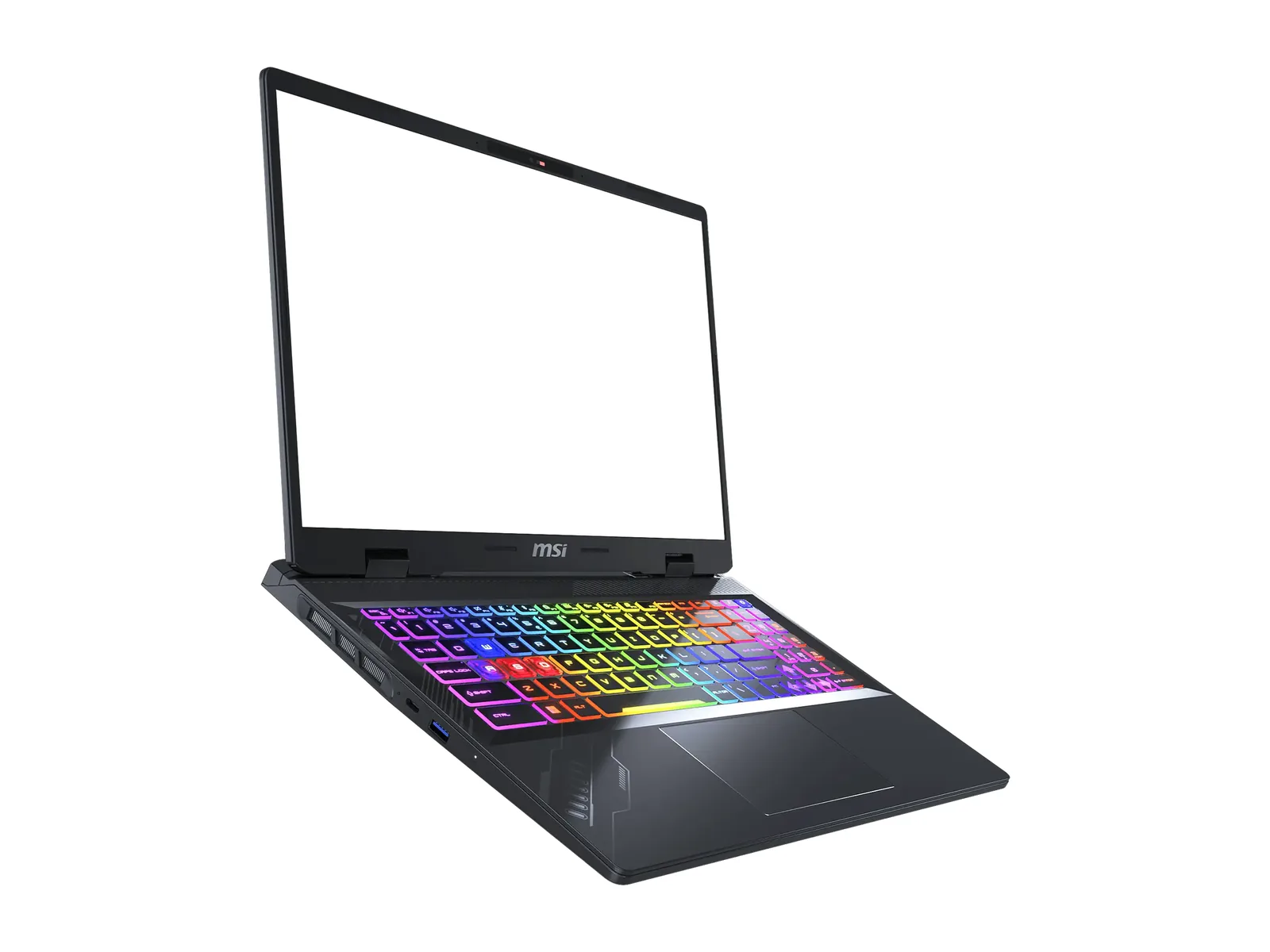 Image: MSI
Equip your desk
Choose input devices and audio for work and play.
Early Black Friday PC Hardware & Amazon Device Watchlist (2026)
The smartest Early Black Friday hardware upgrades in 2026 are proven PC components with multi-year lifespan: the Samsung 990 PRO 2TB NVMe SSD for storage expansion, the ASUS TUF Gaming VG27AQ3A 180 Hz 1440p monitor, the Logitech G PRO X SUPERLIGHT 2 wireless mouse, and the TP-Link Archer BE550 2.5GbE Wi-Fi 7 router. Skip ad-supported impulse smart speakers and DRAM-less mystery SSDs.
Read the guideBuying guide · ControllersBest Leverless Controllers (2026): Hitbox-Style Picks for PC and PS5
Get the Razer Kitsune if you play on PS5 and PC and want a slim all-button controller. Pick the original Hit Box for Sanwa buttons and an included PS5 converter. Choose the Victrix Pro KO to move and remap 16 buttons, or the 8BitDo Arcade Controller Pro for wireless play on Windows and Switch.
Read the guideBuying guide · Peripherals & SetupsMac Mini Accessories: Five Useful Upgrades for a New Desk
Keep the accessories that already work with your Mac mini. If something is missing, compare the Anker 575 for ports, Samsung 990 PRO 2TB with a suitable external enclosure for storage, Keychron C2 Pro 8K for typing, Logitech G PRO X SUPERLIGHT 2 for mouse control, and ASUS PA279CRV for a 4K display.
Read the guide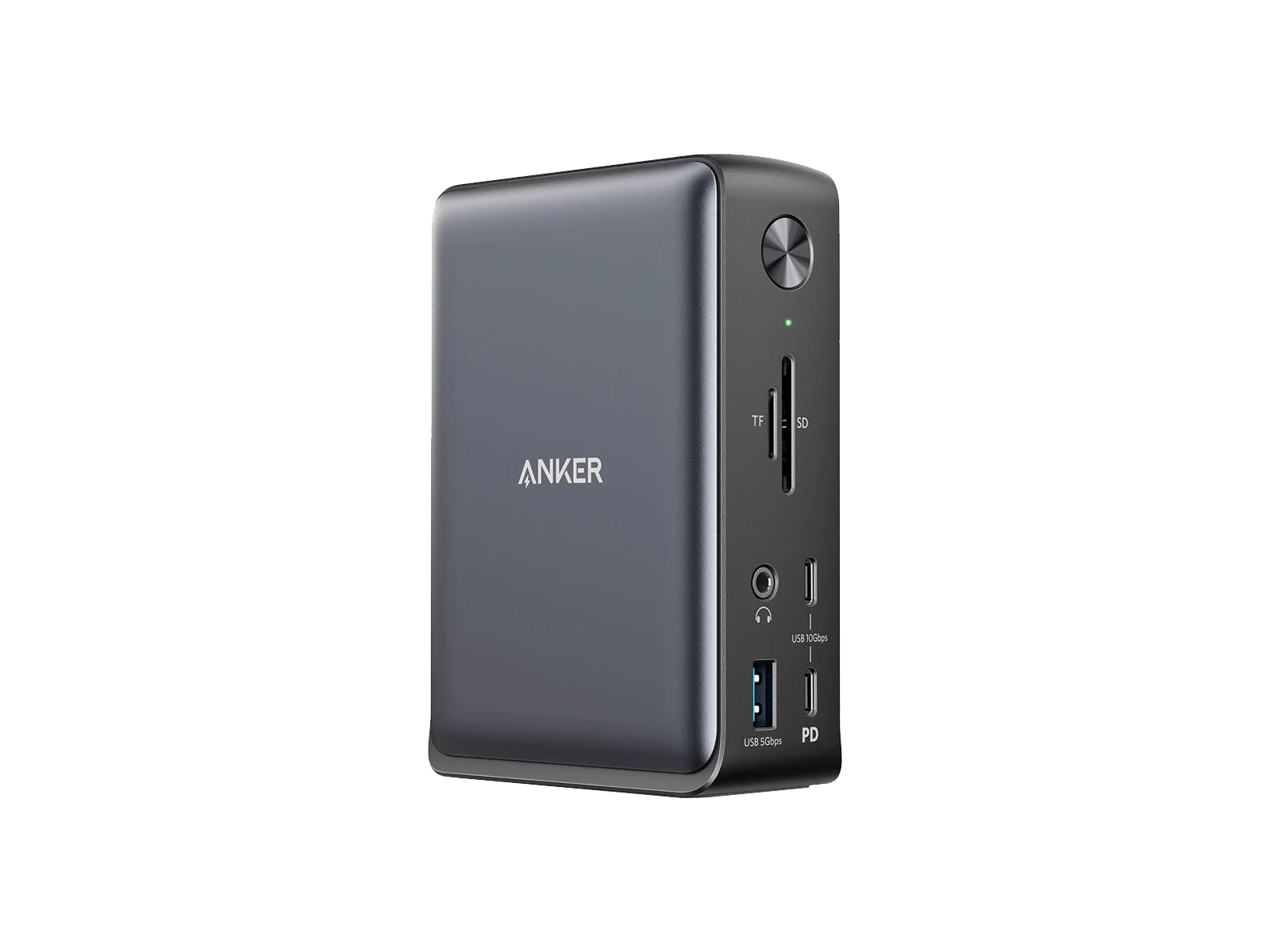 Image: AnkerBuying guide · Peripherals & Setups
Best USB-C docking station: match your laptop
CalDigit TS4 for a Thunderbolt or USB4 laptop. Anker 575 for a standard USB-C desk setup. Check your laptop's video, charging and port support first.
Read the guide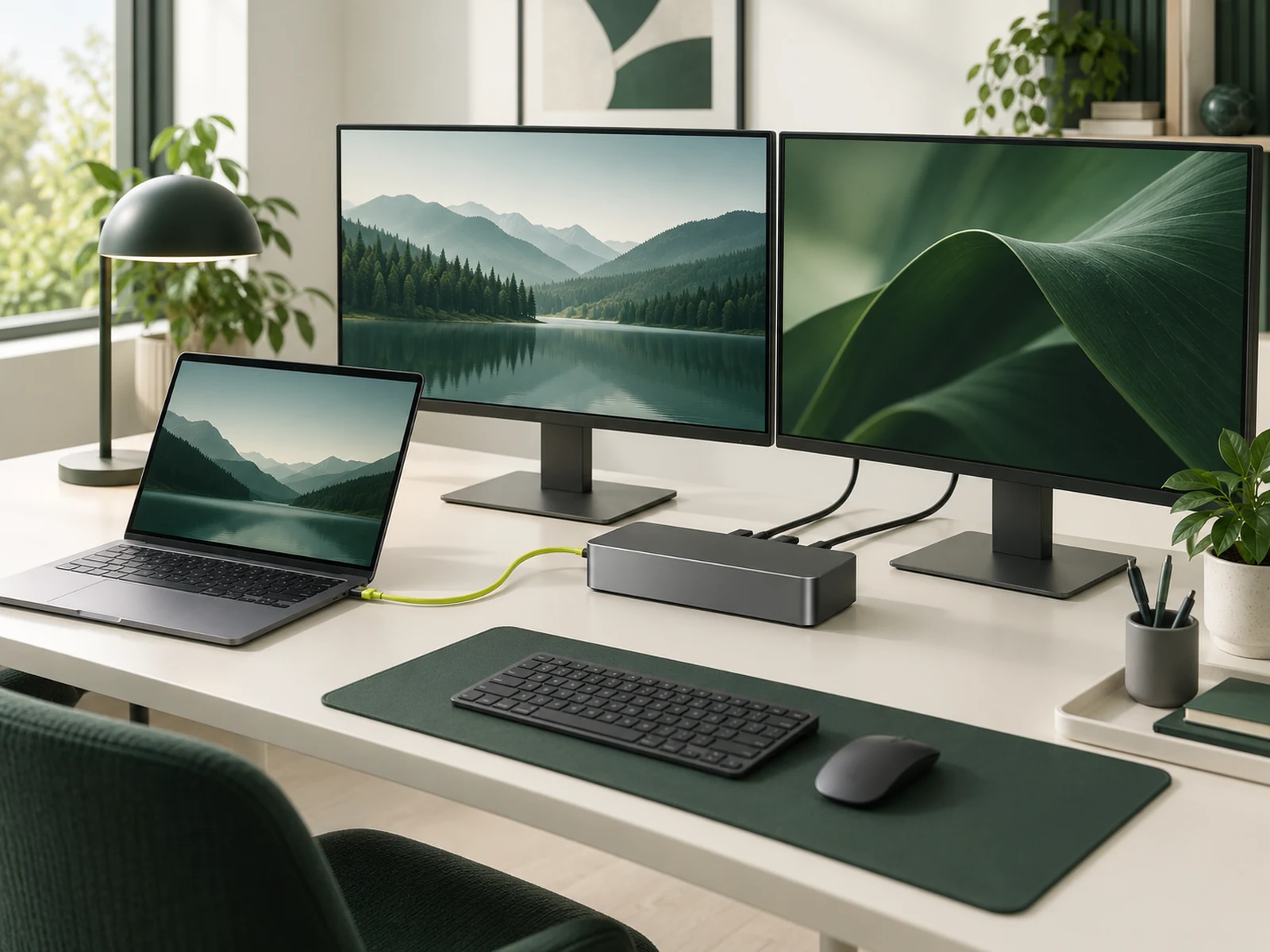 AI illustration: ChatGPT ImageBuying guide · Keyboards
Best Mechanical Gaming Keyboards: Full-Size, TKL or 60%?
Choose Keychron C2 Pro 8K if you need a number pad, Logitech PRO X TKL for wireless without one, or Razer Huntsman V3 Pro Mini for a compact wired layout. Start with the keys you use and the mouse space you need. Keep a working keyboard if it already fits.
Read the guide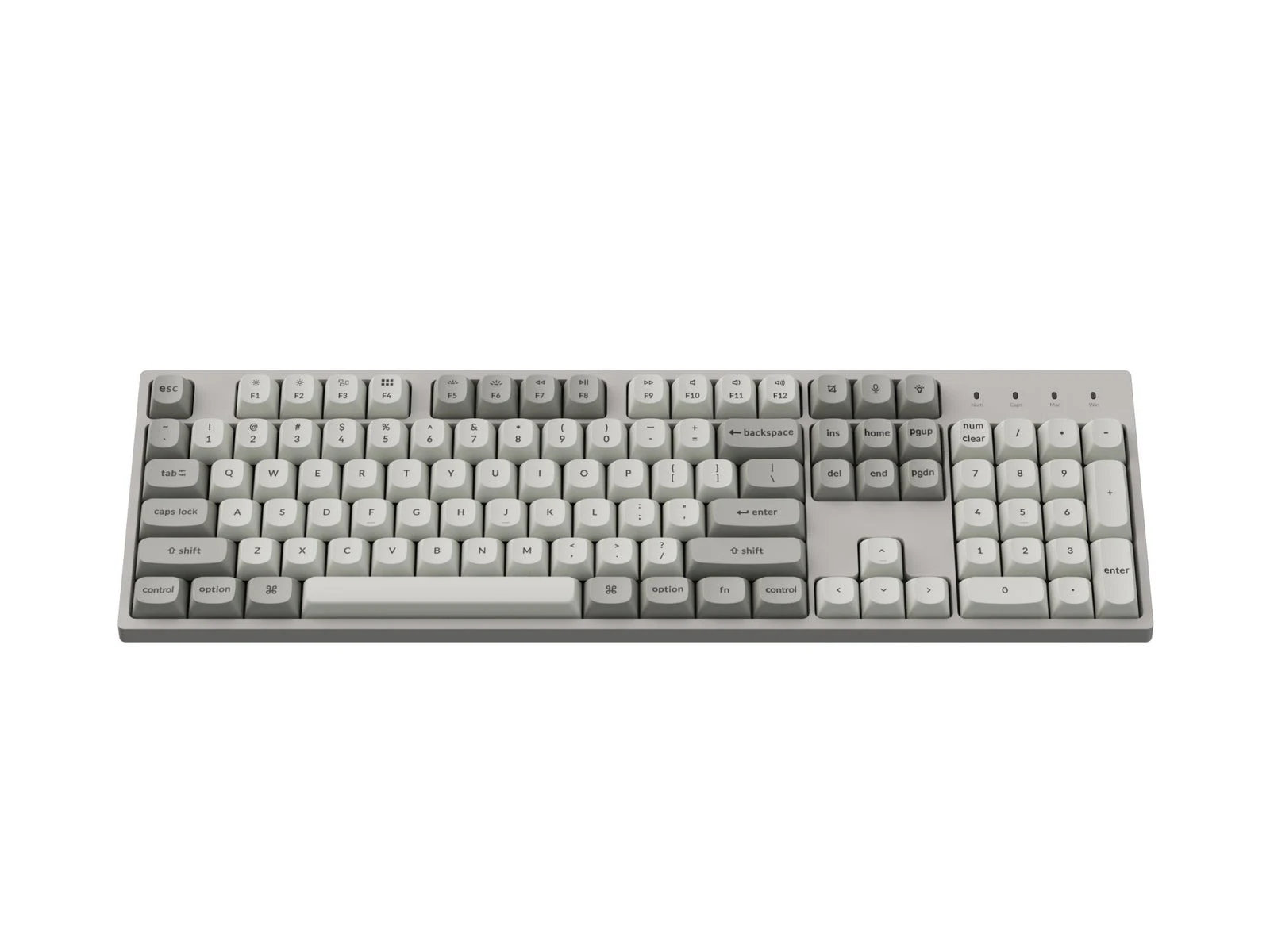 Image: KeychronBuying guide · Mice
Best Wireless Gaming Mice: Choose by Shape, Grip and Game
Start with shape and grip. Compare the Logitech G PRO X SUPERLIGHT 2 for a symmetrical shape, Razer DeathAdder V4 Pro for a fuller right-handed shape, SteelSeries Aerox 5 Wireless for more controls, and Logitech G305 for a simpler option. Choose the mouse that fits your hand before paying for a higher polling rate.
Read the guide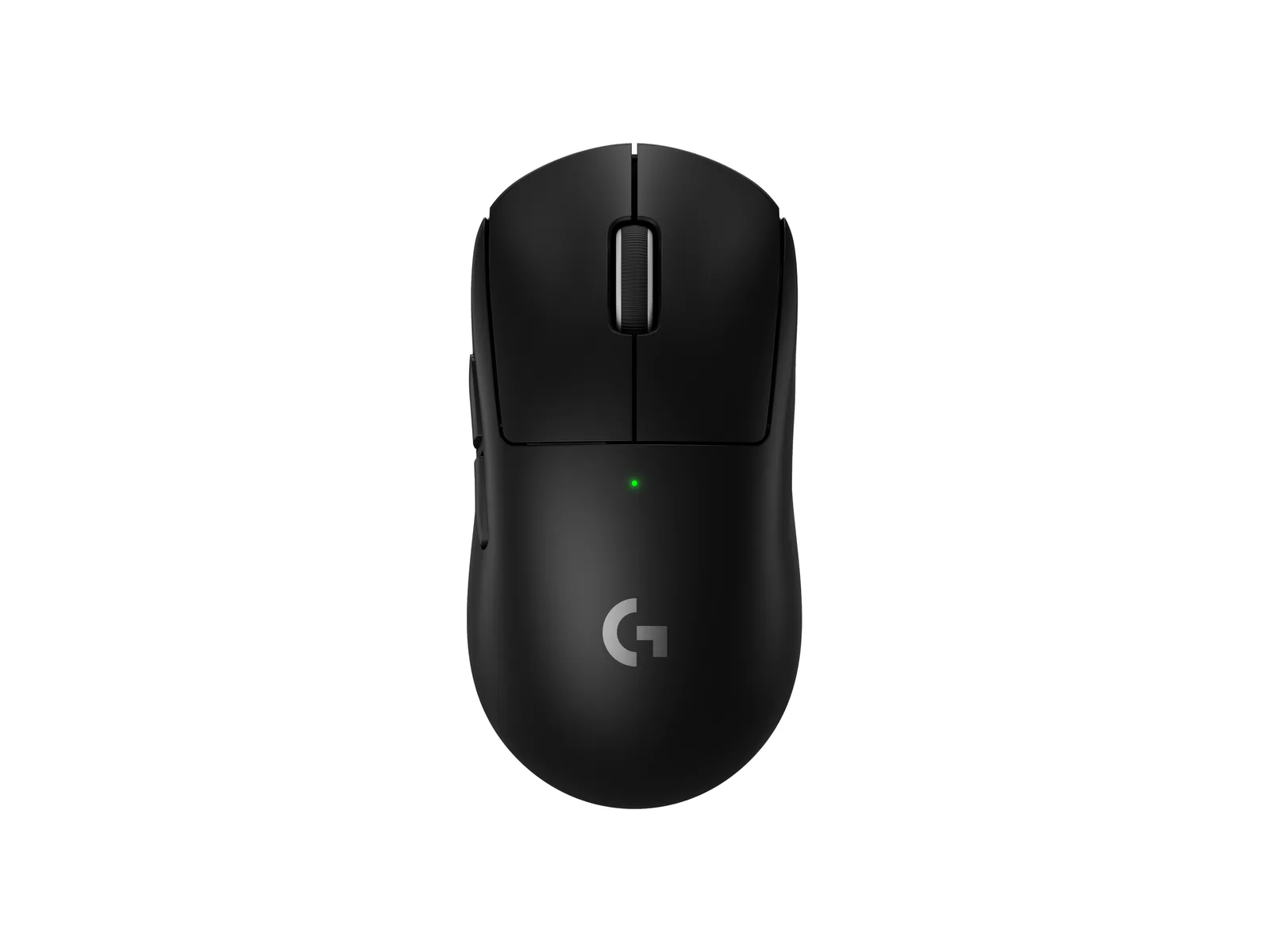 Image: LogitechBuying guide · Peripherals & Setups
Best Razer Gaming Gear (2026): Mice, Keyboards & Setups Worth Buying
The Razer DeathAdder V4 Pro (56 g ergonomic wireless with Focus Pro 45K optical sensor) and Razer Huntsman V3 Pro Mini (Gen-2 analog optical switches with 0.1 mm Rapid Trigger) are the two standout Razer peripherals for competitive PC gaming in 2026. Skip Razer if you prefer symmetrical ambidextrous mice or zero-bloat QMK browser firmware.
Read the guideBuying guide · Peripherals & SetupsiPhone Fold vs Galaxy Z Fold 8 (2026): Rumors vs OLED Portable Monitors
Neither an Apple foldable iPhone nor a Samsung Galaxy Z Fold 8 has been officially announced or confirmed by primary manufacturer specifications as of October 2026. If you want true multi-window portable screen real estate today, pair your existing USB-C phone or laptop with a 15.6-inch ASUS ZenScreen Portable Monitor and a CalDigit TS4 or Anker 575 dock.
Read the guideBuying guide · HeadphonesSony WH-1000XM6 vs Bose QuietComfort Ultra (2nd Gen)
Sony WH‑1000XM6 for the quietest commute and a 10-band EQ (PCMag rates its noise canceling higher). Bose QC Ultra (2nd Gen) for the softest fit, spatial audio and USB-C wired listening (What Hi-Fi?, PCMag).
Read the guide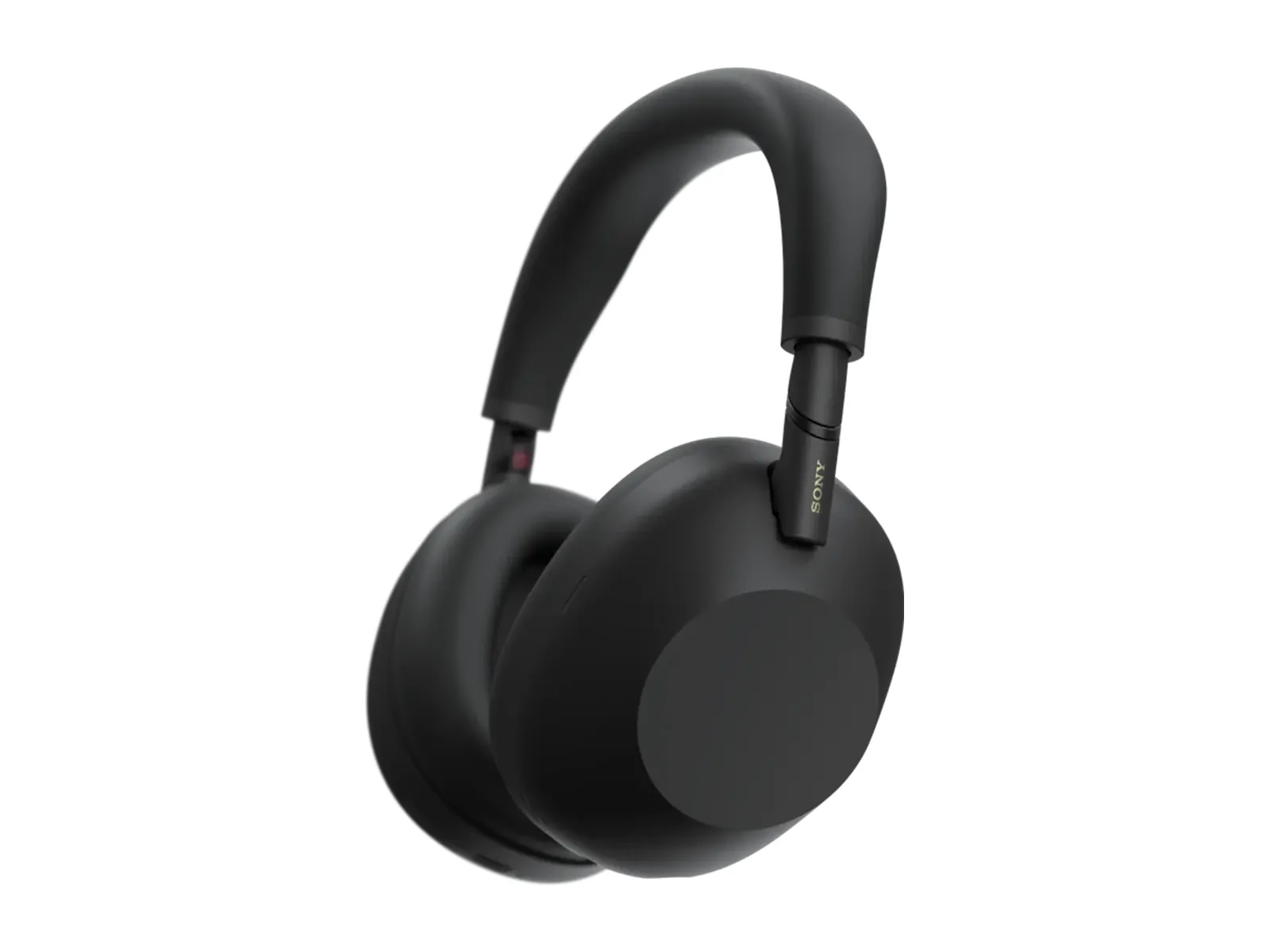 Image: SonyBuying guide · Headsets
Best Gaming Headsets for PC and Console
HyperX Cloud III for wired use. Arctis Nova 5 Wireless for wireless with a retractable mic. Logitech PRO X 2 for wireless plus 3.5mm. Check game audio and mic support on your console first.
Read the guide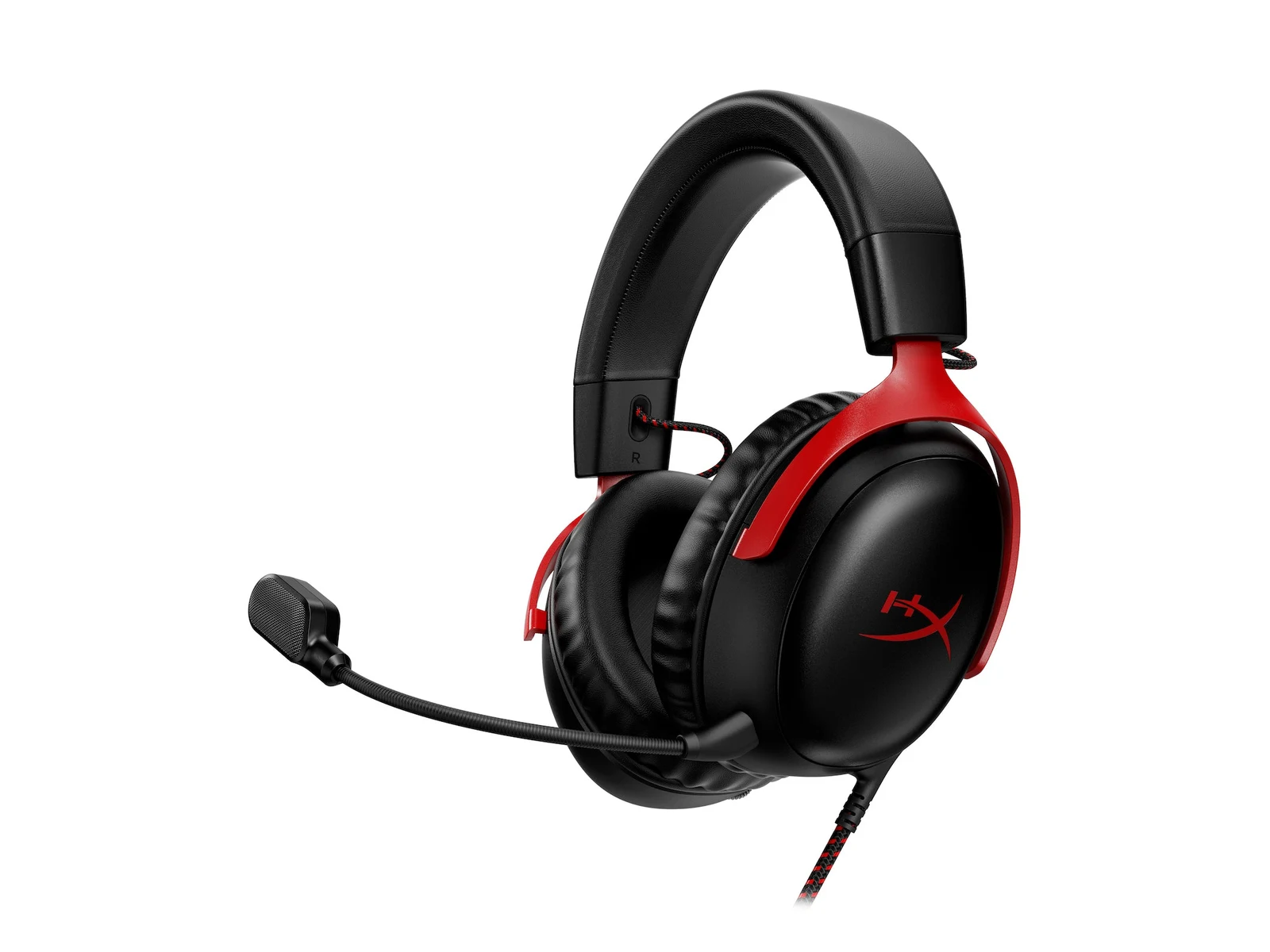 Image: HyperX
Connect your home
Compare networking hardware for your household.
Best Wi-Fi 7 Routers: Choose by Coverage, Ports and Client Support
Choose Deco BE63 for coverage gaps, Archer BE900 for a multi-gig wired setup, Archer BE230 for a smaller dual-band home, or Archer BE550 for a tri-band setup. Match the router to your clients and Ethernet needs. Diagnose local coverage and your internet connection before buying; replacing a router may not fix a game-server route problem.
Read the guide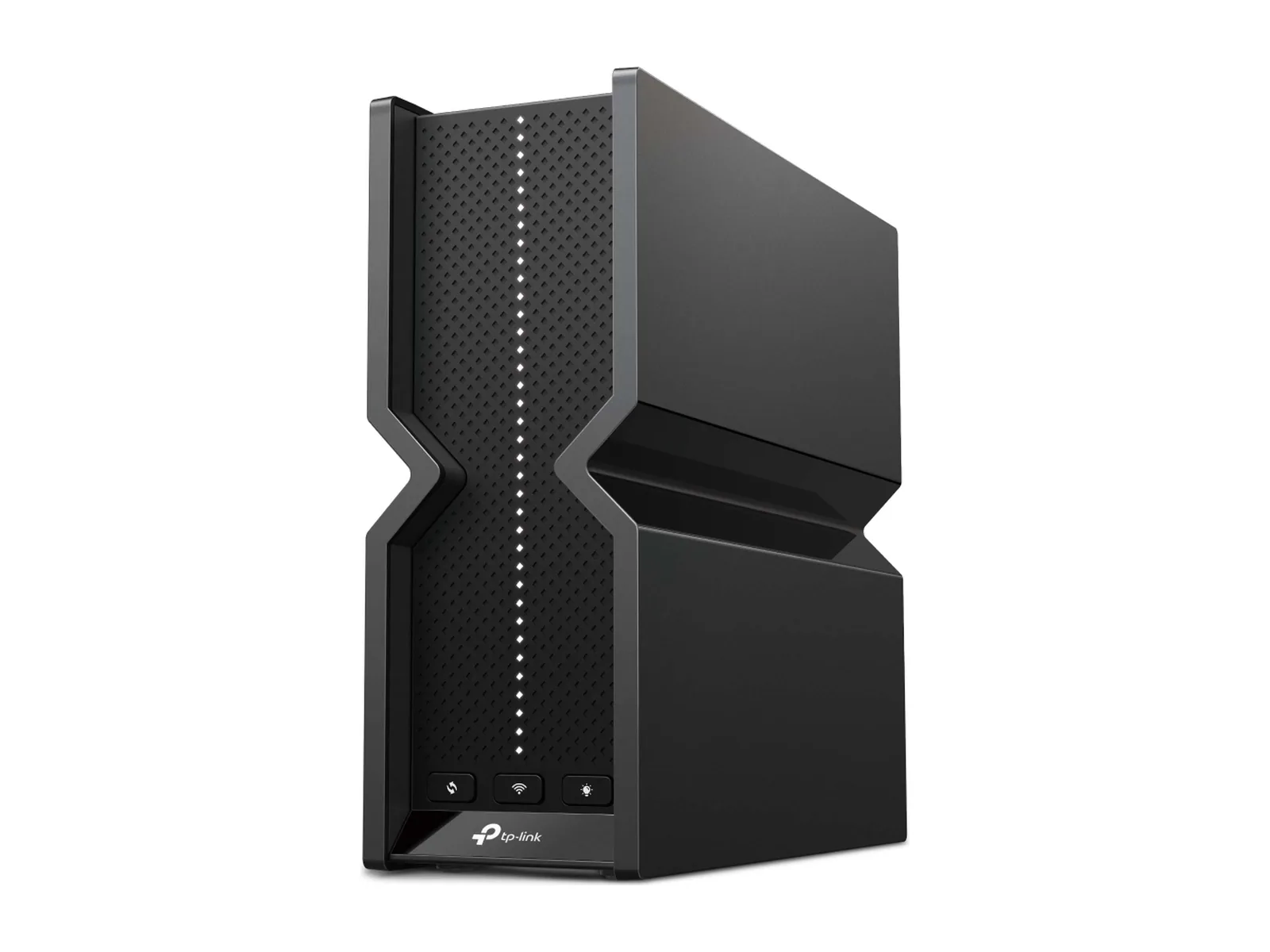 Image: TP-LinkBuying guide · Networking
Best mesh WiFi for gaming: plan the backhaul
If one router already covers your gaming spot, keep it; the Archer BE550 is our single-router pick. If rooms or floors have weak spots, consider the Deco BE63 and run Ethernet between nodes where you can.
Read the guide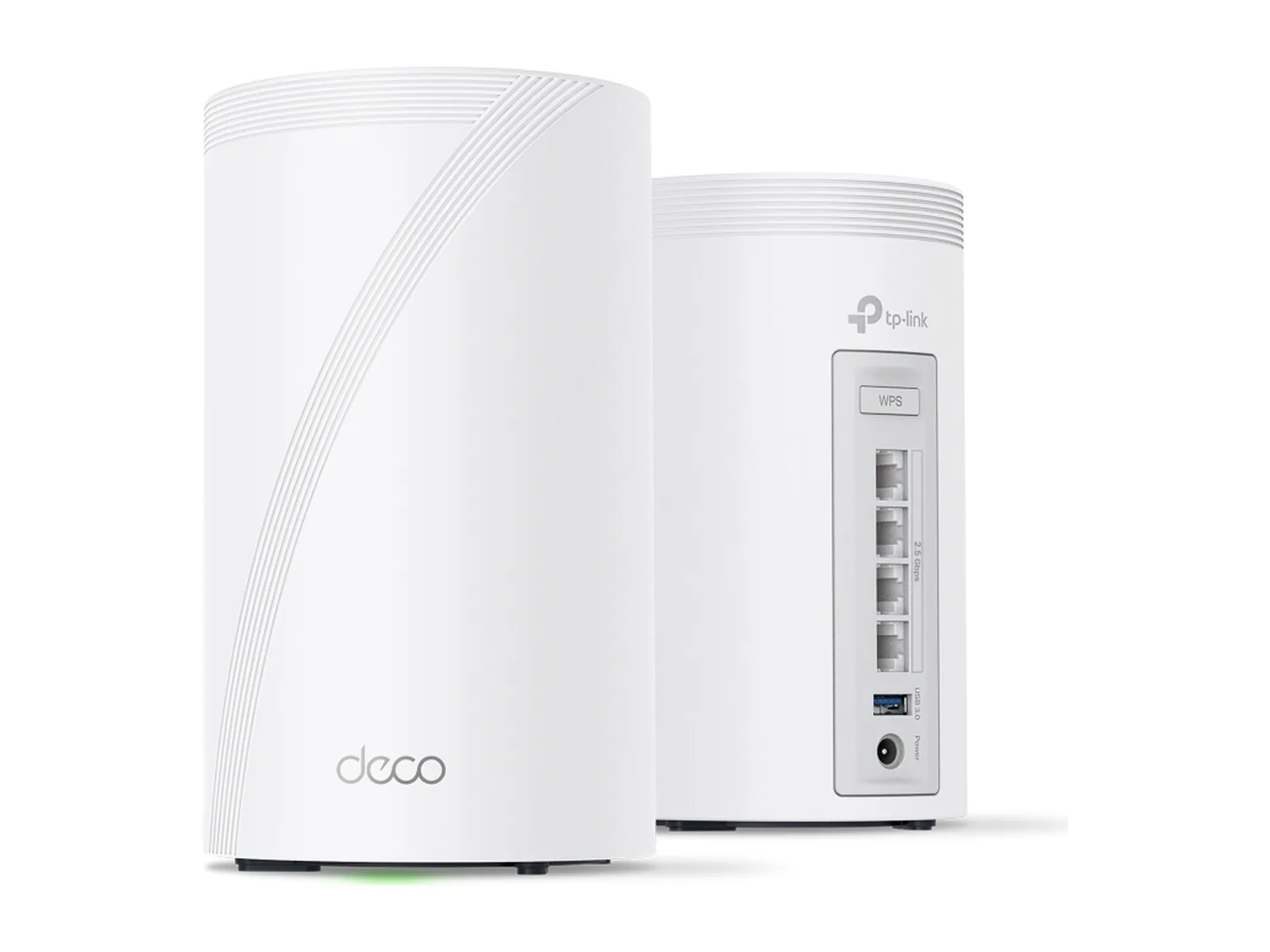 Image: TP-Link