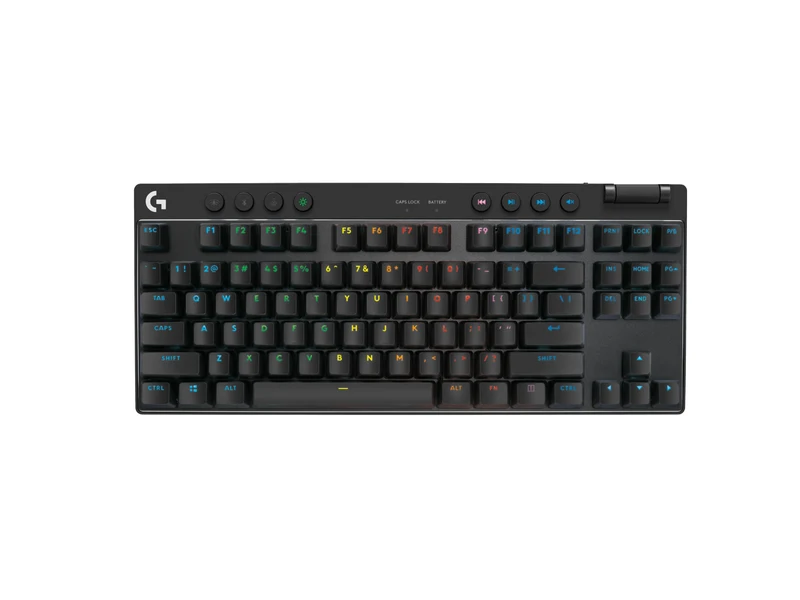
Logitech PRO X TKL
Lose the number pad while keeping a TKL layout and wireless options.
Choose Keychron C2 Pro 8K if you use the number pad. Choose Logitech PRO X TKL for wireless use without a number pad. Choose wired Razer Huntsman V3 Pro Mini for a 60% layout if you are willing to learn shortcuts for the keys it leaves out.
We may earn a commission when you buy through our links. As an Amazon Associate I earn from qualifying purchases. Affiliate disclosure
Alternatives first. The recommended use-case pick is last; these are not lab scores.
Jump to the final pick ↓Lose the number pad while keeping a TKL layout and wireless options.
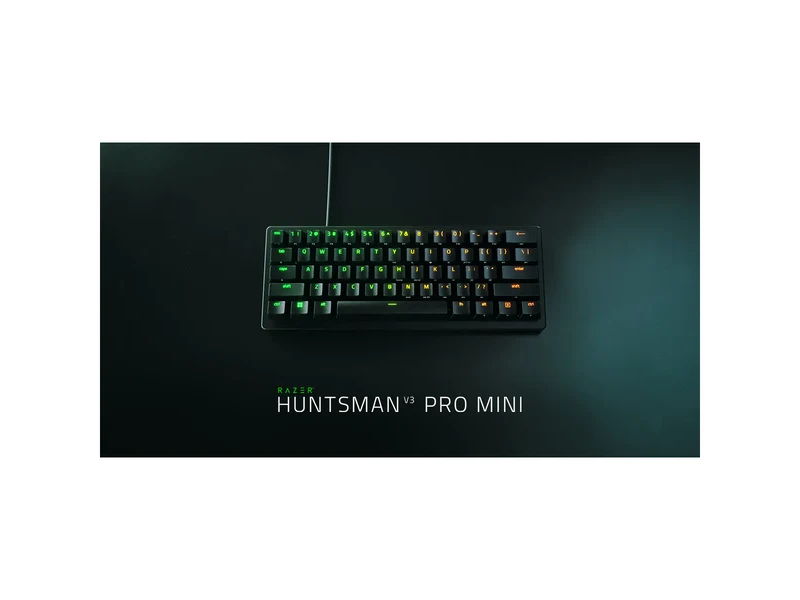
A compact wired board for readers willing to learn its smaller layout.
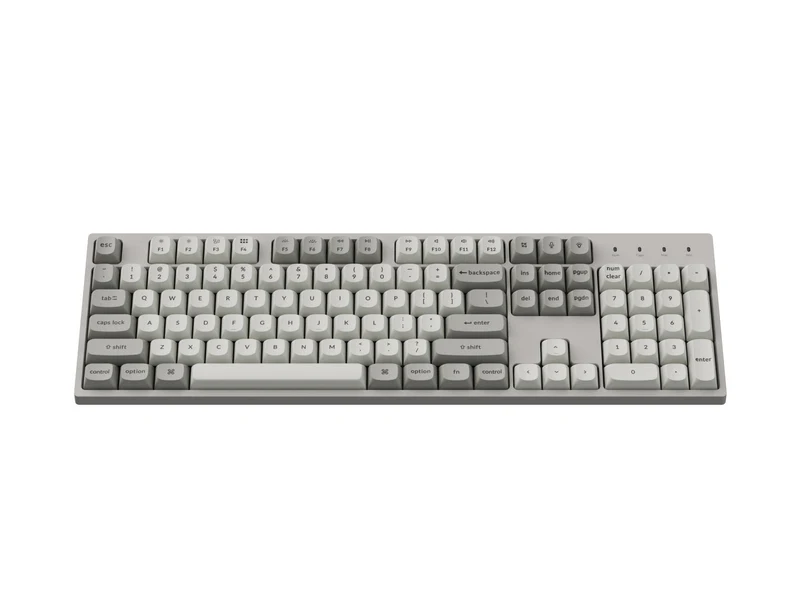
Keep the number pad and choose a wired, full-size board.
Logitech G PRO X TKL LIGHTSPEED Wireless Gaming Keyboard · 1 of 3
Get it if You can lose the number pad and want LIGHTSPEED, Bluetooth or USB plus a volume roller.
Skip it if You need a number pad or want analog optical switch features.
| Layout | TKL; no number pad (Logitech G) |
|---|---|
| Connection | LIGHTSPEED, Bluetooth, USB (Logitech G) |
| Switches | GX Red linear in linked Amazon variant |
| Keycaps | PBT (Logitech G) |
| Controls | Volume roller (Logitech G) |
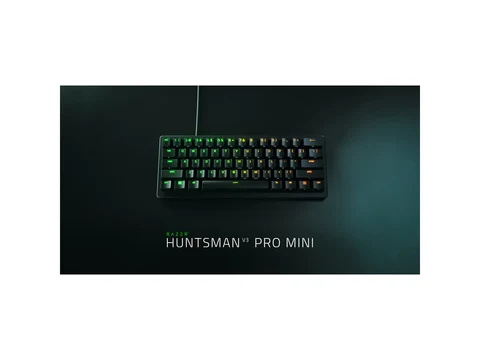
Razer Huntsman V3 Pro Mini · 2 of 3
Get it if You want a wired 60% layout with Razer-listed rapid trigger and adjustable actuation.
Skip it if You use dedicated arrow and function keys throughout the day and do not want to learn layer shortcuts.
| Layout | 60% (Razer) |
|---|---|
| Connection | Wired (Razer) |
| Switches | Analog optical (Razer) |
| Features | Rapid trigger, adjustable actuation (Razer) |
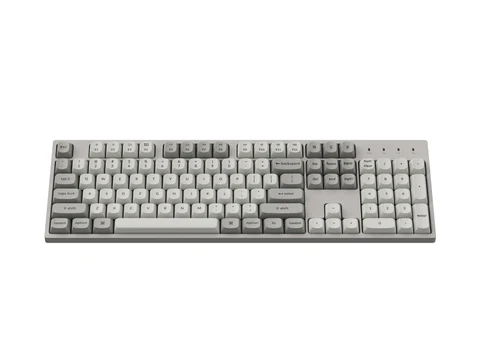
Keychron C2 Pro 8K Wired Mechanical Keyboard · 3 of 3
Get it if You use the number pad, prefer a wired board and want Keychron-listed hot-swap switches and QMK customization.
Skip it if You need more mouse space or your system does not meet Keychron's requirements for 8,000Hz operation.
| Layout | Full-size (Keychron) |
|---|---|
| Connection | Wired (Keychron) |
| Polling rate | 8,000Hz; manufacturer hardware requirements apply (Keychron) |
| Switches | Hot-swap, 3-pin/5-pin (Keychron) |
| Keycaps | PBT OSA (Keychron) |
| Customization | QMK (Keychron) |
Pick two. Compare the numbers—not the marketing.
Choose two different products. Manufacturer layout and connection specifications. Switch variants differ; no measured latency or feel winner is marked.
| Specification | ||
|---|---|---|
| Layout | ||
| Connection | ||
| Switches | ||
| Keycaps |
| Specification | Pick for TKL and wirelessLogitech PRO X TKL | Pick for a compact layoutRazer Huntsman V3 Pro Mini | Our top pick for a number padKeychron C2 Pro 8K |
|---|---|---|---|
| At a glance | |||
| Layout | TKL; no number pad (Logitech G) | 60% (Razer) | Full-size (Keychron) |
| Connection | LIGHTSPEED, Bluetooth, USB (Logitech G) | Wired (Razer) | Wired (Keychron) |
| Switches | GX Red linear in linked Amazon variant | Analog optical (Razer) | Hot-swap, 3-pin/5-pin (Keychron) |
| Keycaps | PBT (Logitech G) | Not recorded in this comparison | PBT OSA (Keychron) |
We chose one full-size, one tenkeyless (TKL) and one 60% board using specifications from Keychron, Logitech G and Razer. These are research-based layout recommendations. We do not claim a measured latency winner or a first-hand switch-feel comparison.
Choose the Keychron C2 Pro 8K if you regularly use the number pad. It keeps the full-size layout and uses a wired connection. Keep the number pad if it saves you work; choose a smaller board only if you can give it up.
The Logitech PRO X TKL removes the number pad. Choose it when wireless options matter and a 60% layout would remove too many dedicated keys. Its LIGHTSPEED, Bluetooth and USB options give you more connection choices than the two wired picks.
The Huntsman V3 Pro Mini is the compact choice. A 60% layout asks you to use shortcuts or layers for keys outside the main block. Check that workflow before buying. If you spend all day navigating documents, the smaller footprint may create more work than it saves.
Pair the layout decision with our wireless gaming mouse guide. Check the room you need for mouse movement with the keyboard in its normal position.
The linked Logitech Amazon variant has GX Red linear switches. Check the listing rather than assuming every PRO X TKL uses the same switch. Keychron lists hot-swap support for 3-pin and 5-pin switches and PBT OSA keycaps. Razer lists analog optical switches, rapid trigger and adjustable actuation.
Those features answer different needs. Hot-swap support matters if you want to change compatible switches. Adjustable actuation matters if you want to tune when a key registers. Neither feature proves that the board will improve your scores.
We have not compared these switches by feel. If sound or feel is your main concern, look for exact-variant recordings and published impressions, then check the return policy. A switch label is a starting point, not a fit guarantee.
Keychron’s 8,000Hz feature has manufacturer hardware requirements. Keychron lists Intel Core i7 9th-generation or Ryzen 7 2nd-generation and above in its hardware guidance. Check the current requirements for your system before paying for that feature; the polling-rate number alone is not evidence of lower latency in your game.
Confirm operating-system support, customization software and the connection you plan to use on the exact product page. For console use, check support for both the device and the game. A USB plug by itself does not settle that question.
Keep your current keyboard if it works well. For a replacement, choose a layout you can use all day and pay for wireless only if it solves a cable or placement problem. If you are refreshing several peripherals, choose the headset connection first too.
Image credits: Logitech PRO X TKL — Logitech G · Razer Huntsman V3 Pro Mini — Razer · Keychron C2 Pro 8K — Keychron.