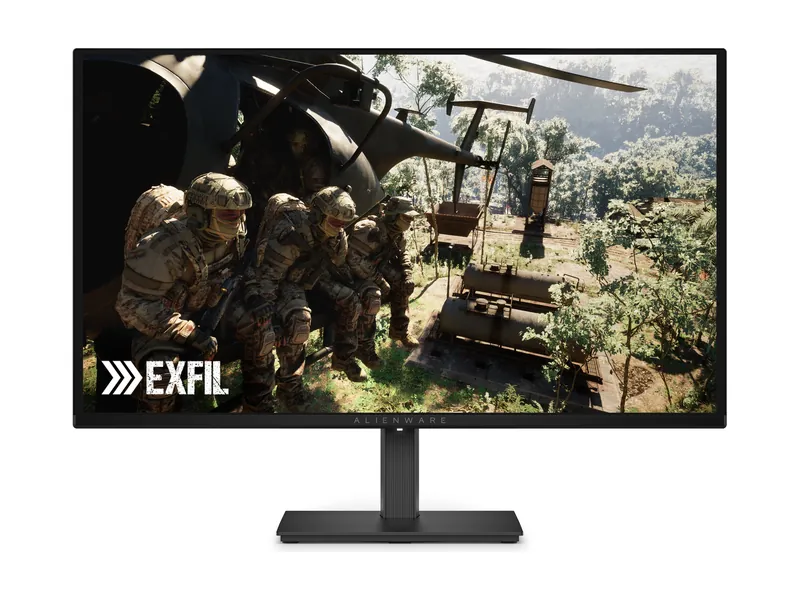
Alienware AW2726DM
Turn the lights down. These OLED blacks earn their place at 240Hz.
Dim room: Alienware AW2726DM. Budget HDR: AOC Q27G3XMN. Bright room: LG 27GX700A-B. Above 240fps: ASUS PG27AQWP-W. Your room gets a vote.
We may earn a commission when you buy through our links. Affiliate disclosure
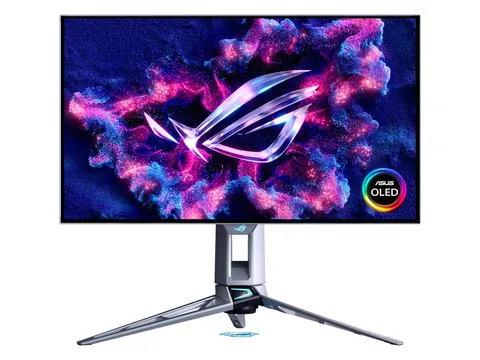
Turn the lights down. These OLED blacks earn their place at 240Hz.
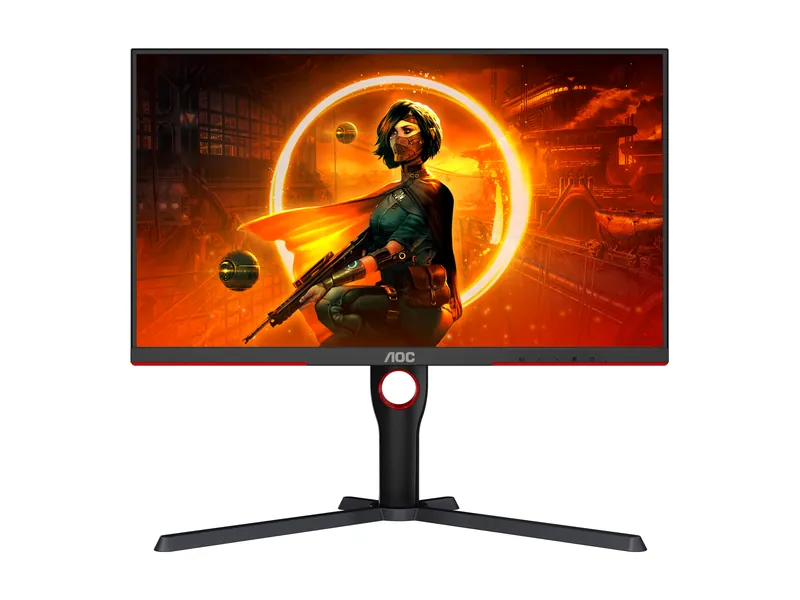
Bright HDR without the OLED bill. Dark-scene smearing is the catch.
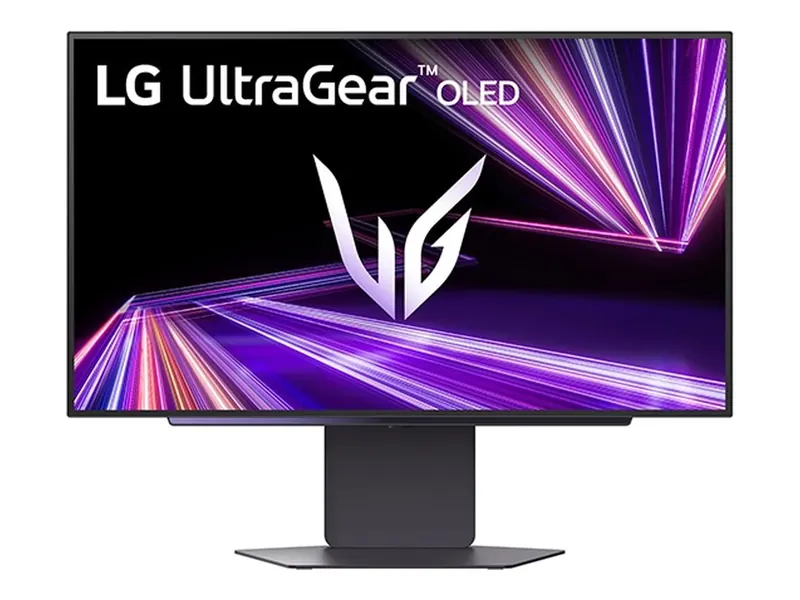
Leave the lights on. Bright, matte Tandem OLED makes the case.
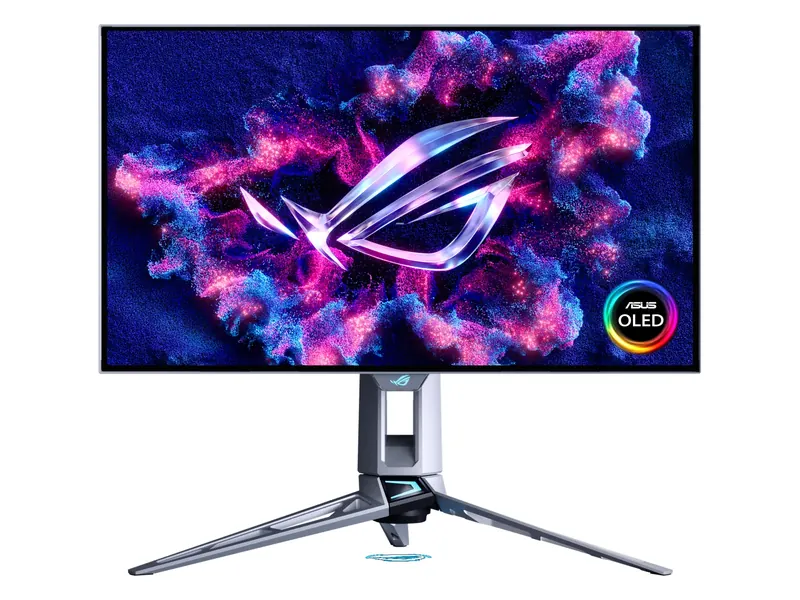
Deliberate overkill: 540Hz at 1440p, 720Hz at 720p. Bring the frame rates.
Store links checked Oct 8, 2026, 10:00 AM ET. Check current prices at the store.
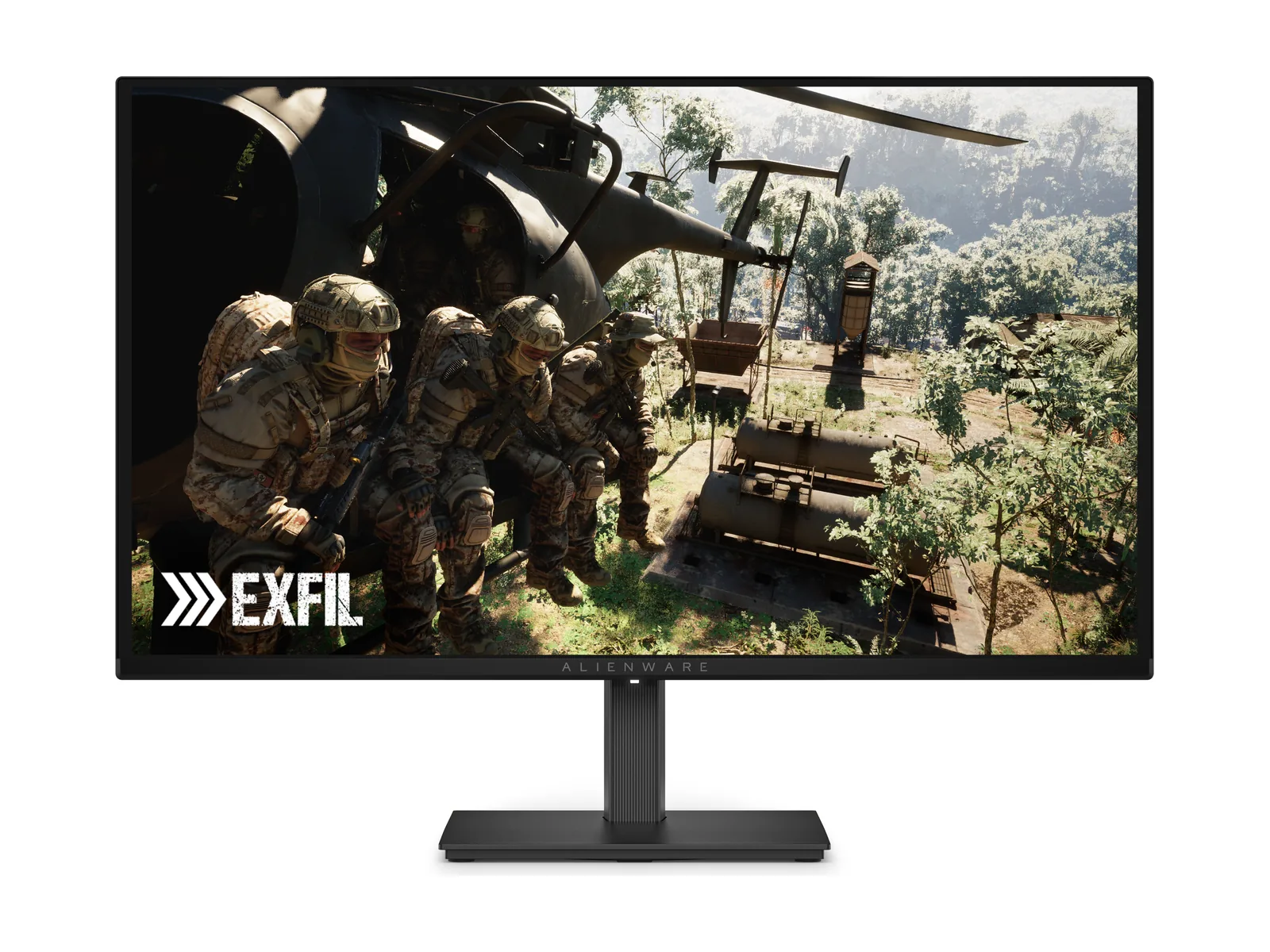
Alienware AW2726DM · 1 of 4
Get it if You turn the lights down. OLED blacks and 240Hz make sense here.
Skip it if Your desk faces a sunny window. The glare wins. Need a USB hub? Keep looking.
| Screen | 26.5-inch viewable (sold as 27-inch) QD-OLED, anti-reflective coating |
|---|---|
| Resolution | 2560 × 1440 |
| Refresh rate | 240Hz over DisplayPort · 120Hz over HDMI |
| Response time | 0.03ms GtG (manufacturer) |
| HDR | HDR10 · 400-nit peak at 10% window (manufacturer) · no DisplayHDR certification |
| SDR brightness | 200 nits typical (manufacturer) |
| Adaptive sync | FreeSync Premium · VESA AdaptiveSync |
| Ports | 1× DisplayPort 1.4 (DSC) · 2× HDMI (up to 1440p 120Hz) · headphone out |
| USB hub | None |
| Stand | Height, tilt, swivel and pivot |
| Warranty | 3 years, burn-in included (Dell) |
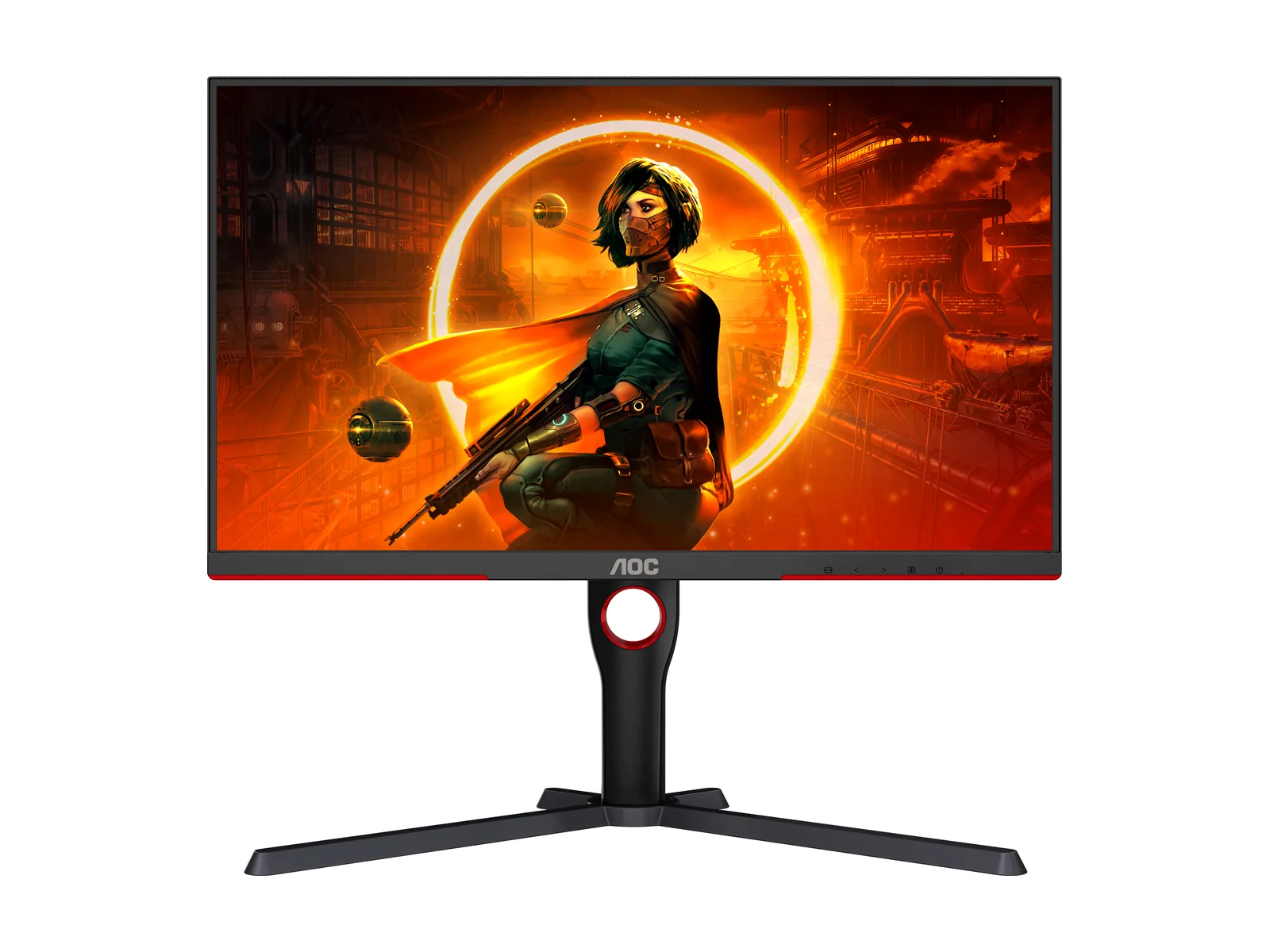
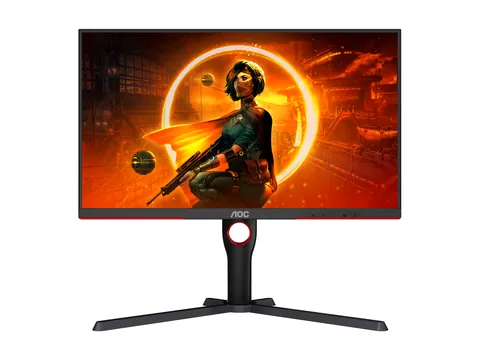
AOC Q27G3XMN · 2 of 4
Get it if You want bright HDR, without paying for OLED.
Skip it if Dark-scene smearing is a dealbreaker, or your console needs HDMI 2.1 bandwidth.
| Screen | 27-inch VA, Mini LED backlight with 336 local-dimming zones, anti-glare |
|---|---|
| Resolution | 2560 × 1440 |
| Refresh rate | 180Hz over DisplayPort · 144Hz over HDMI 2.0 |
| Response time | 1ms GtG (manufacturer) |
| HDR | VESA DisplayHDR 1000 |
| SDR brightness | 700 nits typical (manufacturer) |
| Adaptive sync | Adaptive-Sync (FreeSync) · works with G-SYNC Compatible mode |
| Ports | 1× DisplayPort 1.4 · 1× HDMI 2.0 · audio out (U.S. model) |
| USB hub | None |
| Stand | Height (130mm), tilt, swivel and pivot |
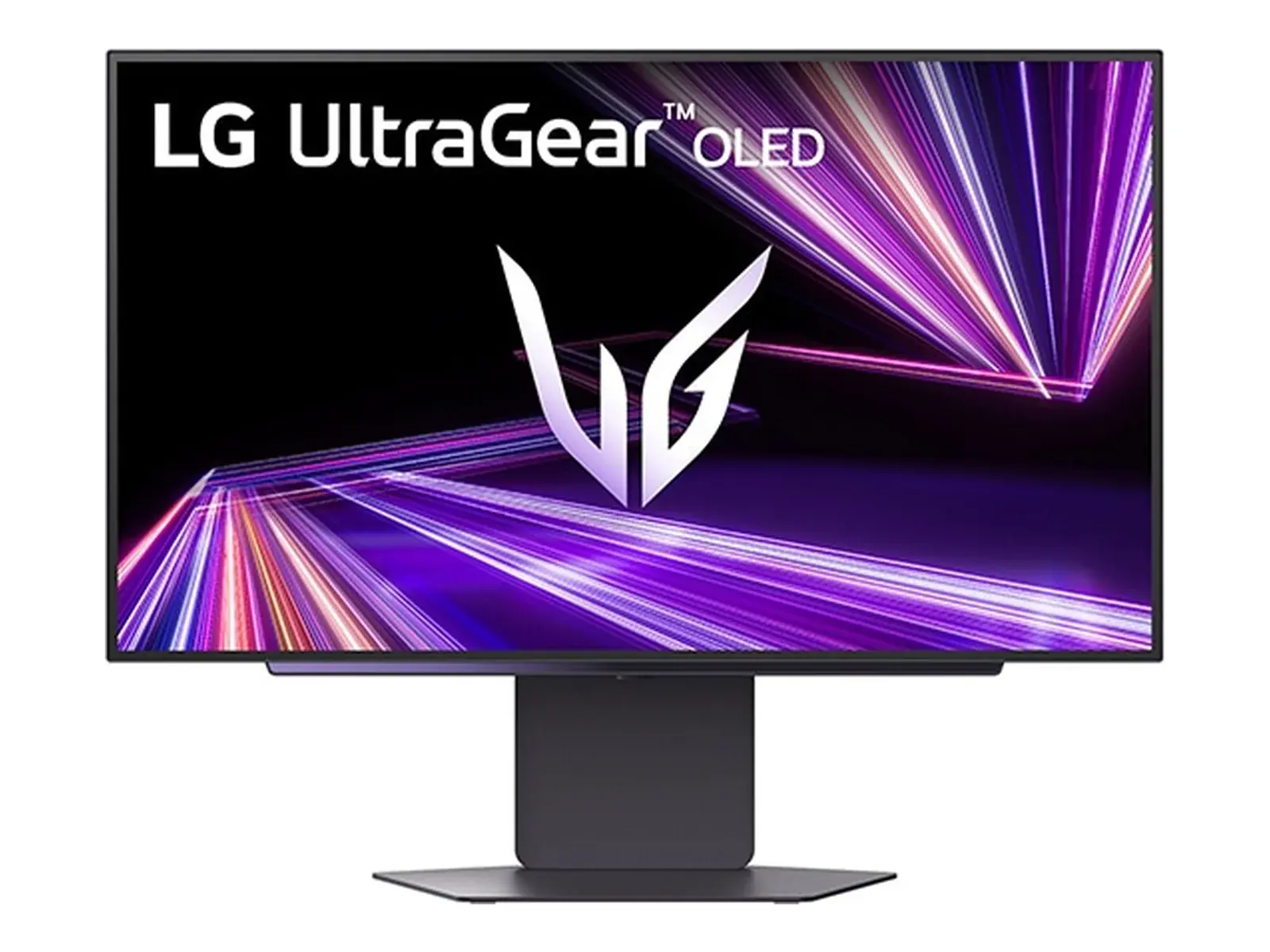
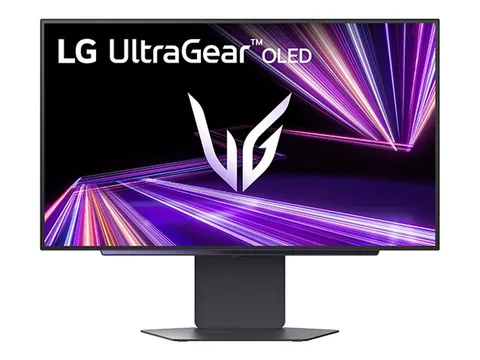
LG UltraGear 27GX700A-B · 3 of 4
Get it if You leave the lights on. The bright, matte OLED also plays nicely with consoles.
Skip it if Photo-work accuracy comes first. Brightness is not the whole picture.
| Screen | 26.5-inch viewable (sold as 27-inch), 4th-gen Primary RGB Tandem OLED (WOLED), matte |
|---|---|
| Resolution | 2560 × 1440 |
| Refresh rate | 280Hz |
| Response time | 0.03ms GtG (manufacturer) |
| HDR | VESA DisplayHDR True Black 500 · up to 1,500-nit peak (manufacturer) |
| SDR brightness | 335 nits typical (manufacturer) |
| Adaptive sync | G-SYNC Compatible · FreeSync Premium Pro · VESA AdaptiveSync |
| Ports | 1× DisplayPort 1.4 · 2× HDMI 2.1 · USB hub · 4-pole headphone out |
| USB hub | Yes (USB-A) |
| Stand | Height, tilt, swivel and pivot |
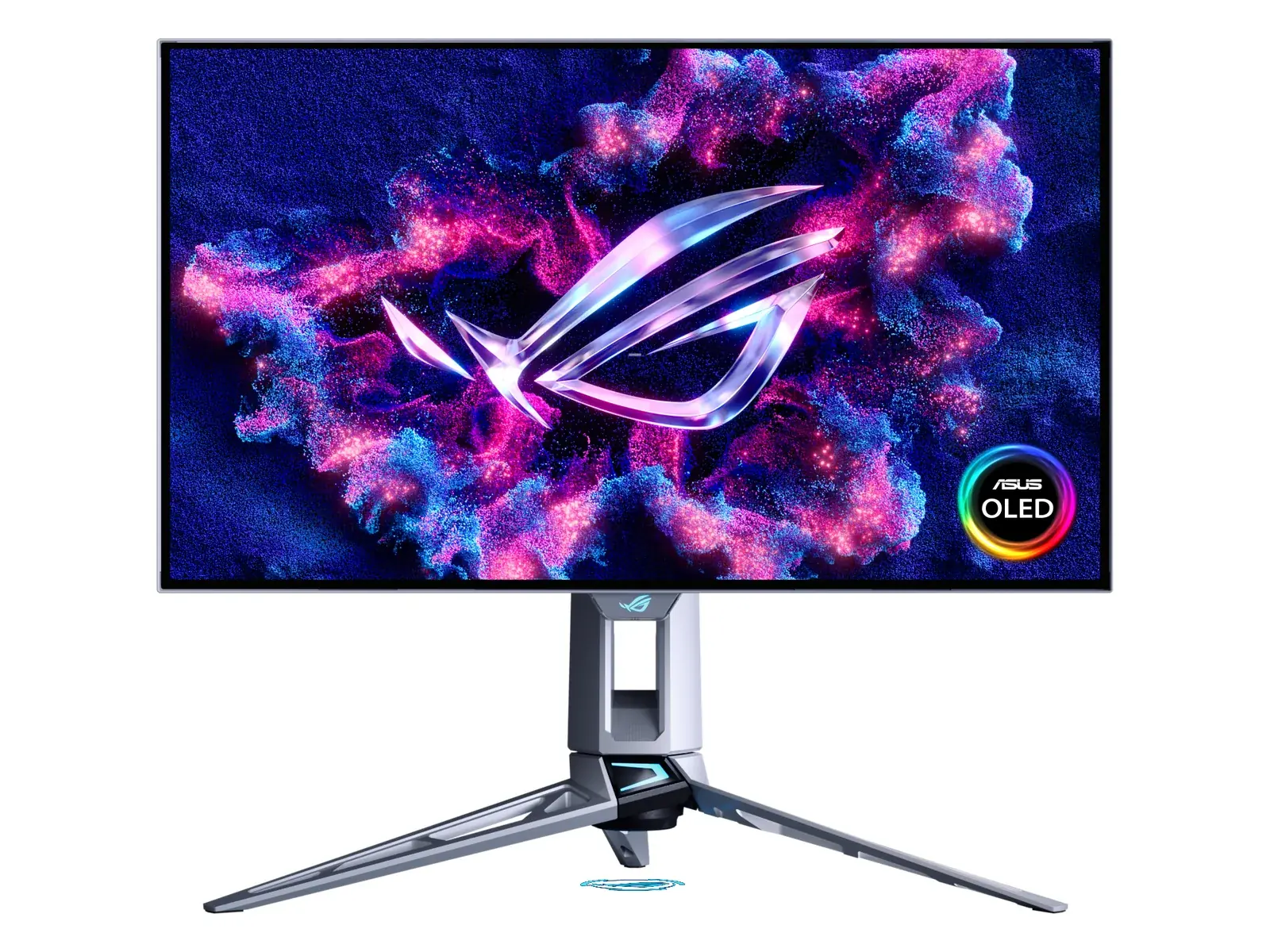
ASUS ROG Swift OLED PG27AQWP-W · 4 of 4
Get it if Your shooters run well above 240fps. Give those extra frames somewhere to go.
Skip it if Your games stay at or below 240fps. Or lamps behind you make glossy a bad fit.
| Screen | 26.5-inch viewable (sold as 27-inch), Tandem WOLED, TrueBlack Glossy |
|---|---|
| Resolution | 2560 × 1440 |
| Refresh rate | 540Hz at 1440p · 720Hz at 1280 × 720 (Dual Mode) |
| Response time | 0.02ms GtG (manufacturer) |
| HDR | VESA DisplayHDR True Black 500 · 1,500-nit peak (manufacturer) |
| Adaptive sync | G-SYNC Compatible · FreeSync Premium Pro |
| Ports | 1× DisplayPort 2.1a (UHBR20) · 2× HDMI 2.1 · 3× USB-A hub · headphone out |
| USB hub | Yes (3× USB-A) |
| Stand | Height, tilt, swivel and pivot |
| Warranty | 3 years, burn-in included (ASUS U.S.) |
Pick two. Compare the numbers—not the marketing.
Emphasis marks a higher refresh rate or SDR brightness, or a lower quoted response time. Different ports and modes still matter. Ties stay neutral.
| Specification | ||
|---|---|---|
| Panel | ||
| Refresh rate | ||
| SDR brightness | ||
| Response time | ||
| HDR | ||
| Ports | ||
| USB hub |
| Specification | Best for dim-room gamingAlienware AW2726DM | Best on a budgetAOC Q27G3XMN | Best for bright roomsLG 27GX700A-B | Best for competitive playASUS PG27AQWP-W |
|---|---|---|---|---|
| At a glance | ||||
| Panel | QD-OLED, anti-reflective | VA Mini LED, matte | Tandem WOLED, matte | Tandem WOLED, glossy |
| Refresh rate | 240Hz over DisplayPort · 120Hz over HDMI | 180Hz over DisplayPort · 144Hz over HDMI 2.0 | 280Hz | 540Hz at 1440p · 720Hz at 1280 × 720 (Dual Mode) |
| SDR brightness | 200 nits typical (manufacturer) | 700 nits typical (manufacturer) | 335 nits typical (manufacturer) | Not listed |
| Response time | 0.03ms GtG (manufacturer) | 1ms GtG (manufacturer) | 0.03ms GtG (manufacturer) | 0.02ms GtG (manufacturer) |
| HDR | HDR10 · 400-nit peak at 10% window (manufacturer) · no DisplayHDR certification | VESA DisplayHDR 1000 | VESA DisplayHDR True Black 500 · up to 1,500-nit peak (manufacturer) | VESA DisplayHDR True Black 500 · 1,500-nit peak (manufacturer) |
| Ports | 1× DisplayPort 1.4 (DSC) · 2× HDMI (up to 1440p 120Hz) · headphone out | 1× DisplayPort 1.4 · 1× HDMI 2.0 · audio out (U.S. model) | 1× DisplayPort 1.4 · 2× HDMI 2.1 · USB hub · 4-pole headphone out | 1× DisplayPort 2.1a (UHBR20) · 2× HDMI 2.1 · 3× USB-A hub · headphone out |
| USB hub | None | None | Yes (USB-A) | Yes (3× USB-A) |
Manufacturer specs, cross-checked against published measurements from RTINGS, Tom’s Hardware and TFTCentral.
Panel. Buy OLED for perfect blacks and the fastest motion. Mini LED gets budget HDR in the door; blooming around bright objects is the catch.
Refresh. Stop at 240Hz unless your GPU keeps up. A faster panel cannot conjure frames your games never render.
Room. Shop for your desk, not a dark showroom. Glossy and QD-OLED suit dim rooms; bright rooms favor brighter, matte screens.
Burn-in. Read the warranty before buying the OLED. Pixel-refresh tools help; they do not make static-image risk disappear.
Consoles. Per RTINGS, all four handle PS5/Xbox Series X|S at 1440p 120Hz. LG and ASUS accept 4K 120Hz and downscale to 1440p. Alienware tops out at downscaled 4K 60Hz; AOC lacks HDMI 2.1 bandwidth.
Image credits: Alienware AW2726DM — Dell · AOC Q27G3XMN — AOC · LG 27GX700A-B — LG Electronics press release · ASUS PG27AQWP-W — ASUS Pressroom.