
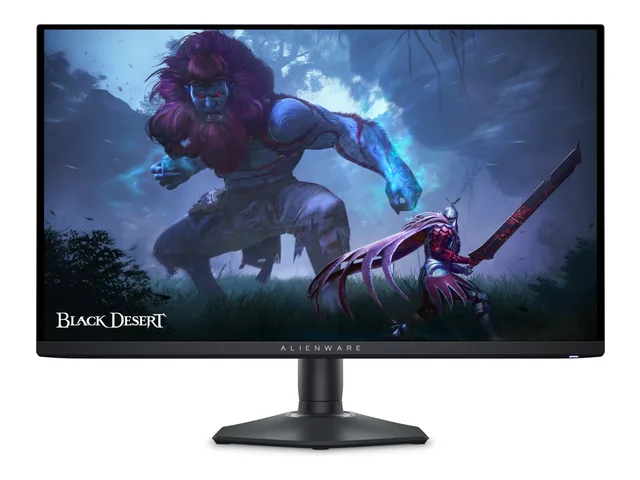
Alienware AW2725DF
Best for 1440p with the lights low
- Refresh rate
- 360Hz
- Panel
- QD-OLED
- Burn-in warranty
- 3 yrs
Skip it if your desk faces a sunny window.
Why this pickBright room? See the alternatives
Image: Dell
We may earn a commission when you buy through our links.
Clear picks for monitors, graphics cards, Wi-Fi and desk gear. Each one says who it fits and when to skip it.
Best for 1440p with the lights low
Skip it if your desk faces a sunny window.
Why this pickBright room? See the alternatives
Image: Dell
Find my pick
Research-based, not lab-tested. 31 buying guides, 161 cited sources. How we pick
Two free tools for the questions a spec sheet does not answer.
Compare desktop GPUs for 1080p, 1440p and 4K, with VRAM and PSU notes.
Choose a reference GPU and CPU power preset, then enter the usable GPU length in your case. The tool shows:
Check your exact card, slot space and cable bend clearance separately.
Start with your room light. For 1440p gaming with the lights low, our top pick is the Alienware AW2725DF, a 360Hz QD-OLED. If the lights stay on, look at the LG UltraGear 27GX700A-B, a bright matte Tandem OLED, or the AOC Q27G3XMN if you want bright HDR without paying for OLED.
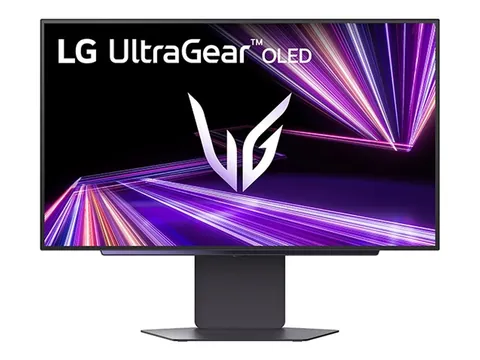
OLED option
Best for lights-on rooms, matte screen
Skip it if photo-work accuracy comes first.
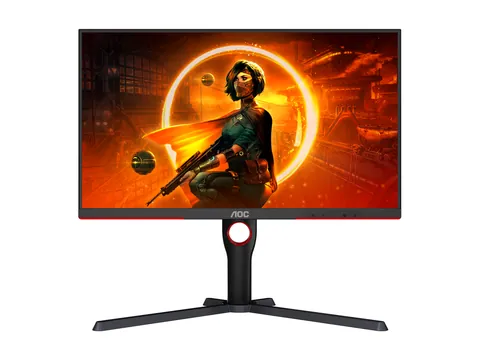
Best on a budget
Best for bright HDR without OLED
Skip it if dark-scene smearing is a dealbreaker.
Compare before you choose
Images: LG Electronics press release, AOC
For 1440p raster speed, our top value pick is the ASUS Prime RX 9070 XT with 16GB of VRAM. The ASUS Dual RTX 5070 OC is a reference for DLSS. We have not verified a U.S. retailer with this exact board in stock. For 1080p, pick the RX 9060 XT 16GB. Check your power supply before you buy: ASUS lists 750W for the RX 9070 XT.
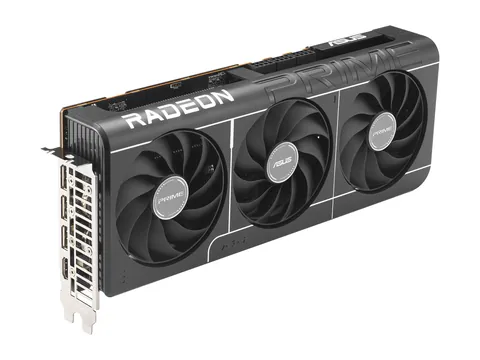
Our top pick for value for 1440p
Best for 1440p raster speed
Skip it if ray tracing or DLSS is why you're upgrading.
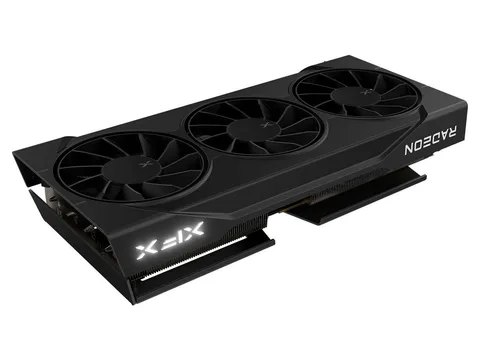
Best for 1080p
Best for 1080p with 16GB of VRAM
Skip it if you expect high-refresh 1440p in new AAA games.
Images: ASUS, XFX
One router covers most homes. Our top pick, the TP-Link Archer BE550, suits a typical house with a fast plan and a few wired devices. Choose mesh, like the Deco BE63 3-pack, when several floors, thick walls or a long layout leave dead zones. If games lag, check your internet line before buying anything.
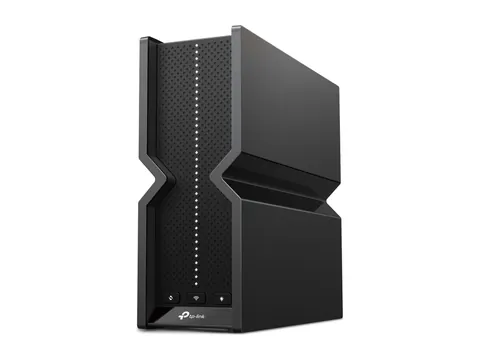
Our top pick for most homes
Best for one typical home
Skip it if your home is large and full of walls.

Best mesh system
Best for several floors or thick walls
Skip it if one router already covers your place.
Before you buy a router
Images: TP-Link
For shooters, our top pick is the Logitech G PRO X SUPERLIGHT 2: 60 grams, symmetrical and wireless. Skip it if you need lots of buttons or Bluetooth. For a budget RTX 5060 laptop, the Acer Nitro V 16S AI is the slim pick for school and games, with better battery life on the go.
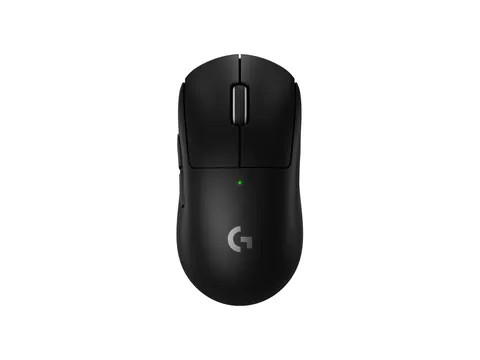
Our top pick for most players
Best for shooters, light and symmetrical
Skip it if you need lots of buttons or Bluetooth.
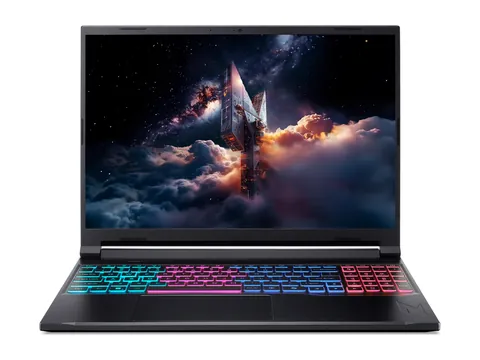
Our top pick: slim RTX 5060 laptop
Best for school and games on the go
Skip it if you want maximum GPU wattage.
Finish the desk
Images: Logitech, Acer
Ten buying guides. Each starts with a short answer.
Research-based, not lab-tested. We read specs, manuals and published lab tests, then say who each pick fits and who should skip it.
No. The Hardware Pick is research-based, not lab-tested. We read manufacturer specs, manuals and published lab tests, and each guide links the sources behind its picks.
No. We may earn a commission when you buy through our links, but commissions do not decide our picks or their order. We publish corrections when we verify an error.
Prices change often and differ by store. Every pick links straight to the store, so you can check the current price before you buy.
The compact full-size layout keeps a number pad. Check where the arrow and navigation keys sit, then measure how much room your mouse will have.
Read the newsGeorgiy Lyamin / Unsplash
Mahdi Naserinejad / Unsplash