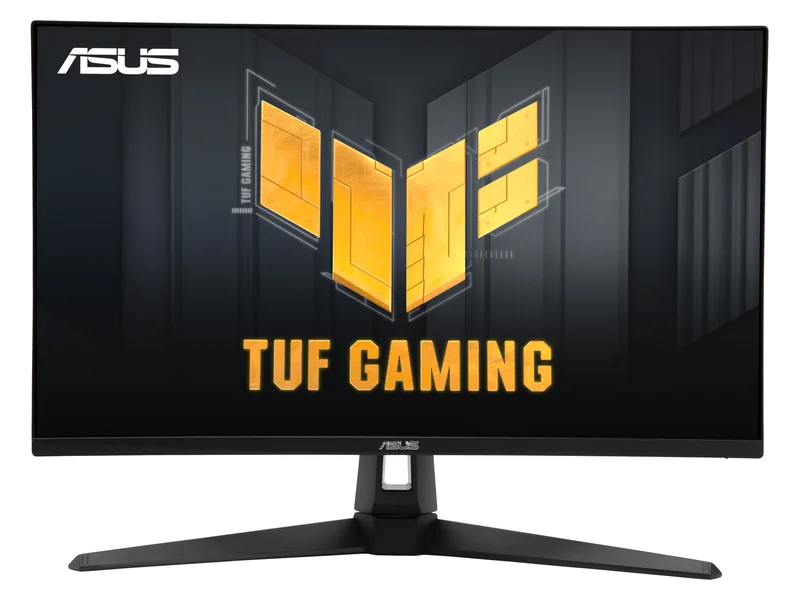
IPS candidate for an adjustable desk
ASUS TUF Gaming VG27AQ3A
A 1440p IPS candidate when the live checkout total meets your budget.
27-inch Fast IPS · 2560 × 1440 · Up to 180Hz DisplayPort; 144Hz HDMI

For a 300 USD purchase ceiling, consider ASUS VG27AQ3A for an IPS setup or AOC Q27G3XMN for local-dimming HDR. These are conditional candidates, not verified Amazon offers under that ceiling.
We may earn a commission when you buy through our links. As an Amazon Associate I earn from qualifying purchases. Affiliate disclosure
A 1440p IPS candidate when the live checkout total meets your budget.
27-inch Fast IPS · 2560 × 1440 · Up to 180Hz DisplayPort; 144Hz HDMI
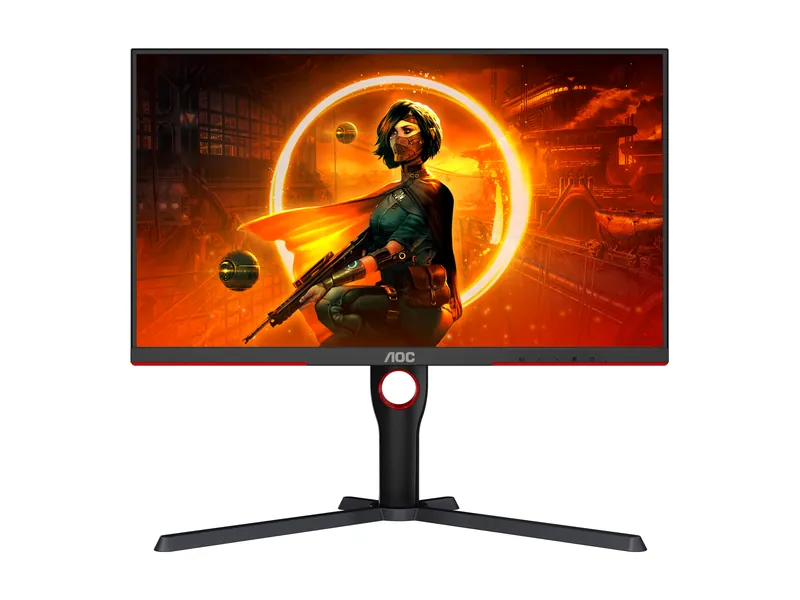
Bright HDR without the OLED bill. Dark-scene smearing is the catch.
27" VA Mini LED · 1440p · 180Hz · 1ms
Alternatives first. The recommended use-case pick is last; these are not lab scores.
Jump to the final pickA 1440p IPS candidate when the live checkout total meets your budget.
27-inch Fast IPS · 2560 × 1440 · Up to 180Hz DisplayPort; 144Hz HDMI
Bright HDR without the OLED bill. Dark-scene smearing is the catch.
27" VA Mini LED · 1440p · 180Hz · 1ms
ASUS TUF Gaming VG27AQ3A · 1 of 2
Get it if You prefer an IPS option and already have suitable screen placement or a VESA arm.
Skip it if You need height adjustment on the supplied stand, or its current total exceeds your ceiling.
A 1440p IPS candidate when the live checkout total meets your budget.
27-inch Fast IPS · 2560 × 1440 · Up to 180Hz DisplayPort; 144Hz HDMI
| Screen | 27-inch Fast IPS |
|---|---|
| Resolution | 2560 × 1440 |
| Refresh rate | Up to 180Hz DisplayPort; 144Hz HDMI |
| Ports | DisplayPort 1.4, 2 × HDMI 2.0 |
| Stand | Tilt and swivel; no height adjustment |
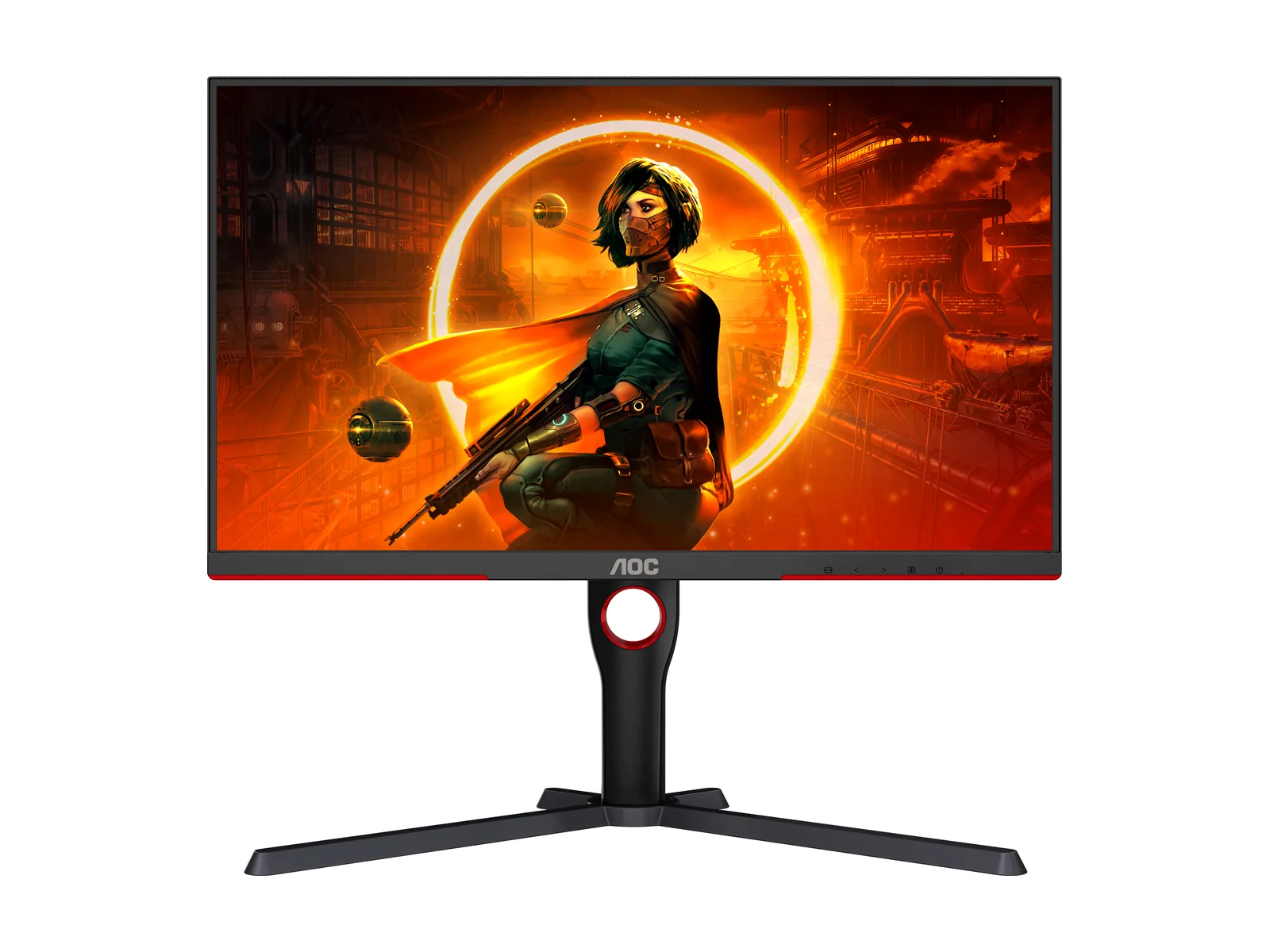
AOC Q27G3XMN · 2 of 2
Get it if You want local-dimming HDR and the current seller total fits your budget.
Skip it if VA motion behavior bothers you, or the live price exceeds your ceiling.
Bright HDR without the OLED bill. Dark-scene smearing is the catch.
27" VA Mini LED · 1440p · 180Hz · 1ms
| Screen | 27-inch VA, Mini LED backlight with 336 local-dimming zones, anti-glare |
|---|---|
| Resolution | 2560 × 1440 |
| Refresh rate | 180Hz over DisplayPort · 144Hz over HDMI 2.0 |
| Response time | 1ms GtG (manufacturer) |
| HDR | VESA DisplayHDR 1000 |
| SDR brightness | 700 nits typical (manufacturer) |
| Adaptive sync | Adaptive-Sync (FreeSync) · works with G-SYNC Compatible mode |
| Ports | 1× DisplayPort 1.4 · 1× HDMI 2.0 · audio out (U.S. model) |
| USB hub | None |
| Stand | Height (130mm), tilt, swivel and pivot |
Pick two. Compare the numbers—not the marketing.
Choose two different products. Manufacturer specifications.
| Specification | | |
|---|---|---|
| Screen | ||
| Resolution | ||
| Refresh rate | ||
| Ports | ||
| Stand |
| Specification | | |
|---|---|---|
| At a glance | ||
| Screen | 27-inch Fast IPS | 27-inch VA, Mini LED backlight with 336 local-dimming zones, anti-glare |
| Resolution | 2560 × 1440 | 2560 × 1440 |
| Refresh rate | Up to 180Hz DisplayPort; 144Hz HDMI | 180Hz over DisplayPort · 144Hz over HDMI 2.0 |
| Ports | DisplayPort 1.4, 2 × HDMI 2.0 | 1× DisplayPort 1.4 · 1× HDMI 2.0 · audio out (U.S. model) |
| Stand | Tilt and swivel; no height adjustment | Height (130mm), tilt, swivel and pivot |
We compared five criteria: the personal purchase ceiling, panel type, required input mode, stand adjustment and HDR hardware. ASUS and AOC specifications identify the supported features; the budget is a buyer constraint, not a checked store price.
Research-based, not lab-tested. This guide compares two candidates against connection, stand and HDR requirements. The 300 USD amount is a buyer’s budget, not a product price, recorded offer or promise of availability. Neither candidate is a confirmed under-budget Amazon deal.
Compare the current checkout total with your own ceiling. Include any essential cable or monitor arm. If a model exceeds it, wait or choose another verified option; do not stretch the budget just because a listing says sale.
Check the exact suffix and panel. The ASUS specification identifies VG27AQ3A as Fast IPS with no stand height adjustment. The AOC US specification identifies Q27G3XMN as VA with local dimming. Similar names do not guarantee the same panel or stand.
Start with the ASUS if you want the IPS option and have solved desk height. Start with the AOC if HDR is the specific gap in your current setup. Its local-dimming backlight provides a different hardware capability from simply accepting an HDR signal. Neither panel type guarantees the motion handling you prefer; use a retailer with suitable return terms and read the linked independent evaluations before ordering.
Manufacturer response-time figures are specifications, not our measurements of blur or input lag. Likewise, a peak HDR label does not tell you how every scene looks. Avoid treating any one headline number as a complete quality score.
Connect through the input that supports the intended mode. A dock, adapter or console can impose a lower refresh limit than the panel’s PC maximum. Verify the input-specific resolution and refresh combination in the manual, then check your source device.
For a broader set of display types and budgets, use our 1440p guide. For desk reflections and mixed work, read OLED versus IPS in a bright room.
No. Open the current listing, select the exact model and verify seller, condition and checkout total. Amazon prices are deliberately omitted.
Wait if your current monitor works and no suitable listing meets your ceiling. The gaming-monitor watchlist sets buying criteria without predicting a discount.
No. An accepted input format and local-dimming hardware describe different capabilities. Consult the exact model specifications and relevant published evaluations; we did not measure either display.
Do not treat a 300 USD purchase ceiling as a verified offer. Include necessary cables or an arm in your decision, and reject a similar model suffix if it changes the panel or stand.
Updated Oct 14, 2026: clarified the budget limit and added buying criteria and an FAQ; added clearly labeled category illustrations.
Image credits: ASUS TUF Gaming VG27AQ3A — ASUS · AOC Q27G3XMN — AOC.