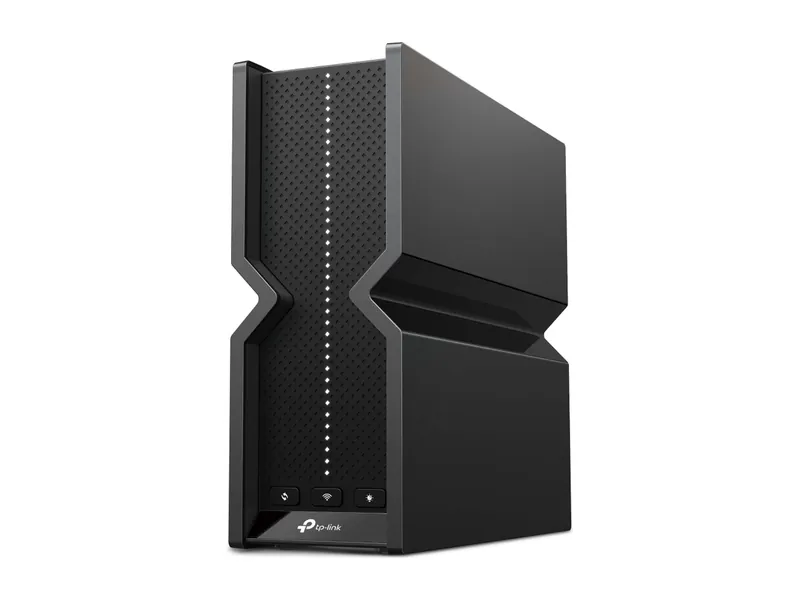
Single-router alternative, not a mesh kit
Archer BE550
Tri-band with 6 GHz and five 2.5G ports. The sensible Wi-Fi 7 buy.
Tri-band BE9300 · 5× 2.5G · USB 3.0

Keep one router if it already covers the gaming device; Archer BE550 is the standalone alternative here. For established coverage gaps, consider Deco BE63 and plan reliable backhaul, with Ethernet between nodes where practical.
We may earn a commission when you buy through our links. As an Amazon Associate I earn from qualifying purchases. Affiliate disclosure
Tri-band with 6 GHz and five 2.5G ports. The sensible Wi-Fi 7 buy.
Tri-band BE9300 · 5× 2.5G · USB 3.0
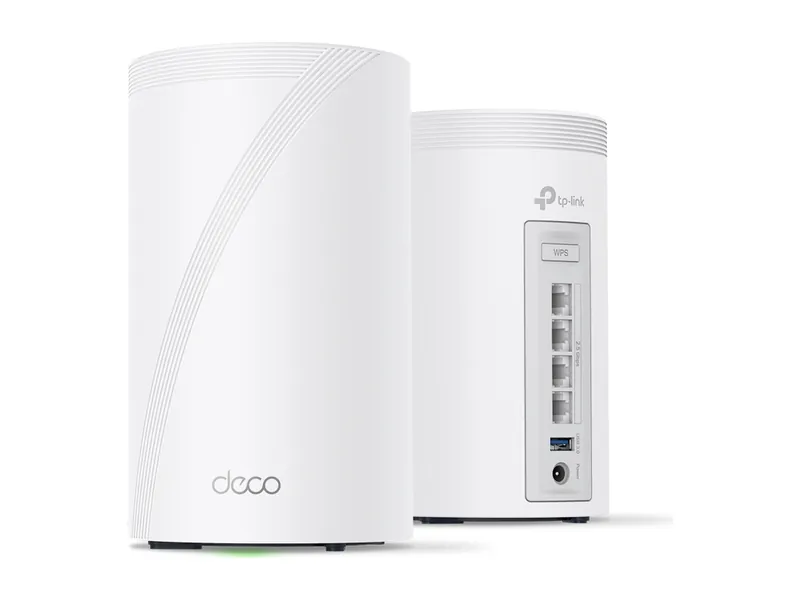
Tri-band mesh for big or awkward homes. 2.5G ports on every unit.
Tri-band BE10000 mesh · 4× 2.5G per unit · 3-pack
Alternatives first. The recommended use-case pick is last; these are not lab scores.
Jump to the final pickTri-band with 6 GHz and five 2.5G ports. The sensible Wi-Fi 7 buy.
Tri-band BE9300 · 5× 2.5G · USB 3.0
Tri-band mesh for big or awkward homes. 2.5G ports on every unit.
Tri-band BE10000 mesh · 4× 2.5G per unit · 3-pack
TP-Link Archer BE550 BE9300 Tri-Band Wi-Fi 7 Router · 1 of 2
Get it if One router can cover your home and you want a wired connection to the gaming device.
Skip it if You have established coverage gaps across rooms or floors; a standalone router is not a complete mesh kit.
Tri-band with 6 GHz and five 2.5G ports. The sensible Wi-Fi 7 buy.
Tri-band BE9300 · 5× 2.5G · USB 3.0
| Wi-Fi class | BE9300 tri-band (TP-Link) |
|---|---|
| Bands | 6 GHz + 5 GHz + 2.4 GHz (TP-Link) |
| Max link rate (6 GHz) | 5760 Mbps (TP-Link) |
| Multi-gig ports | 1× 2.5G WAN + 4× 2.5G LAN (TP-Link) |
| USB | 1× USB 3.0 (TP-Link) |
| Mesh | EasyMesh compatible (TP-Link) |
| Size | 3.0 × 9.1 × 8.0 in (TP-Link) |
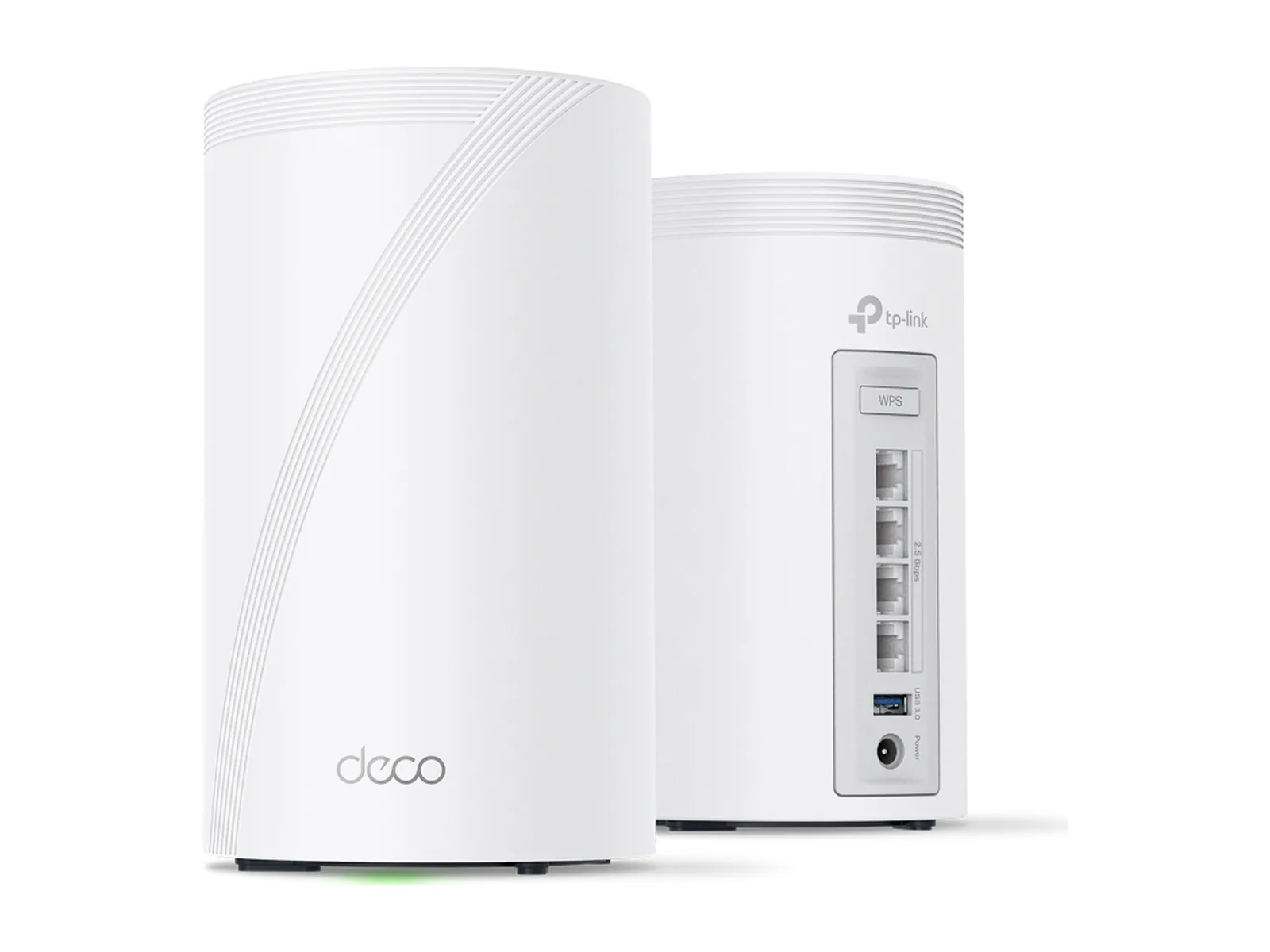
TP-Link Deco 7 Pro BE63 BE10000 Mesh Wi-Fi 7 System (3-pack) · 2 of 2
Get it if You need coverage in several rooms and can plan a reliable wired or wireless connection between Deco nodes.
Skip it if One router already covers the home, or you expect a mesh purchase to repair an ISP route or a distant server.
Tri-band mesh for big or awkward homes. 2.5G ports on every unit.
Tri-band BE10000 mesh · 4× 2.5G per unit · 3-pack
| Wi-Fi class | BE10000 tri-band mesh (TP-Link) |
|---|---|
| Bands | 6 GHz + 5 GHz + 2.4 GHz; 2.4 GHz is Wi-Fi 6 (TP-Link) |
| Max link rate (6 GHz) | 5188 Mbps (TP-Link) |
| Multi-gig ports | 4× 2.5G per unit, WAN/LAN auto-sensing (TP-Link) |
| USB | 1 per unit (TP-Link) |
| Mesh | Deco mesh, optional Ethernet backhaul (TP-Link) |
| Coverage | Up to 5,800 sq ft for a 2-pack (TP-Link) |
| Unit size | 4.23 × 4.23 × 6.93 in (TP-Link) |
Pick two. Compare the numbers—not the marketing.
Choose two different products. TP-Link manufacturer specifications, not measured latency. Archer BE550 is one router; Deco BE63 is a mesh system. Link rates do not establish game ping.
| Specification | | |
|---|---|---|
| Wi-Fi class | ||
| Bands | ||
| Ethernet ports | ||
| Mesh ecosystem |
| Specification | | |
|---|---|---|
| At a glance | ||
| Wi-Fi class | BE9300 tri-band (TP-Link) | BE10000 tri-band mesh (TP-Link) |
| Bands | 6 GHz + 5 GHz + 2.4 GHz (TP-Link) | 6 GHz + 5 GHz + 2.4 GHz; 2.4 GHz is Wi-Fi 6 (TP-Link) |
| Ethernet ports | 1× 2.5G WAN + 4× 2.5G LAN (TP-Link) | 4× 2.5G per unit, WAN/LAN auto-sensing (TP-Link) |
| Mesh ecosystem | EasyMesh compatible (TP-Link) | Deco mesh, optional Ethernet backhaul (TP-Link) |
Research-based, not lab-tested. We used five criteria: the coverage problem, the connection between nodes, Ethernet access at the gaming device, ecosystem compatibility and the total setup required. This is one documented mesh candidate with a single-router alternative, not a ranking of every mesh system. We did not measure game latency or whole-home coverage.
Start with the same game and server on your existing connection. If a direct Ethernet connection to the main router is stable but a distant Wi-Fi room is not, coverage or the local wireless path is worth investigating. If spikes remain when wired, check household traffic, server status and your ISP before buying nodes. Follow how to lower ping for a measurement worksheet.
Adding nodes is a coverage decision. It does not shorten the physical distance to a game server or establish a better route outside the house. Keep a working router when coverage is already adequate.
Backhaul is the path between a satellite node and the main node. Plugging the PC into a satellite removes its Wi-Fi client hop, but the satellite can still communicate wirelessly upstream. Trace the entire path instead of assuming an Ethernet socket makes every hop wired.
TP-Link documents Ethernet backhaul for Deco. Where cabling is practical, it avoids a wireless inter-node hop. Follow the maker’s topology guidance: in router mode, satellite nodes connect downstream of the main Deco. For wireless backhaul, place a node where it can receive a useful upstream signal, rather than inside the dead zone you want to fix. Validate the result at your gaming location.
Several rooms with an established coverage gap: consider the Deco BE63 and plan node placement, backhaul and pack size before ordering. Verify the exact regional hardware version and the number of included units. The catalog entry names a three-pack; a manufacturer’s two-pack coverage figure is not a promise for your three-pack or floor plan.
One router already covers the space: keep it, or compare the Archer BE550 only if you have a documented hardware requirement. It is listed here as a standalone alternative, not as an equivalent mesh bundle.
Deco Mesh and EasyMesh are separate ecosystems. Do not buy an Archer and assume it joins a Deco network as another Deco node. Check compatibility and firmware before planning any expansion.
Skip universal square-foot coverage promises, theoretical link rates presented as internet speed, and zero-lag claims. A router’s label cannot establish your server route. Check the exact model, pack count, seller, condition, warranty and current total on Amazon; no Amazon price or stock claim appears here.
For the wider hardware decision, read best Wi-Fi 7 routers. If the symptom is frame-rate drops, use the graphics-card guide instead. Laptop users should check dock Ethernet compatibility before buying network equipment.
Only after a stable local connection, server selection and household traffic checks, consider a routing service for an unresolved game-specific route issue. GearUP’s support documentation is vendor guidance, not independent proof that it will improve your connection. Confirm the supported game, device, region and current subscription terms before deciding.
We may earn a commission when you buy through our links. As an Amazon Associate I earn from qualifying purchases. Affiliate disclosure
We may earn a commission through that link. No lower-ping, packet-loss or frame-rate result is promised. Compare the same game and server with the service off and on, and repeat sessions; keep it only if your own measurements establish a worthwhile benefit. It cannot substitute for reliable home Wi-Fi or backhaul.
They solve different problems. Mesh can extend coverage; Ethernet can provide a wired path. A mesh with Ethernet backhaul still needs a suitable connection from the gaming device and an adequate internet route.
No. Device support, placement, traffic, the path through the house and the external server route all matter. A theoretical link rate is not a latency measurement.
Check that node’s Ethernet capability, then confirm how it connects upstream. If backhaul is wireless, an Ethernet cable to the satellite does not remove that wireless hop.
Updated Oct 14, 2026: clarified when to choose mesh or a single router; clarified the wired-backhaul mesh pick.
Image credits: Archer BE550 — TP-Link · Deco BE63 (3-pack) — TP-Link.