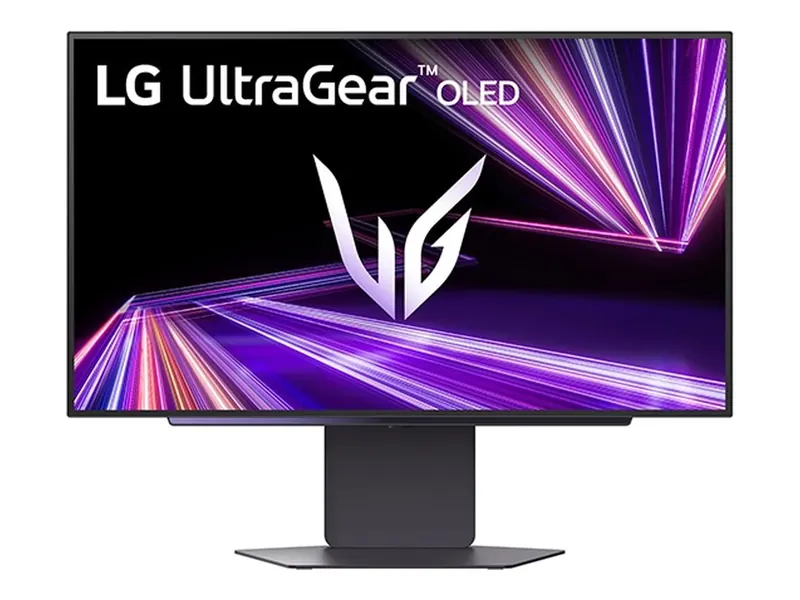
LG 27GX700A-B
Leave the lights on. Bright, matte Tandem OLED makes the case.
Put the AOC Q27G3XMN on your list for 1440p Mini LED, the LG 27GX700A-B for matte OLED, or the ASUS PG27UCDM for 4K OLED. Choose the model before the sale. These are research-based candidates; no Black Friday discount is verified here.
We may earn a commission when you buy through our links. As an Amazon Associate I earn from qualifying purchases. Affiliate disclosure
Alternatives first. The recommended use-case pick is last; these are not lab scores.
Jump to the final pick ↓Leave the lights on. Bright, matte Tandem OLED makes the case.
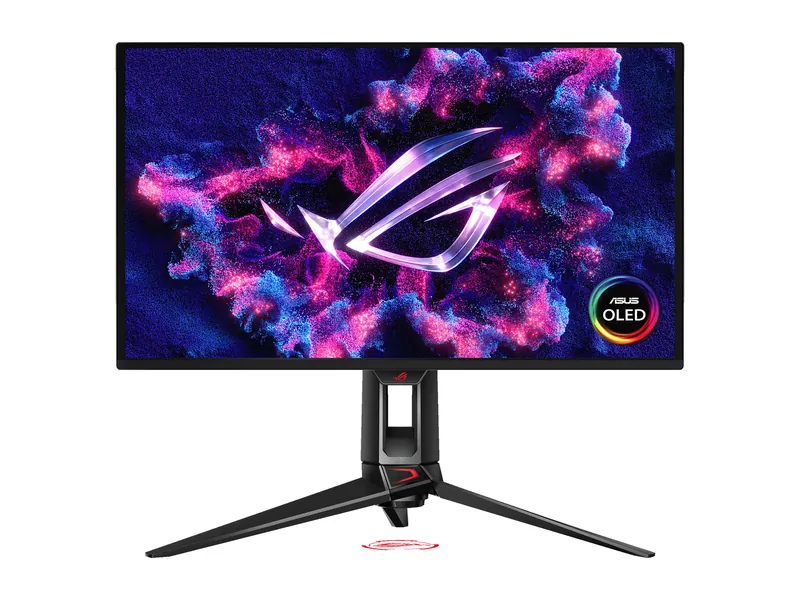
4K for the edit, 240Hz for the evening. The one screen that does both well.
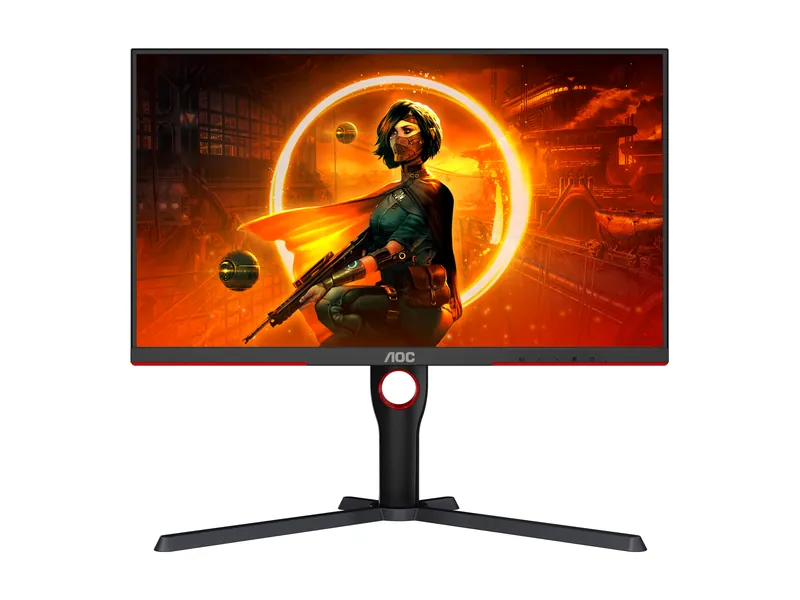
Bright HDR without the OLED bill. Dark-scene smearing is the catch.
LG UltraGear 27GX700A-B · 1 of 3
Get it if You want the matte OLED option already covered in our 1440p guide.
Skip it if A static work interface is your main use and OLED burn-in risk is unacceptable.
| Screen | 26.5-inch viewable (sold as 27-inch), 4th-gen Primary RGB Tandem OLED (WOLED), matte |
|---|---|
| Resolution | 2560 × 1440 |
| Refresh rate | 280Hz |
| Response time | 0.03ms GtG (manufacturer) |
| HDR | VESA DisplayHDR True Black 500 · up to 1,500-nit peak (manufacturer) |
| SDR brightness | 335 nits typical (manufacturer) |
| Adaptive sync | G-SYNC Compatible · FreeSync Premium Pro · VESA AdaptiveSync |
| Ports | 1× DisplayPort 1.4 · 2× HDMI 2.1 · USB hub · 4-pole headphone out |
| USB hub | Yes (USB-A) |
| Stand | Height, tilt, swivel and pivot |
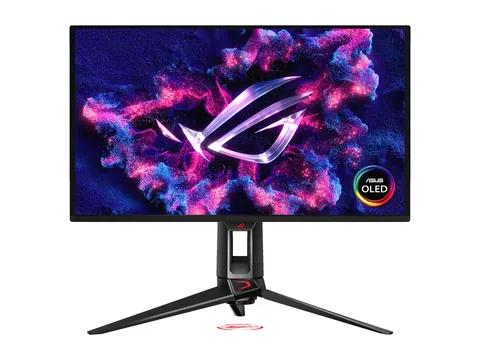
ASUS ROG Swift OLED PG27UCDM · 2 of 3
Get it if You want a 3840 × 2160 OLED and have a setup that can use its features.
Skip it if Your games and graphics settings make a less demanding screen the better fit.
| Screen | 26.5-inch QD-OLED, anti-reflection coating (ASUS) |
|---|---|
| Resolution | 3840 × 2160 |
| Refresh rate | 240Hz (ASUS) |
| Response time | 0.03ms GtG (manufacturer) |
| Color gamut | 99% DCI-P3 (ASUS) |
| Color accuracy | ΔE < 2, calibration report via DisplayWidget Center (ASUS) |
| HDR | HDR10 · Dolby Vision · DisplayHDR 400 True Black · 1,000-nit HDR peak (ASUS) |
| USB-C | DP Alt Mode, 90W power delivery (ASUS) |
| Ports | 1× DisplayPort 2.1 · 2× HDMI 2.1 (FRL) · 1× USB-C (ASUS) |
| KVM | Yes (ASUS) |
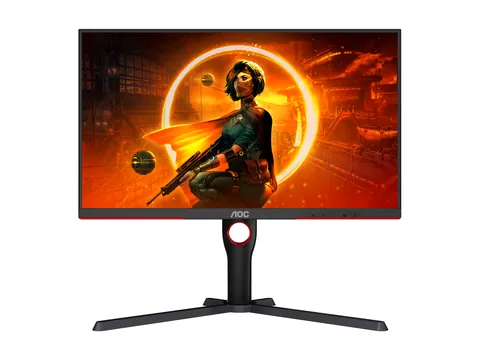
AOC Q27G3XMN · 3 of 3
Get it if You want Mini LED HDR and accept the VA panel's trade-offs. AOC lists 1440p resolution.
Skip it if You need a 4K screen; this is a 2560 × 1440 model.
| Screen | 27-inch VA, Mini LED backlight with 336 local-dimming zones, anti-glare |
|---|---|
| Resolution | 2560 × 1440 |
| Refresh rate | 180Hz over DisplayPort · 144Hz over HDMI 2.0 |
| Response time | 1ms GtG (manufacturer) |
| HDR | VESA DisplayHDR 1000 |
| SDR brightness | 700 nits typical (manufacturer) |
| Adaptive sync | Adaptive-Sync (FreeSync) · works with G-SYNC Compatible mode |
| Ports | 1× DisplayPort 1.4 · 1× HDMI 2.0 · audio out (U.S. model) |
| USB hub | None |
| Stand | Height (130mm), tilt, swivel and pivot |
This research-based watchlist reuses our existing monitor recommendations and official documentation from AOC, LG and ASUS. We have not verified Black Friday discounts for these models. Check the current listing, seller and purchase terms at the store.
Write down the exact model before November shopping starts. The Q27G3XMN is a 1440p Mini LED screen, while the PG27UCDM is 4K OLED. Check that the listing matches the resolution and panel type you chose.
Pick by room, resolution and the games you actually run. If your current screen already meets those needs, waiting is a perfectly useful outcome. Read our 1440p guide for the fuller fit and skip cases.
Compare the full model number, condition and seller. An open-box unit is not the same offer as a new one. Read the return window, restocking terms and who handles a defect before buying.
Check the manufacturer’s US warranty for that model and purchase channel. ASUS lists three years including panel burn-in for the PG27UCDM; do not transfer that promise to every OLED, region or retailer.
Keep a record of the listing and terms you actually bought. A large advertised saving is not a substitute for a usable return policy.
Keep your money if the monitor does not fit your room, desk, graphics card or required ports. An unclear seller or return policy is another reason to pass.
Use this shortlist to decide what you would buy before a promotion appears. We have not established an all-time low for these models. Check current prices at the store and buy only when the product and the terms both fit.
Time and Date’s U.S. calendar lists Black Friday on November 27, 2026 and Cyber Monday on November 30, 2026. These are calendar observances, not confirmed sale windows for any store or model. Sources checked October 13, 2026. No event-specific discount, price history or stock claim is verified on this page.
| Record for the actual listing | Why it matters |
|---|---|
| Exact model and region suffix | A similarly named monitor may have different ports, resolution or warranty. |
| Seller, new/open-box condition | The same photo does not establish the same purchase terms. |
| Current price at the store and check time | A badge does not prove an all-time low or saving. Amazon prices remain at Amazon. |
| Shipping and return conditions | Delivery costs, restocking terms and return deadlines can change the decision. |
| U.S. warranty and burn-in language | Verify the exact model, region and channel; do not transfer another model’s promise. |
| Status | Candidate only until the offer has been checked; recheck or remove a claim when terms change. |
This is a watchlist, not a feed of approved deals. We do not store fixed Amazon prices or infer percentage savings from a retailer badge. At purchase time, check the destination again. A sale can expire or change while this research-based shortlist remains useful.
For the room decision, use OLED versus IPS in a bright room. For mixed use, check a 1440p work-and-gaming desk. Keep the 1440p pillar and the 4K comparison as the product-selection references. Cyber Monday does not change which resolution, ports or panel behavior you need.
No. These are existing researched models to monitor. No seasonal discount or all-time low has been verified here.
No. A calendar date does not establish the future price, stock or seller terms. Buy or wait according to a checked offer and a specific need, not an assumed second markdown.
Image credits: LG 27GX700A-B — LG Electronics press release · ASUS PG27UCDM — ASUS · AOC Q27G3XMN — AOC.