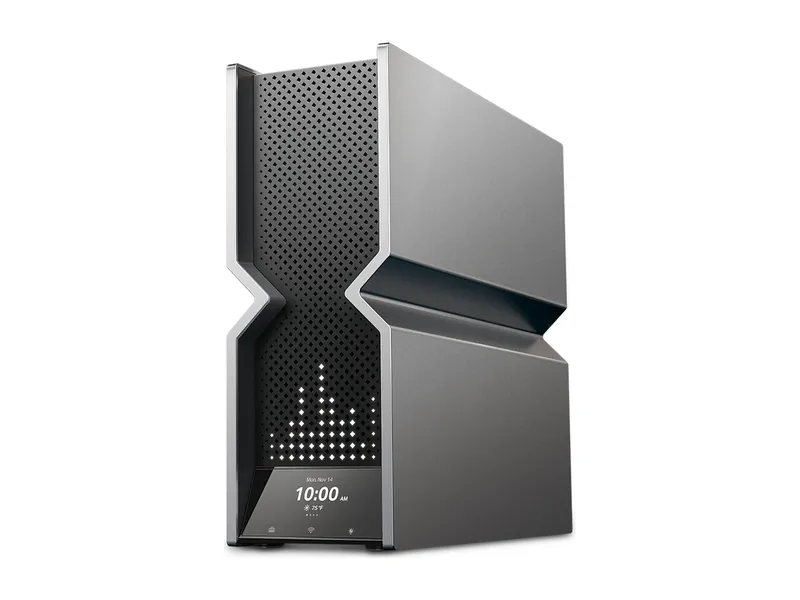
Archer BE900
Quad-band, two 10G ports, and RTINGS' top Wi-Fi 7 pick. Big and pricey.
Big home, multi-gig internet: TP-Link Archer BE900. Most homes: Archer BE550. Apartment on a budget: Archer BE230. Thick walls or several floors: Deco BE63 mesh. Plan under 1 Gbps and no multi-gig gear at home? Skip the 10G ports.
We may earn a commission when you buy through our links. As an Amazon Associate I earn from qualifying purchases. Affiliate disclosure
Alternatives first. The recommended use-case pick is last; these are not lab scores.
Jump to the final pick ↓Quad-band, two 10G ports, and RTINGS' top Wi-Fi 7 pick. Big and pricey.
Entry-level Wi-Fi 7. No 6 GHz band, but two 2.5G ports.
Tri-band mesh for big or awkward homes. 2.5G ports on every unit.
Tri-band with 6 GHz and five 2.5G ports. The sensible Wi-Fi 7 buy.
Store links checked Oct 10, 2026, 1:55 PM ET. Check current prices at the store.
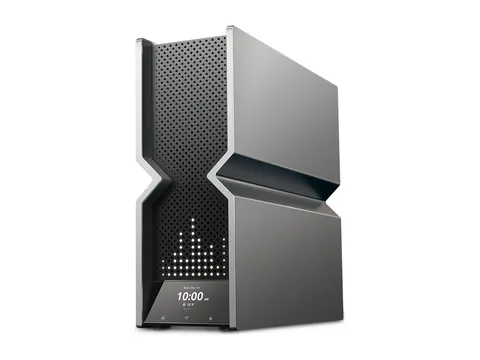
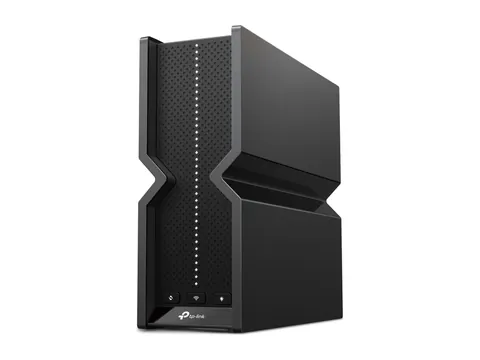
TP-Link Archer BE900 BE24000 Quad-Band Wi-Fi 7 Router · 1 of 4
Get it if You pay for 2 Gbps or more, or you run a NAS or 10G desktop, and you have the shelf space.
Skip it if Your plan is under 1 Gbps. RTINGS calls it excessive without multi-gig gear.
| Wi-Fi class | BE24000 quad-band (TP-Link) |
|---|---|
| Bands | 6 GHz + two 5 GHz + 2.4 GHz (TP-Link) |
| Max link rate (6 GHz) | 11528 Mbps (TP-Link) |
| Multi-gig ports | 1× 10G SFP+/RJ45 + 1× 10G + 4× 2.5G (TP-Link) |
| USB | 2 ports (TP-Link) |
| Mesh | EasyMesh compatible (TP-Link) |
| Size | 3.8 × 11.9 × 10.3 in (TP-Link) |
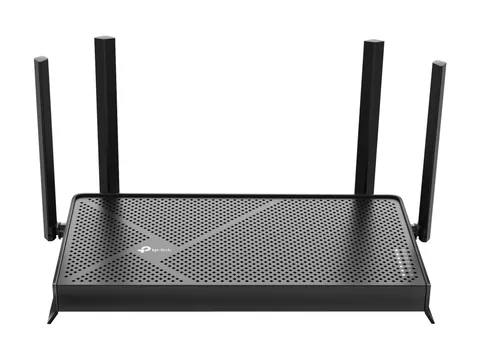
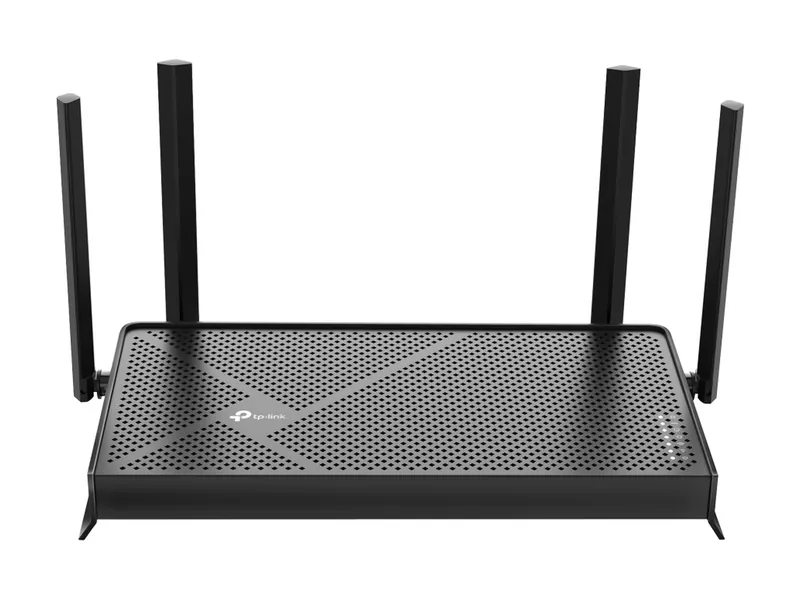
TP-Link Archer BE230 BE3600 Dual-Band Wi-Fi 7 Router · 2 of 4
Get it if You live in an apartment or small home and want newer Wi-Fi plus a 2.5G WAN port.
Skip it if You want 6 GHz. This dual-band router doesn't have it.
| Wi-Fi class | BE3600 dual-band (TP-Link) |
|---|---|
| Bands | 5 GHz + 2.4 GHz, no 6 GHz (TP-Link) |
| Max link rate (6 GHz) | No 6 GHz band |
| Max link rate (5 GHz) | 2882 Mbps (TP-Link) |
| Multi-gig ports | 1× 2.5G WAN + 1× 2.5G LAN + 3× 1G LAN (TP-Link) |
| USB | 1× USB 3.0 (TP-Link) |
| Mesh | EasyMesh compatible (TP-Link) |
| Coverage | Rated for 3-bedroom houses (TP-Link) |
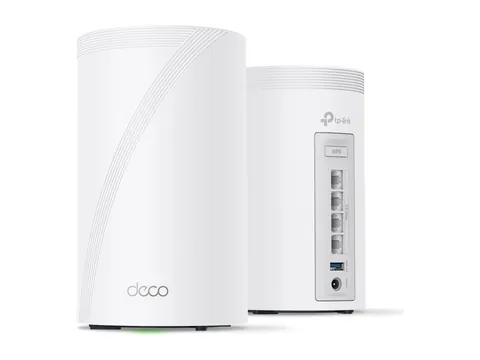
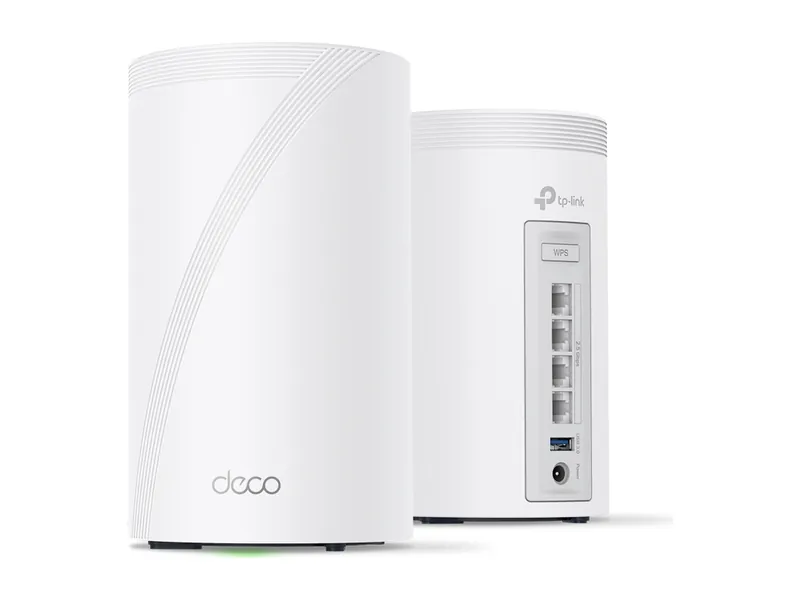
TP-Link Deco 7 Pro BE63 BE10000 Mesh Wi-Fi 7 System (3-pack) · 3 of 4
Get it if You have several floors, thick walls or a long layout, and one router leaves dead zones.
Skip it if One router already covers your place. Mesh costs more for coverage you won't use.
| Wi-Fi class | BE10000 tri-band mesh (TP-Link) |
|---|---|
| Bands | 6 GHz + 5 GHz + 2.4 GHz; 2.4 GHz is Wi-Fi 6 (TP-Link) |
| Max link rate (6 GHz) | 5188 Mbps (TP-Link) |
| Multi-gig ports | 4× 2.5G per unit, WAN/LAN auto-sensing (TP-Link) |
| USB | 1 per unit (TP-Link) |
| Mesh | Deco mesh, optional Ethernet backhaul (TP-Link) |
| Coverage | Up to 5,800 sq ft for a 2-pack (TP-Link) |
| Unit size | 4.23 × 4.23 × 6.93 in (TP-Link) |
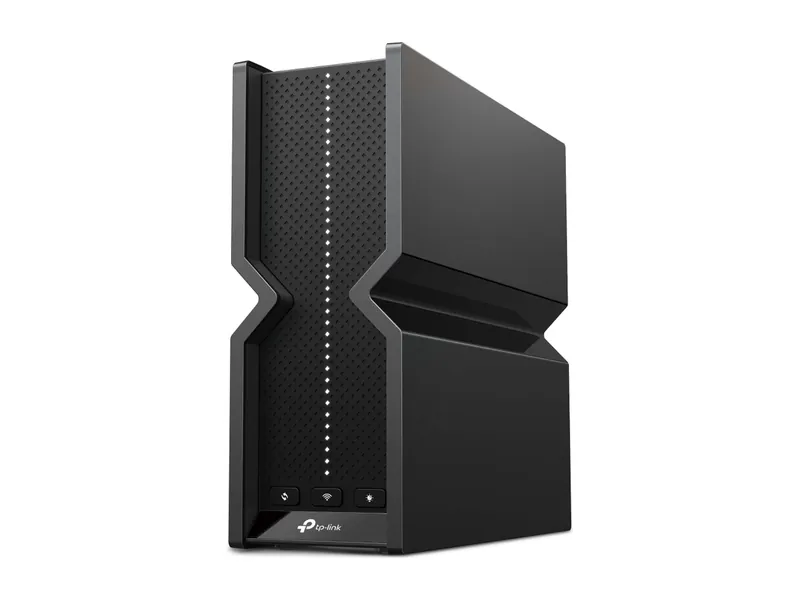
TP-Link Archer BE550 BE9300 Tri-Band Wi-Fi 7 Router · 4 of 4
Get it if You have a typical house, a fast plan, and a few wired devices that would love 2.5G ports.
Skip it if Your home is large and full of walls. RTINGS flags its 5 GHz range as the weak spot.
| Wi-Fi class | BE9300 tri-band (TP-Link) |
|---|---|
| Bands | 6 GHz + 5 GHz + 2.4 GHz (TP-Link) |
| Max link rate (6 GHz) | 5760 Mbps (TP-Link) |
| Multi-gig ports | 1× 2.5G WAN + 4× 2.5G LAN (TP-Link) |
| USB | 1× USB 3.0 (TP-Link) |
| Mesh | EasyMesh compatible (TP-Link) |
| Size | 3.0 × 9.1 × 8.0 in (TP-Link) |
Pick two. Compare the numbers—not the marketing.
Choose two different products. TP-Link specs. Link rates are theoretical maximums, not real-world speed.
| Specification | ||
|---|---|---|
| Wi-Fi class | ||
| Bands | ||
| 6 GHz link rate | ||
| Wired ports | ||
| USB | ||
| Mesh |
| Specification | Best for multi-gig internetArcher BE900 | Best on a budgetArcher BE230 | Best mesh systemDeco BE63 (3-pack) | Our top pick for most homesArcher BE550 |
|---|---|---|---|---|
| At a glance | ||||
| Wi-Fi class | BE24000 quad-band (TP-Link) | BE3600 dual-band (TP-Link) | BE10000 tri-band mesh (TP-Link) | BE9300 tri-band (TP-Link) |
| Bands | 6 GHz + two 5 GHz + 2.4 GHz (TP-Link) | 5 GHz + 2.4 GHz, no 6 GHz (TP-Link) | 6 GHz + 5 GHz + 2.4 GHz; 2.4 GHz is Wi-Fi 6 (TP-Link) | 6 GHz + 5 GHz + 2.4 GHz (TP-Link) |
| 6 GHz link rate | 11528 Mbps (TP-Link) | No 6 GHz band | 5188 Mbps (TP-Link) | 5760 Mbps (TP-Link) |
| Wired ports | 1× 10G SFP+/RJ45 + 1× 10G + 4× 2.5G (TP-Link) | 1× 2.5G WAN + 1× 2.5G LAN + 3× 1G LAN (TP-Link) | 4× 2.5G per unit, WAN/LAN auto-sensing (TP-Link) | 1× 2.5G WAN + 4× 2.5G LAN (TP-Link) |
| USB | 2 ports (TP-Link) | 1× USB 3.0 (TP-Link) | 1 per unit (TP-Link) | 1× USB 3.0 (TP-Link) |
| Mesh | EasyMesh compatible (TP-Link) | EasyMesh compatible (TP-Link) | Deco mesh, optional Ethernet backhaul (TP-Link) | EasyMesh compatible (TP-Link) |
Ports, bands and link rates from TP-Link. Speed, range and verdicts from RTINGS. We don’t run our own lab tests. All four picks are TP-Link because they top RTINGS’ categories right now, not because of a deal with TP-Link.
Your internet plan. A router can’t make a 500 Mbps plan faster. Under 1 Gbps, the BE230 or BE550 is plenty.
The 6 GHz band. It’s the cleanest airspace Wi-Fi 7 gets, and only newer phones and laptops use it. The BE230 skips it to hit its price.
Wired ports. 2.5G ports matter if you plug in a desktop, console or NAS. 10G only matters with a multi-gig plan or 10G gear.
Home shape beats speed. Walls and floors kill range. If one router leaves dead zones, mesh like the Deco BE63 fixes that better than a faster router.
Subscriptions. RTINGS notes some TP-Link HomeShield security features cost extra each month. The router works without them.
Also worth a look. RTINGS likes the GL.iNet Flint 3 if you want multi-WAN and failover, and the eero Max 7 for coverage. We’ll add them once we’ve checked specs and listings.
A better router fixes weak Wi-Fi at home, but lag in online games often happens farther out, on the route between your ISP and the game server. Plug your PC or console in with Ethernet first. If you still see spikes, a game booster like GearUP tries to send your game traffic over a steadier route. Results depend on where you live and which servers you play on, so try it before you commit. It works alongside your router, not instead of it.
Image credits: Archer BE900 — TP-Link · Archer BE230 — TP-Link · Deco BE63 (3-pack) — TP-Link · Archer BE550 — TP-Link.