Research-based pick
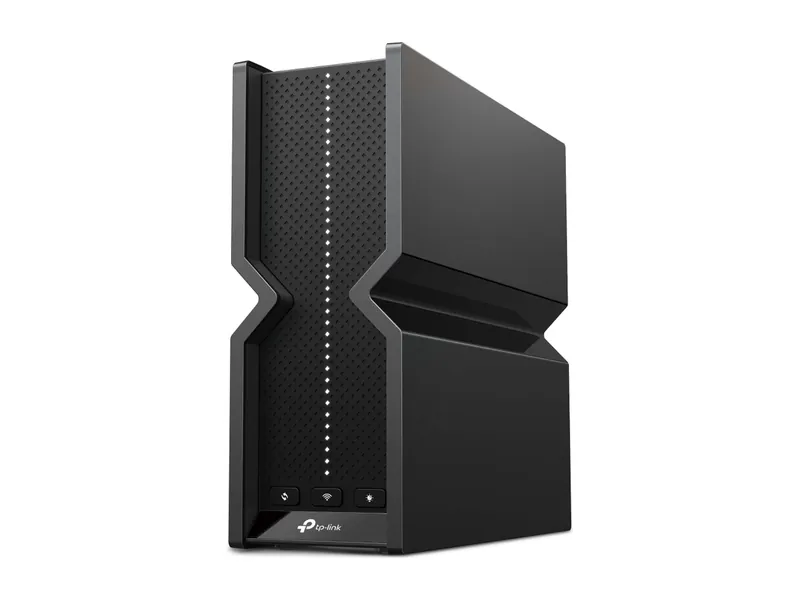
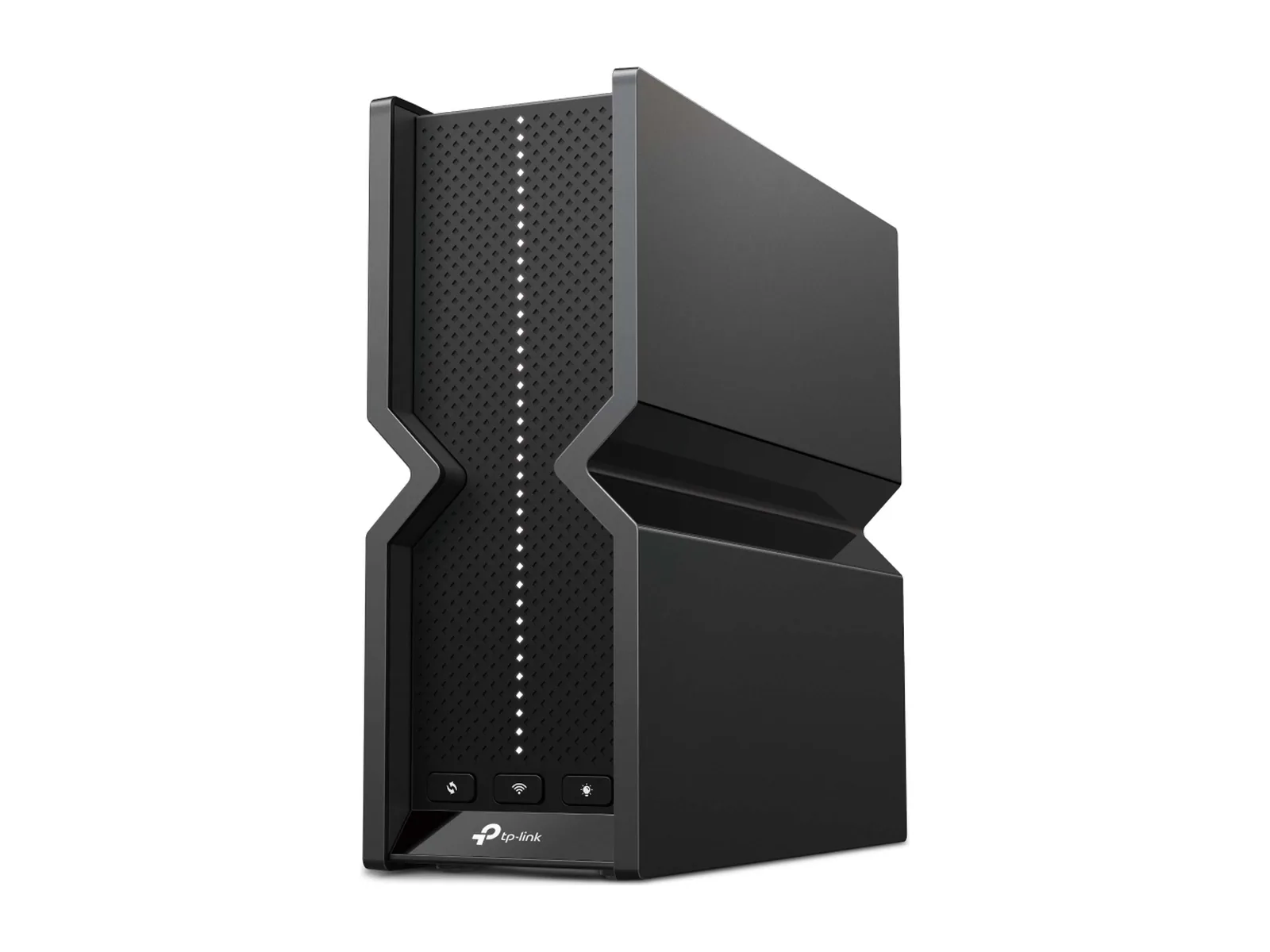
Archer BE550
Tri-band with 6 GHz and five 2.5G ports. The sensible Wi-Fi 7 buy.
Tri-band BE9300 · 5× 2.5G · USB 3.0

To lower ping, compare the same game and server on Wi-Fi and Ethernet, then check household traffic and server status. Consider a router or routing service only when that diagnosis identifies a problem it can address.
We may earn a commission when you buy through our links. As an Amazon Associate I earn from qualifying purchases. Affiliate disclosure
Research-based, not lab-tested. High network latency, packet loss and low frame rates are different observations. Use the game’s network display where available and record its server or region, ping variation, loss indicator and frame rate. Rubber-banding with network warnings is a different decision from stutter while frame rates fall.
Check the game’s official service status and select the appropriate supported server region. Keep the same game, mode, server and settings for comparisons; a different opponent or server can change the result. Do not infer a router problem from one slow match.
If your device supports it, connect to the main router over Ethernet for the comparison. A satellite Ethernet port can still have wireless backhaul; note every hop. Confirm the active interface so the game is actually using the connection you intend to test.
Microsoft’s connection guidance includes testing the local gateway and comparing wired connectivity. Use this to narrow the location of the problem, not as a certificate that the ISP or game route is healthy.
Repeat the same game session with background downloads, cloud backups and uploads paused, then under the household’s usual load. Ask other users before interrupting their traffic. If the symptom appears primarily during busy periods, check the router’s documented QoS options and firmware before replacing hardware. Do not claim that QoS creates extra internet capacity.
For a wireless-only problem, review placement and signal conditions. For mesh, verify the node’s backhaul type and use the mesh guide to plan the inter-node path. Avoid changing several settings at once; you need to know which change affected the result.
On Windows, use ipconfig to identify the active adapter’s default gateway. Replace the address below with your actual gateway. This example is a local diagnostic, not a game-server benchmark:
ping -n 20 YOUR_GATEWAY_IPMicrosoft documents ping as an ICMP round-trip and connectivity check. Record whether replies arrive and the reported loss and min/average/max times. ICMP behavior can differ from a game’s traffic; an unanswered ping alone does not prove the game path is broken.
If your game provider supplies a suitable diagnostic hostname, its support guidance may include a route check with tracert. Follow that provider’s instructions. Microsoft notes that some routers do not return the expected responses. A row of asterisks is not by itself evidence that the hop drops game traffic. Share the results privately with the relevant support team if needed; do not publish your network details unnecessarily.
| Observation | Next step |
|---|---|
| Wired works well; distant Wi-Fi does not | Investigate signal, placement and mesh backhaul. |
| Quiet household works; busy household does not | Investigate traffic load and documented QoS behavior. |
| Several games remain poor on wired Ethernet | Check ISP/service status and collect evidence for support. |
| One game’s route remains poor on an otherwise stable connection | Check that game’s support guidance; a routing-service comparison may be useful. |
| Frame rate falls while network indicators stay stable | Investigate rendering settings and hardware, not a network booster. |
This worksheet is a decision aid, not a definitive fault detector. Normal variability, server load and the limits of the game’s telemetry can affect each comparison.
Copy or print this table from the page; no PDF download is promised. Keep the same session length for each run, and repeat comparable sessions rather than relying on one reading.
| Run | Game/server/region | Active path | Household load | In-game ping range | Loss indicator | Frame rate / notes |
|---|---|---|---|---|---|---|
| Baseline | Write here | Wi-Fi or wired, including backhaul | Quiet or busy | Record actual readings | Record actual reading | Record actual observation |
| Local change | Same target | Describe one change | Comparable load | Record | Record | Record |
| Service off | Same target | Stable local connection | Comparable load | Record | Record | Record |
| Service on | Same target | Same local connection | Comparable load | Record | Record | Record |
A routing service is an optional comparison when the local connection is stable and your diagnosis points toward a game-specific external route. It is not a repair for weak Wi-Fi, a saturated household connection or a GPU limit. Check GearUP’s support guidance for the exact game, platform and regional setup; its marketing claims are not our measurement.
Before starting, read current eligibility, trial, renewal, cancellation and refund terms. No free trial, discount or performance result is asserted here. Alternate service-off and service-on sessions, keep the same game/server and compare repeated measurements. If the improvement is not repeatable or worthwhile for you, keep the baseline setup.
We may earn a commission when you buy through our links. As an Amazon Associate I earn from qualifying purchases. Affiliate disclosure
That is an affiliate link. We may earn a commission; we have not tested the service and do not promise lower ping, no packet loss or more rendered frames.
Buy hardware only for an identified local requirement. An Ethernet cable or better placement may be enough without a new router. The Wi-Fi 7 router guide covers the broader candidates. For a laptop, check dock Ethernet compatibility before treating the dock as a transparent network connection.
Tri-band with 6 GHz and five 2.5G ports. The sensible Wi-Fi 7 buy.
Tri-band BE9300 · 5× 2.5G · USB 3.0
A single-router candidate when one location can cover your home. The purchase does not establish a fix for an ISP route.
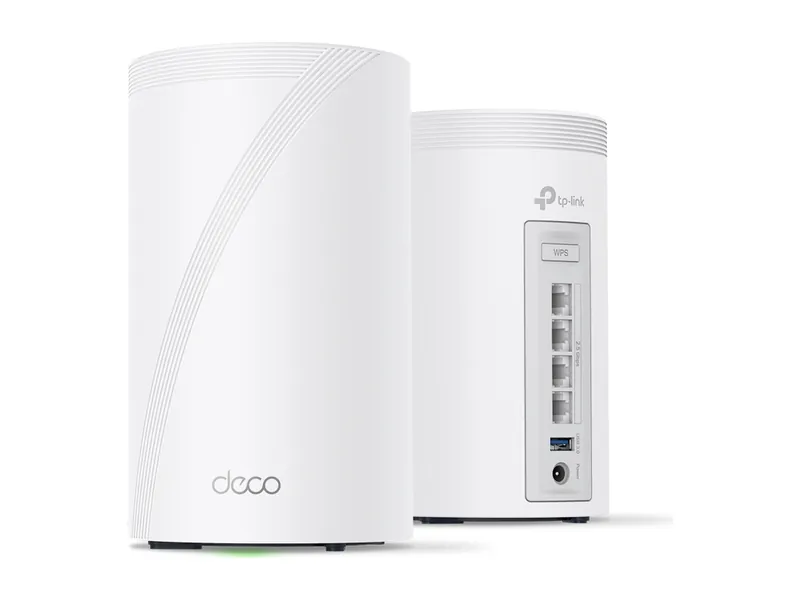
Tri-band mesh for big or awkward homes. 2.5G ports on every unit.
Tri-band BE10000 mesh · 4× 2.5G per unit · 3-pack
A mesh candidate when you have demonstrated coverage gaps and planned backhaul. Match the model, pack count, seller and current terms; no Amazon price is displayed.
Do not assume so. Identify the actual symptom and follow the game’s support guidance; a DNS setting change is not proof of a better game-data route.
Download throughput and game latency describe different properties. Collect quiet/busy and wired/wireless evidence before deciding which service or hardware needs to change.
A routing-service result does not establish faster rendering. When frame rate is the problem, review game settings and the GPU decision separately.
Tri-band with 6 GHz and five 2.5G ports. The sensible Wi-Fi 7 buy.
Tri-band BE9300 · 5× 2.5G · USB 3.0
Tri-band mesh for big or awkward homes. 2.5G ports on every unit.
Tri-band BE10000 mesh · 4× 2.5G per unit · 3-pack
Image credits: TP-Link Archer BE550 BE9300 Tri-Band Wi-Fi 7 Router — TP-Link · TP-Link Deco 7 Pro BE63 BE10000 Mesh Wi-Fi 7 System (3-pack) — TP-Link.