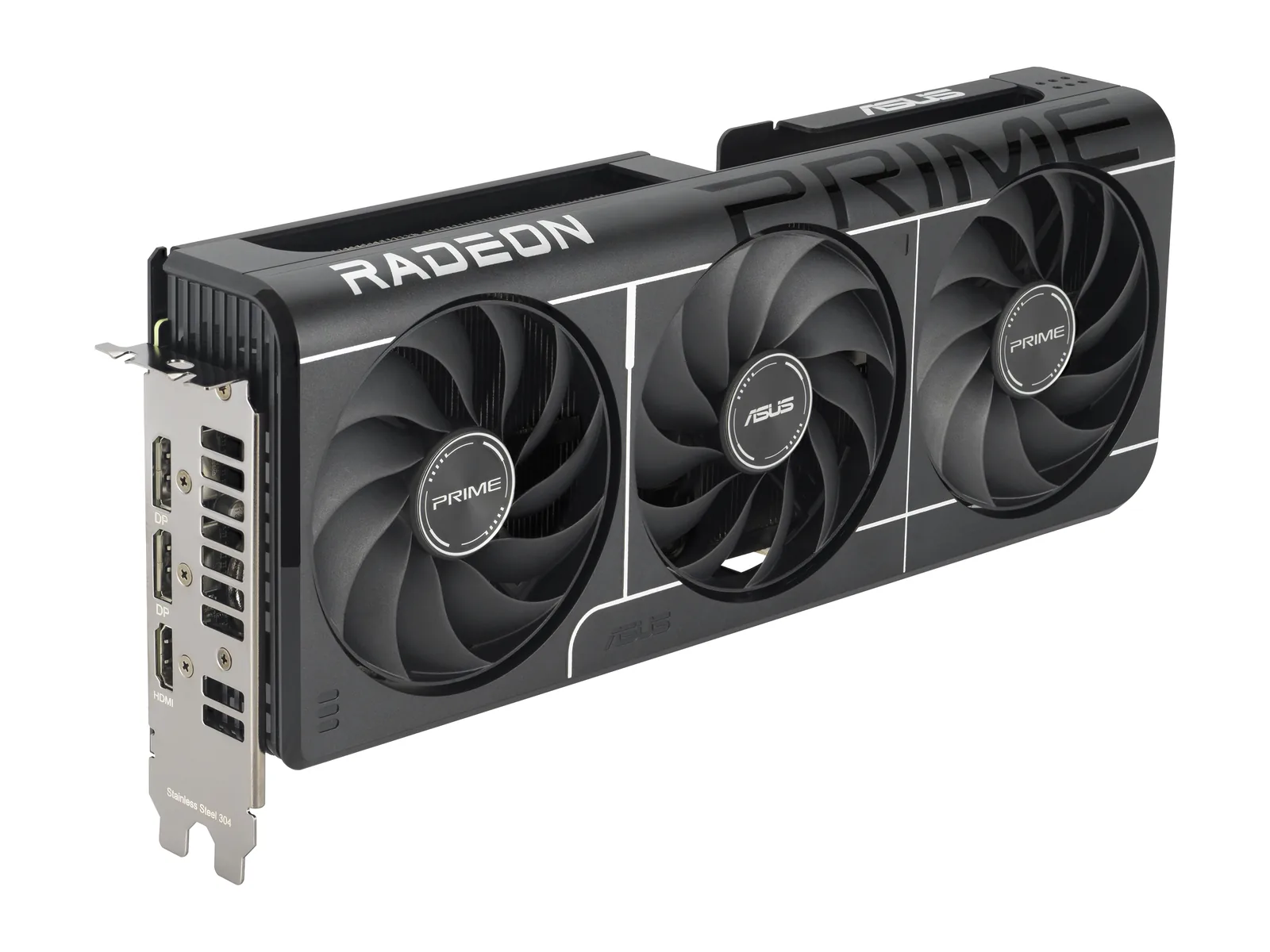
Hardware for your situation.
Streaming, video calls, small desks, dorms, sunny rooms. Start with your situation.
A 1440p Monitor for Work and Gaming: What to Check
Research-based · not lab-testedA shared desk needs more than a high refresh number. Check text at the scale you use, your workday’s static content and the input path from every computer. Keep your present display if it already meets those needs.
Read more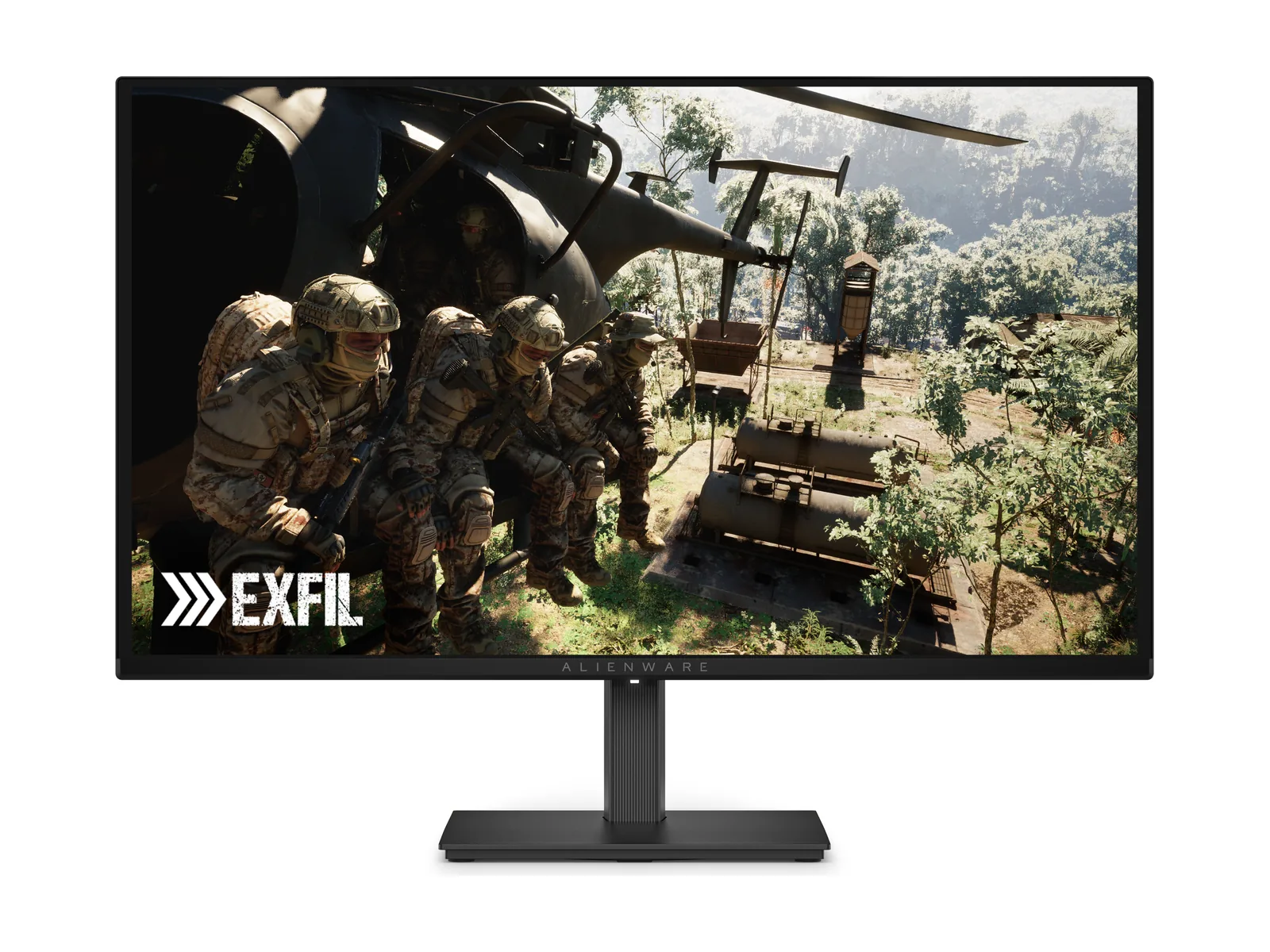 Monitor setup
OLED vs IPS for a Bright Room: Start With Your Desk
Research-based · not lab-testedControl reflections first. A screen’s finish, usable brightness and position matter alongside panel type. Consider OLED for gaming you can support; keep IPS on the list when static desktop work and a different feature set matter more.
Read more Setups · Living room
Gaming in a bright living room, without the glare
Research-based · not lab-testedIn a bright room, nits and coating beat hertz.
Read moreSetups · DormThe college dorm desk setup that survives a roommate
Research-based · not lab-testedShared room, tiny desk, one laptop that does it all.
Read more Setups · Parents
Buying a first gaming setup for your teen: a parent's checklist
Research-based · not lab-testedStart with the games they play. Budget for the whole setup. Turn on parental controls before they unbox it.
Read more Setups · Streaming
Your first streaming setup
Research-based · not lab-testedMic first. Light second. Camera last.
Read more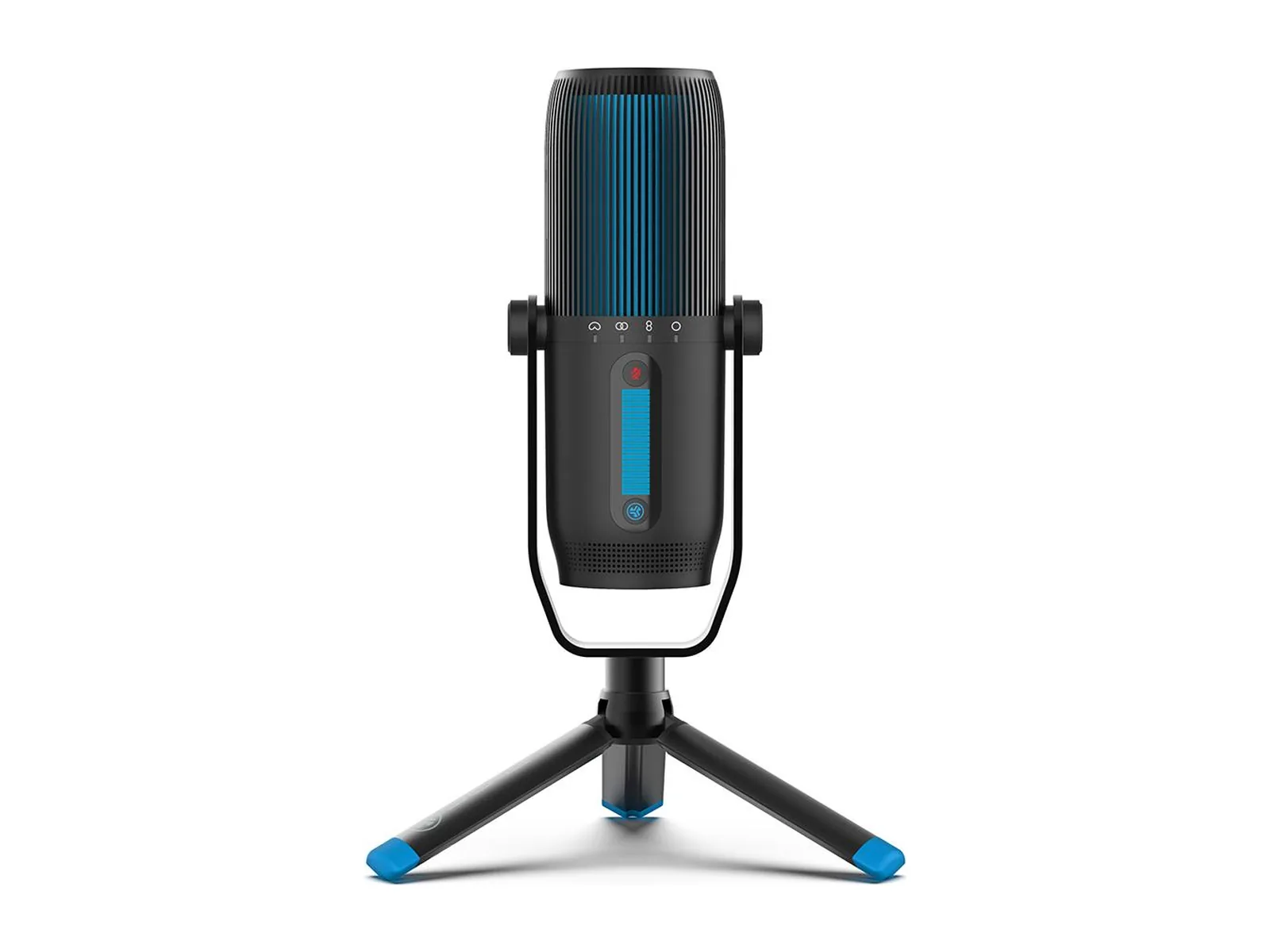 Setups · Remote work
The video-call setup that doesn't look like a hostage video
Research-based · not lab-testedFix the light and the angle first. Then buy the camera.
Read more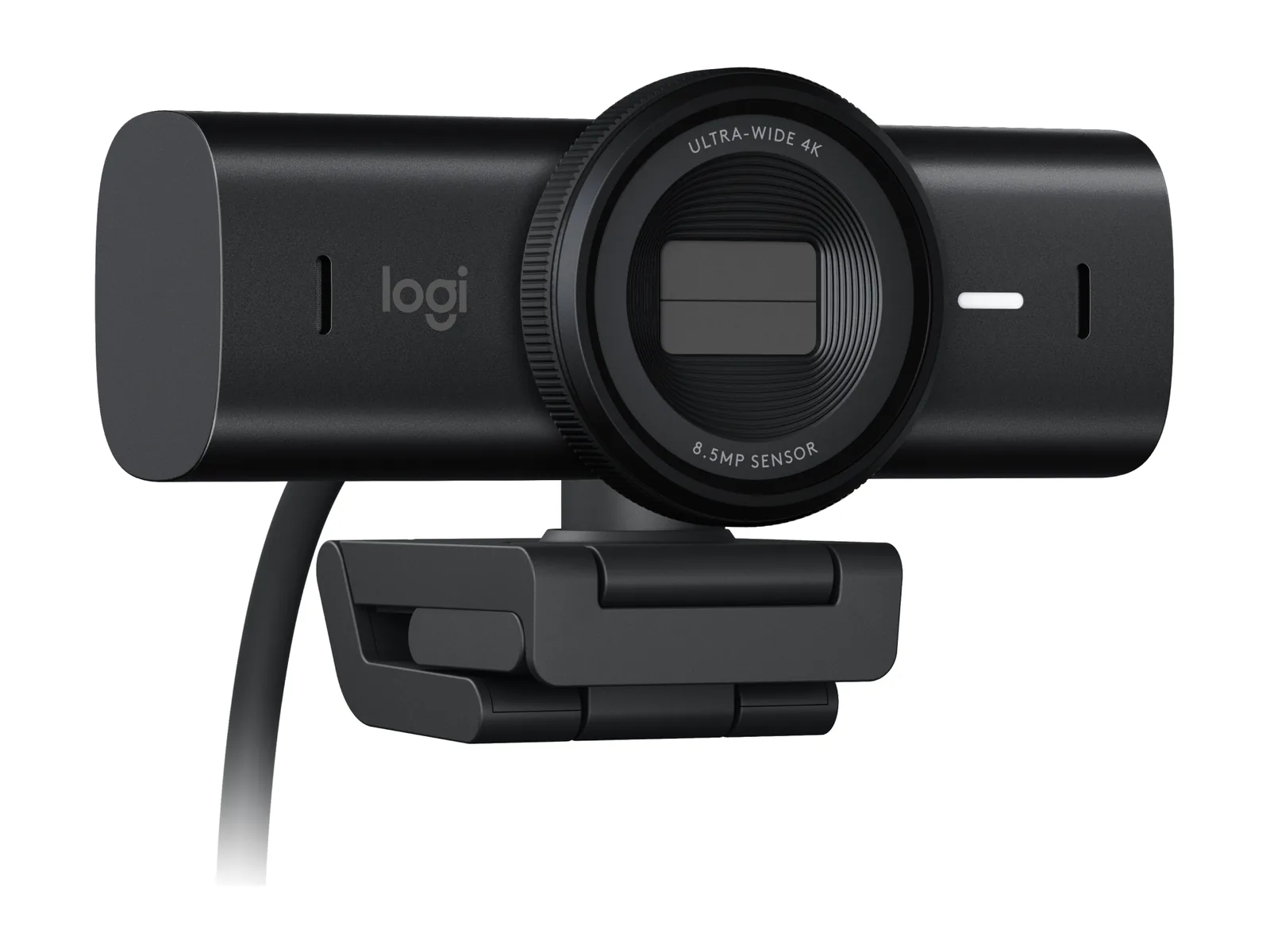 Setups · Small spaces
Working and gaming from a tiny apartment desk
Research-based · not lab-testedSmall desk, one screen, zero cable spaghetti.
Read moreSetups · UpgradesUpgrading an old gaming PC while prices are crazy
Research-based · not lab-testedKeep the platform. Upgrade what you feel.
Read more