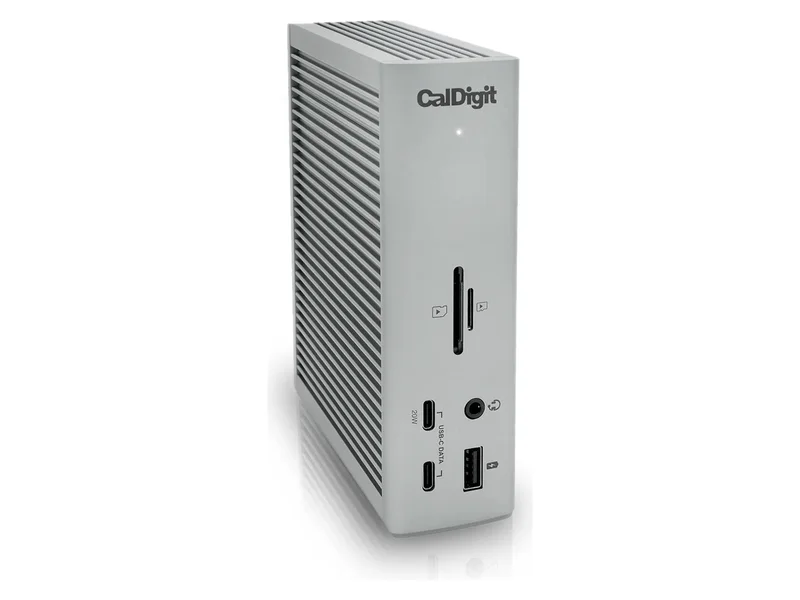
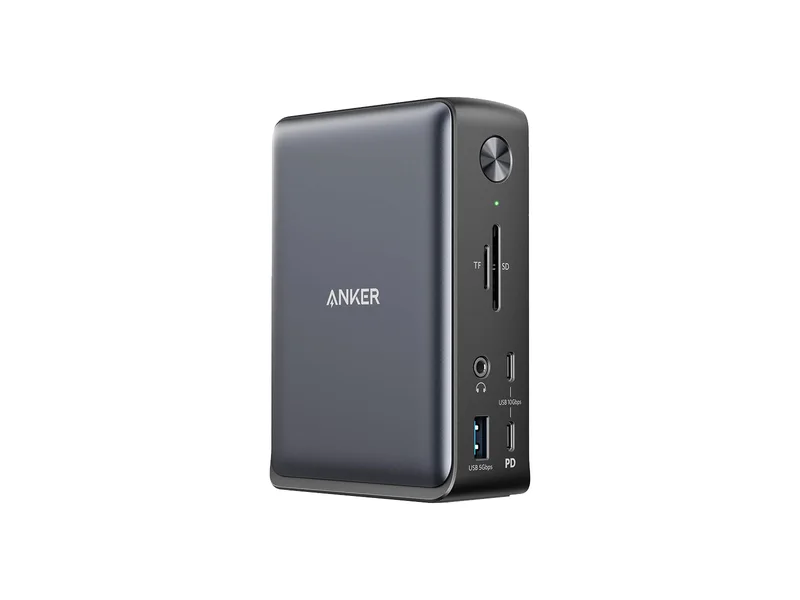
For supported Thunderbolt/USB4 expansion, consider CalDigit TS4. For a compatible USB-C office desk, the final use-case pick is Anker 575. Confirm exact host, display and charging requirements first.
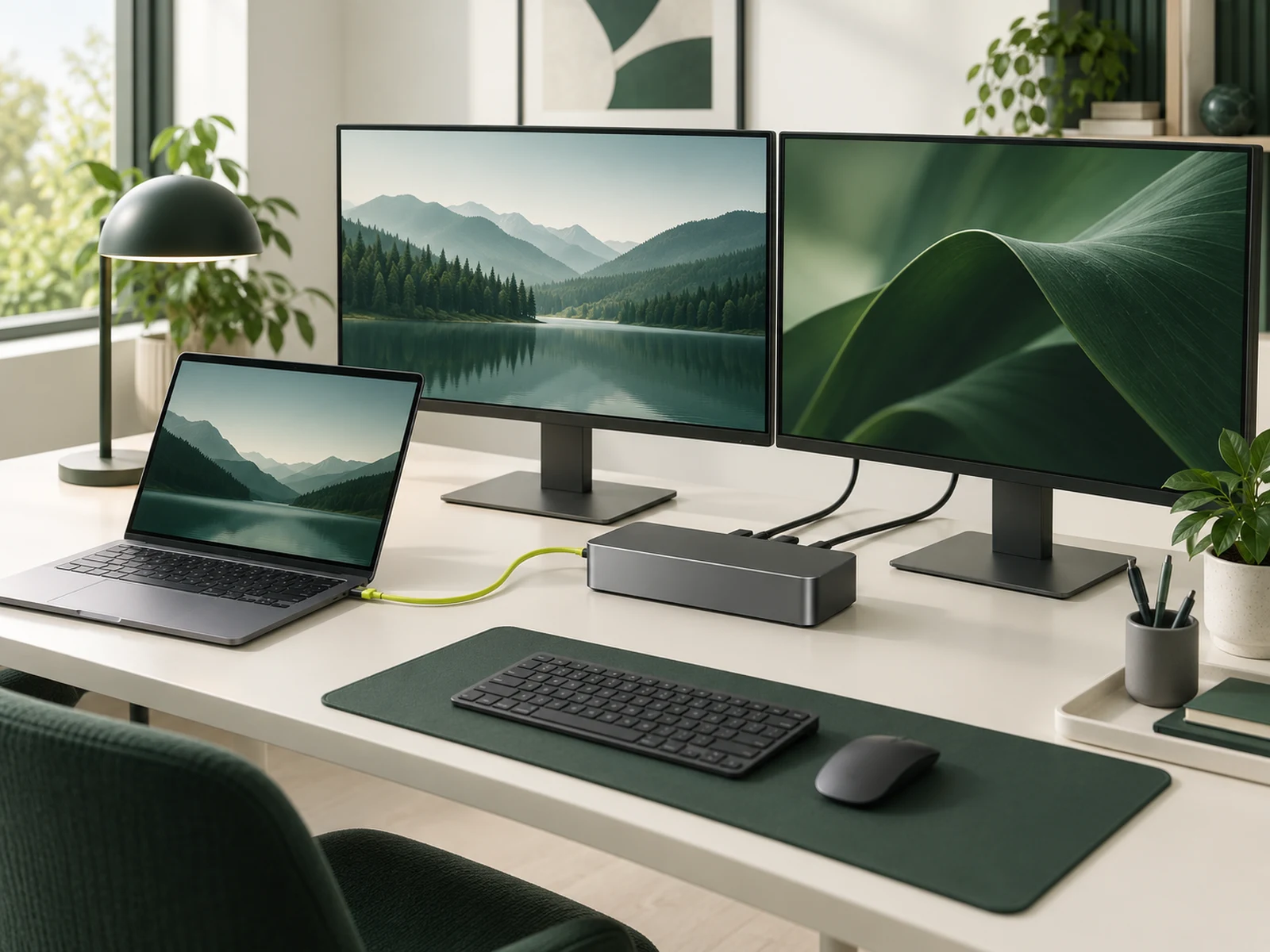
DisplayPort Alt Mode for video; Power Delivery for charging
AI illustration: ChatGPT Image. Conceptual hardware setup, not a photograph or exact depiction of the recommended models.
How we chose
We compared five criteria: host-port support, required display modes, charging delivered to the laptop, Ethernet compatibility and included cables or power supply. Anker and CalDigit documentation supplies the compatibility limits; these are not our throughput measurements.
Research-based, not lab-tested. We compared host requirements, charging and display restrictions from the manufacturers. This shortlist does not claim that every USB-C dock works with every laptop, or that these are the newest docks in either product range. We did not measure throughput, thermal behavior or reconnect reliability.
A USB-C plug does not establish compatibility
Check the laptop’s exact model and port documentation. USB-C describes the connector; available video, data, charging and Thunderbolt functions still depend on the port. Anker requires DisplayPort Alt Mode for video on the 575. CalDigit documents different capabilities for Thunderbolt, USB4 and plain USB-C hosts.
Write down the required setup before comparing dock counts: laptop model, operating system, display models and inputs, desired resolution and refresh, network needs and charging requirement. A dock with more sockets can still be the wrong dock.
Charging: check output to the laptop
Compare the dock’s host output with the laptop manufacturer’s charging requirements. The Anker 575 lists up to 85W; the TS4 lists up to 98W. The dock’s power-adapter rating is not the same as available laptop charging. A gaming laptop may still need its original charger under demanding use.
Use the supplied host cable or a replacement explicitly suitable for the required mode and power. A charging-only cable can defeat an otherwise compatible display setup.
Two screens: verify the host matrix
Do not infer two independent desktops from two HDMI sockets. Operating-system behavior, source-display limits and the supported simultaneous output modes matter. Check the manufacturer’s matrix for the exact resolution and refresh combination, including whether external screens mirror or extend.
CalDigit notes that base M1/M2 Macs have a single external-display limit through this path. A dock does not remove it. M3 and newer configurations have model-specific conditions; read the current matrix and Apple’s exact computer specification rather than generalizing from the chip family.
The TS4 Ethernet function also has host restrictions: CalDigit requires a Thunderbolt host or compatible USB4 PCIe support. Its 2.5GbE port cannot make an otherwise slower internet service faster.
Buying and setup checklist
Match A8392 for the Anker 575 or TS4 for CalDigit in the Amazon search results. Check the included power supply and host cable, condition, seller, warranty and return terms. The buttons are model searches, not confirmed exact-SKU listings. No Amazon price is hardcoded.
Only if the laptop accepts the relevant USB-C charging mode and the delivered power meets its needs. Verify the manufacturer’s guidance; keep the original charger if the dock cannot provide the required power.
Should I connect a high-refresh gaming monitor through the dock?
Only after verifying the complete supported signal path. A direct GPU-to-monitor connection can avoid a dock limitation, but the source, input and cable must still support the chosen mode.
Is the dock power-adapter rating the charging power available to the laptop?
No. Use the manufacturer-specified host-port output and your laptop charging requirements. A gaming laptop may still require its original charger.
Common mistakes to avoid
Do not count HDMI sockets as proof of independent extended displays. Confirm the exact laptop and operating-system matrix, and distinguish total adapter power from charging delivered to the host.
What changed
Updated Oct 14, 2026: added compatibility checks, common mistakes and an FAQ; added clearly labeled category illustrations.
Related setup decision
If the dock Ethernet path is part of a game-latency problem, diagnose ping before buying; dock bandwidth and an external server route are separate checks.