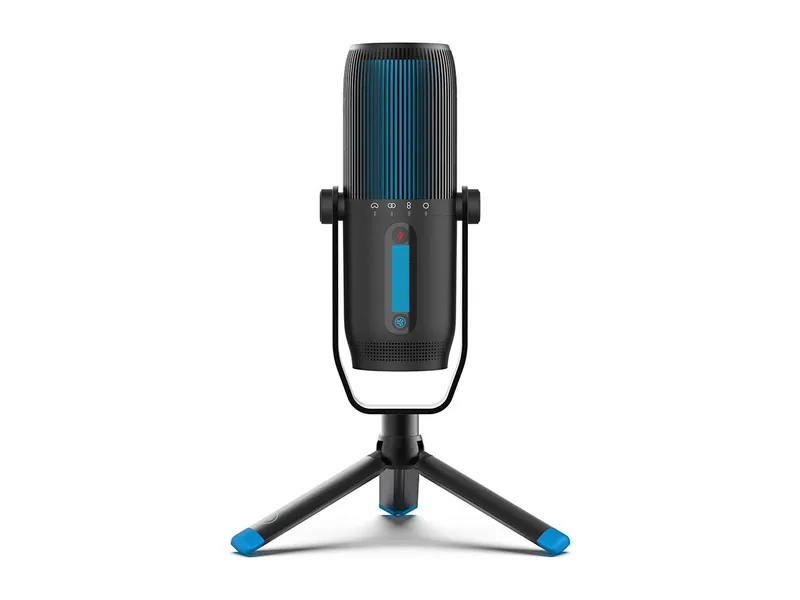
JLab Talk Pro USB Microphone
USB-C condenser mic with four pickup patterns and its own tripod.
Mic first. Light second. Camera last.
We may earn a commission when you buy through our links. As an Amazon Associate I earn from qualifying purchases. Affiliate disclosure
Your PC or console already streams. OBS is free. You don’t need a capture card to stream PC games. Spend money where people notice it.
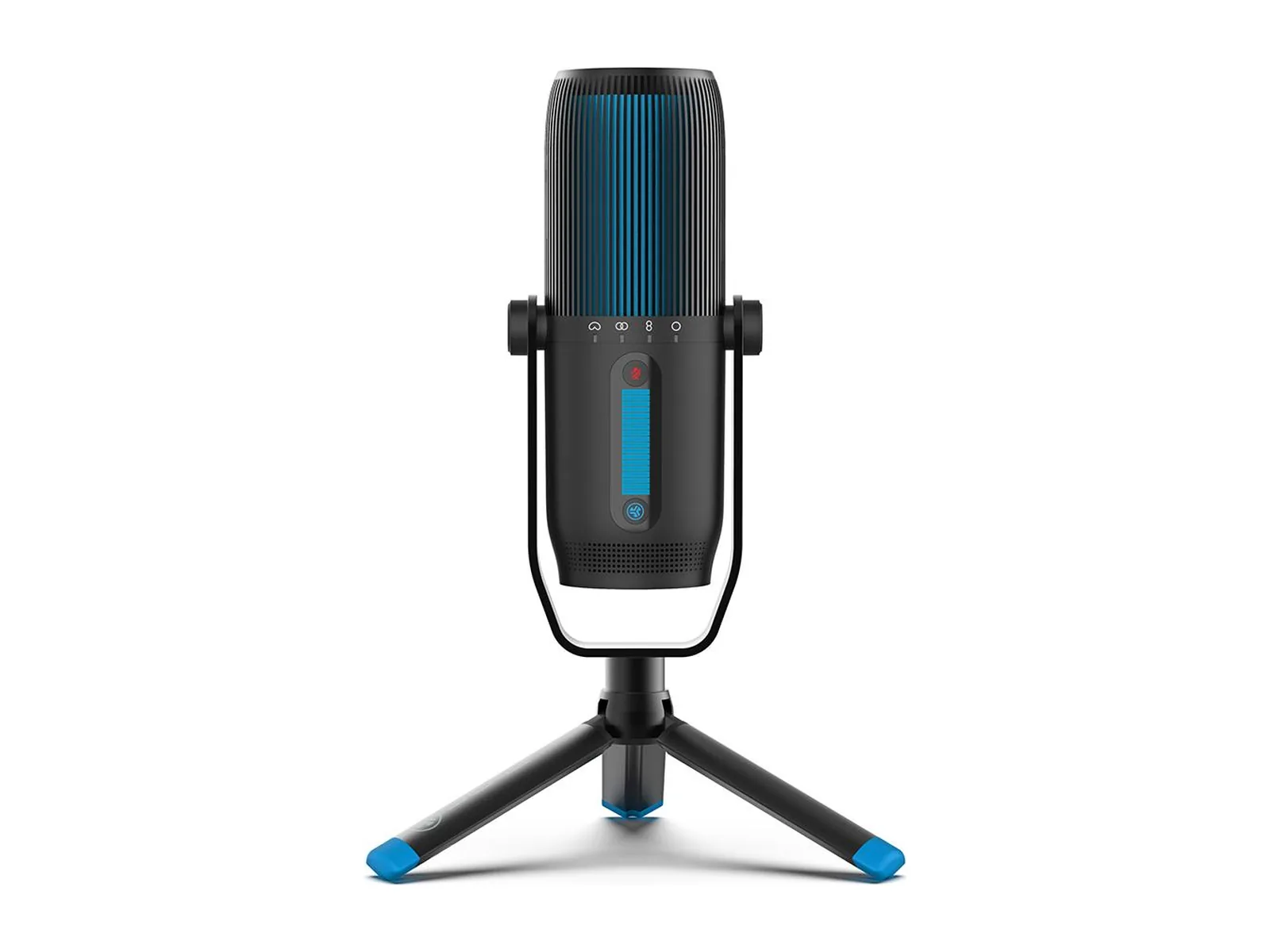
Audio first. Webcam mics are weak. PCMag calls the MX Brio’s mic “mediocre,” and that’s a premium camera. A USB mic like the JLab Talk Pro has onboard gain and a mute button, and PCMag says it gives a crisp signal. Set it to cardioid so it picks up you, not your keyboard.
Light second. Face a window or put a lamp behind your monitor. Never sit with a bright window behind you.
Camera third. The StreamCam does 1080p at 60 fps and comes with a monitor clip and a tripod mount. PCMag notes that Logitech’s Capture app can’t stream, so you’ll run it through OBS.
USB-C condenser mic with four pickup patterns and its own tripod.
A real USB mic and closed headphones, so your game audio doesn't leak into the mic.
USB-C condenser mic with four pickup patterns and its own tripod.
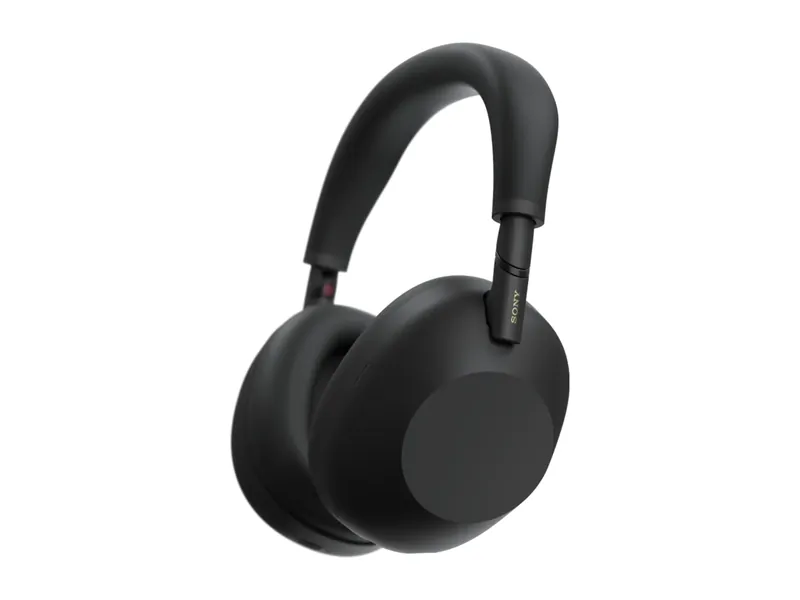
The quieter, more tweakable flagship. Folds flat, LDAC for Android.
1080p at 60 fps is plenty to start. Spend on the mic before 4K.
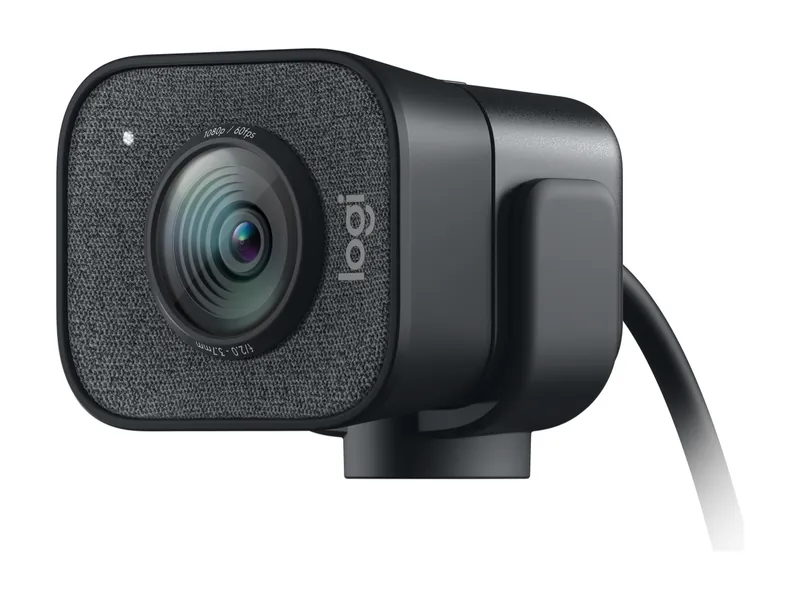
1080p at 60 fps with monitor and tripod mounts. Made for streaming.
A 4K sensor that copes better when your room isn't perfectly lit.
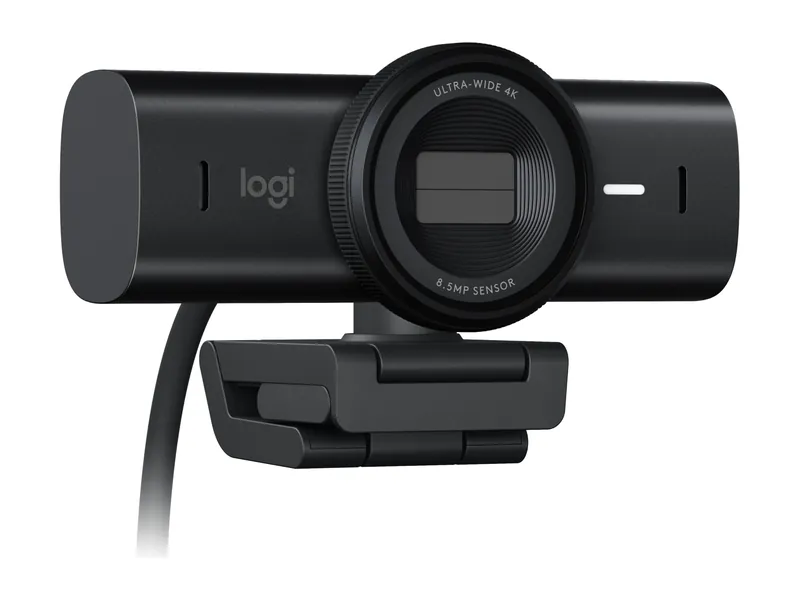
4K sensor, strong in low light. The calls-first premium pick.
USB-C condenser mic with four pickup patterns and its own tripod.
1080p at 60 fps with monitor and tripod mounts. Made for streaming.
4K sensor, strong in low light. The calls-first premium pick.
The quieter, more tweakable flagship. Folds flat, LDAC for Android.
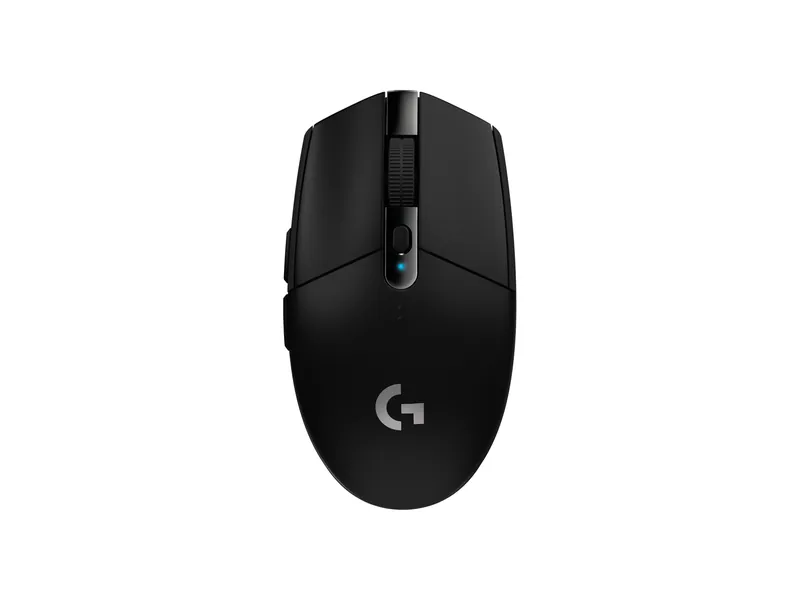
Cheap, reliable wireless with a AA battery that lasts a long time.
Image credits: JLab Talk Pro USB Microphone — JLab · Logitech StreamCam — Logitech · Logitech MX Brio 4K webcam (960-001558) — Logitech · Sony WH-1000XM6 Wireless Noise Canceling Headphones — Sony · Logitech G305 LIGHTSPEED — Logitech.