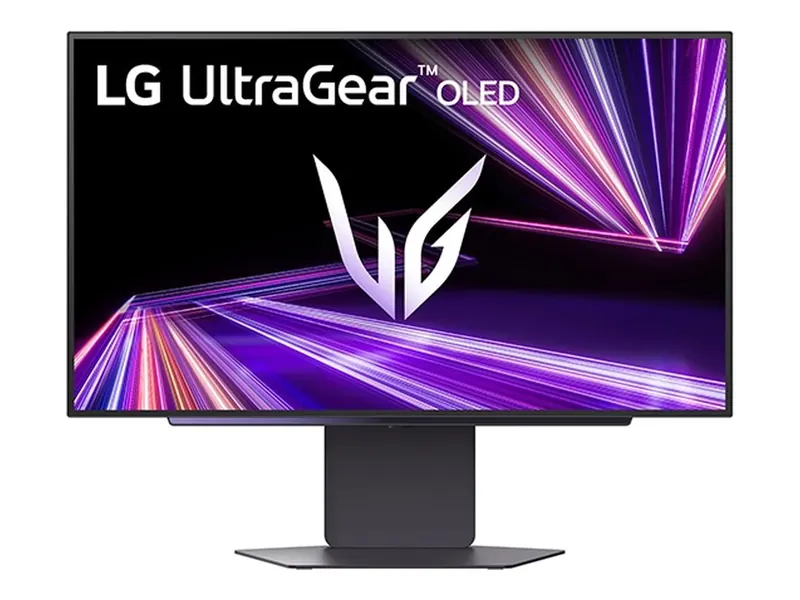
LG UltraGear 27GX700A-B
Leave the lights on. Bright, matte Tandem OLED makes the case.
Control reflections first. A screen’s finish, usable brightness and position matter alongside panel type. Consider OLED for gaming you can support; keep IPS on the list when static desktop work and a different feature set matter more.
We may earn a commission when you buy through our links. As an Amazon Associate I earn from qualifying purchases. Affiliate disclosure
Look at your desk when you normally work and play. Note whether a window appears in the screen, whether a lamp shines toward it and whether you can move the display or control that light. Check the display from your normal seating position. Changing placement may be more useful than buying another panel.
A matte finish can spread a reflection instead of showing a distinct mirror image; it does not make incoming light disappear. Do not treat “OLED,” “IPS,” “glossy” or “anti-glare” as a guarantee of readability in your room. Read an exact-model evaluation of reflections and brightness, rather than transferring an observation about one monitor to every panel in its family.
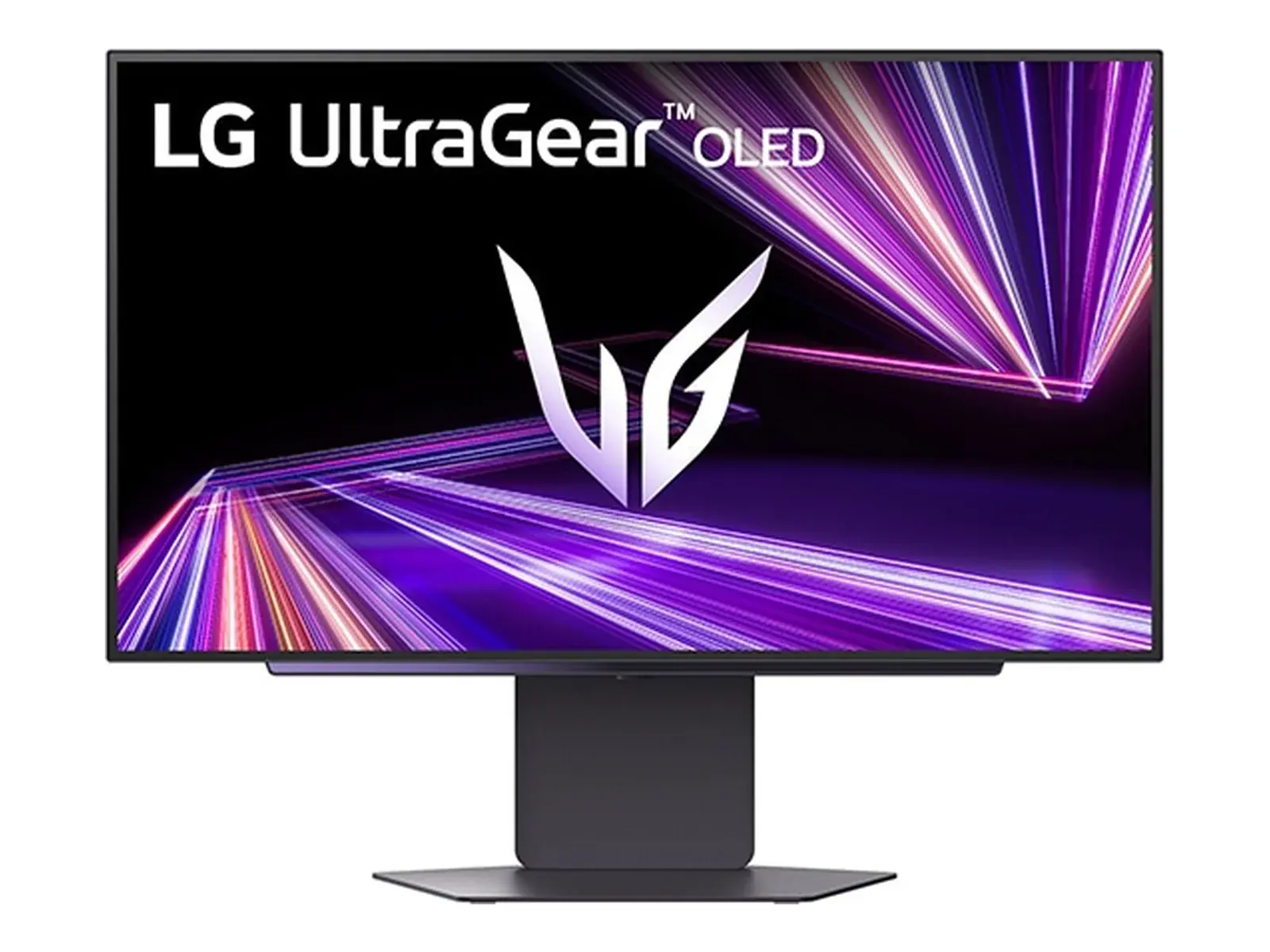
LG lists the 27GX700A-B as a QHD OLED gaming monitor. It is an existing matte OLED candidate in our 1440p shortlist. Consider it when gaming is the main job and you can manage the room and OLED care; a bright-room label is not a promise that it defeats direct sunlight.
ASUS lists the ProArt PA279CRV as a 27-inch, 3840 × 2160 IPS monitor with an anti-glare finish and a 60Hz refresh rate. That makes it a different work-focused option, not a 1440p IPS substitute or a like-for-like rival to the LG. We include it to show why panel choice must follow the task, resolution and connections. This article does not introduce an unverified 1440p IPS recommendation.
| Your main need | What to establish before buying |
|---|---|
| Gaming in a light room | Reflection control, exact-model behavior and the modes your system supports. |
| Static documents or timelines all day | Text at your preferred scale, image-retention policy and whether OLED care fits your routine. |
| A laptop desk | Required video input, charging capability and any hub or dock you actually need. |
| A change of resolution | Work scaling and game performance; the two example monitors have different resolutions. |
LG’s OLED guidance discusses static-image retention and care. Follow the exact model’s instructions and read its current U.S. warranty. A maintenance feature is not proof that permanent image retention cannot occur, and one brand’s warranty does not establish another’s coverage.
Use a return policy that lets you assess the exact product and terms you purchase. This is a research-based decision guide; we have not performed a room comparison or measured either monitor’s reflections.
No. Panel type alone does not establish how a finished monitor handles reflections. Start with placement, finish and the exact-model evidence. Avoid paying for a brighter screen to compensate for a reflection you can remove.
No. The PA279CRV is the separate 4K, 60Hz work-focused example described above. Use the 1440p gaming guide for that shortlist and the 4K guide when changing resolution is intentional.
Choose the use case before the sale. Our monitor watchlist explains seller, condition and warranty checks for Black Friday and Cyber Monday without promising a discount.
Leave the lights on. Bright, matte Tandem OLED makes the case.
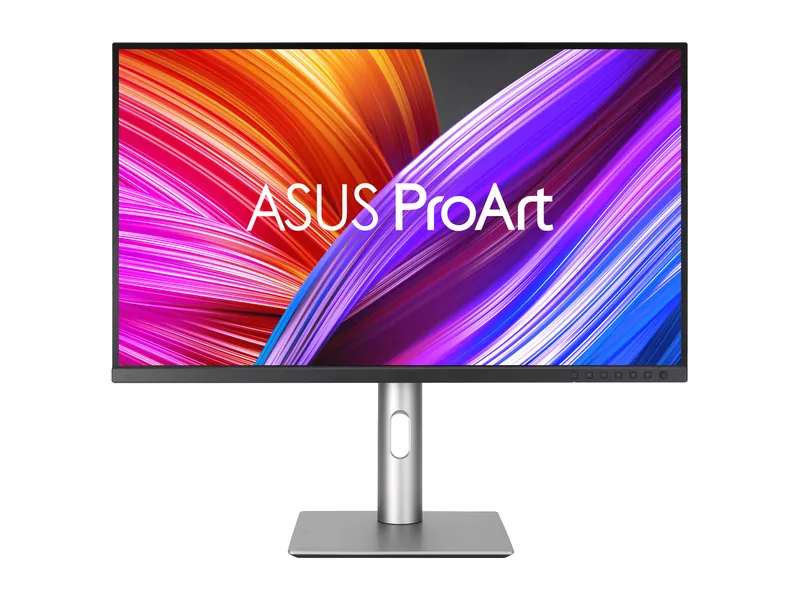
Factory-calibrated 4K color for real work. Gaming is the side gig at 60Hz.
Image credits: LG UltraGear 27GX700A-B — LG Electronics press release · ASUS ProArt Display PA279CRV — ASUS.