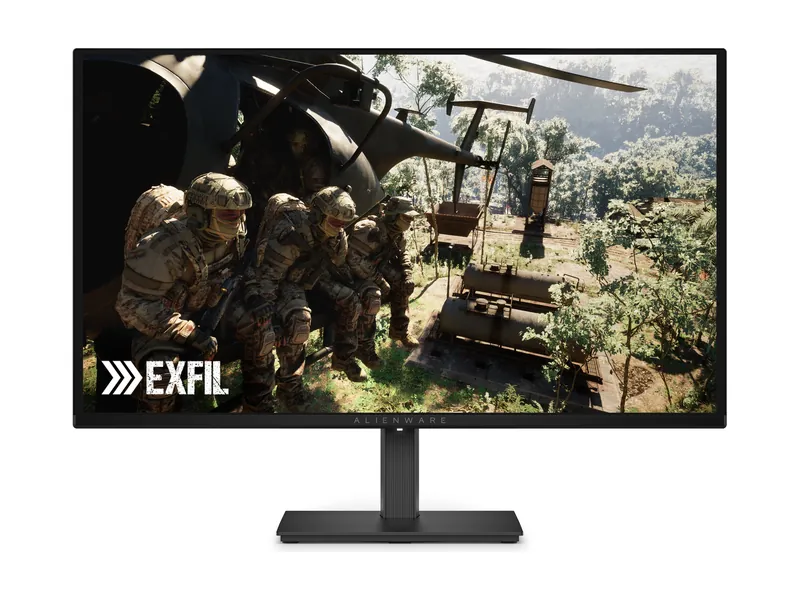
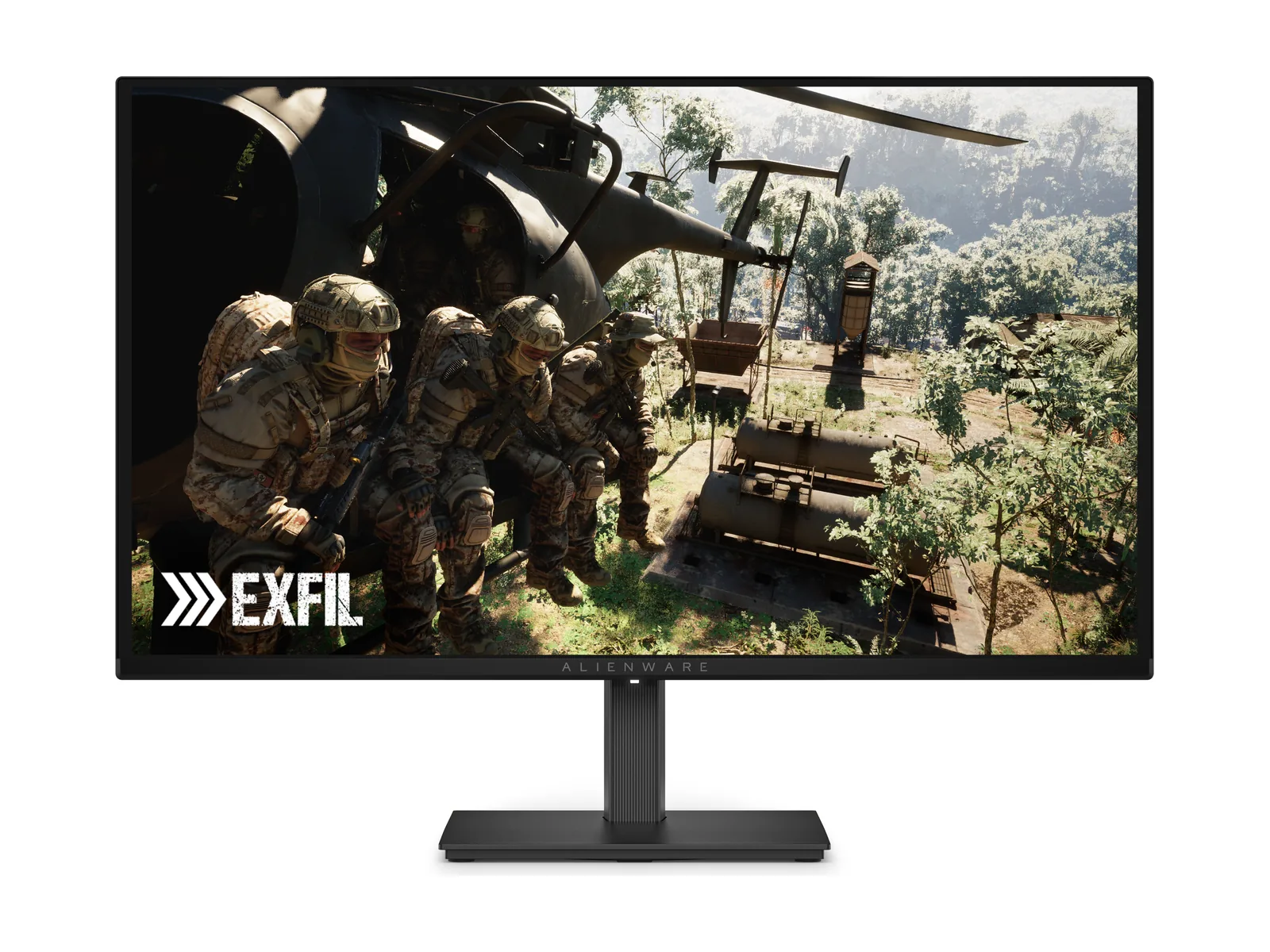
Alienware AW2726DM
Turn the lights down. These OLED blacks earn their place at 240Hz.
A shared desk needs more than a high refresh number. Check text at the scale you use, your workday’s static content and the input path from every computer. Keep your present display if it already meets those needs.
We may earn a commission when you buy through our links. As an Amazon Associate I earn from qualifying purchases. Affiliate disclosure
List the documents, spreadsheets, browser tabs and applications that occupy the screen for long periods. Then list the games and settings you actually use. A monitor that fits one list can miss the other. The decision should reflect both, not whichever specification is easiest to advertise.
Check text at your normal viewing distance and operating-system scaling. Use exact-model photographs or published text-clarity evaluations when available, then assess your purchased unit within its applicable return terms. Do not assume that every OLED renders small type the same way, or that a gaming rating establishes suitability for a full day of text.
Dell lists the AW2726DM with QHD resolution and a 240Hz headline rating. Its listed HDMI mode supports up to 2560 × 1440 at 120Hz; the connection matters. The listed connections do not provide a USB-C charging dock or USB hub.
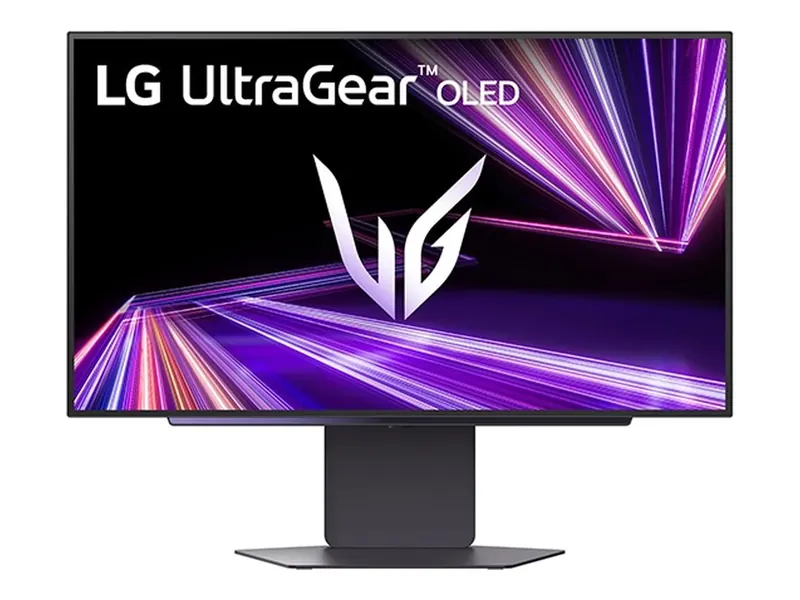
The LG 27GX700A-B is another existing QHD OLED candidate. Check the exact video input and hub functions in its documentation. A USB-A hub and a single-cable laptop charging arrangement are different things. Do not purchase a monitor on the assumption that the word “USB” covers your dock requirements.
| Desk check | Write down |
|---|---|
| Work computer | Video output, cable or dock, and resolution/refresh support. |
| Gaming computer | Game performance at your chosen settings and supported adaptive-sync path. |
| Accessories | Where keyboard, mouse, webcam and charging connect. |
| Switching systems | Whether manual input switching is enough or you need a separate switching device. |
| Static work | Time spent in fixed interfaces, care instructions and warranty terms. |
OLED image-retention concerns matter for static interfaces. Follow the exact model’s care instructions; do not assume a pixel-refresh feature eliminates the risk. Dell advertises a three-year burn-in warranty for the AW2726DM. Read the current U.S. terms and purchase-channel requirements rather than treating that promise as protection for every OLED.
If prolonged static work and OLED care are a poor fit, look at the different work-focused choices in our creator-and-gaming guide. Its 4K options are a separate resolution decision, not interchangeable 1440p products.
Refresh rate describes a different property. Choose color features for the work you deliver, and gaming features for the games and system you use. A faster headline number does not satisfy every requirement.
Consider text, scaling, workspace and game performance together. Our 4K OLED versus Mini-LED guide is the next step when you can name the benefit and support the change. Keep 1440p when it serves your desk better.
Use the main 1440p guide to shortlist models and the Black Friday/Cyber Monday watchlist to check the seller and terms. We have not verified a seasonal discount for these models.
Turn the lights down. These OLED blacks earn their place at 240Hz.
Leave the lights on. Bright, matte Tandem OLED makes the case.
Image credits: Alienware AW2726DM — Dell · LG UltraGear 27GX700A-B — LG Electronics press release.