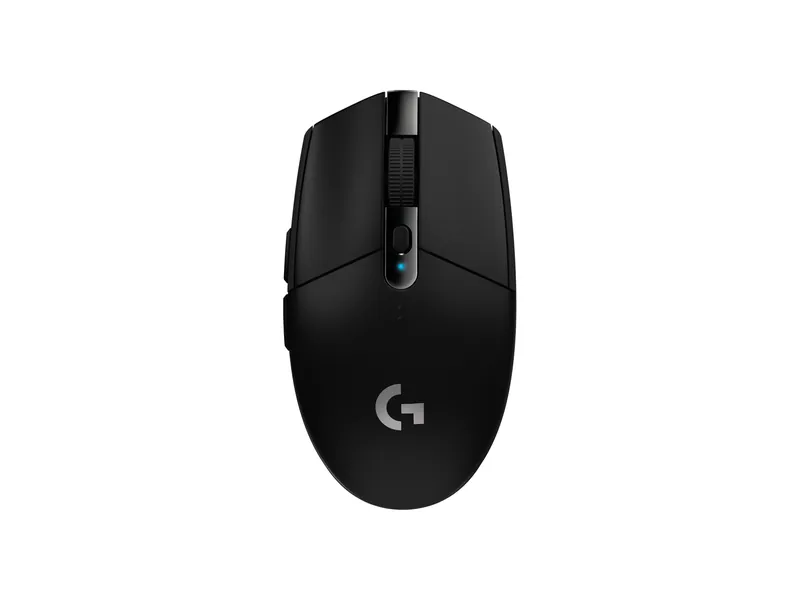
Logitech G305 LIGHTSPEED
Cheap, reliable wireless with a AA battery that lasts a long time.
Small desk, one screen, zero cable spaghetti.
We may earn a commission when you buy through our links. As an Amazon Associate I earn from qualifying purchases. Affiliate disclosure
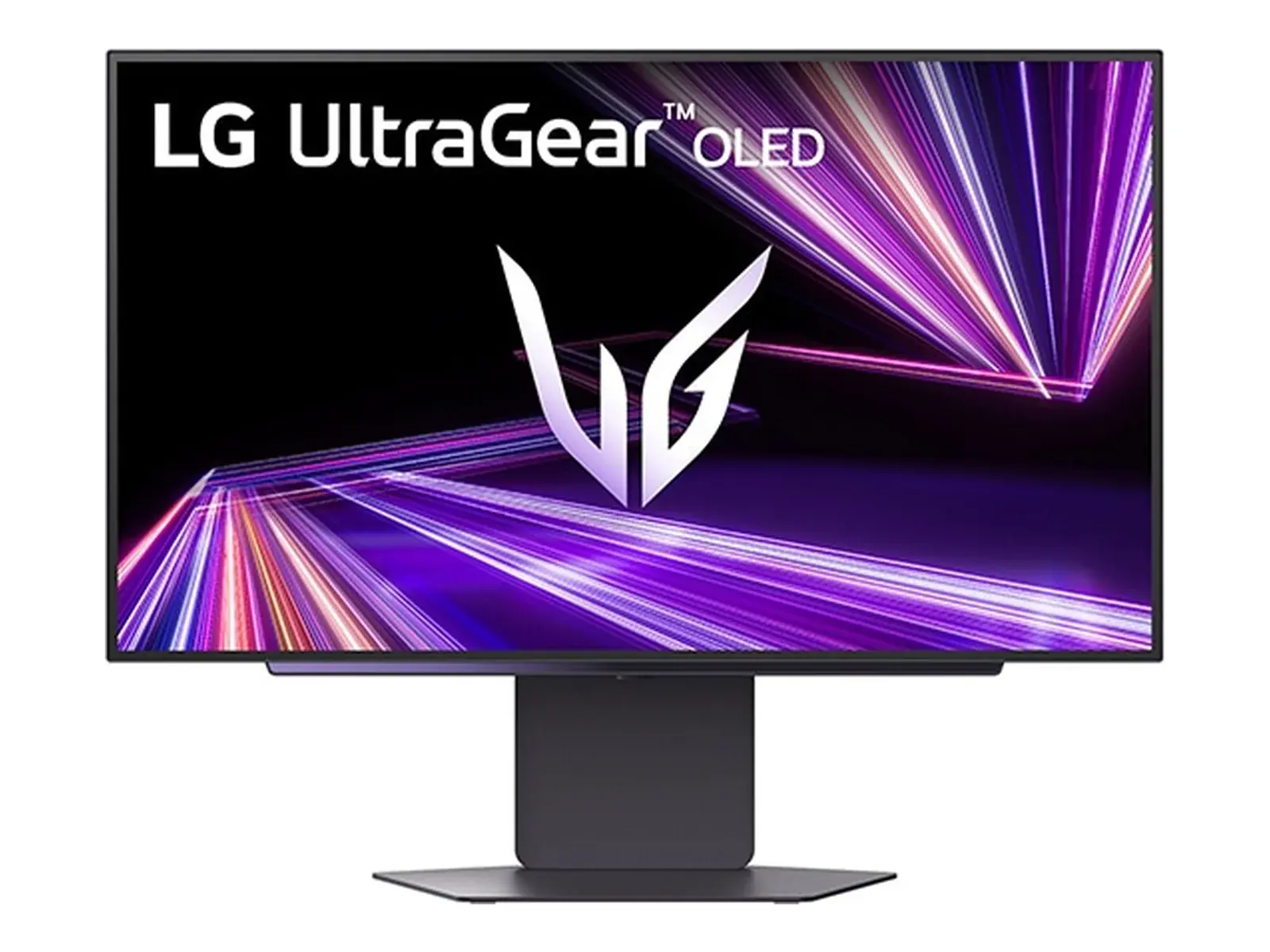
Measure your desk’s width and depth before you buy anything. All three monitors here are sold as 27-inch. Check each stand’s depth on the maker’s spec sheet. If your desk is shallow, a monitor arm frees up the space where the stand would sit.
Pick by what you do most:
A wireless mouse removes one cable for good. The G305 runs on one AA, rated by Logitech for 250 hours. Run everything else down one leg of the desk with velcro ties.
In an apartment, a dual-band Wi-Fi 7 router like the Archer BE230 is usually enough. It skips the 6 GHz band to keep the price down.
Cheap, reliable wireless with a AA battery that lasts a long time.
A bright 1440p Mini-LED screen and a wireless mouse that runs on one AA.
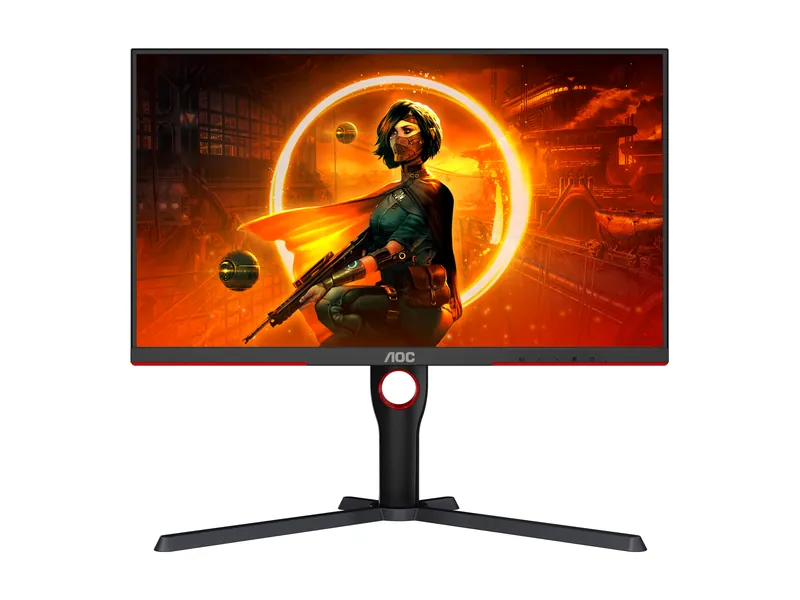
Bright HDR without the OLED bill. Dark-scene smearing is the catch.
Cheap, reliable wireless with a AA battery that lasts a long time.
USB-C to charge the laptop, factory-calibrated color. Gaming is the side gig at 60Hz.
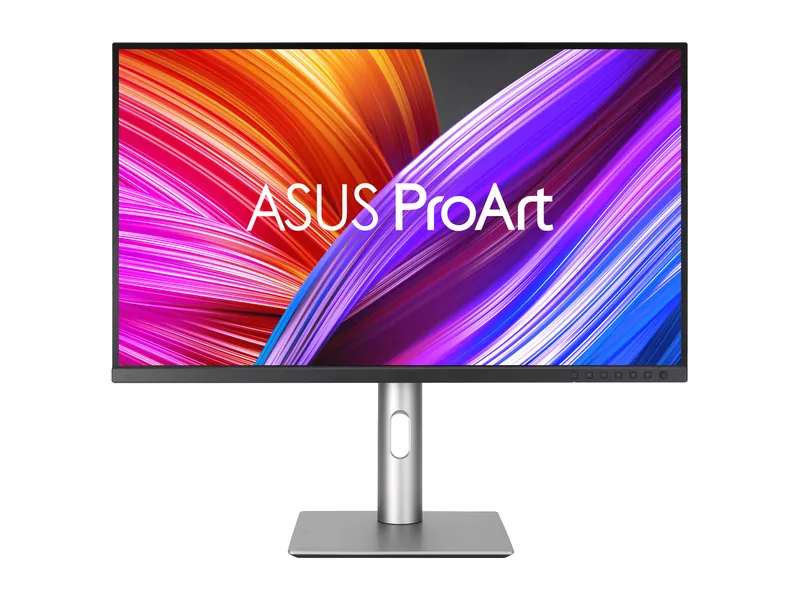
Factory-calibrated 4K color for real work. Gaming is the side gig at 60Hz.
A matte OLED that copes with daylight, and a featherweight mouse.
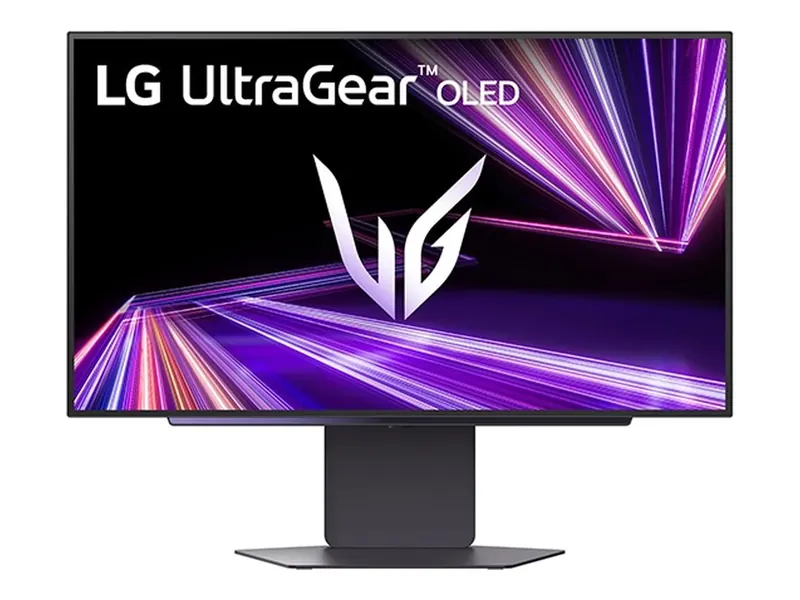
Leave the lights on. Bright, matte Tandem OLED makes the case.
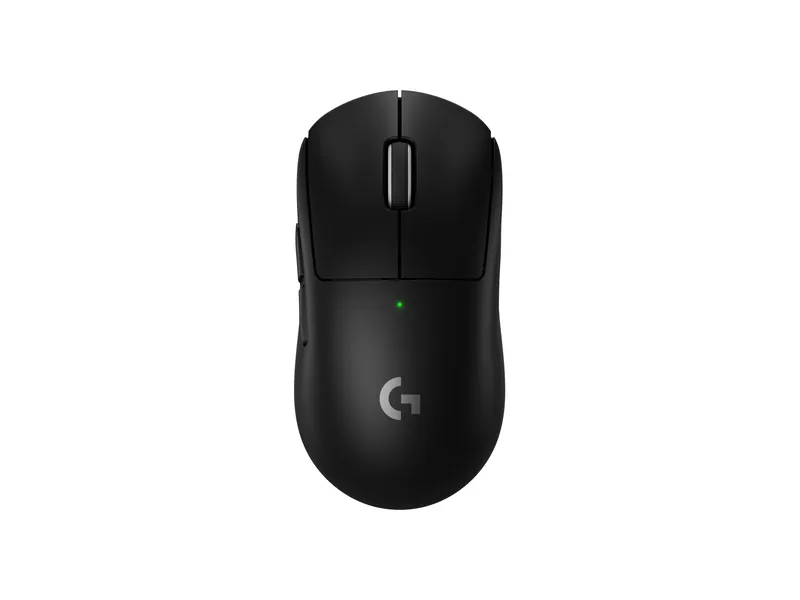
The safe symmetrical pick: light and fast.
Leave the lights on. Bright, matte Tandem OLED makes the case.
Bright HDR without the OLED bill. Dark-scene smearing is the catch.
Factory-calibrated 4K color for real work. Gaming is the side gig at 60Hz.
Cheap, reliable wireless with a AA battery that lasts a long time.
The safe symmetrical pick: light and fast.
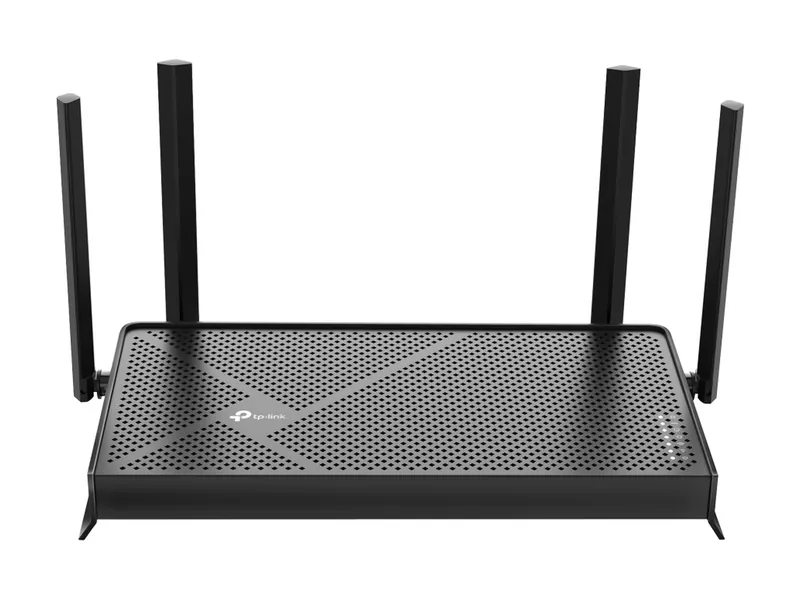
Entry-level Wi-Fi 7. No 6 GHz band, but two 2.5G ports.
Image credits: LG UltraGear 27GX700A-B — LG Electronics press release · AOC Q27G3XMN — AOC · ASUS ProArt Display PA279CRV — ASUS · Logitech G305 LIGHTSPEED — Logitech · Logitech G PRO X SUPERLIGHT 2 — Logitech · TP-Link Archer BE230 BE3600 Dual-Band Wi-Fi 7 Router — TP-Link.