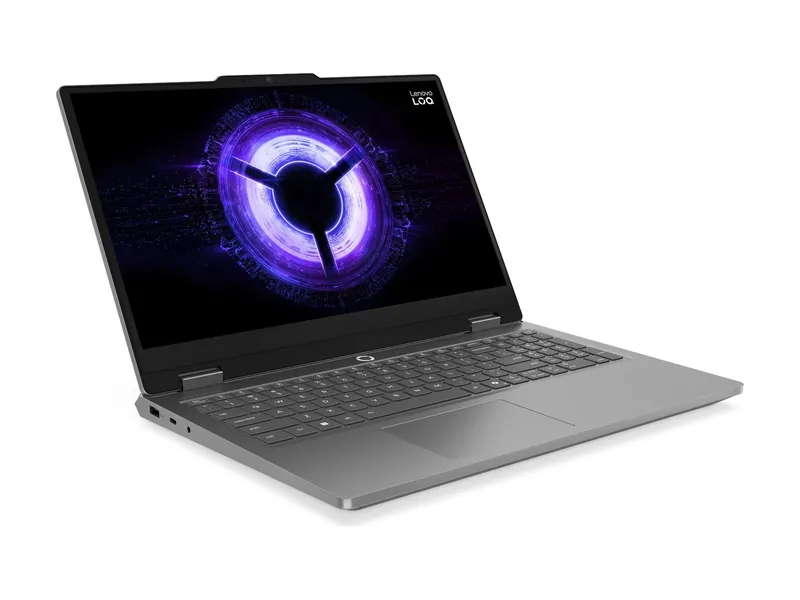
Lenovo LOQ Essential 15IRX11 (83SC007RUS)
A 65W GPU and one RAM stick, with a free slot. Know what you're getting.
Start with the games they play. Budget for the whole setup. Turn on parental controls before they unbox it.
We may earn a commission when you buy through our links. As an Amazon Associate I earn from qualifying purchases. Affiliate disclosure
Ask what their friends play. If it’s on console, buy that console. If they want PC games, mods, or a computer for homework too, get a PC.
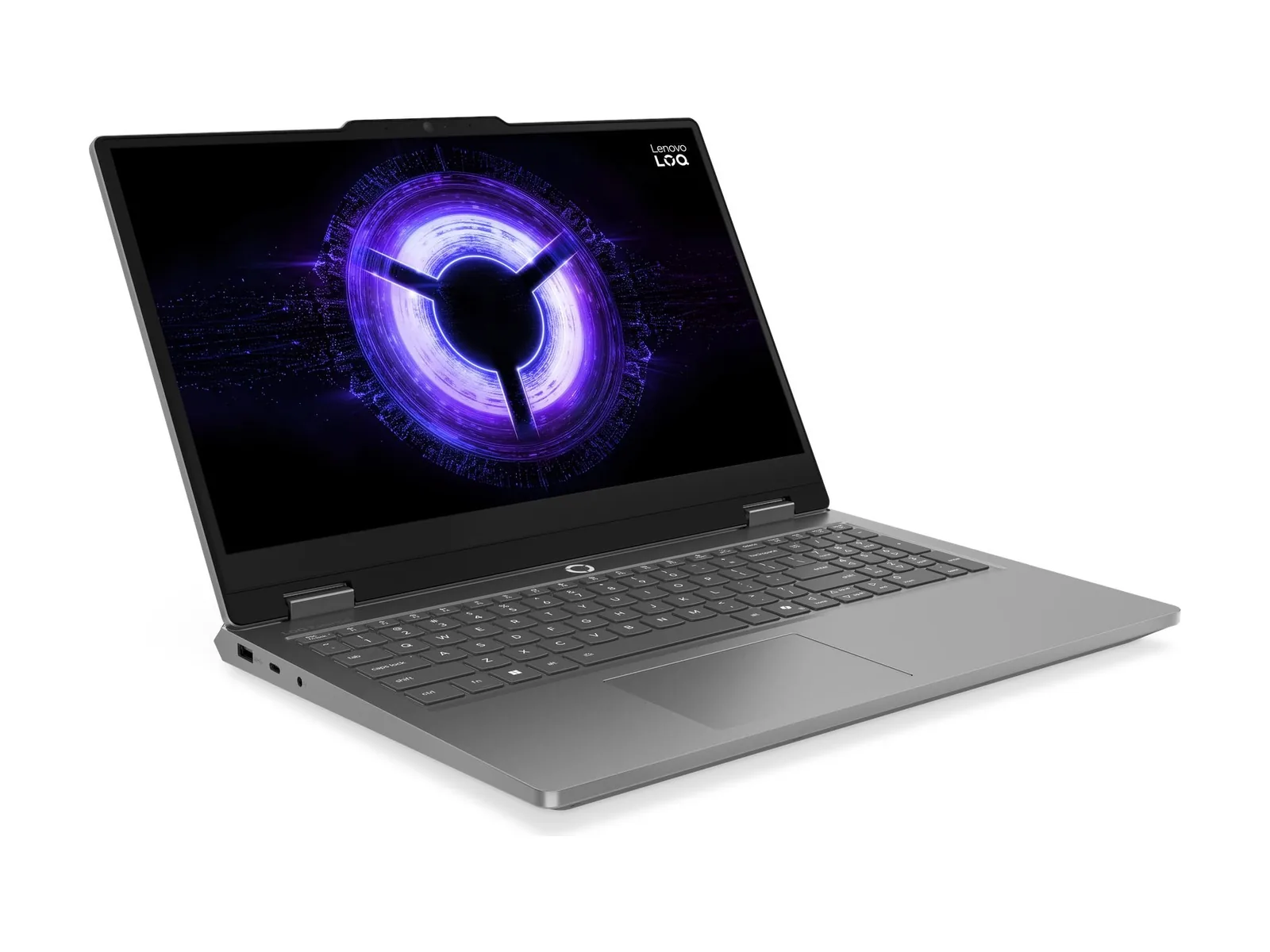
A gaming laptop does homework and moves between rooms. A desktop upgrades more easily. For a first setup, a laptop like the Lenovo LOQ Essential 15 keeps it simple. Plan to add a second 16GB RAM stick: its spare slot is free, per Lenovo.
The laptop is only part of it. Count a mouse, headphones and maybe a monitor. A 1440p screen like the AOC Q27G3XMN makes a laptop feel like a desktop at home.
Set up a child account with parental controls on Windows through Microsoft Family Safety. Consoles and Steam have their own controls too. Agree on time limits before the first game installs, not after.
A 65W GPU and one RAM stick, with a free slot. Know what you're getting.
An RTX 5060 laptop works at a desk and goes to school. Read the specs, not the box.
A 65W GPU and one RAM stick, with a free slot. Know what you're getting.
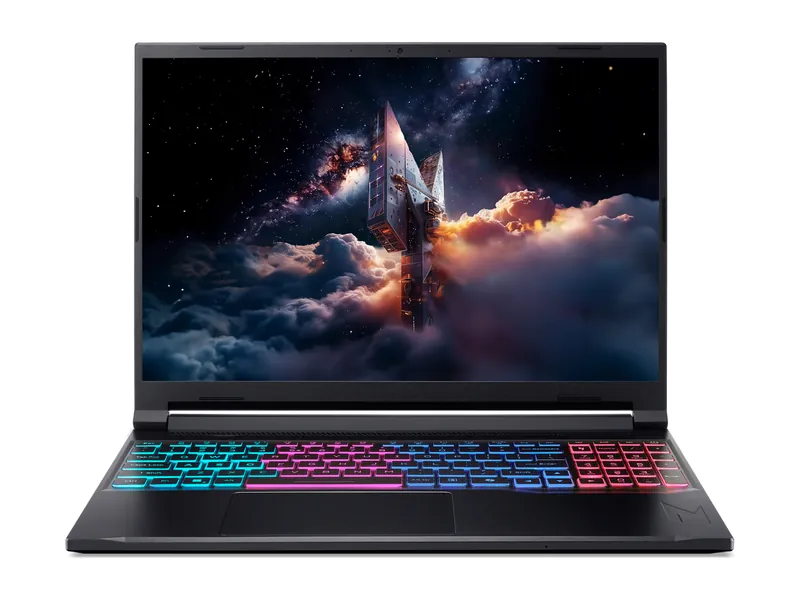
85W RTX 5060, 32GB and a big 76Wh battery. Tom's favorite budget gamer.
A bigger screen for home and a cheap, reliable wireless mouse.
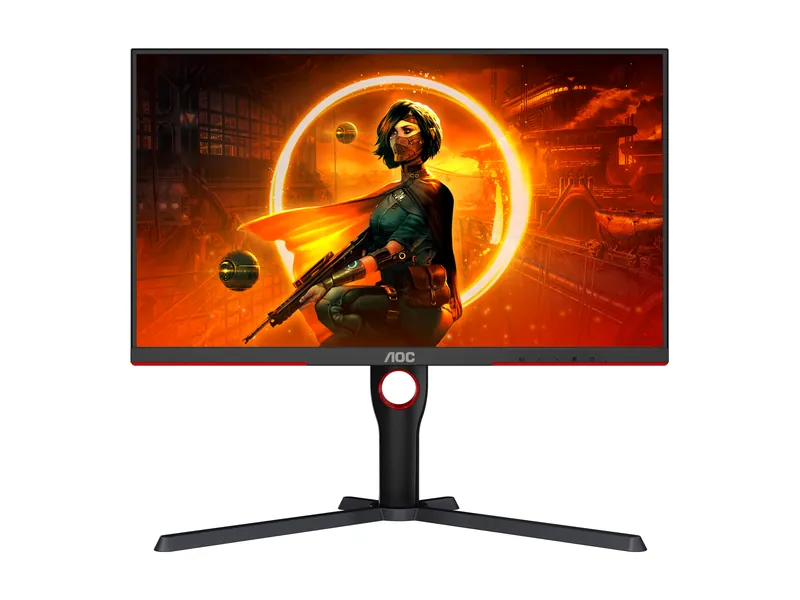
Bright HDR without the OLED bill. Dark-scene smearing is the catch.
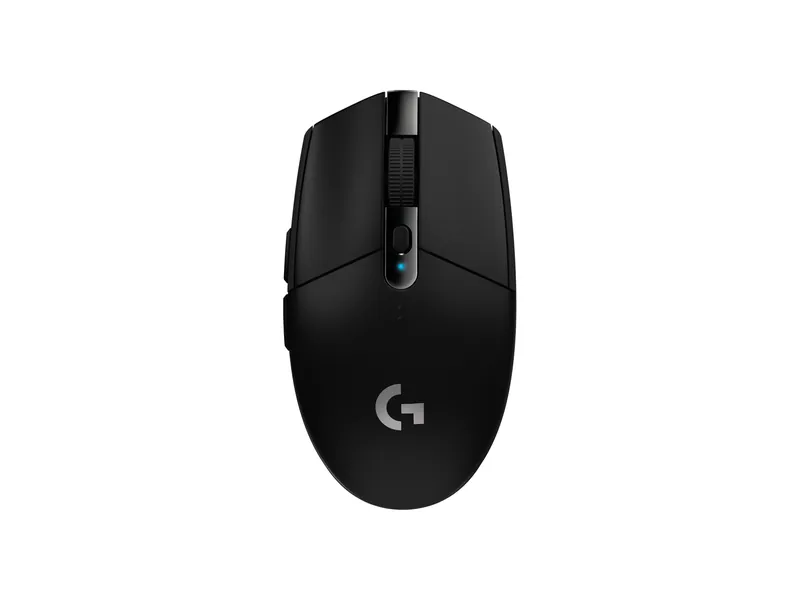
Cheap, reliable wireless with a AA battery that lasts a long time.
Good headphones mean you don't hear every match.
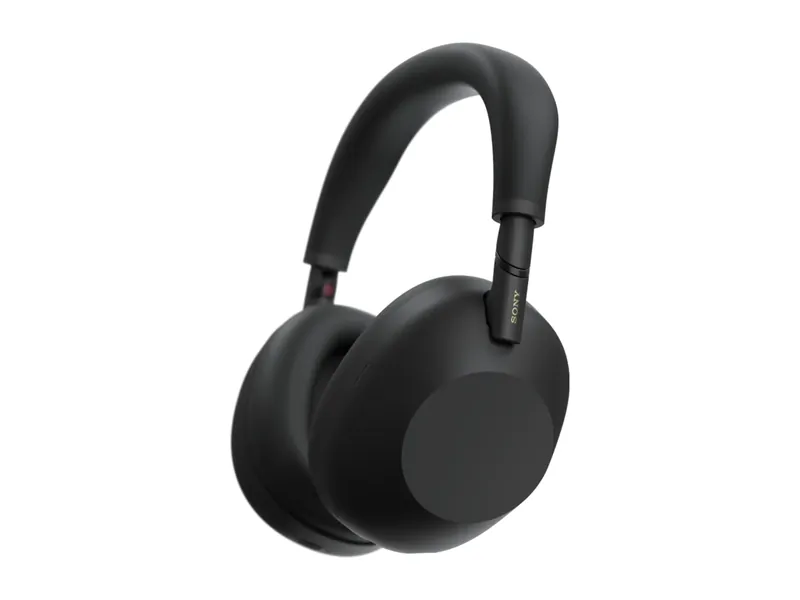
The quieter, more tweakable flagship. Folds flat, LDAC for Android.
A 65W GPU and one RAM stick, with a free slot. Know what you're getting.
85W RTX 5060, 32GB and a big 76Wh battery. Tom's favorite budget gamer.
Bright HDR without the OLED bill. Dark-scene smearing is the catch.
Cheap, reliable wireless with a AA battery that lasts a long time.
The quieter, more tweakable flagship. Folds flat, LDAC for Android.
Image credits: Lenovo LOQ Essential 15IRX11 (83SC007RUS) — Lenovo · Acer Nitro V 16S AI (ANV16S-41-R2AJ) — Acer · AOC Q27G3XMN — AOC · Logitech G305 LIGHTSPEED — Logitech · Sony WH-1000XM6 Wireless Noise Canceling Headphones — Sony.