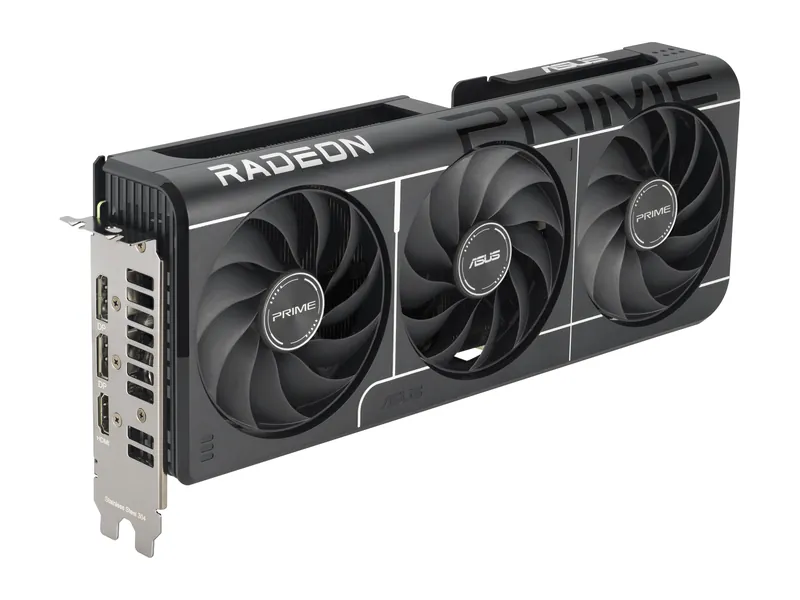
ASUS Prime Radeon RX 9060 XT OC Edition 16GB
Our lowest-MSRP route to 16GB. Built for 1080p, fine at 1440p with sensible settings.
Keep the platform. Upgrade what you feel.
We may earn a commission when you buy through our links. As an Amazon Associate I earn from qualifying purchases. Affiliate disclosure
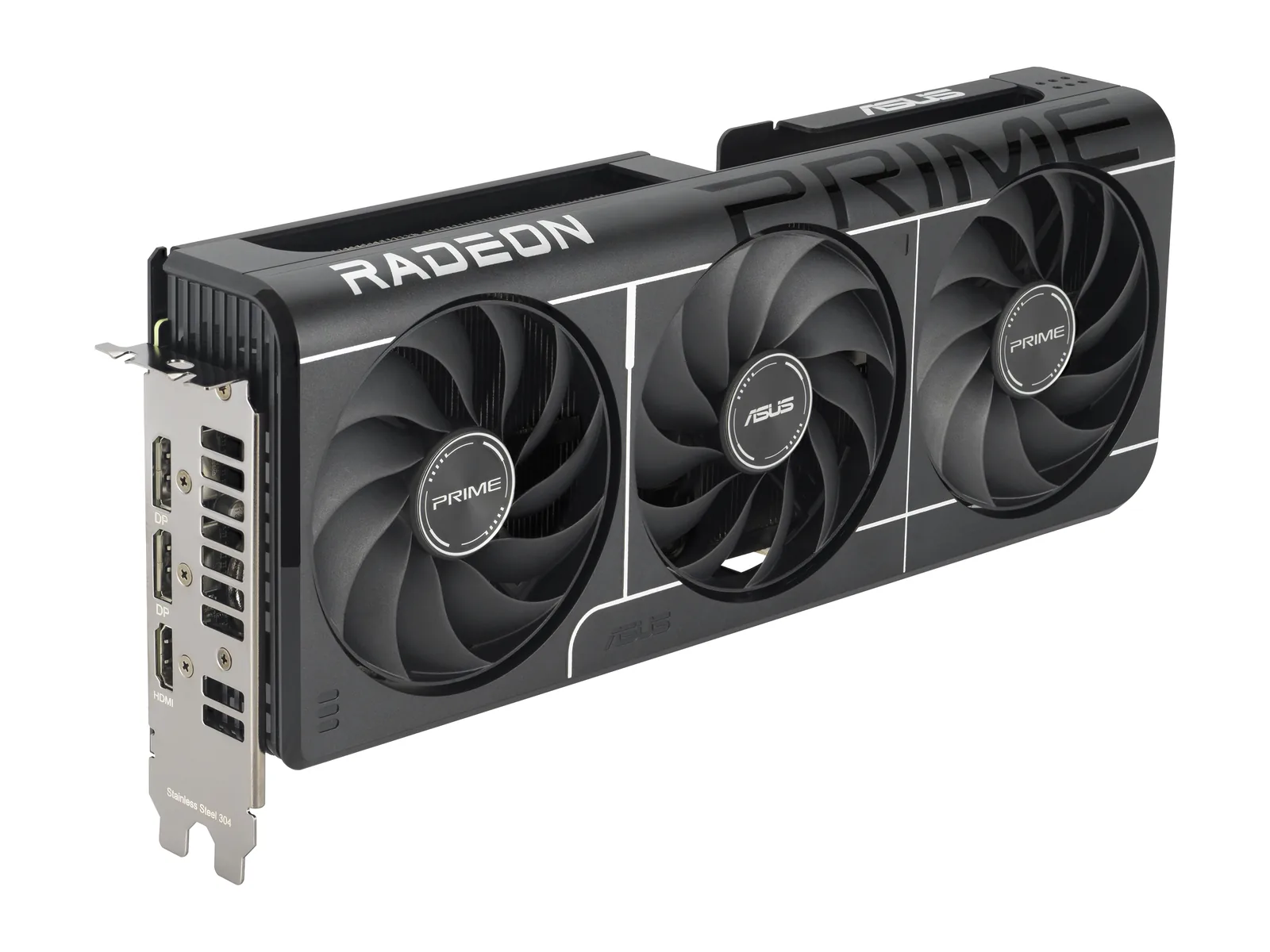
RAM is the worst buy in PC hardware right now. Tom’s Hardware tracked DDR5 kits up as much as 500% in 12 months, and GPUs still sell above MSRP. If your current CPU and DDR4 memory still run your games, keep them. Upgrade the parts you feel.
If your card still hits your target frame rate, wait. Tom’s Hardware tracks street prices against MSRP. When the markup shrinks, that’s your moment. See which graphics card to buy.
Our lowest-MSRP route to 16GB. Built for 1080p, fine at 1440p with sensible settings.
A Gen4 NVMe SSD. Faster loads and room for your library, if your board has an M.2 2280 slot that takes NVMe.
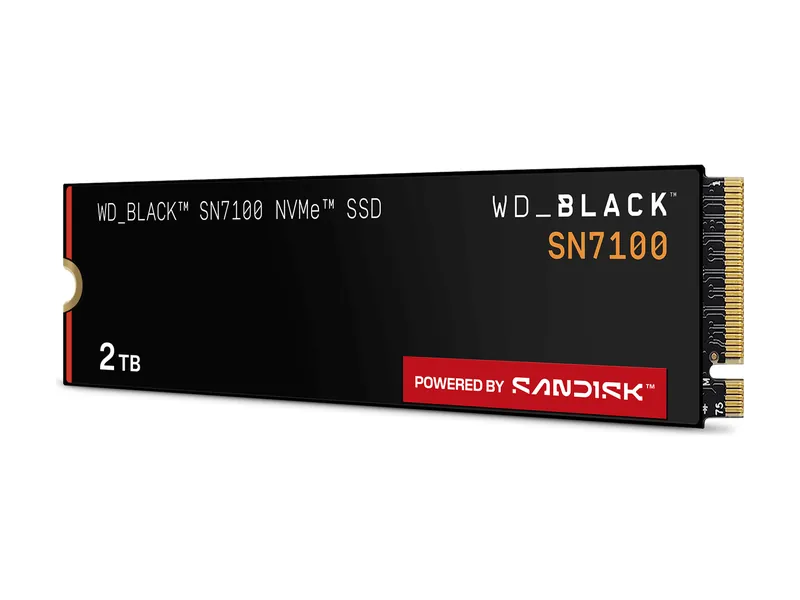
Near-flagship Gen4 speeds without a DRAM cache.
A 16GB graphics card built for 1080p that stays sensible at 1440p.
Our lowest-MSRP route to 16GB. Built for 1080p, fine at 1440p with sensible settings.
Near-flagship 1440p raster speed, if your power supply can feed it.
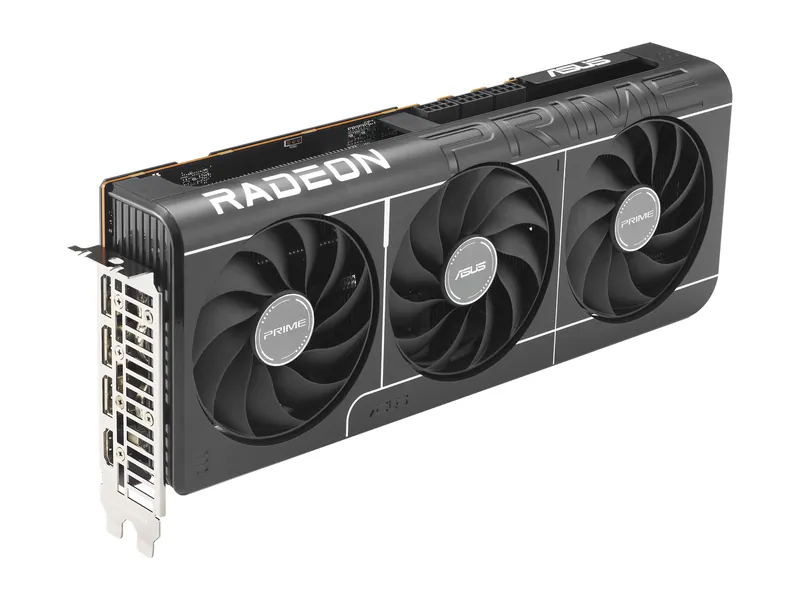
16GB, near-RTX 5070 Ti raster speed, and a smaller premium over MSRP.
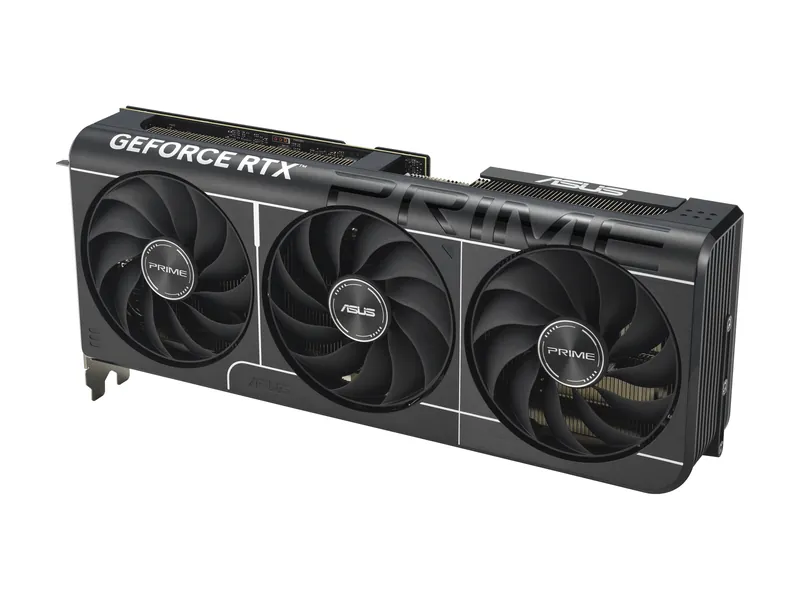
DLSS at 1440p for less. 12GB is the compromise you sign up for.
Near-flagship Gen4 speeds without a DRAM cache.
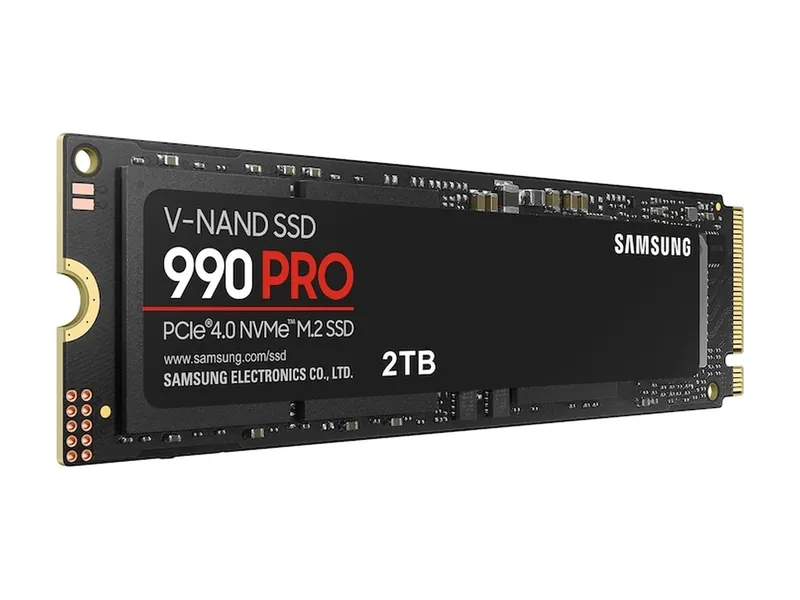
A top-tier Gen4 drive. Plenty fast for games, and it works in any PCIe 4.0 slot.
Our lowest-MSRP route to 16GB. Built for 1080p, fine at 1440p with sensible settings.
DLSS at 1440p for less. 12GB is the compromise you sign up for.
16GB, near-RTX 5070 Ti raster speed, and a smaller premium over MSRP.
Image credits: WD_BLACK SN7100 2TB (WDS200T4X0E) — SanDisk · Samsung 990 PRO 2TB (MZ-V9P2T0B/AM) — Samsung · ASUS Prime Radeon RX 9060 XT OC Edition 16GB — ASUS · ASUS Prime GeForce RTX 5070 OC Edition 12GB — ASUS · ASUS Prime Radeon RX 9070 XT OC Edition 16GB — ASUS.