
What did Anduril and Qualcomm announce?
Anduril’s October 27 announcement introduces BlueChip as a computer line designed and assembled in the United States. The company has functional laptop prototypes and plans to begin taking orders in 2027.
TechCrunch describes the initial product as a hardened laptop, with limited technical detail disclosed.
Anduril says circuit-board assembly is planned for its Arsenal-1 facility in Ohio. Its domestic and allied sourcing plan does not mean every component will be U.S.-made.
Should you wait for BlueChip?
Wait for a documented configuration and procurement terms if your organization needs a hardened computer. Ask for environmental test results, software support and service arrangements that match the job. Do not assume that a gaming laptop, portable monitor or USB-C dock meets those requirements.
Skip a replacement if your current computer still runs the applications you need. Our PC shipments buying check starts with that decision.
Buy a consumer setup only if it solves an earlier need, such as replacing a broken work laptop or adding a screen at a desk. Check current stock, delivery estimates, return terms and compatibility on the seller’s page. The products below are separate consumer options, not certified BlueChip substitutes or a tested bundle.
Which current retail options should you check?
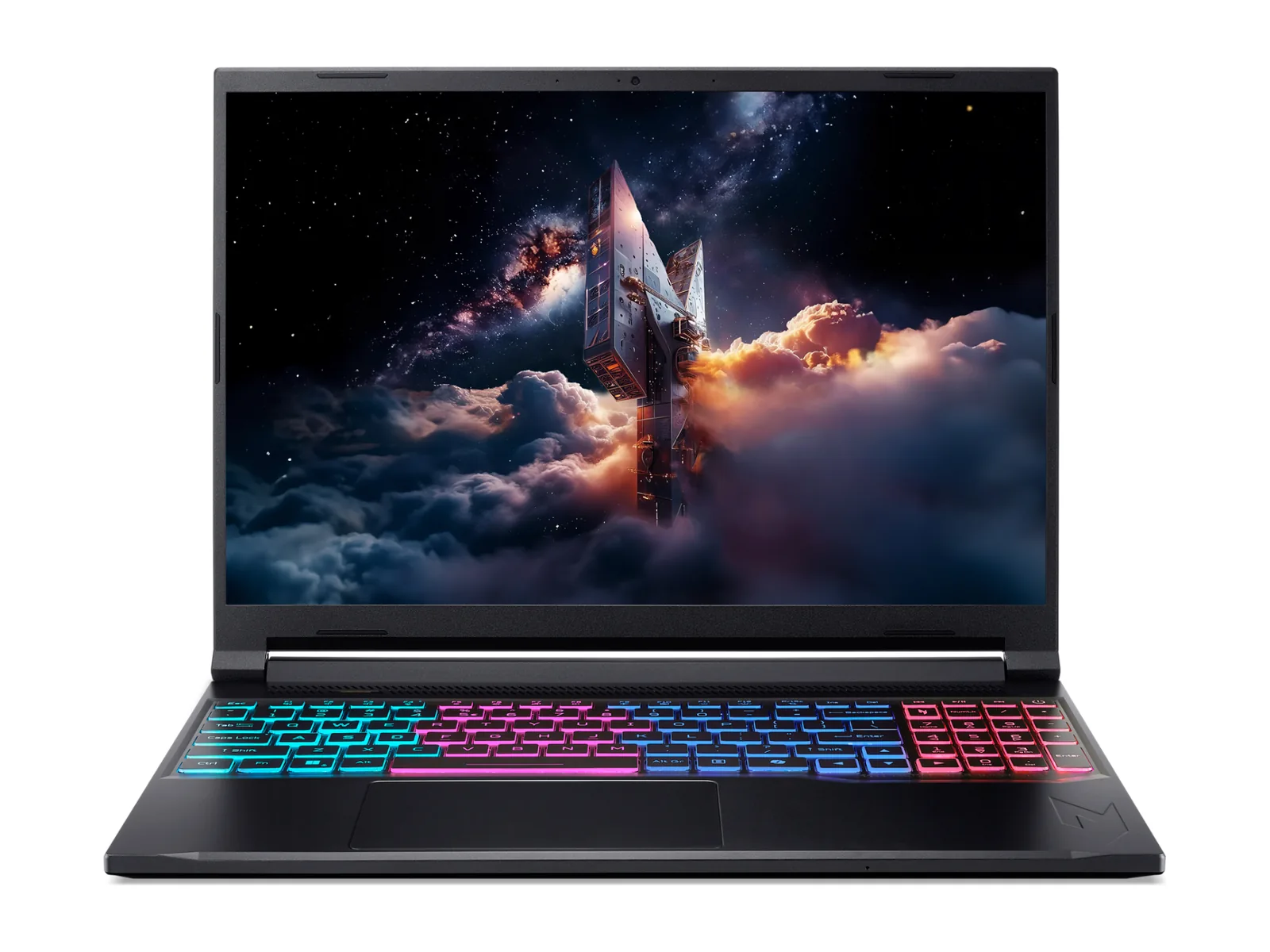
Acer Nitro V 16S AI ANV16S-41-R2AJ
The Acer shown above is the consumer laptop option in this comparison. Choose by the applications you run and the exact configuration offered; do not infer rugged protection from its appearance. Compare it with the other models in our budget RTX 5060 laptop guide.
ASUS ZenScreen MB16AHG
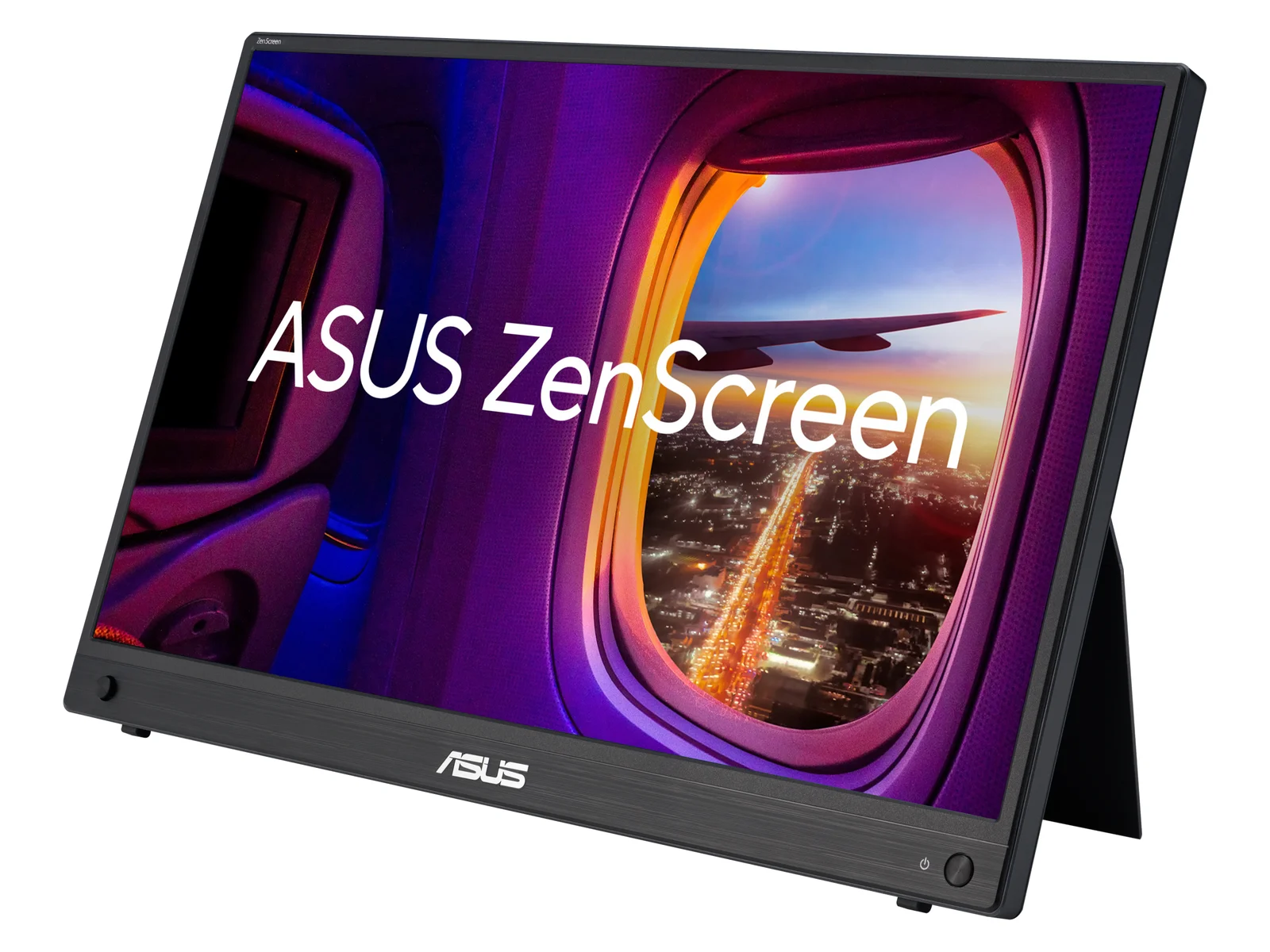
Consider an extra display when screen space is the problem. Check your laptop’s video output, the monitor’s supported inputs and the power connection before ordering. This is a consumer display option, not evidence of weather or impact protection. Compare alternatives in the portable monitor guide.
Anker 575 A8392 USB-C dock
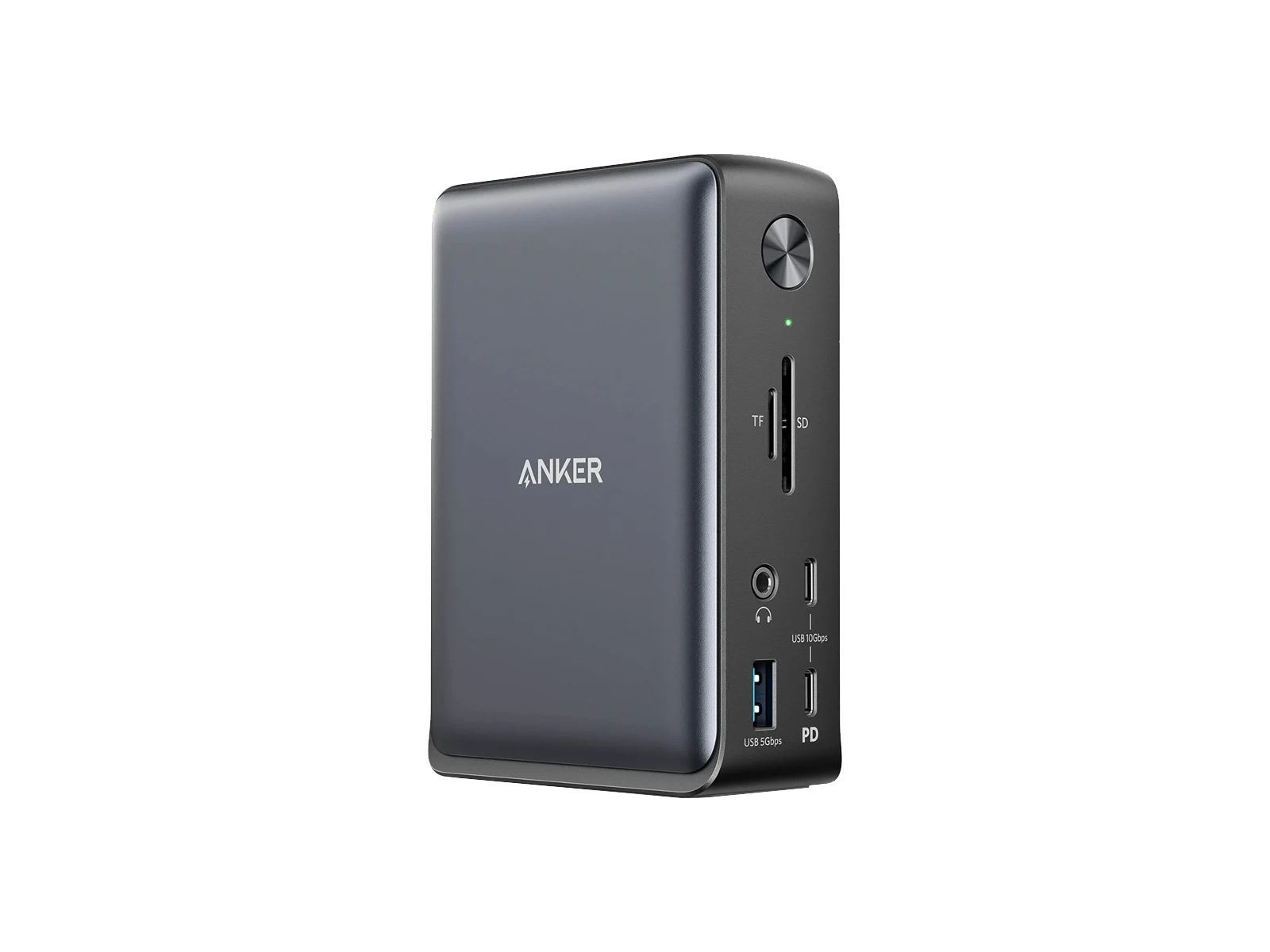
Consider a dock if you need to consolidate desk connections. A USB-C connector alone does not establish video or charging compatibility. Confirm the host’s video output and charging requirements against the dock’s supported modes. Compare the USB-C docking stations before buying; compatibility with a future BlueChip configuration has not been established here.
What should you compare before buying a setup?
Start with the laptop guide, then add a portable monitor or dock only when it fixes a specific connection or workspace problem.
If a desktop is a better fit, use the GPU hierarchy to compare graphics options and the GPU and PSU wattage calculator for a desktop power-supply estimate. That calculator does not size a laptop charger or validate a rugged computer.