
Should I buy a PC now or wait?
Buy now if a broken computer is keeping you from working. Wait if your current PC still handles what you do. Consider an SSD upgrade if storage is the problem and the rest of the machine meets your needs.
Engadget reports that global PC shipments fell 21% year over year in the third quarter of 2026, citing Counterpoint Research.
Our advice: make the decision around the work your PC needs to do. A shipment forecast cannot tell you what a particular computer will cost later.
What we know
According to Engadget’s October 22 report, Counterpoint puts the quarterly decline at 13.8% compared with the previous quarter.
Engadget reports these year-over-year shipment declines by brand, citing Counterpoint:
- Lenovo: 23%.
- HP: 31%.
- Dell: 25%.
- Apple: 11%.
- ASUS: 7%.
Engadget also says IDC reported a similar drop of about 20%. That is a separate estimate, rather than an additional decline to add to Counterpoint’s figure.
The PC shipments decline in 2026 comes alongside higher memory and component costs and tariffs, according to Engadget’s account of Counterpoint’s findings.
What we don’t know
Engadget reports that Counterpoint forecasts a decline of about 27% in the fourth quarter and expects 2027 to look similar. Those are forecasts.
The report does not establish a future retail price for the computer you want. Lower shipments alone give you no firm date for a better offer.
For the related component story, read what rising memory forecasts mean for buying RAM.
What to do before you buy
- Name the problem: a broken PC, missed work, limited storage, or an optional upgrade.
- Check whether your current PC can still run the applications you need.
- Compare the exact configuration with your workload and budget.
- For an SSD upgrade, check compatibility, physical clearance and installation instructions first. Back up your files.
- Read the seller’s return and warranty terms before ordering.
Use our RAM capacity guide to assess your needs before choosing a replacement computer.
An SSD is worth considering when storage is the issue. Skip that purchase if it would leave the problem you identified unresolved.
What to buy on Amazon
We may earn a commission when you buy through these links.
Choose a part only after checking your computer’s requirements. For a replacement laptop, check the exact configuration against your applications.
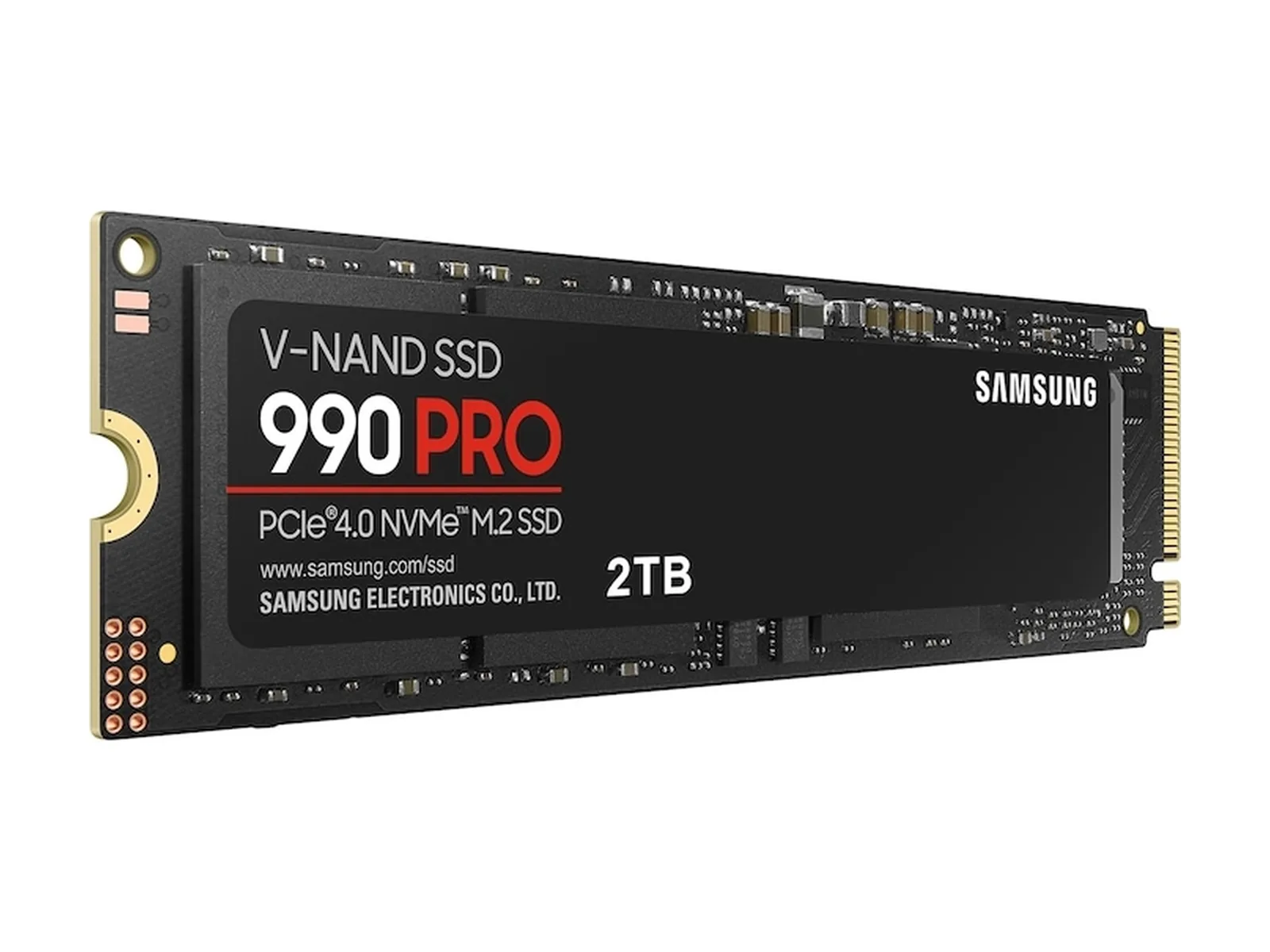
Samsung 990 PRO 2TB
A storage option to compare if you are keeping your PC. Confirm compatibility before ordering.
WD_BLACK SN7100 2TB
An alternative for the same storage decision. Compare fit and the current offer with the Samsung before choosing.
Acer Nitro V 16S AI
A laptop to consider if you need a replacement. Check its exact configuration; this shipment report does not establish that it suits your work.
Sources
Our verdict: Buy / Wait / Skip
- Buy: Replace a broken PC if you need it for work and the configuration fits your needs and budget.
- Wait: Keep a working PC that handles your workload, because this report gives you no reason to replace it today.
- Skip: Pass on a whole new computer if a compatible SSD would address your storage need and the rest of your PC is adequate.