
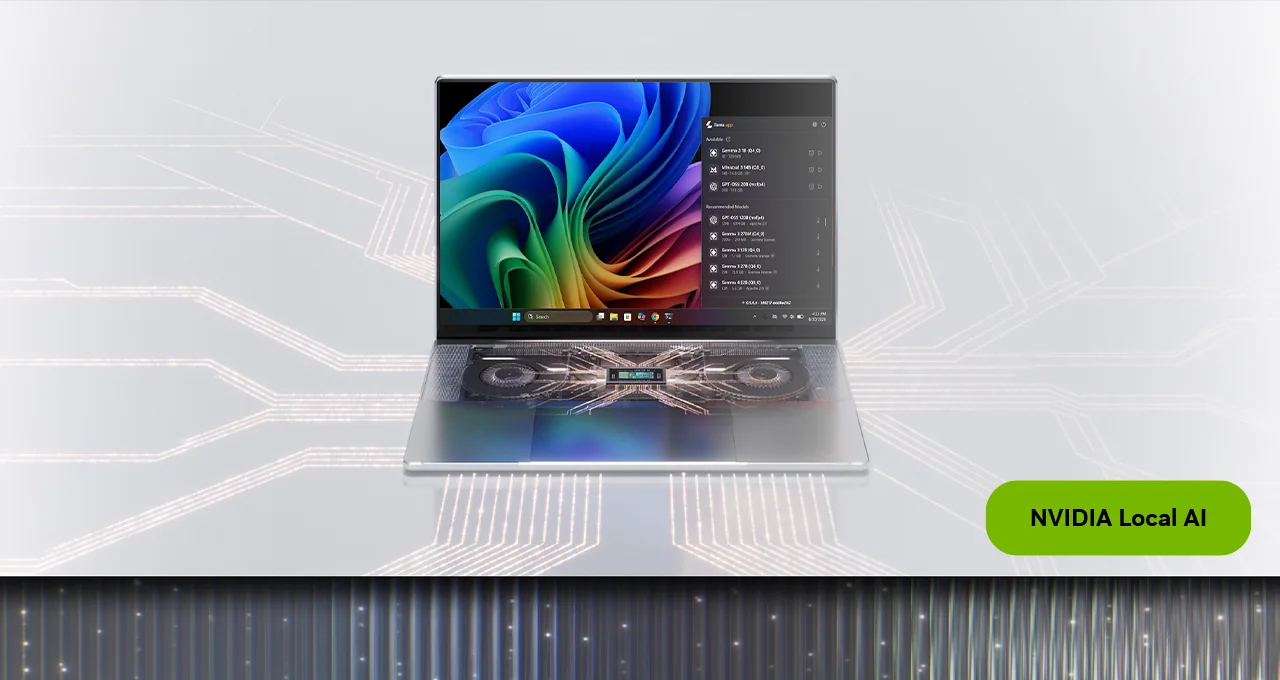
Update, Oct 18: NVIDIA says RTX Spark laptops are now on sale; see the launch lineup.
Who is affected
This update is relevant to buyers evaluating local AI development or creative workflows on a new laptop platform. Gaming-only buyers should check their own games and required applications rather than assuming an AI software announcement changes their hardware needs.
Check your setup
Start with a list of programs you use every week, including plug-ins, game launchers, peripherals and development packages. Separate a supported application from the particular feature or workflow you need. A tool opening successfully does not establish that your complete project or peripheral setup works as intended.
For each requirement, record whether support is in a stable release, a beta or a future announcement. Keep unresolved items on the buying checklist. A laptop chosen for gaming, a machine chosen for local model development and a portable creative workstation may share components while serving different jobs.
Wait, buy or keep your current setup
If your current computer meets your needs, this announcement alone is not a reason to replace it. Wait for exact-model specifications, application support and independent published evaluations relevant to your workload.
If you need a conventional gaming laptop now, our RTX 5060 laptop guide is a separate comparison of existing models, including Acer Nitro V 16S AI configurations. Check the precise SKU and current store terms. For memory planning, start with the workload, rather than treating an AI announcement as a universal RAM requirement.