
What NVIDIA announced
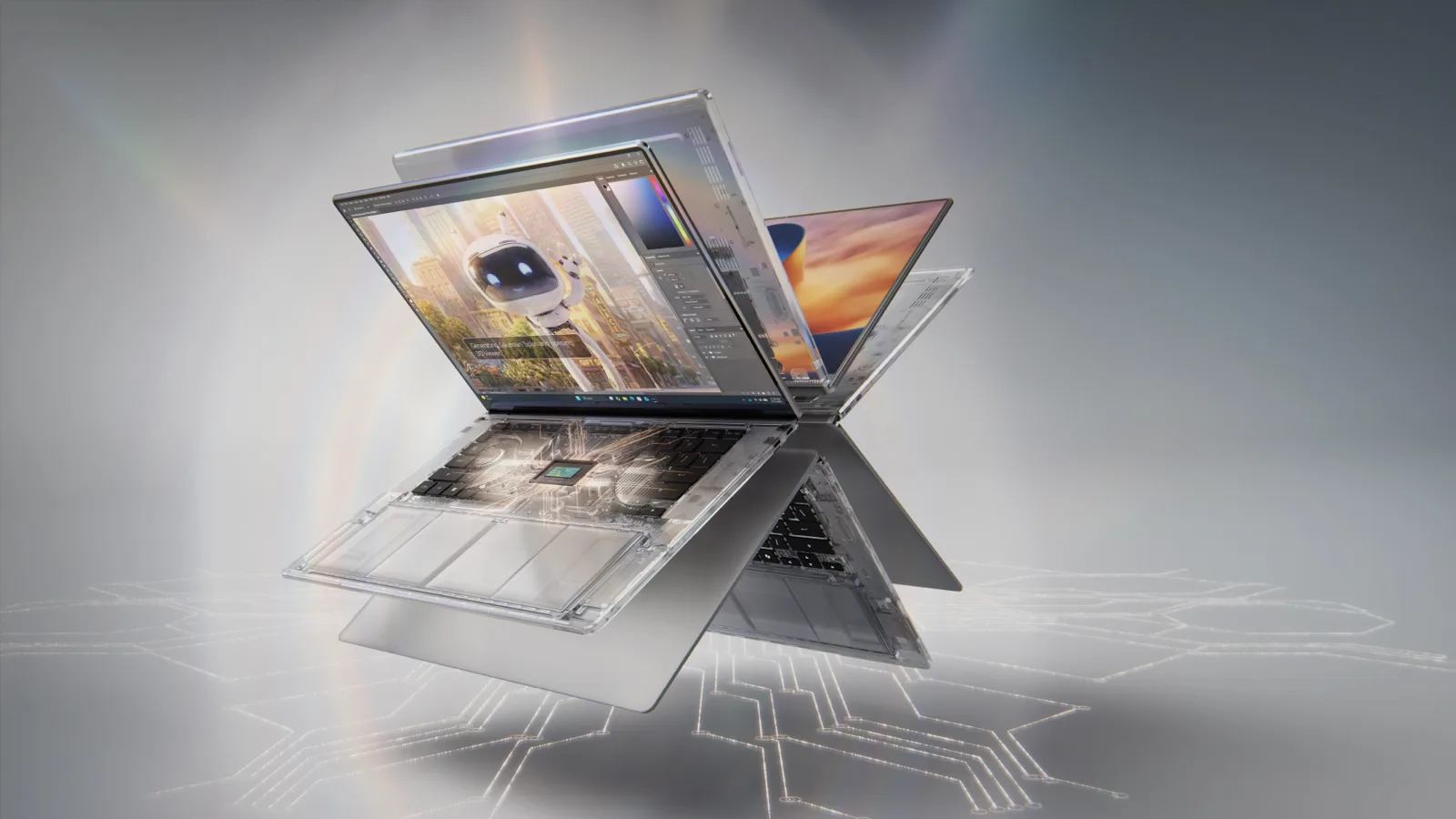
As of Oct 18, 2026, NVIDIA says RTX Spark laptops are on sale globally, with nine launch models from ASUS, Dell, HP, Lenovo, Microsoft and MSI. Its October 16 press release gives buyers a concrete lineup to investigate, but choosing a configuration still requires checking memory, software and the work you need it to do. If your main goal is gaming, a conventional RTX 50-series laptop remains a simpler starting point to verify.
NVIDIA says the systems are sold through the manufacturers’ websites and major retailers, with additional systems to follow. Configurations vary by region. A global launch statement does not establish that the specific US configuration you want is in stock.
The October 17 NVIDIA blog also describes RTX Spark laptops as available. Both sources are manufacturer announcements; our reporting is research-based, not lab-tested.
The launch lineup
These are the nine model names in NVIDIA’s official launch list, grouped by brand. The table does not assign memory, display, GPU, battery or weight specifications to individual models.
| Brand | Models in NVIDIA’s launch list |
|---|---|
| ASUS | ProArt P14; ProArt P16 |
| Dell | XPS 16 |
| HP | OmniBook Ultra; OmniBook X 14 |
| Lenovo | Yoga Pro 9n |
| Microsoft | Surface Laptop Ultra |
| MSI | Prestige N16 Flip AI+; Prestige N16 |
Use the exact model and configuration offered in your region when checking a listing. Sharing the RTX Spark platform name does not establish that every configuration has the platform’s maximum memory capacity or identical features.
What RTX Spark actually is
NVIDIA’s launch announcement describes a superchip combining an NVIDIA Blackwell RTX GPU and NVIDIA Grace CPU, with up to 128GB of unified memory. NVIDIA says the platform offers up to one petaflop of FP4 AI performance. That is a manufacturer performance claim, not a measurement we have reproduced or a gaming benchmark for each laptop.
“Up to 128GB” is a platform ceiling, not a promise that all nine models or every configuration includes that amount. Check the memory specification of the machine you would actually order and compare it with your workload.
NVIDIA’s launch materials describe Windows on Arm builds of developer tools for the platform, including PyTorch-CUDA, Python and Conda. That makes software, plug-in and peripheral-driver checks part of the buying decision. It does not establish that a particular application or game is incompatible.
For the earlier software context, read our RTX Spark software-readiness report. The launch list adds an availability announcement; it does not replace application-by-application checking.
What to check before you buy
- Memory in the exact configuration: distinguish the advertised platform ceiling from the capacity on the SKU you select. Use our memory-planning guide as a starting point for identifying a workload’s needs, rather than assuming everyone needs the maximum.
- Applications and plug-ins: check the versions and features your real projects require on Windows on Arm. Confirm support for the complete workflow, not just an application name on a launch slide.
- Peripherals and drivers: verify the support information for the devices you rely on before replacing a working setup.
- Games and anti-cheat: check current support for your particular games, launchers and anti-cheat systems on the exact platform. We are not asserting that any specific title fails to work.
- Stable versus beta features: NVIDIA says native RTX Spark support for Photoshop and Premiere is available through launch beta releases; it describes Substance support as coming soon. Check whether the feature you need is in the release channel you plan to use.
- Return terms and independent reviews: read the retailer’s return window and conditions, and look for independent evaluations of the exact configuration doing work similar to yours. Manufacturer performance and battery claims do not substitute for that evidence.
Gaming-only buyers
If you mainly need a machine for games, begin with your game library, desired settings and practical requirements. An AI-platform launch alone is not a reason to replace a working gaming laptop or to assume a better result in your games.
Our RTX 5060 gaming-laptop guide covers a separate set of conventional gaming-laptop options. Use it as the simpler comparison path if local AI development or a specific RTX Spark creative workflow is not your reason to buy. It is not a benchmark comparison between those systems and the nine RTX Spark models.
Our recommendation
Choose an RTX Spark laptop for a confirmed workflow and an exact configuration, rather than the platform name alone. The nine-model list gives you candidates to investigate. Before ordering, resolve the memory, software, peripheral and release-channel questions that matter to your work.
If you are shopping primarily for games, compare the conventional RTX 5060 options first. If your current computer already meets your needs, keeping it while independent evidence develops is reasonable. Our research method explains how we separate manufacturer claims, published evidence and buying judgments.