
As of Oct 31, 2026, Synology is urging owners of vulnerable DSM versions to update immediately after attackers used an older flaw to encrypt NAS data and demand ransom. Check your installed DSM build against the fixed releases, update affected PHP packages separately, and remove direct internet access to the DSM interface. If you are shopping for a home NAS before Black Friday, check security support and automatic-update settings before choosing an enclosure.
What Synology announced
In its Oct 29 warning, Synology said attackers were exploiting a vulnerability patched in December 2024 on devices running outdated DSM versions. The company recommends updating DSM immediately and enabling automatic updates.
The linked security advisory lists CVE-2024-10441 as Critical, with a CVSS 3 score of 9.8. The flaw can allow remote attackers to run arbitrary code. The advisory is marked Resolved; that status does not mean an outdated NAS has installed the fix.
Synology’s US announcement also covers separate PHP2Shell fixes for certain PHP-dependent packages. Updating DSM and updating PHP in Package Center are separate checks.
This is a source-based check of Synology’s announcements and security advisory, with the individual NAS incident attributed to reporting below.
Is your NAS affected?
Compare the full installed build with the entry for your DSM branch in Synology-SA-24:20. A general DSM version label is not enough to confirm the fix.
| DSM branch | Fixed build or later | Severity listed for the branch in the advisory |
|---|---|---|
| DSM 7.2.2 | 7.2.2-72806-1 | Critical |
| DSM 7.2.1 | 7.2.1-69057-6 | Critical |
| DSM 7.2 | 7.2-64570-4 | Critical |
| DSM 7.1 | 7.1.1-42962-7 | Critical |
| DSM 6.2 | 6.2.4-25556-8 | Moderate |
These are the advisory’s minimum fixed builds, not a list of the newest DSM releases. The advisory covers multiple vulnerabilities, so its Moderate rating for the DSM 6.2 row should not be confused with the Critical rating assigned to CVE-2024-10441 itself. Synology lists no mitigation in the advisory; install the applicable update.
If your installed build is older than the fixed release for its branch, update it now. If your branch is not listed here, check its applicable update information rather than assuming the device is protected because it is newer.
What to do right now
Use the next 10 minutes to begin these checks. Allow time for updates and package restarts to finish.
- Open DSM’s update settings and record the complete installed version and build. Compare it with the relevant fixed release above. Tom’s Hardware reports that users have seen an up-to-date message even when critical updates needed manual installation, so check the build itself.
- Install the applicable DSM security update and confirm the installed build afterward. Follow the update instructions for your NAS rather than treating a fixed build for another branch as interchangeable.
- Open Package Center if you use any of the PHP-dependent packages listed below. Install the PHP security update there as well. Synology says dependent packages restart automatically.
- Enable automatic DSM updates and review the setting instead of assuming it is already on. Synology explicitly recommends automatic updates in its warning.
- Remove port-forwarding that exposes DSM’s administration interface to the internet. Use a VPN for remote access. Treat that access change as an additional precaution while completing the updates.
- Keep a 3-2-1 backup and check that you can restore your files. In the DS918+ incident reported below, the owner’s separate backups appear to have prevented data loss.
If you are reviewing the wider network, our ASUS router security update checklist explains another firmware check. Replacing a router does not install a missing NAS patch.
The PHP2Shell packages to update
According to Synology’s US announcement, PHP2Shell, identified as CVE-2026-109618 and CVE-2026-109619, affects systems running certain PHP-dependent packages:
- Calendar
- IDrive
- Joomla
- KodExplorer
- MailStation
- MediaWiki
- phpMyAdmin
- vtigerCRM
- Web Station
- WordPress
Synology Drive is not affected by PHP2Shell, according to Synology. IDrive is a separate, third-party package.
Synology says PHP security updates are available for DSM 7.4 and DSM 7.3, as well as end-of-life DSM 7.2, 7.1, 7.0 and 6.2. Owners using the affected packages should update PHP through Package Center immediately. For DSM earlier than 6.2, Synology advises temporarily disabling those packages and then updating to a supported DSM version.
Synology PSIRT says DSM’s internal PHP component has no exposed attack surface and assesses its risk as minimal, with a patch planned for a later DSM release. That statement does not remove the need to update the affected PHP packages.
What the DS918+ case shows
Tom’s Hardware reported on Oct 29 that Reddit user NakamuraHwang had files on a Synology DS918+ encrypted by ransomware. According to the report, its web interface was exposed to the internet and security patches were roughly 18 months out of date. Logs pointed to likely exploitation of CVE-2024-10441.
The report says the owner had a 3-2-1 backup setup and apparently lost no data. This is a reported individual incident, rather than a finding from Synology’s investigation. It supports checking both remote access and recovery copies alongside the installed DSM build.
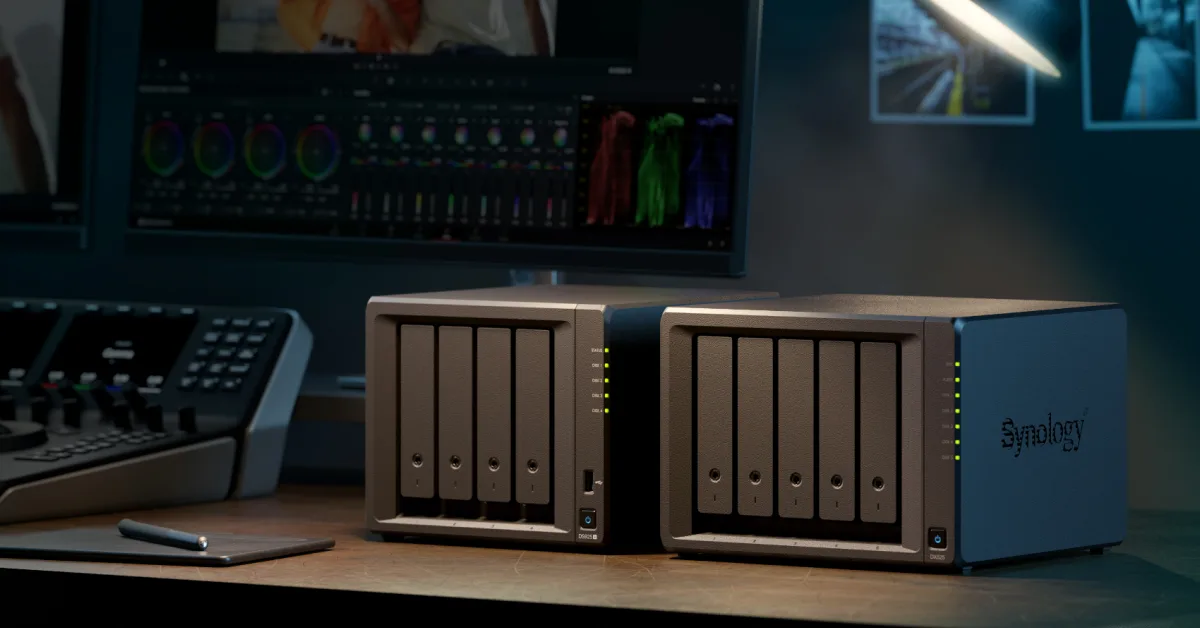
The official product image above shows two DS925+ units for illustration. It does not show the DS918+ from that report or establish that a pictured unit was attacked.
Buying a NAS before Black Friday: what to check
Start with the exact model’s security-update policy and support life. Check how the vendor communicates fixes, whether automatic updates are enabled by default, and whether package updates require a separate action.
Tom’s Hardware reports that Synology’s DSM manual describes automatic updates for units from 2025 onward, while older units need their settings checked. Verify the setting on the device you own or intend to buy; a model year alone is not proof that it has received an update.
Our buying advice is to weigh ongoing maintenance alongside the enclosure’s hardware. Before ordering, compare the software and hardware trade-offs in our UGREEN NASync vs Synology home NAS guide. Our home NAS buying report covers the broader comparison. If a router upgrade is also on your list, use our Wi-Fi 7 router guide after checking the security support for each candidate.
Our recommendation: Update now and check support before buying
Owners with an older, vulnerable DSM build should install the applicable fix now, update affected PHP packages, and enable automatic updates. Keep DSM off the public internet, use a VPN for remote access, and maintain a separate 3-2-1 backup.
For a new home NAS, check the promised security-support life and automatic-update behavior before buying. Use our UGREEN NASync vs Synology comparison to choose an enclosure that fits your storage needs and the maintenance you can keep up with.