
What Tom’s Hardware’s Ryzen 5 5500F review found
For the Ryzen 5 5500F vs i3 14100F decision, start with the motherboard you already own. An AM4 upgrade can keep more of your existing PC. A new build needs a comparison of the complete platform cost.
Tom’s Hardware’s Ryzen 5 5500F review, by Jake Roach on October 22, describes a Zen 3 AM4 processor with six cores, 12 threads, up to 4.4 GHz boost, 16 MB L3 cache, PCIe 4.0, and a bundled Wraith Stealth cooler. It has no integrated graphics, so budget for a discrete GPU.
The review summarizes the improvement over the Ryzen 5 5500 as about 8-10%, with the Core i3-14100F about 3% ahead at 1080p. Its gaming benchmarks page gives the more precise result: 8.6% ahead of the 5500 and 2.8% behind the i3 in a 16-game geometric mean. These are that review’s results; your GPU, settings, and games can change the gap.
Ryzen 5 5500F vs Ryzen 5 5500 vs Core i3-14100F
| Specification | Ryzen 5 5500F | Ryzen 5 5500 | Core i3-14100F |
|---|---|---|---|
| Cores / threads | 6 / 12 | 6 / 12 | 4 / 8 |
| Socket / memory | AM4 / DDR4 | AM4 / DDR4 | LGA1700 / check board memory type |
| Maximum boost clock | 4.4 GHz | 4.2 GHz | Not specified in cited review |
| L3 cache | 16 MB | 16 MB | Not specified in cited review |
| PCIe revision | 4.0 | 3.0 | Not specified in cited review |
| Bundled cooler | Wraith Stealth | Check retail package | Check retail package |
| 1080p gaming in Tom’s review | 8.6% ahead of 5500; 2.8% behind i3 | Slower than 5500F | Slightly ahead of 5500F |
Confirm the exact boxed or tray package before ordering. The review does not provide a complete Intel specification sheet; an unlisted field does not mean a feature is absent.
When the Ryzen 5 5500F makes sense vs Core i3-14100F or AM5
Is the Ryzen 5 5500F good for gaming? The reported results make it a candidate for an existing AM4 PC that needs a CPU upgrade. First identify what limits your games. If the GPU is already fully occupied at your chosen settings, replacing the CPU may leave average frame rates largely unchanged.
For an existing B450, B550, or X570 board, check the manufacturer’s CPU support list and required BIOS for your exact model and revision. An AM4 socket alone does not confirm support. Follow the older gaming PC upgrade guide before removing the current CPU. Compare a Ryzen 5 5600 or 5700X3D if the board supports it.
For a fresh build, add CPU, motherboard, memory, and required cooling costs together. Compare an i3-14100F system with AM4 options and an AM5 build around a Ryzen 5 7600 using the gaming CPU guide. Check today’s price for each complete configuration before choosing.
Check the board before paying for PCIe 4.0
The 5500F supports a newer link than the 5500, but the motherboard and slot wiring determine the usable connection. Check the GPU slot and M.2 slot separately. A CPU upgrade does not automatically turn every slot on an older board into Gen4.
Use the graphics card buying guide to choose for your resolution and settings, then compare performance tiers in the GPU hierarchy. A compatible PCIe connection alone cannot predict frame rates. Check case clearance, power connectors, and PSU headroom with the GPU PSU wattage calculator.
What to check on Amazon
These are optional GPU and storage upgrades from our catalog. Choose them for a specific need; neither is required simply because you change the CPU.
We may earn a commission when you buy through these links, at no extra cost to you. As an Amazon Associate we earn from qualifying purchases.
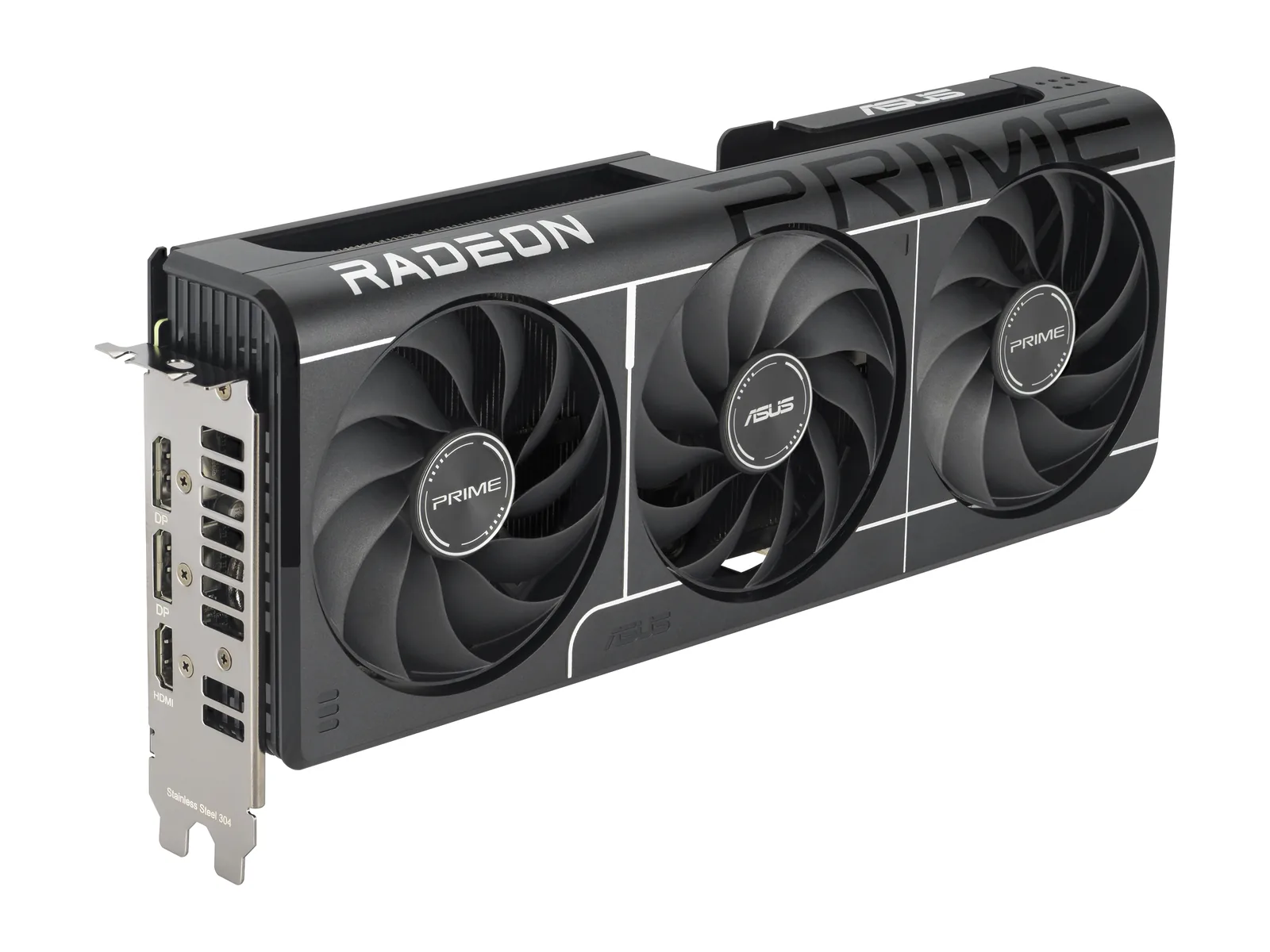
ASUS Prime Radeon RX 9060 XT OC 16GB
A GPU option to compare for a 1080p or 1440p build. Check its performance tier against your games, then confirm the exact model, case fit, power supply, and motherboard connection.
Check today’s price and the seller’s return terms.
View ASUS Prime RX 9060 XT 16GB at Amazon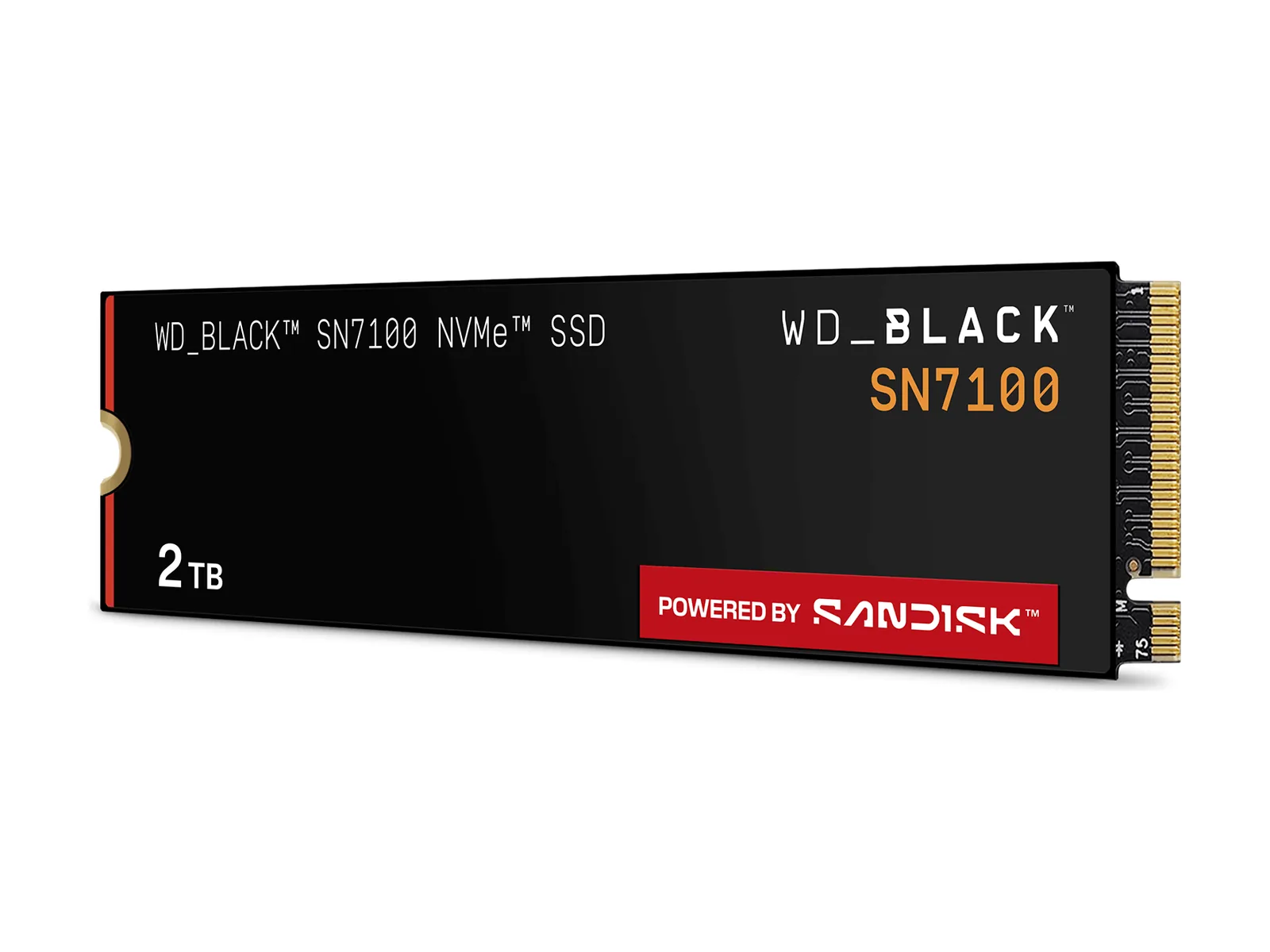
WD_BLACK SN7100 2TB
A storage option if your game library needs more room. Confirm M.2 NVMe support, drive clearance, and the slot’s link speed before buying. Back up your files before installation.
Check today’s price; extra capacity alone does not establish a frame-rate improvement.
View WD_BLACK SN7100 2TB at AmazonBuy / Wait / Skip
- Buy: Consider the 5500F for an older AM4 PC when the CPU limits your games, BIOS support is confirmed, and keeping the board and RAM makes the total cost worthwhile.
- Wait: For a new PC, compare complete AM4, LGA1700, and AM5 builds before ordering. A small lead in one benchmark average is insufficient to choose the whole platform.
- Skip: Keep your current CPU if it meets your frame-rate target. Skip a proposed GPU or SSD purchase if it does not address the problem you identified.