
Bambu Lab has announced the H3C with a nine-tool changer teaser and scheduled its full reveal for November 3, 2026, at 9:00 AM EST (7:00 AM Mountain Time). If you are planning a printing workstation, wait for the specifications before choosing hardware around this printer.
What we know vs. what is still unannounced
The official Bambu Lab forum announcement, posted October 23, uses the slogan “Nine Tools in One Printer” and describes new swapping technology. It links to the H3C teaser page.
| Item | Status in the official teaser |
|---|---|
| Model and tool count | H3C; nine tools in one printer |
| Full reveal | November 3, 2026, at 9:00 AM EST |
| Build volume | Unannounced |
| Maximum nozzle and chamber temperatures | Unannounced |
| Exact coupling mechanism for the nine tools | Unannounced |
| Shipping date and price | Unannounced |
When is the Bambu H3C release date?
November 3 is the reveal date. Bambu Lab has not supplied a shipping date in this announcement. The Bambu tool changer teaser also leaves the exact coupling design unexplained; it does not establish which complete assemblies will move during a swap.
What to do now: check the workstation you already use
Start with a real CAD project and your current slicing workflow. Open the applications and project files you normally use together. Check whether you run out of storage, exhaust memory, or simply need an accessible card reader. These checks can help with today’s work while you wait for H3C details.
Storage for CAD projects and slicing files
If project archives and exported files are filling your drive, compare the Samsung 990 PRO 2TB and WD_BLACK SN850X 2TB with heatsink in our NVMe SSD guide. Samsung identifies the 990 PRO as a PCIe 4.0 NVMe M.2 SSD on its official product page.
Check your motherboard’s M.2 support and physical clearance, including space for a heatsink. Back up your projects before changing drives. An SSD upgrade should address a storage problem you have measured; it does not establish faster slicing or printing on the H3C.
SD readers and USB-C connections at the desk
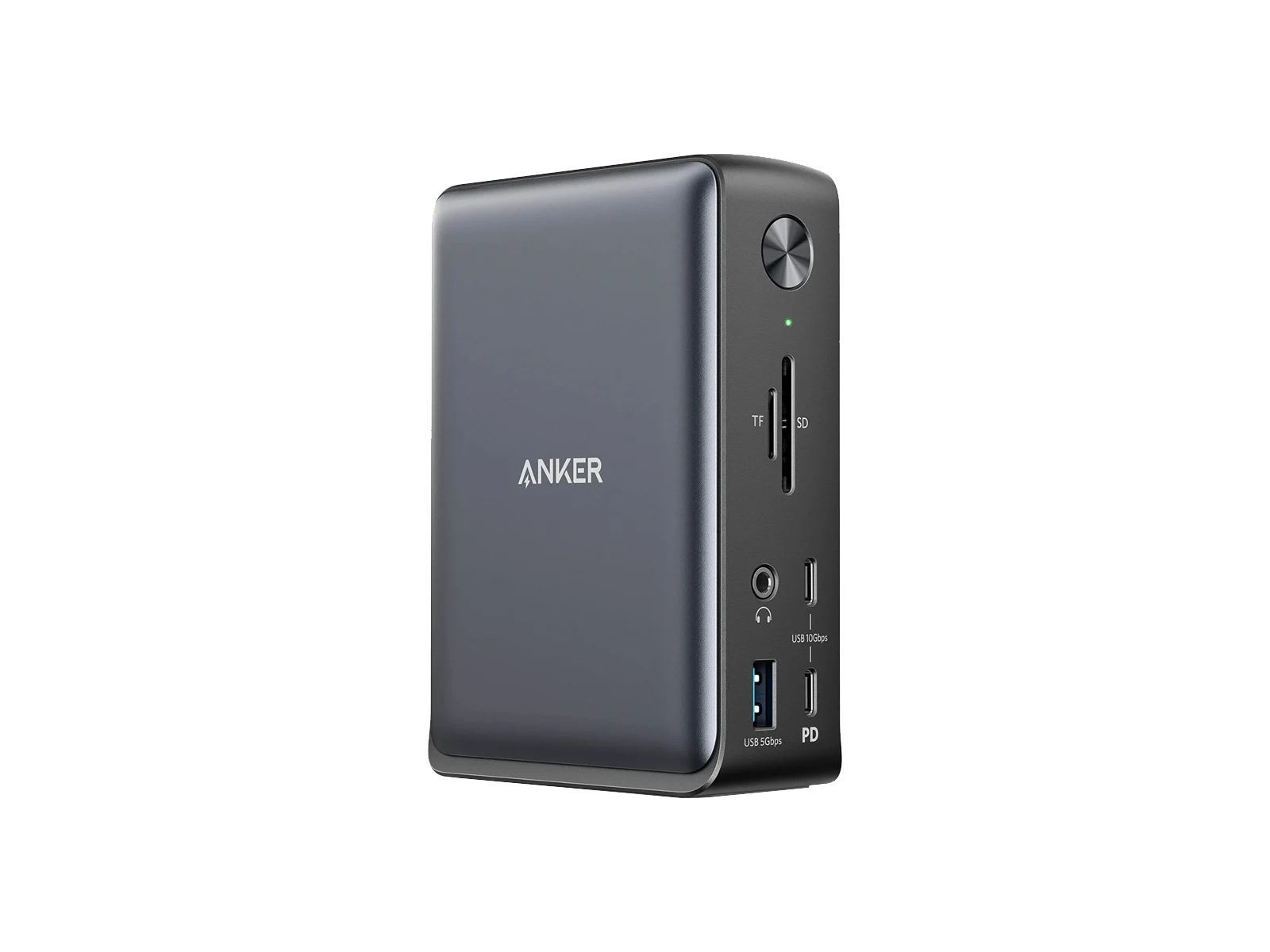
The Anker 575 A8392 and CalDigit TS4 are workstation dock options to compare in our USB-C and Thunderbolt docking station guide. Check the card-reader format, host connection, display support, and charging requirements against your computer. The Anker dock pictured above illustrates desk connectivity.
For a current workflow that uses SD-card transfers, a reachable reader can reduce cable swapping. Check H3C documentation when it arrives before assuming the printer accepts SD cards, USB-C transfers, or a particular dock connection.
Memory for heavy multitasking
If you keep CAD assemblies open alongside multiple Bambu Studio or OrcaSlicer profiles, watch memory use during your usual workload. Our RAM capacity guide can help you assess an upgrade. H3C support in either slicer needs confirmation from the relevant software documentation.
What to check before you buy
Keep your current setup if it handles your projects comfortably. For an older PC that already struggles, follow the older PC upgrade guide to identify the limiting component before ordering parts.
Wait for the reveal to assess printer-specific requirements. For an immediate workstation need, compare the dock guide or SSD guide against your existing hardware and the problem you need to solve.