
As of Nov 1, 2026, buy the ASRock B860 Challenger WiFi only if its USB limit fits your setup. Wait until you match the board to your CPU, memory and case; skip it if faster built-in USB is essential. A new Tom’s Hardware review by Joe Shields, published October 31, highlights a 5 Gbps ceiling despite the presence of USB-C.
This is research-based buying advice drawn from ASRock documentation and attributed independent reporting. Start with our gaming CPU and platform guide before choosing the motherboard.
What the new B860 Challenger review found
Shields reports that the board handled his Core Ultra 270K Plus at stock settings, although its voltage regulators ran hotter than other boards in his review. That result belongs to his test system. It does not establish how every CPU and case combination will behave.
For a buyer connecting external storage, his USB finding deserves particular attention. Check the connection speed you need before ordering a board because it has the right-shaped port.
What ASRock’s specifications confirm
The official B860 Challenger WiFi manual, on printed pages 2-5, lists these connections and platform requirements.
| Item | Listed specification |
|---|---|
| Platform | ATX, Intel B860, LGA1851, Core Ultra Series 2 |
| Memory | Four DDR5 slots |
| Rear USB | One Gen1 Type-C, six Gen1 Type-A, two USB 2.0 |
| Front Type-C header | USB 3.2 Gen1 |
| Internal storage | One PCIe 5.0 x4 M.2, two PCIe 4.0 x4 M.2, four SATA connectors |
| Networking | 2.5 Gigabit Ethernet and Wi-Fi 7 |
The front Type-C header is worth checking alongside the rear ports. Choosing a case with a Type-C socket does not change the board’s listed connection standard. The manual also qualifies wireless support by operating system, region and software; check those conditions for your setup.
Internal SSD expansion is a separate decision from external USB connectivity. Use our NVMe SSD guide to plan the capacity and drive format you need.
What to check before you buy
- Match the complete CPU model. Check the current support list and required BIOS before ordering.
- List your external devices. Decide which connections need more than the reported 5 Gbps USB ceiling.
- Check the case headers. Compare the case’s front ports with the manual, especially Type-C.
- Plan memory and storage together. Our RAM capacity guide helps avoid buying capacity you will not use.
Buy, wait, or skip
Buy if you already need a compatible Intel board and the listed connections cover your devices. Wait while CPU support, BIOS requirements or case wiring remain unresolved. Skip this model if faster built-in USB is a requirement; compare boards that explicitly list the connection you need.
Keep a working motherboard that already meets your needs. A newly published review gives you another comparison point, without creating a reason to replace it.
Our recommendation
Choose the platform first, then compare the ports against the devices you actually use. The B860 Challenger’s USB limit should be a deliberate trade-off. Revisit our CPU and platform guide for the wider build decision and our research method for how we assess source claims.
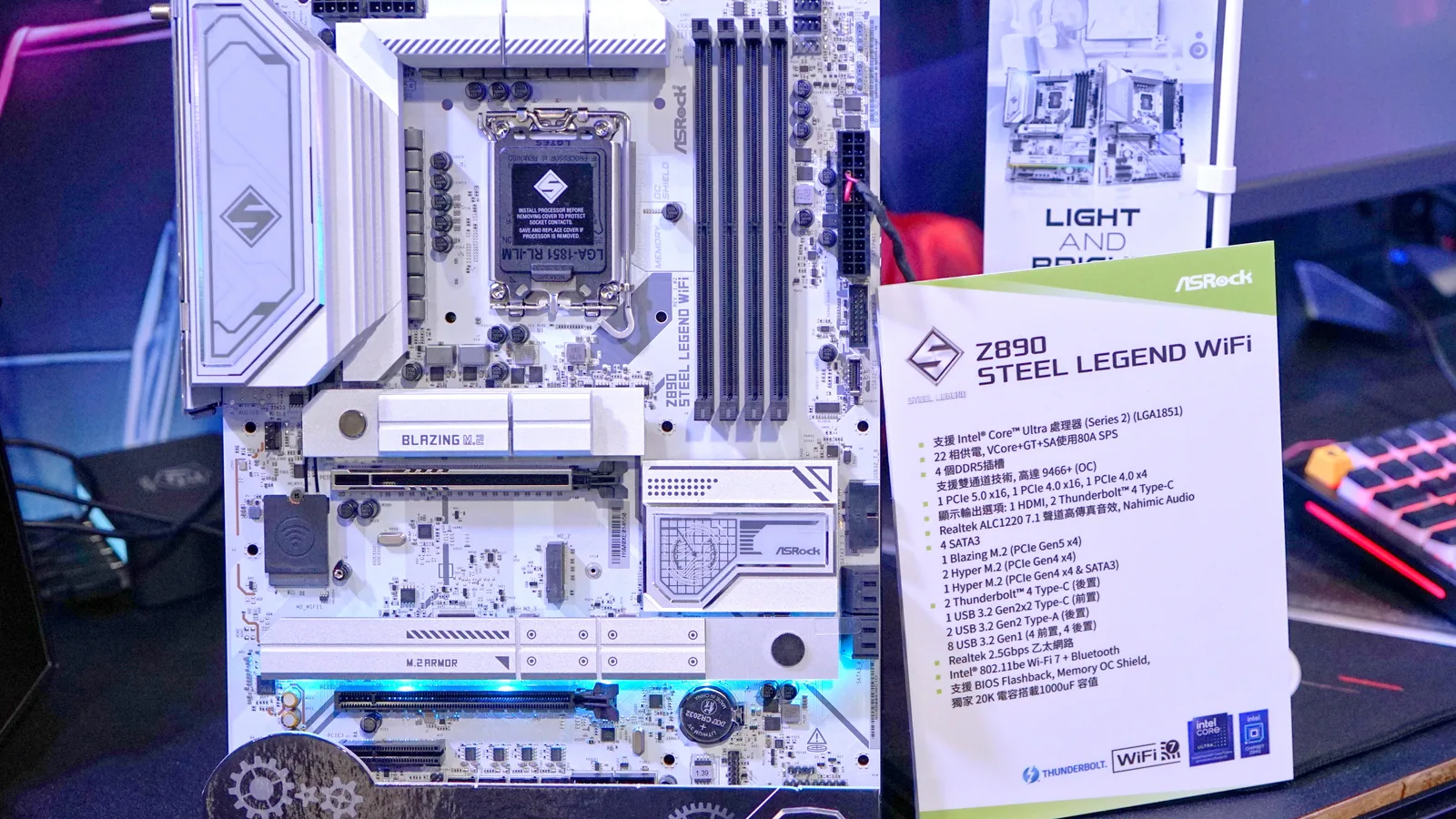
Photo: Solomon203 via Wikimedia Commons, CC BY-SA 4.0. Cropped and resized; this photograph and its derivatives remain under CC BY-SA 4.0. The pictured Z890 board is category context, not the B860 model.
