
What Apple announced on Oct 27
Apple’s announcement introduces the 14-inch MacBook Pro with M6. Apple says pre-orders begin Oct 28 and availability begins Nov 6. Those are different dates; an announcement is not confirmation that a particular configuration can be collected today.
The desktop-versus-laptop choice starts with where you work. A laptop includes a display, keyboard and battery for mobile use. A Mac mini desk needs suitable external equipment, some of which you may already own. Compare the complete equipment you need in each setup.
Skip, wait or buy only if
- SKIP a replacement if: your current computer and peripherals already handle your work without a problem you need to solve.
- WAIT if: your decision depends on independent M6 testing, a specific configuration’s availability, or confirmation that your displays and dock work with the exact Mac.
- BUY ONLY IF: the complete setup solves a real need. Choose the MacBook Pro for work away from the desk; consider Mac mini when you can reuse suitable desk equipment and do not need that portability.
Check what your desk already provides
Apple’s Mac mini display-support guide separates capabilities by model. Check the actual Mac’s supported number of displays, resolution and refresh rate. A dock does not remove the computer’s display limits. Verify host-port standards and each display connection before replacing a working hub.
Start with the Mac mini accessories guide and USB-C docking-station comparison. Keep the monitor, keyboard and mouse that meet your needs.
Optional docks after the host check
We may earn a commission when you buy through these links.
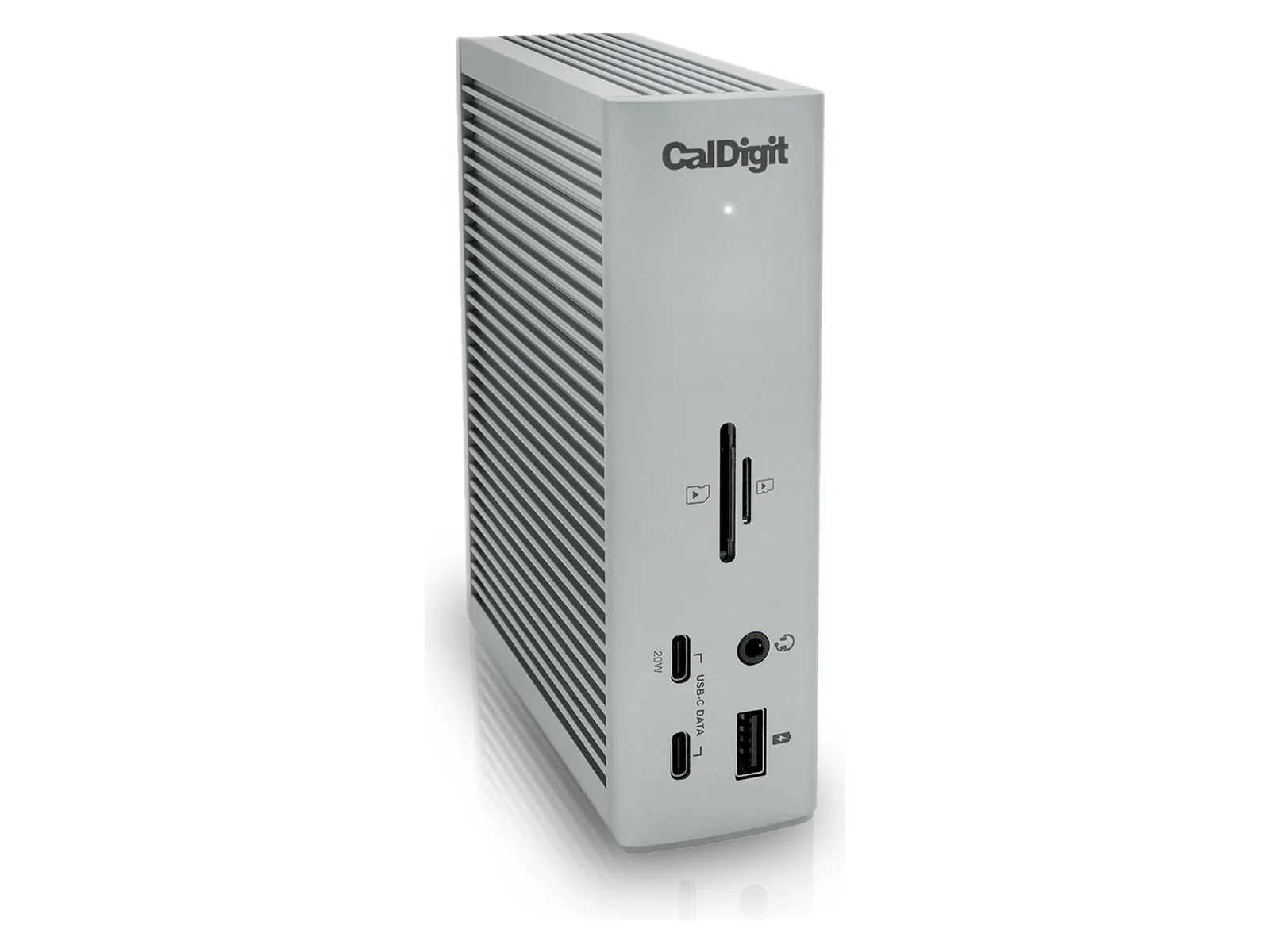
CalDigit TS4
Consider the TS4 if its Thunderbolt or compatible USB4 functions solve a connection need on your exact Mac. Follow CalDigit’s compatibility guidance; confirm support for your exact M6 configuration before ordering.
Anker 575 A8392
The Anker 575 is an alternative for a suitable USB-C desk. Check Anker’s host and display restrictions, especially extended-display support on macOS, before choosing it.