
What happened, and what should owners do?
As of Nov 4, 2026, Google says the XCPE backdoor enrolled more than 1.3 million set-top boxes into a botnet. If you own a cheap Android TV box, check its certification and support status. Disconnect it first if you suspect a problem.
In its November 2 report, Google attributes the operation to Videostrong with high confidence. It says the manufacturer sold access to criminal affiliates, whose software used infected devices for ad fraud, residential proxies and additional malware. Google cut ties with Videostrong and disrupted infrastructure with industry partners.
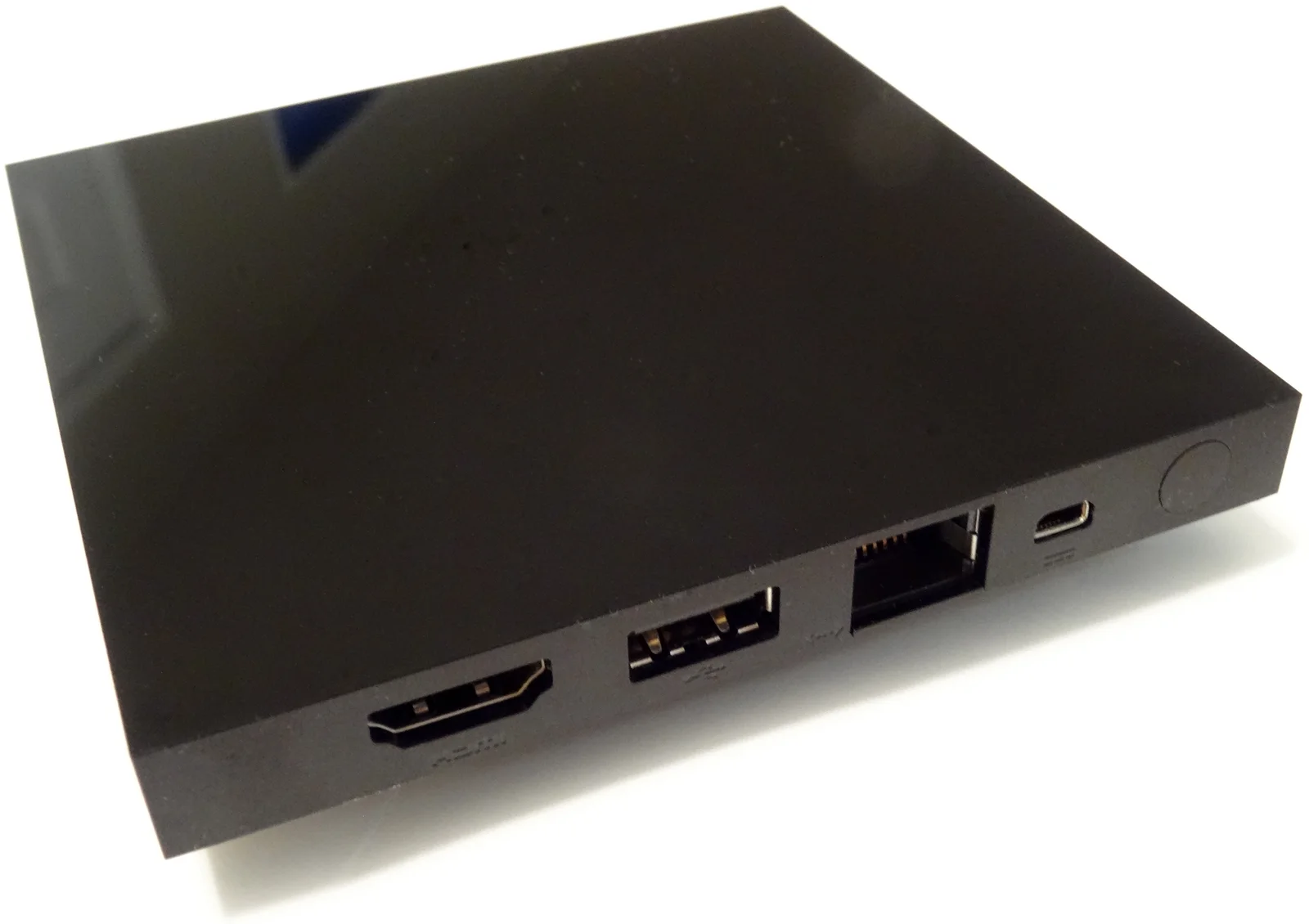
That action does not establish that every compromised box is clean. Price alone does not identify an affected device, and the contextual photograph above does not show a confirmed victim.
How to check Play Protect certification
Follow Google’s certification instructions:
- Open the Google Play Store on the box.
- Select the profile icon, then Settings.
- Open About and look for Play Protect certification. Use the equivalent options if your TV interface differs.
If you cannot access the Play Store, use the certified-device list linked in Google’s help page from another device. Match the manufacturer and model rather than relying on an Android logo in a listing.
Certification records compatibility testing. It is separate from the Play Protect feature that checks for harmful apps. Google warns that uncertified devices may lack security or updates. An uncertified result warrants caution, but does not diagnose XCPE.
A certified result is also not an all-clear: Google says Videostrong evaded its tests and loaded malicious code after the first boot.
What to do now
Our precautionary recommendation is to power off a suspect box and unplug its Ethernet cable. Leave it disconnected from Wi-Fi while you check the model and contact the seller or manufacturer from a trusted device. Do not reconnect it merely to complete the certification check.
If the box must remain connected for a vendor-directed check, use network isolation only if your router explicitly supports it and you understand its settings. A separate network name alone should not be treated as verified isolation.
Google describes a firmware component that reinstalls after removal. Do not assume that uninstalling an app or performing a factory reset resolves this backdoor. Ask the manufacturer for a model-specific remedy and evidence that it addresses the firmware issue.
Keep Play Protect enabled. Google’s consumer advice also includes using trusted app stores, reviewing VPN and proxy permissions, and being wary of apps that pay for sharing your internet bandwidth.
Check your router without assuming it is infected
From a trusted phone or computer, follow your router manufacturer’s instructions to check firmware support, connected devices and unfamiliar settings. Investigate devices you cannot identify. Unexpected traffic can be a reason to look closer, but it does not identify XCPE; normal-looking activity does not rule it out.
ASUS owners can start with our router security update checklist. Updating a router is separate from fixing a compromised TV box.
For an adjacent TV privacy check, see how to turn off Samsung ACR tracking. That setting concerns viewing-data collection, not XCPE malware.
What to check before you buy
If the manufacturer cannot provide a supported remedy, consider replacing the box with a streamer whose certification and security support you can verify. Check the exact model, buy from a trusted manufacturer or retailer, and confirm how it receives updates. We are not recommending a specific replacement product in this report.
Keep supported equipment that meets your needs unless you have a reason to replace it. If your router also needs replacement, use our Wi-Fi 7 router guide or mesh Wi-Fi guide to compare coverage options. Buying network equipment alone will not clean a backdoored box.
Photo attribution: Android TV by Justin Ormont, CC BY-SA 3.0. Resized and converted to WebP without cropping. The photograph and its responsive versions retain that license; this use does not imply the photographer’s endorsement.
