
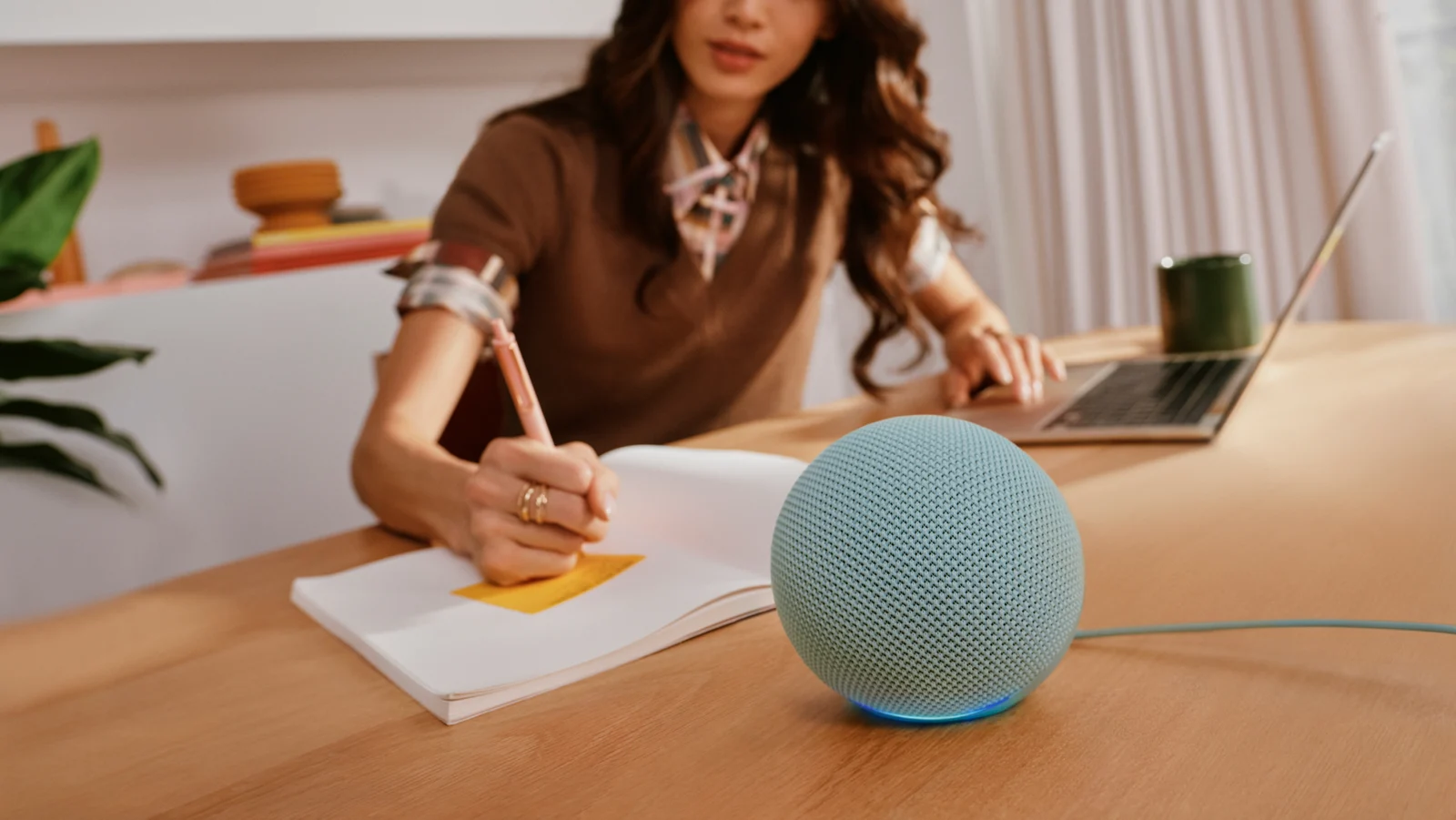
As of Oct 28, 2026, Amazon has announced its new Echo lineup, including Echo Dot with a built-in smart home hub, a redesigned Echo Show 16, and Echo Studio with Home Camera. The Dot is the most straightforward option if you need a small Alexa speaker and support for compatible smart home accessories. An existing hub or reliable Wi-Fi network may already cover those needs.
Amazon lists the Dot as available today, says the Studio with Home Camera ships today, and has opened Show 16 preorders. Those are announcement statements, rather than a guarantee of inventory or delivery to your address. The Verge’s launch roundup independently covers the same lineup.
What to check before you buy
- Identify the hub you already have. The new Dot supports Zigbee, Matter, and Thread. It can remove the need for a separate hub for compatible accessories connected through Alexa. That does not mean every existing bridge can be removed: check each accessory’s pairing requirements and any features tied to its manufacturer’s bridge before changing your setup.
- Separate the hub from the router. The Dot’s eero Built-in feature extends an existing eero network. It does not replace your router or turn an unrelated Wi-Fi system into eero. Amazon advertises up to 1,000 square feet of added coverage; that is a manufacturer claim, not a measured result for your home. Our mesh Wi-Fi buying guide covers the larger network decision.
- Choose a room before choosing a camera. The Studio camera supports Live View in the Alexa app and visual interactions with Alexa+. Decide whether a camera belongs in the proposed room, and show everyone using that space where its controls and indicator are.
- Check service and placement requirements. Amazon says certain features require Alexa+, which is included with Prime. For Show 16, check the space for a 16-inch screen, the viewing angle, and whether your chosen stand is a separate purchase. Do not order solely for a feature Amazon still describes as coming soon.
Check price at Amazon for the new Echo Dot. Confirm the model and selected color at checkout.
Which new Echo fits which job?
| Device | Useful reason to consider it | Check before ordering |
|---|---|---|
| Echo Dot | A compact speaker plus a Zigbee, Matter, and Thread hub | Accessory compatibility; eero extension requires an eero network |
| Echo Show 16 | A shared family dashboard with a 16-inch full HD display and built-in Fire TV | Preorder status, placement, stand choice, and camera controls |
| Echo Studio with Home Camera | Speaker audio plus Live View and Alexa+ visual assistance | Camera placement; Fire TV video calling is a future feature |
If Wi-Fi coverage is the actual problem, compare the network first. Our Wi-Fi 7 router guide helps separate a router upgrade from adding another voice assistant. You do not need a new Echo just to keep using a network that already works.
Show 16 and Studio: Know what the cameras do
Amazon’s Show 16 announcement describes a wide-angle 13-megapixel camera with auto-framing and night vision for Live View. The display can serve as a household organizer and Fire TV screen. Those are useful reasons to want a shared screen; they are separate from needing the Dot’s compact hub.
The Studio with Home Camera adds a camera to the speaker format. Amazon says a dedicated button disables microphones and included cameras, and an LED on this Studio indicates when images or video are streaming to the cloud. Those controls help you manage camera use; they do not establish that all visual processing stays on the device. Amazon also says the standard Studio remains available for people who prefer no camera.
Video calls through a compatible Fire TV are described as coming soon. Treat that as a future option when deciding what the Studio can do today. This article compares the published features and requirements; it does not report product testing.
Buy, wait, or skip
Buy the Dot if you need both a small Alexa speaker and a compatible smart home hub. Choose Show 16 only if a shared display has a clear place in your home. Consider Studio with Home Camera when its current camera functions are useful and everyone using the room accepts the placement.
Wait if you need independent assessments of audio, camera behavior, or accessory compatibility, or if a promised future feature is the main attraction. Skip the upgrade if your current Echo and hub already handle your devices, or if your main goal is extending a non-eero network. Use our Amazon device buying checklist to compare needs before adding another device.