
As of Nov 2, 2026, wait before buying a graphics card specifically for reBART on a Haswell PC. The community driver offers a Resizable BAR path for Intel 8-series motherboards, but it requires firmware changes and has no published gaming-performance results in the reports reviewed here. Keep a working setup while checking whether the exact board and GPU combination is suitable.
Pause Hardware reported on reBART on November 1, followed by eTeknix on November 2. This is research-based buying advice drawn from the developer’s documentation and attributed reporting. Our graphics card buying guide helps you choose around the games and display you actually use.
What reBART changes for an older Haswell PC
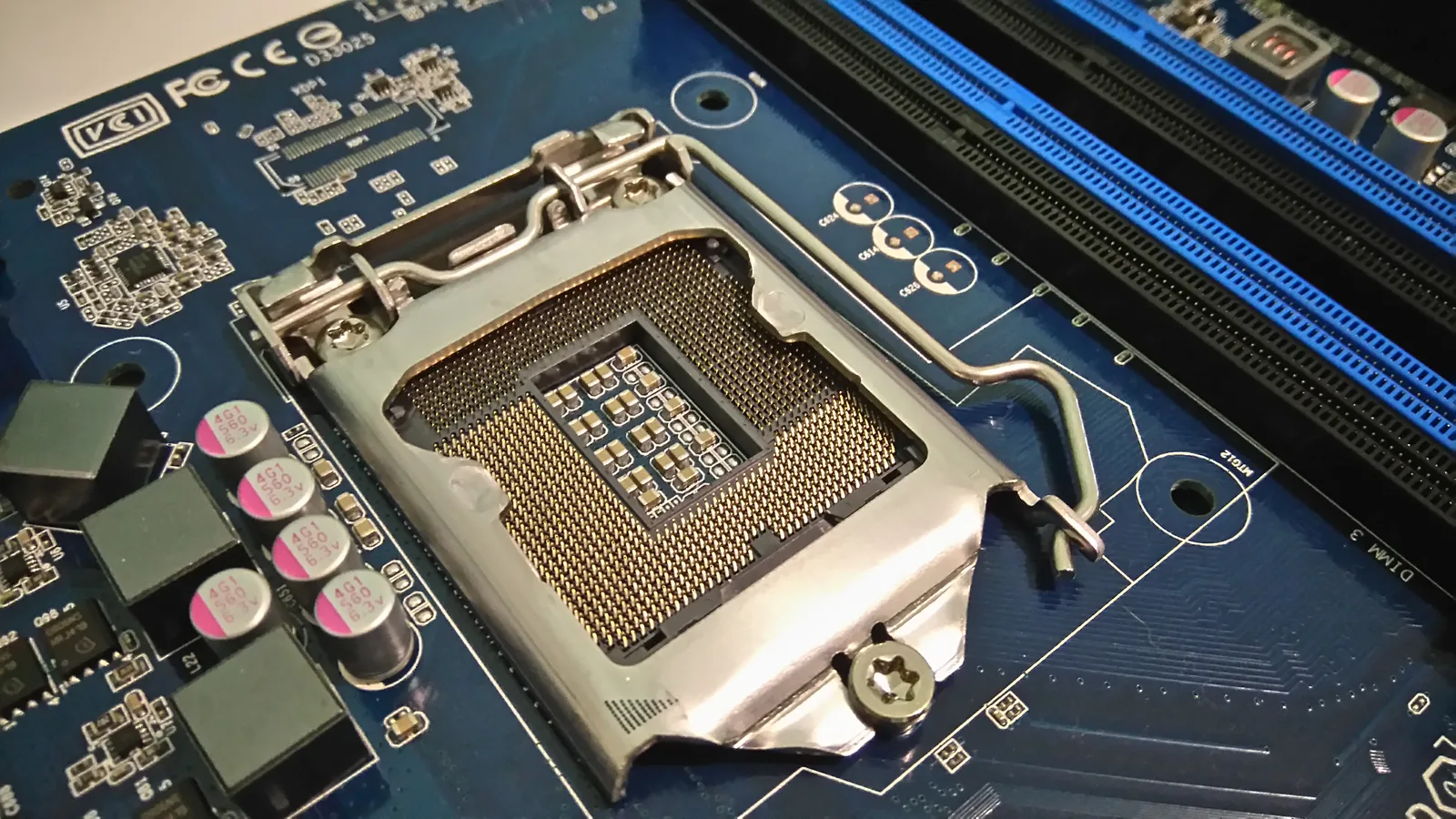
Developer roschank’s original reBART documentation targets Z87, H87, Q87, B85, Q85 and H81 motherboards. The developer describes a firmware memory-mapping limitation on Intel’s 8-series platform and a driver that changes the GPU’s memory window before the operating system loads.
The purchase-relevant point is the work required: the documented process includes modifying the BIOS image and flashing it. This is a community modification. Its existence does not establish that a particular motherboard manufacturer supports it or that your exact configuration will boot successfully.
Buy, wait, or skip
- Buy for a verified need: consider a GPU only when you have checked its compatibility with your existing system independently of this modification. A confirmed requirement in your games is a stronger reason to shop than a newly available firmware feature.
- Wait if reBART is the deciding factor: establish that the exact motherboard, firmware and graphics card combination works before ordering a card that depends on that outcome.
- Skip buying an old platform just for the mod: for a new build, compare the complete platform with alternatives using our gaming CPU guide. Do not make an unverified firmware modification the foundation of the purchase.
What to check before you buy
Start with the motherboard’s exact model and firmware version. A chipset appearing on the project’s list is a starting point for investigation, not a compatibility certificate for every board using it.
The developer lists a 64-bit operating system, UEFI boot from a GPT disk, CSM disabled, a discrete GPU as the primary display and a recent graphics driver as requirements. Compare those requirements with the machine you own before spending on a replacement card. This article is a buying assessment rather than a flashing walkthrough; follow the original project documentation if you investigate the modification.
Then check the rest of the purchase: case clearance, power supply and connectors, display requirements, seller condition and return terms. Our GPU memory and power requirements guide helps with those checks. Enabling a firmware feature alone cannot establish that the rest of a system suits a new card.
What the early reports do and do not establish
Pause Hardware describes one user’s success with Intel Arc cards on a Gigabyte GA-Z87M-D3H under Ubuntu. It also reports that an ASUS Z87-Plus owner could not boot after the DSDT patch. Those are specific reported outcomes, not a compatibility guarantee for other boards or operating systems.
Both Pause Hardware and eTeknix say the developer has not provided performance results. The sources therefore do not support an FPS promise or a claim that reBART makes a Haswell system equivalent to a newer platform. For a buyer, a successful boot report and a useful improvement in the games you play are separate questions.
Our recommendation
Keep working hardware and wait on a GPU purchase whose case rests on reBART. Look for evidence covering your exact setup and relevant games, then compare that upgrade with the complete cost and practical benefit of a platform replacement.
If you already need a card, use our graphics card buying guide alongside the GPU memory and power checklist. If the whole PC needs replacing, start with the CPU and platform guide. The new driver gives existing owners something to investigate; it does not yet give every Haswell owner a reason to buy.