
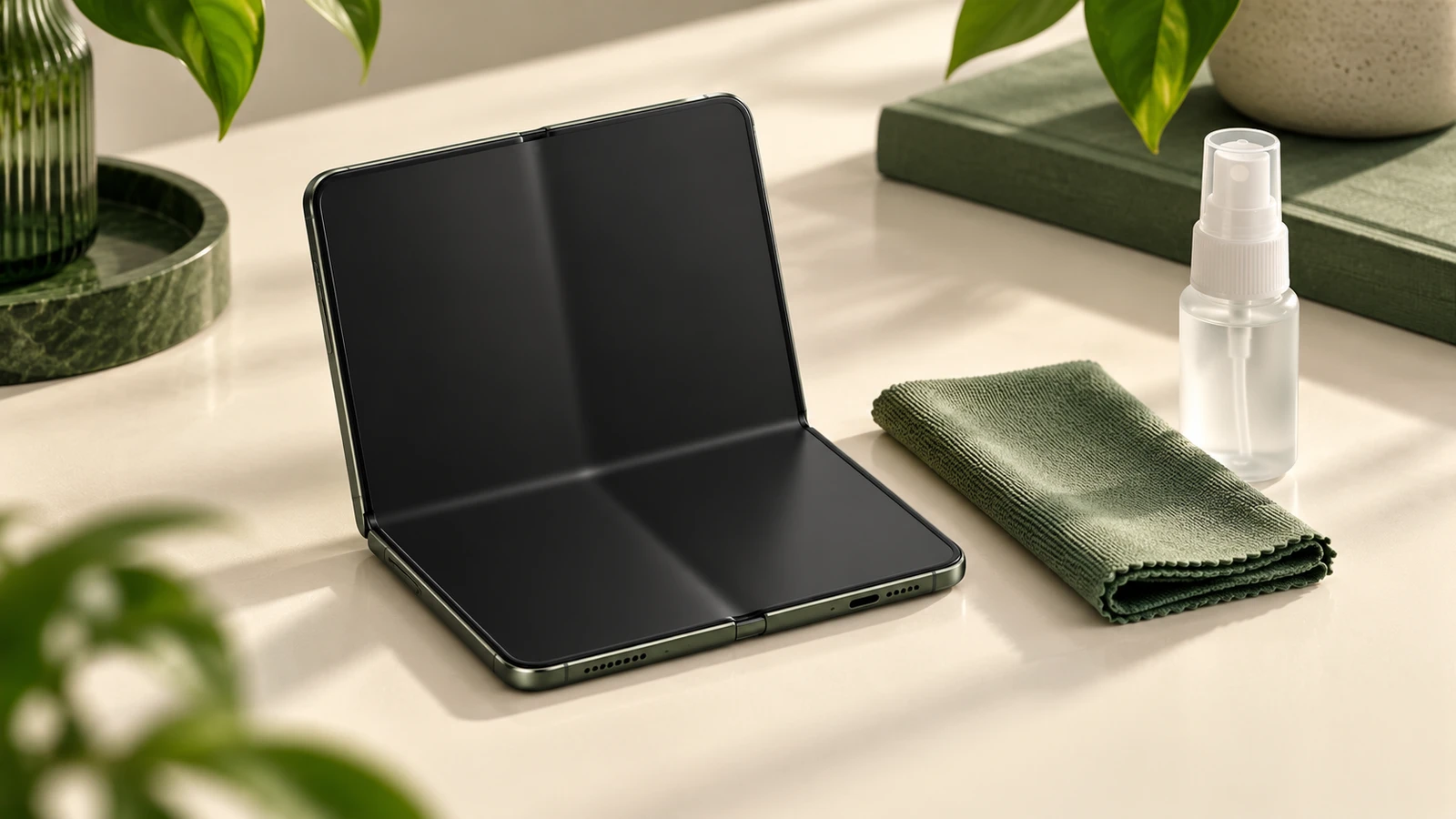
Quick answer: Mashable reports launch-day iPhone Duo screen cracks running vertically along the inner hinge, with a bright white pixel line to the right. One Australian buyer reported damage within six hours and fewer than 20 folds. Photograph any damage before folding again, then ask an Apple Store about inspection and replacement. For the separate surface-care issue, read our crease and matte-screen explainer. Planning a desk upgrade instead? Compare USB-C docks, checking device compatibility separately.
- DO THIS FIRST if yours cracked: Photograph the inner screen lit and unlit under side lighting. Prioritize an Apple Store visit if practical: the Australian buyer reported an immediate swap there after phone support requested a temporary card hold for the phone’s full retail value. Your outcome may differ.
- WAIT if: You have yet to buy, or your Verizon or Best Buy preorder is delayed, and you would prefer more information about early units before accepting delivery.
- SKIP if: You want to avoid matte foldable-screen care or the possibility of a store visit for an early replacement.
What we know
Matt Binder’s October 23 Mashable report describes complaints from the U.S., Australia, and China. Photos show a crack extending from top to bottom along the inner fold, accompanied by a white line of pixels on its right.
The Australian buyer described an on-the-spot Apple Store replacement. Phone support had offered express replacement with a temporary card hold covering the device’s full retail value and could not guarantee an arrival time.
Mashable also cites MacRumors’ suggestion that Apple may collect affected devices for investigation. That possibility does not establish a cause or a general replacement policy.
What we don’t know
The cause has not been confirmed. The reports provide no reliable failure rate or evidence identifying particular production batches. Complaints across several countries cannot tell us how common the problem is.
A single store swap does not guarantee replacement stock, immediate service, warranty classification, or the same terms in another region. The review observations in our screen-care coverage also cannot establish long-term durability.
What to do if your iPhone Duo screen cracks at the hinge
- Document the damage. Before folding again, photograph the screen switched on to capture the white pixel line, then switched off under side lighting to show the surface and any visible impact marks. Record when it appeared and what happened beforehand. Photos help describe the condition; they cannot prove the cause.
- Ask for an in-store inspection first. Bring the device and proof of purchase to an Apple Store if accessible. Explain the reported symptoms and ask about replacement availability. If visiting is impractical, ask phone support to explain any card hold and shipping timetable before agreeing to express replacement.
- Clarify coverage before authorizing service. Ask Apple whether it classifies your case as a manufacturing defect under the limited warranty or damage handled under AppleCare+, and whether a service fee applies. Get the proposed terms in writing. The reported Australian swap does not settle your coverage.
- Avoid disturbing the inner layer. Engadget warns that picking at the matte layer can remove it. Follow the device’s care instructions and check that a case fits without obstructing hinge movement. Our matte-screen care steps explain the separate handling concern. A case or cleaner cannot repair an existing crack.
In-store swap vs phone express replacement
| Question | Apple Store visit | Phone express replacement |
|---|---|---|
| What happened in the Australian account? | The buyer received a replacement during the visit. | Support offered shipment with a temporary card hold for the full retail value. |
| What should you confirm? | Inspection, coverage, replacement stock, and appointment availability. | Hold amount and release conditions, coverage, return instructions, and delivery timing. |
| Is the reported outcome guaranteed? | No; the account describes one buyer’s experience. | No; ask support for the terms for your case and region. |
What to buy on Amazon
We may earn a commission if you buy through these links. As an Amazon Associate I earn from qualifying purchases.
Resolve the damaged screen with Apple before buying accessories. These options are the same ones listed in our screen-care guide; confirm current fit, device support, and care instructions. Hinge coverage does not establish protection against this reported failure.
- Mkeke iPhone Duo case with full hinge protection: a hinge-covering option; check its fit and movement.
- FNTCASE Magnetic iPhone Duo case, clear: an alternative if you want a magnetic case; hinge protection is not established here.
- WHOOSH! Screen Shine Duo cleaner and wipe kit: consider only after confirming the cleaner is permitted for this matte screen.
- View Anker MagGo Qi2 wireless charger stand at B&H: direct retailer alternative.
- Anker MagGo Qi2/MagSafe-compatible wireless charger stand: check fit with your case and confirm device support before buying.
Buy / Wait / Skip
- Buy: Consider accessories only after the phone’s condition is resolved and you have confirmed compatibility. Use our research method to understand how we evaluate recommendations.
- Wait: Postpone a new Duo purchase if you need clearer durability evidence or replacement terms before committing.
- Skip: Choose a different phone design if foldable-screen care and potential service visits do not suit you.
Sources and check time
The hinge-crack accounts come from Mashable’s October 23 report. The Verge and Engadget provide review context for the crease and matte surface, not a measurement of the reported failure rate.
Sources checked .