
Updated
The iPhone Duo crease appears manageable in early reviews, though The Verge reports it is visible off-axis and on camera.
Engadget identifies a more immediate care concern: picking at the matte inner-screen layer can remove it.
HardwareZone says the Duo goes on sale on October 23. Its screen-cleaning observations make care worth considering before buying.
What we know
The Verge’s reviewer saw no worsening of the crease after a week of use.
That observation describes the reviewer’s device over that period. It does not establish long-term durability.
Engadget reports that the matte nano-texture layer can come off if picked at or peeled.
Engadget also reports no warning during setup and says replacing the layer requires a paid replacement.
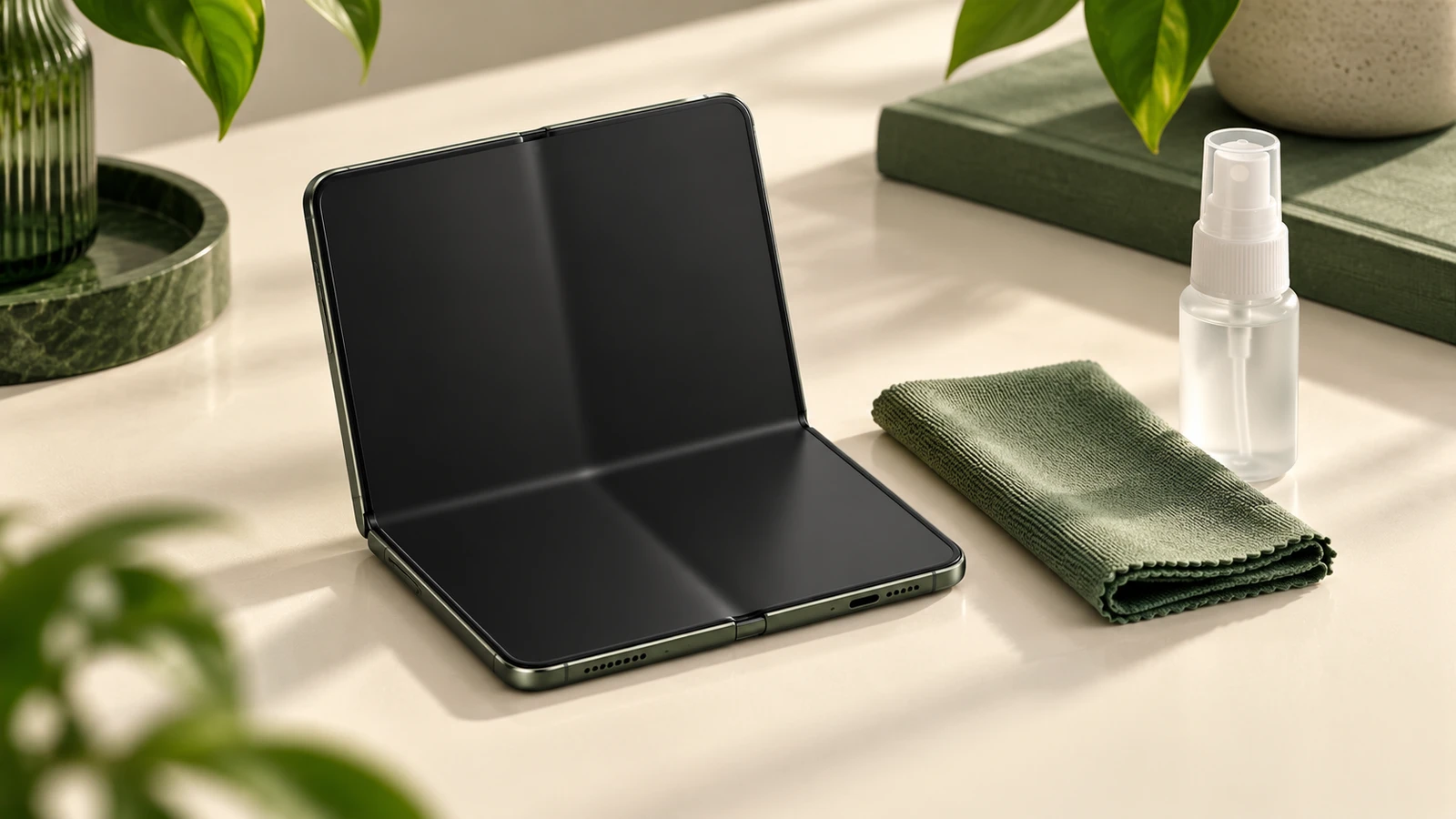
HardwareZone reports that smudges on the matte inner screen need liquid cleaner; a cloth alone does not resolve them.
What we don’t know
These early observations cannot tell you how the crease or matte layer will hold up over long-term ownership.
They also do not establish that a particular third-party cleaner is approved for this screen. Check the device’s care instructions before applying anything.
Screen care in 3 steps
For how to clean the iPhone Duo screen, start with the care instructions for its matte surface.
These are our care recommendations, prompted by the reviewers’ findings:
- Leave the surface alone.
Do not pick at or peel anything on the inner screen.
- Apply cleaner to the cloth.
Use a screen-cleaning spray only if permitted by the device’s care instructions.
Apply it to a microfiber cloth, never directly to the screen.
- Choose a case that covers the hinge.
Check fit and hinge movement before keeping it; coverage does not guarantee protection from damage.
What to check before you buy
Inspect the screen from an angle and decide whether the visible crease bothers you. Read the return terms before committing.
Ask about matte-layer care and replacement terms. Engadget’s report is a reason to clarify those details before handling the surface.
For a broader desk upgrade, compare USB-C docking stations; that guide does not establish Duo compatibility.
Read how we research recommendations or follow the latest hardware news for other buying decisions.
What to buy on Amazon
We may earn a commission if you buy through these links. As an Amazon Associate I earn from qualifying purchases.
These are accessories to consider after checking care instructions and fit, rather than evidence of screen safety or durability.
- Mkeke iPhone Duo case with full hinge protection: a hinge-covering option; check its fit and movement.
- FNTCASE Magnetic iPhone Duo case, clear: an alternative if you want a magnetic case; hinge protection is not established here.
- WHOOSH! Screen Shine Duo cleaner and wipe kit: consider only after confirming the cleaner is permitted for this matte screen.
- View Anker MagGo Qi2 wireless charger stand at B&H: direct retailer alternative.
- Anker MagGo Qi2/MagSafe-compatible wireless charger stand: check fit with your case and confirm device support before buying.
Sources and check time
Sources checked Oct 23, 2026, 6:55 a.m. MT, as recorded in the editorial news brief.
The page’s source-check timestamp records our review of that brief. This is a research-based explainer of the linked reviews.
Buy / Wait / Skip
- Buy: early adopters comfortable with a visible crease can consider it after checking care and replacement terms.
- Wait: buyers who need long-term durability evidence should wait beyond these early review periods.
- Skip: if you want a phone without a visible fold or this matte-layer care concern, choose another design.