
Why does the 64GB RAM claim fall short?
64GB of system RAM is below Unsloth’s documented targets for running the full DeepSeek V4.1 Flash model locally. A gaming PC should start with a smaller model that fits its available memory. Buying a faster SSD alone does not establish that the full model will run usefully.
DeepSeek’s September 10 announcement identifies a 552B-parameter mixture-of-experts model. MoE activates only part of the network per token; that does not remove the need to store the remaining weights somewhere.
Unsloth’s 1017 guide puts 1-bit configurations at 128GB+ and 3-bit around 256GB, with Engram tables on SSD. Those targets count RAM plus VRAM, or unified memory. Runtime and context need headroom. A quantization label alone cannot tell you whether a download fits.
DeepSeek V4.1 Flash RAM requirements by setup
The Unsloth targets apply to its GGUF configurations. The Hugging Face results describe separate community builds.
| Quantization / setup | Memory target and source | Storage / Engram role | Reported community throughput |
|---|---|---|---|
| Original checkpoint | HF discussion reports 510.3GB on disk; this is not a runtime RAM requirement | Keep disk capacity separate from working memory | No comparable result cited |
| 3-bit dynamic quant | Unsloth: 256 to 290GB combined memory | Engram table remains on SSD | No result cited for this setup |
| 2-bit resident community build | HF: 256GB unified-memory system | Resident configuration; different from the streamed build | 8.2 to 9.5 tokens/s |
| 4-bit SSD-streamed community build | HF: 128GB unified-memory system | SSD streaming; not the Unsloth memory target | 14.4 tokens/s, one internal drive |
| 1-bit dynamic quant | Unsloth: 128 to 145GB combined memory | Engram on SSD; full quantized files still need disk space | No result cited for this setup |
| Desktop gaming PC | 32GB to 64GB DDR5 plus a 16GB VRAM GPU | Our advice: choose a smaller model that fits | No full-model performance promise |
Hugging Face discussion 56 attributes the resident result to a 256GB M3 Ultra system and the streamed result to a 128GB M5 Max system. These are user reports, not a controlled comparison or a desktop DDR5 benchmark. The thread does not validate any SSD or graphics card listed below.
Unsloth lists about 305GB for its 4-bit configuration with Engram on SSD. The community’s 128GB streamed result uses a different approach. Do not combine those figures into a universal 4-bit requirement or assume every runtime supports the same offload path.
What should PC builders check before upgrading?
Start with the exact model file and runtime. Confirm the supported offload method and a working configuration before ordering a memory kit. Check motherboard and CPU capacity limits, supported DIMM layouts and the memory vendor’s compatibility list. Our RAM capacity guide explains the broader PC buying decision.
For storage, compare free capacity and the M.2 slot’s PCIe generation. Check SSD cooling clearance, controller and DRAM-cache specifications, and workload-specific random-read performance alongside sequential transfer rates. A PCIe 4.0 or 5.0 badge and a DRAM cache do not establish model compatibility or tokens per second. Use the NVMe SSD guide to compare drives, then look for a result matching your inference setup.
Engram offload keeps its lookup table on disk and loads rows on demand through the operating system’s cache, according to Unsloth. The table still occupies storage. This is why SSD access behavior matters even when the memory target is met.
A 16GB GPU can be useful for smaller local models if their weights and context fit. Check the runtime’s GPU support and memory budget before buying; active layers and context can compete for VRAM. Our graphics-card chooser and GPU hierarchy provide PC buying context. Their gaming rankings do not predict local inference speed.
For a GPU upgrade, check connectors, case clearance and the PSU manufacturer’s requirements. Use the GPU PSU wattage calculator when planning an ATX 3.1 power supply. A PSU upgrade cannot solve a model-memory shortfall.
What to check on Amazon
These are parts to compare for a compatible PC build. None is a complete DeepSeek V4.1 Flash system, and no source here establishes their model-specific throughput. Check the exact variant and cooling arrangement, especially the SN8100: the catalog photo shows a heatsink, while the linked catalog SKU is the version without one.
We may earn a commission when you buy through these links, at no extra cost to you. As an Amazon Associate we earn from qualifying purchases.
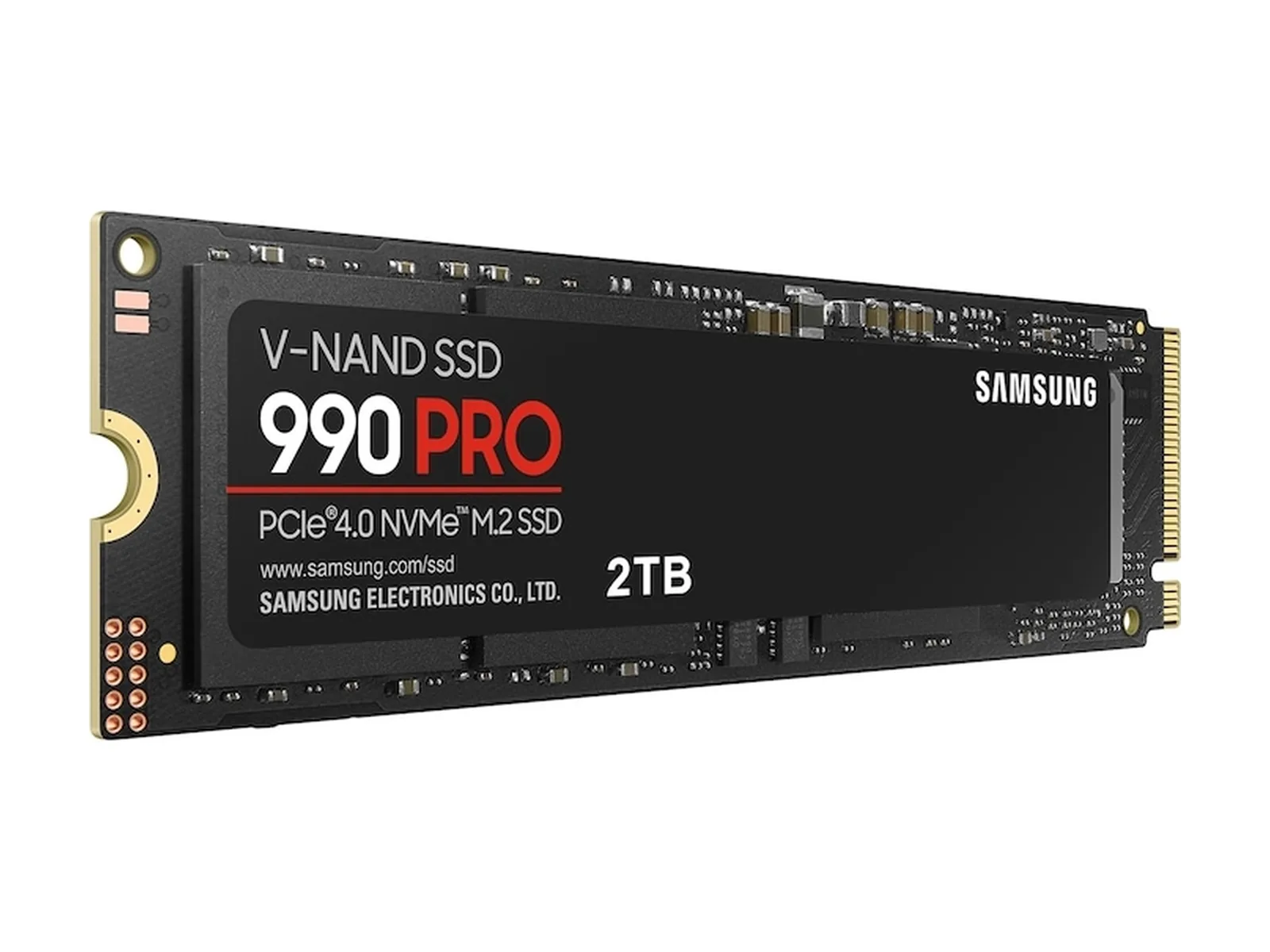
Samsung 990 PRO 2TB
Compare this PCIe 4.0 storage option if your PC needs more room for model files. Verify slot support and cooling; the drive does not increase RAM capacity.
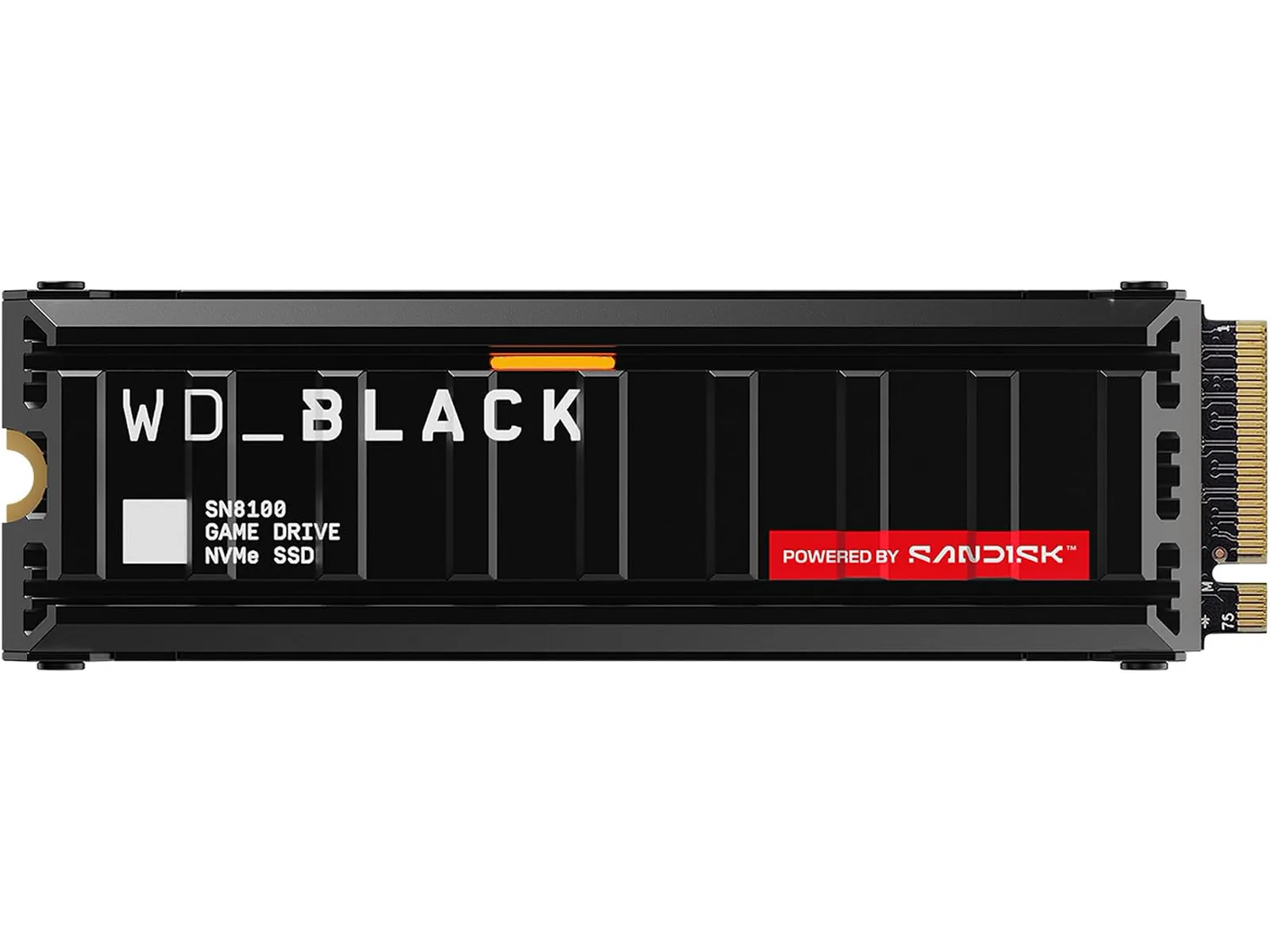
WD_BLACK SN8100 2TB
Compare this PCIe 5.0 option after checking your M.2 slot and heatsink clearance. Confirm the listing’s exact SKU and included cooling. No DeepSeek speed uplift is established here.
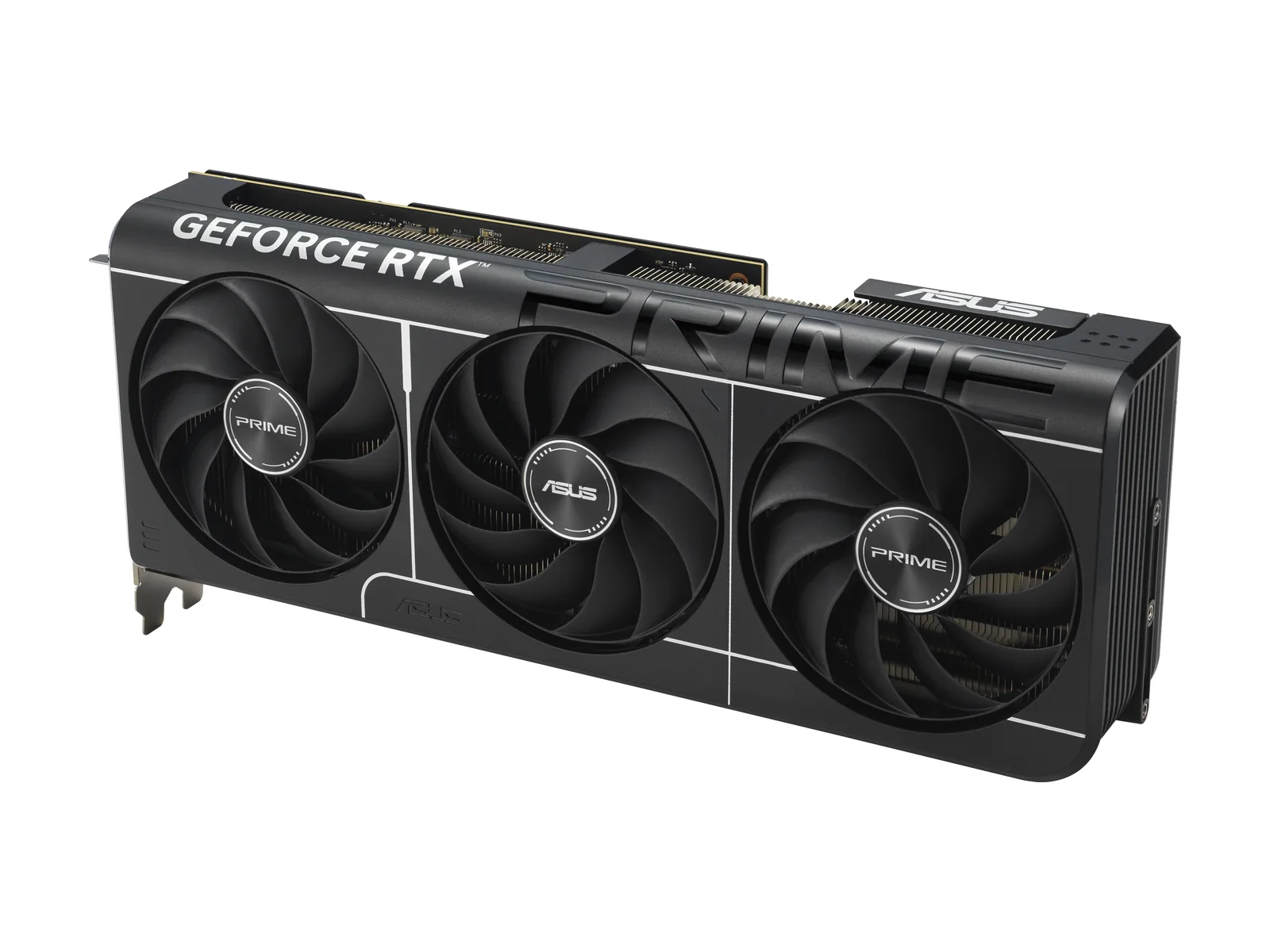
ASUS Prime RTX 5070 Ti OC 16GB
Consider it only for workloads with confirmed GPU support and a memory budget that fits. Its 16GB VRAM does not make the full 552B model fit on a 64GB desktop.
Buy / Wait / Skip
- Buy: Choose parts for a workload and runtime you have already confirmed will fit. For an ordinary gaming PC, begin with a smaller local model.
- Wait: Hold off on a workstation rebuild until you have a matching quantization, offload recipe and useful performance report for the proposed hardware.
- Skip: Avoid an SSD or 16GB GPU purchase whose only justification is the claim that 64GB comfortably runs the full model.