
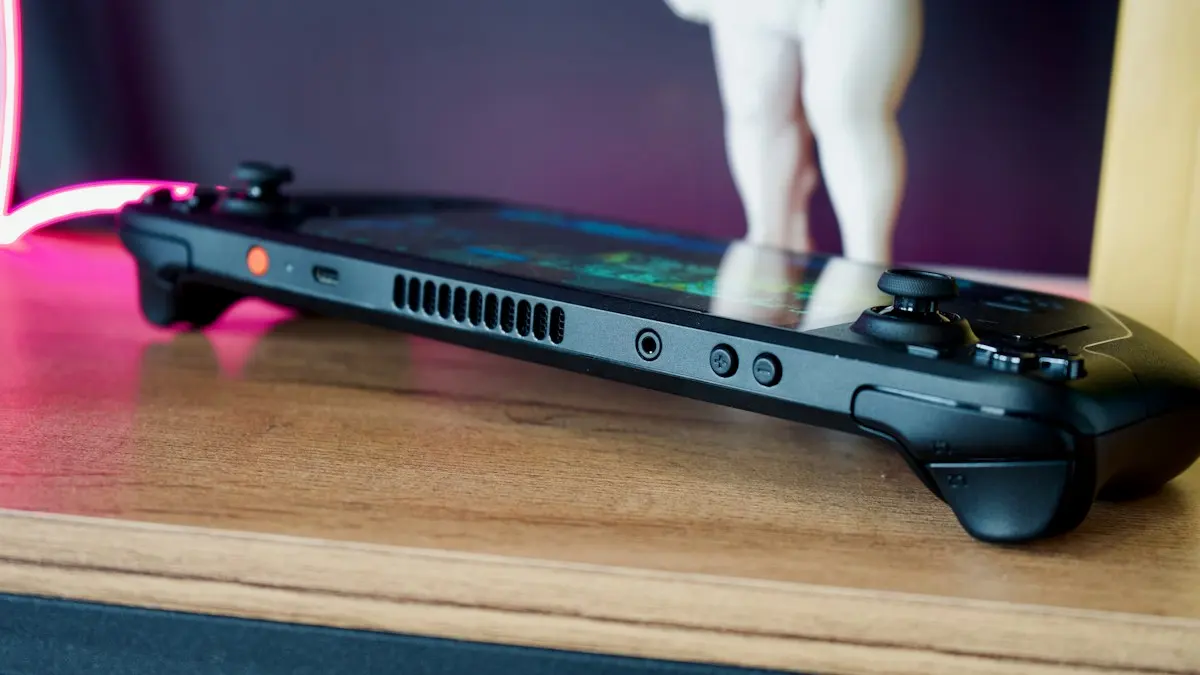
Valve put a Black Friday spotlight on its Steam Discounts & Events hub on November 26. The Steamworks schedule runs that spotlight through Monday, November 30 at 10 a.m. Pacific. Check the individual game page for the offer and the edition you want.
Read the compatibility notes on the game page
Open the base game’s store listing, even if you found it through a bundle. Look for Steam Deck Compatibility and open the details. Valve uses the same ratings on the LCD and OLED Steam Deck models.
- Verified is the easiest starting point if you want to play with the built-in controls. Valve checks controller support, display readability and whether the game and its launcher work on Deck.
- Playable means you may need to make an adjustment. Read the notes for the specific game. Valve gives examples such as using the touchscreen to get past a launcher or choosing a community controller layout.
- Unsupported means Valve’s testing found that the game currently doesn’t work on Deck. Unknown means Valve hasn’t checked it yet. If the Deck is your only gaming PC, pick a game with a rating and notes you’re comfortable with.
Check how much room you have
Look for the storage requirement under System Requirements on the Steam listing and compare it with the free space on your Deck. If you’re buying a bundle, check the games you actually plan to install. If you also need more room on a desktop gaming PC, our NVMe SSD guide covers desktop drive options and fit.