
As of Nov 2, 2026, consider the Biwin M560 for a needed storage upgrade after checking fit and capacity. Wait if your current SSD already handles your work; compare alternatives if you need more than 2TB or regularly make long writes. A new Tom’s Hardware review by Shane Downing, published November 1, highlights both its responsiveness and its cache-related write limitation.
This is research-based buying advice drawn from Biwin documentation and attributed independent reporting. Our NVMe SSD buying guide helps compare storage options by workload, capacity and physical fit.
What the new Biwin M560 review found
Downing highlights application and gaming performance, low latency on small random reads and power efficiency. Those findings make the reviewed 2TB drive worth considering for everyday storage and games. They do not establish how much faster your own system would feel after an upgrade.
The review also flags slower writes after the cache fills and the absence of a 4TB option. For buyers, those are two separate checks: whether 2TB is enough space, and whether performance during a long write matters to the work they do. Someone storing a game library can reasonably reach a different decision from someone repeatedly moving large projects.
These are Tom’s Hardware’s findings. Our research method explains how we use independent reporting alongside manufacturer documentation.
What Biwin’s specifications confirm
Biwin’s official specification sheet, on page 2, lists the M560 as a DRAM-less M.2 2280 SSD using PCIe Gen5 x4 and NVMe 2.0. It lists 1TB and 2TB capacities.
For the 2TB version, Biwin specifies sequential reads up to 11,000 MB/s and writes up to 10,000 MB/s. Its listed endurance is 1,500TB written, with a five-year limited warranty. Those figures are manufacturer ratings. The headline write speed does not describe an entire transfer after the cache fills, and an endurance rating does not guarantee a particular service life.
The capacity-specific table matters: the 1TB version has a different write-speed rating. Match the capacity on the listing to the specification you are comparing.
What to check before you buy
- Name the storage problem. Running out of space is a clear reason to shop. A positive review alone is a weak reason to replace an SSD that meets your needs.
- Check the exact system documentation. Confirm NVMe support, the supported M.2 length, slot configuration and cooling clearance. Downing describes the reviewed drive as single-sided, but that does not establish compatibility with every laptop or desktop.
- Match the capacity to your files. Biwin lists 1TB and 2TB. If your planned library or project storage needs more, compare other drives before ordering.
- Look beyond peak write speed. If you repeatedly copy large projects, examine sustained-write results for the exact capacity. The review’s cache warning belongs in that decision.
- Check the US seller and warranty terms. Confirm the exact model, return policy and applicable warranty before paying. This report does not verify current inventory at a particular store.
Buy, wait, or skip
Buy: Consider the M560 when you need 1TB or 2TB of storage, the target system supports it, and its workload trade-offs and seller terms suit you. Compare the complete offer with other SSDs you can buy.
Wait: Keep your current drive if it has enough space and handles your workload. The new review gives you another option to assess, rather than a deadline to upgrade.
Skip: Pass on the M560 for a purchase that requires more than 2TB. Also pass on a listing with unclear capacity or system compatibility. For frequent long writes, compare sustained performance before choosing it on peak-speed specifications.
Our recommendation
Use the M560 review to refine a needed storage purchase. Its reported responsiveness deserves consideration, while capacity and post-cache writes can rule it out for a different workload. Start with our NVMe SSD guide to compare alternatives, and find other dated hardware reports in THP news.
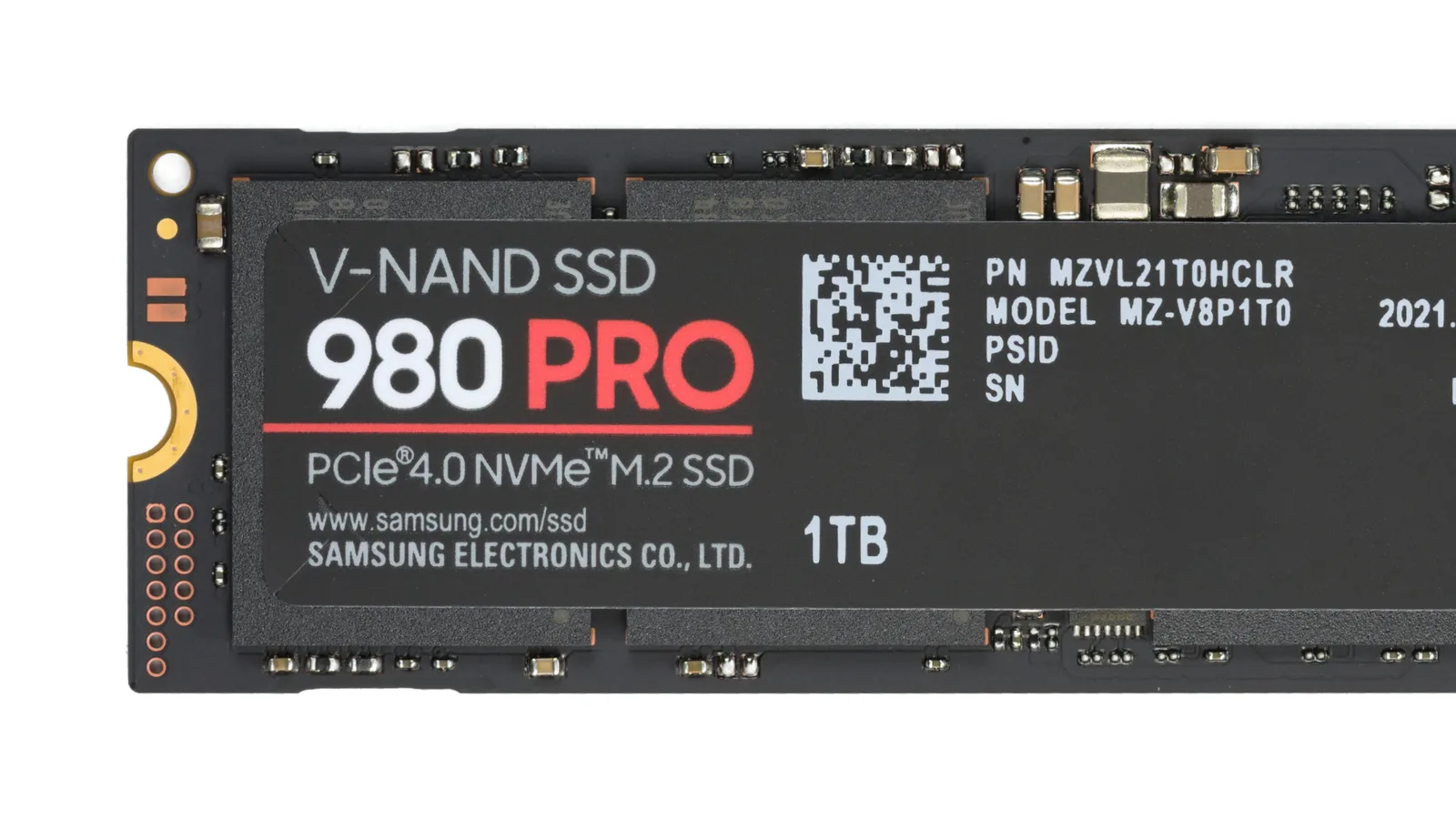
Photo attribution: D-Kuru/Wikimedia Commons, CC BY-SA 4.0. The original Samsung 980 PRO photograph was cropped and downscaled for category context. This image and its responsive derivatives remain under the same license.
