
What 617.70 fixes
As of Oct 16, 2026, NVIDIA has released GeForce Hotfix Driver 617.70 for two issues affecting 360Hz monitors: occasional black flashes on QHD displays and an FPS drop to about 320 on G-SYNC Pulsar displays. Consider the hotfix if you have those symptoms; if your system is stable on 617.42 WHQL, TechTimes reports that the guidance is to wait for the next Game Ready WHQL driver. These reports alone are not a reason to replace your GPU or monitor.
NVIDIA Customer Care’s October 14 announcement lists two fixes:
- A QHD monitor running at 360Hz may occasionally flash black during gameplay, tracked as [4846825].
- Gaming on a 360Hz G-SYNC Pulsar monitor may see FPS drop to 320, tracked as [6408986].
These are specific symptom reports. The announcement does not establish a performance gain for every 360Hz setup, and we have not measured the hotfix’s effect. Our coverage is research-based, not lab-tested.
Hotfix 617.70 vs. WHQL 617.42
NVIDIA’s driver page identifies 617.42 as a WHQL Game Ready release dated October 6, 2026, for Windows 10 64-bit and Windows 11. TechTimes reports that the optional 617.70 hotfix is based on 617.42. Do not treat the hotfix as a new WHQL Game Ready release.
The 617.70 package is hosted on NVIDIA’s download server; its filename identifies a desktop/notebook Windows 10/11 64-bit DCH hotfix package. A download being available does not mean every reader needs it.
Who should install now?
If you are seeing either listed symptom on the corresponding 360Hz display, 617.70 is the targeted update to consider. Record your current driver version and the symptom before changing it, so you can compare the same problem afterward. A continuing black flash does not necessarily mean you installed the wrong package: the reported fix has limits.
If you are stable on 617.42 WHQL without either symptom, waiting for the next Game Ready WHQL release follows the guidance reported by TechTimes. If you need a newer package for another reason, check that reason separately; these two fixes do not establish benefits for an unrelated problem.
What it does not fix
NVIDIA’s announcement lists the two issues above. It does not say that every black-flash case is resolved. TechTimes reports that the black-flash fix covers some cases, but not all. Treat that limitation as secondary reporting, rather than a broader promise in NVIDIA’s announcement.
TechTimes also reports that NVIDIA is still investigating G-SYNC becoming unavailable after a monitor wakes from sleep. That issue is absent from the official hotfix announcement’s fix list. Do not install 617.70 expecting a confirmed sleep/wake fix.
What to check before you buy
First, identify whether you have a QHD display running at 360Hz or a 360Hz G-SYNC Pulsar model, then match the symptom to the announcement. A refresh-rate specification and the FPS you observe are different checks; the reported drop to 320 FPS does not establish that your GPU needs replacing.
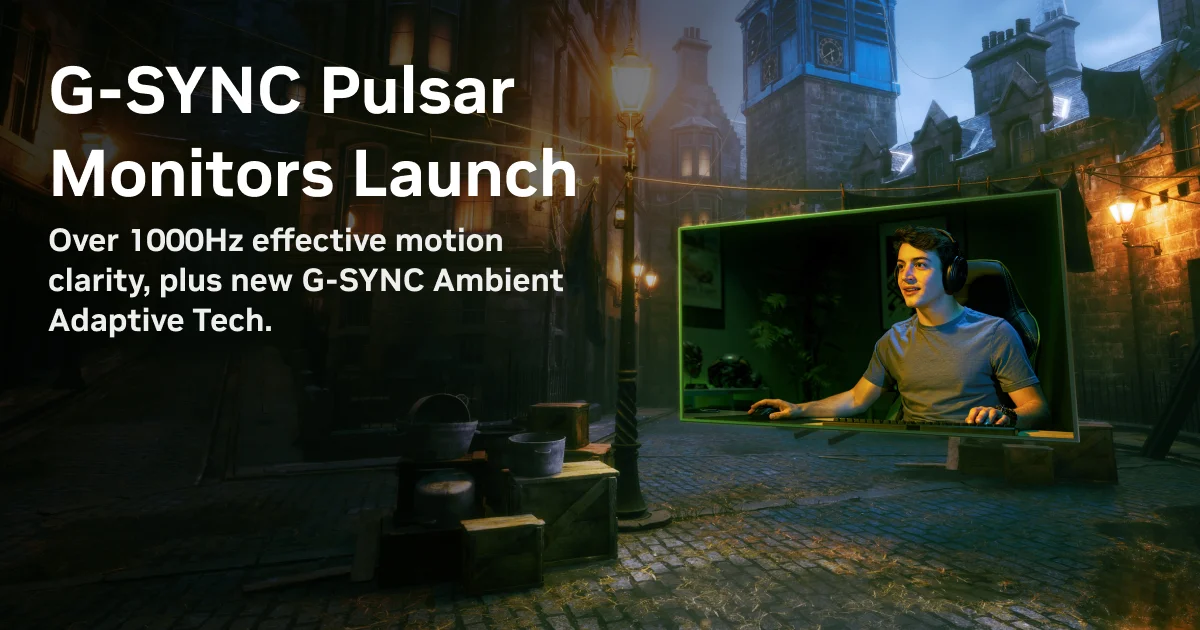
For a prospective monitor purchase, distinguish a 360Hz rating from G-SYNC Pulsar support. NVIDIA describes Pulsar as combining variable refresh rate with variable-frequency backlight strobing. Check the exact model’s feature list rather than assuming that every 360Hz monitor has Pulsar. The launch artwork on this page supplies product context, not evidence that the hotfix has been tested here.
If your goal is a different resolution or display type, use our 1440p gaming monitor guide or 4K OLED vs. Mini-LED monitor guide. For a screen shared between creative work and gaming, start with monitors for creators who game. Those are buying decisions to evaluate on their own needs, rather than a response to a driver bug.
Our RTX Spark software-readiness report is separate context for checking platform and software requirements before buying. It does not provide evidence for this hotfix’s performance.
Our recommendation
Match the symptom before updating, and separate driver troubleshooting from a hardware purchase. Consider 617.70 for the listed 360Hz problems; if you are stable on 617.42 WHQL, waiting is the reported guidance. There is no basis in this two-item fix list to recommend a replacement GPU or monitor.
When you have an independent reason to change displays, compare the trade-offs in our 1440p guide and 4K OLED vs. Mini-LED guide. Our research method explains how we use published evidence and its limits.