
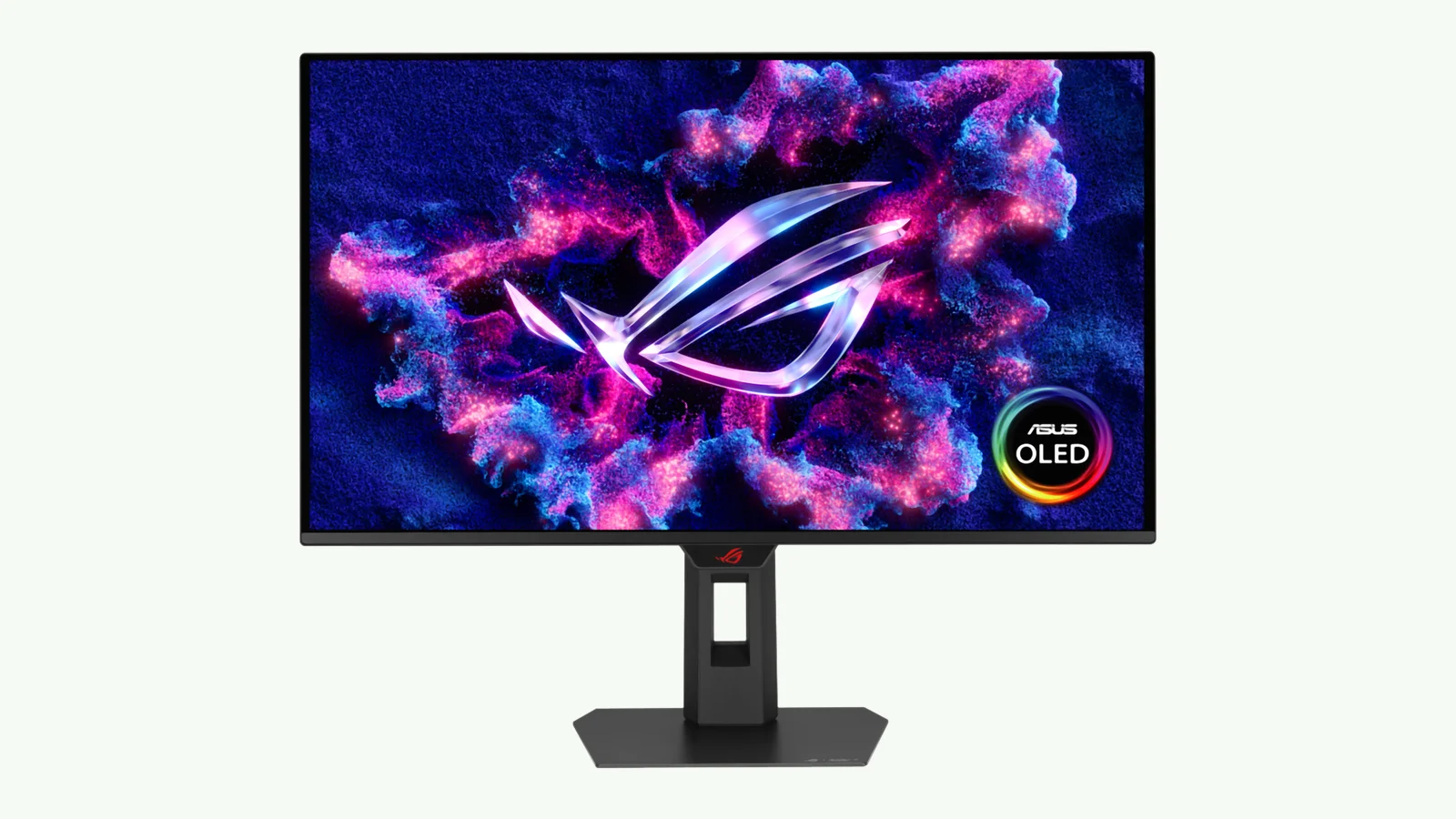
What ASUS announced
ASUS has listed the ROG Strix OLED XG27ACDMSR, a 27-inch-class 1440p Tandem QD-OLED monitor with a 320Hz maximum refresh rate and higher listed brightness than the 280Hz XG27ACDMS. Price and US release date have not been announced as of Oct 17, 2026. The useful buying decision is whether those listed improvements justify waiting for availability and independent testing, rather than assuming that a new model is automatically the better purchase.
The official ASUS product page lists VESA DisplayHDR 500 True Black, while its specification sheet lists a 1,300-nit HDR peak, 300-nit typical brightness and AMD FreeSync Premium Pro certification. These are manufacturer specifications, not measurements from our own testing. Our coverage is research-based, not lab-tested.
TFTCentral reported on the model on October 16, describing it as an upgrade to the XG27ACDMS. That report calls the panel “Penta Tandem”; ASUS’s own term is Tandem QD-OLED. Use the official specification sheet when checking the features you need.
XG27ACDMSR vs. XG27ACDMS
The comparison below uses the new model’s official specifications and the XG27ACDMS specifications. The older model’s True Black tier is listed on its ASUS product page. “Not listed” describes the sheet, rather than proving a feature is unsupported.
| ASUS-listed specification | XG27ACDMSR | XG27ACDMS |
|---|---|---|
| Maximum refresh rate | 320Hz | 280Hz |
| Typical brightness | 300 nits | 250 nits |
| HDR peak brightness | 1,300 nits | 1,000 nits |
| DisplayHDR True Black tier | 500 | 400 |
| Panel / resolution | 26.5-inch Tandem QD-OLED / 2560 × 1440 | 26.5-inch QD-OLED / 2560 × 1440; Tandem not listed |
| Display inputs | 1 DP 1.4 DSC; 1 HDMI 2.1 FRL; 1 USB-C DP Alt Mode | 1 DP 1.4 DSC; 1 HDMI 2.1 FRL; 1 USB-C DP Alt Mode |
| USB-C power delivery | 15W | 15W |
| FreeSync Premium Pro | Listed | Not listed in certificates |
| Warranty | 3 years, including panel burn-in | 3 years, including panel burn-in |
The new sheet raises both typical and peak brightness figures. Its HDR peak remains a peak specification, not a promise that the entire screen will sustain that brightness. ASUS notes that peak brightness may vary with pre-calibration; its Uniform Brightness mode reduces peak output to maintain consistency.
What stays the same
The listed connections and warranty do not change. Both sheets specify DisplayPort 1.4 with DSC, one HDMI 2.1 FRL input, and USB-C with DisplayPort Alt Mode and 15W power delivery. The warranty remains three years including panel burn-in.
If you need two HDMI inputs, check the exact unit before ordering. TFTCentral’s report describes two HDMI 2.1 inputs, but ASUS’s official XG27ACDMSR sheet lists one. This comparison follows ASUS’s sheet.
BlackShield and the Neo Proximity Sensor are also mentioned on the older model’s product page. Their appearance on the new page does not make them new features of the XG27ACDMSR. Treat manufacturer claims about image quality or protection as claims until you have relevant independent evidence.
Who should wait for it?
Waiting makes sense if you specifically want the higher listed refresh rate or brightness and can hold off until US pricing, availability and independent reviews are clearer. Without a price, we cannot judge whether the changes offer better value than existing options.
If you need a monitor soon, start with the 1440p gaming monitor guide and compare the options against your actual use. If you already own the XG27ACDMS and it meets your needs, the specification changes alone do not establish a reason to replace it.
Is 320Hz worth it at 1440p?
A higher refresh ceiling is most relevant when your GPU and games can deliver frame rates close to it at the settings you use. If they cannot, changing from a 280Hz display to this 320Hz model may address less of your problem than you expect. We are not claiming a measured improvement in motion clarity, latency or game performance for this monitor.
Use the 1440p guide to weigh your performance needs alongside the rest of the display decision. Do not plan a GPU replacement solely to match a monitor’s headline refresh rate.
What to check before you buy
Confirm the final US model listing, connection count and warranty terms before placing an order. ASUS cautions that specifications may change and that the product may not be available in every market. The current global listing is not a confirmed US sale date.
For a work-and-play setup, our guide for creators who game provides another starting point. If your decision is about resolution or display type, compare the 4K OLED and Mini-LED guide instead of choosing by refresh rate alone.
Our NVIDIA 617.70 hotfix report is separate context for owners troubleshooting specific 360Hz display and driver symptoms. It does not establish a problem with this 320Hz ASUS model or prove its performance.
Our recommendation
Wait for price, US availability and independent evidence if the XG27ACDMSR’s listed changes are what you want. If you need a monitor now, compare the 1440p options rather than treating an unpriced listing as the automatic choice. Use our 4K OLED vs. Mini-LED comparison if a different resolution is part of the decision.
Our research method explains how we separate manufacturer specifications, published findings and buying judgments.