
What AOC announced
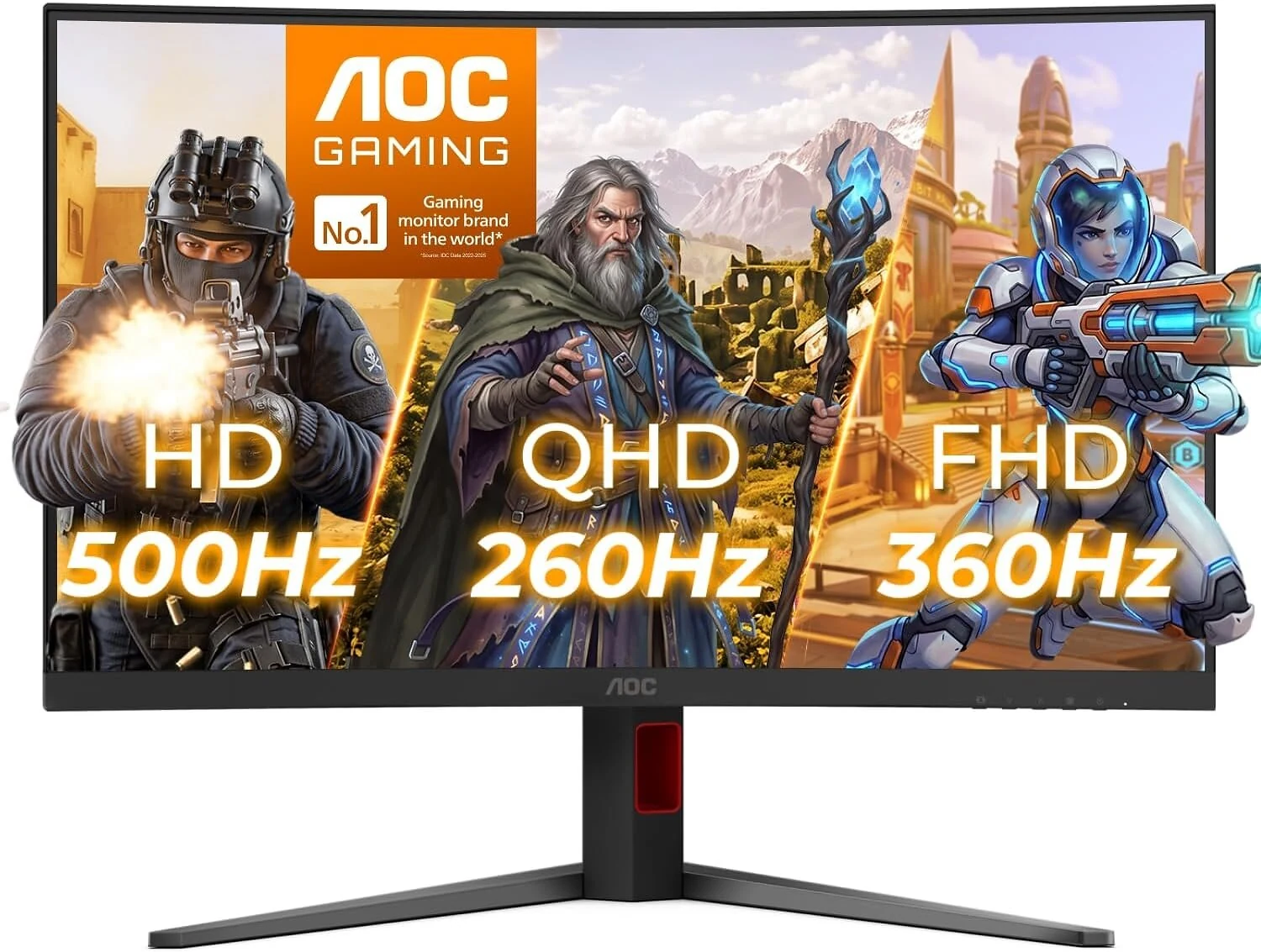
As of Oct 19, 2026, AOC says its CQ32G4Z is out now with three modes: QHD at 260Hz, FHD at 360Hz and HD at 500Hz. The trade-off is resolution: the highest advertised refresh rate is at 720p, not native 1440p. Before buying this 32-inch monitor, confirm which connection and settings enable the mode you actually want.
AGON by AOC’s October 14 release describes the triple-refresh design and advertises HDR400, AMD FreeSync Premium and NVIDIA G-SYNC compatibility. Those are manufacturer statements, not results from our own testing. This report is research-based, not lab-tested.
Amazon’s listing says it is a 31.5-inch-viewable, 16:9 VA panel with a 1500R curve and a native 2560 × 1440 resolution. Its input and motion specifications need a separate check from the three-mode headline.
How the three modes work
AOC says the monitor can switch between these combinations. The “Best for” column describes the intended buying use, rather than a measured performance result.
| Mode | Resolution | Max refresh | Best for |
|---|---|---|---|
| QHD | 1440p, native | 260Hz | Keeping native-resolution detail |
| FHD | 1080p, below native | 360Hz | Prioritizing competitive play over resolution |
| HD | 720p, below native | 500Hz | Prioritizing fast action at the lowest resolution |
The 360Hz and 500Hz options are not additional native-resolution modes. On a screen this size, stepping below native resolution sacrifices sharpness. Decide whether that trade-off suits your games and viewing preferences before chasing the largest number.
Who it’s for
The switching concept is most relevant if you alternate between detailed games at 1440p and competitive shooters, and want one 32-inch screen for both. AOC positions the modes for different types of play. Whether the faster modes help your own experience still depends on your games, GPU output and the panel’s actual motion behavior.
For a broader starting point, compare our 1440p monitor picks or look at the budget 1440p options. Our ASUS XG27ACDMSR launch report is separate context for evaluating a different high-refresh display; it is not a performance comparison with the AOC.
Who should skip it?
If you mainly play single-player AAA games and value native-resolution detail, the lower-resolution 360Hz and 500Hz modes may not address your priority. If your goal is a strong HDR or contrast upgrade, the HDR400 label alone is not enough evidence to choose this monitor. Start with the 1440p buying guide and look for independent evidence relevant to the image quality you want.
What to check before you buy
- Resolution at each setting: 260Hz is the advertised QHD mode; 360Hz uses 1080p and 500Hz uses 720p. Consider the loss of native-resolution sharpness on a 32-inch-class screen.
- Your GPU and games: check whether your system can deliver the frame rates that make the faster settings relevant at the settings you use. A 500Hz display mode does not make the GPU produce 500 frames per second.
- Input and cable requirements: Amazon’s listing says up to 260Hz through DisplayPort 1.4 and 144Hz through HDMI 2.1. It does not identify the input or configuration needed for 360Hz or 500Hz. Confirm those modes in the exact product’s manual or specification sheet before ordering, especially if you rely on HDMI or a console.
- VA motion and response-time wording: Amazon’s listing says 0.3ms MPRT. That is not a measured gray-to-gray response time. Look for independent evaluations of motion clarity, ghosting and dark-transition smearing rather than treating the MPRT figure as proof of this panel’s behavior.
- HDR expectations: treat HDR400 as an entry-level HDR label, not a guarantee of the contrast or HDR impact you may want. Compare independent image-quality findings with your priorities.
- Return conditions: confirm the seller, condition and return window for the exact listing. A dated launch announcement does not guarantee today’s stock, seller or terms.
Our recommendation
Consider the CQ32G4Z if switching between native 1440p and lower-resolution competitive modes fits how you play. Resolve the connection requirements and look for relevant motion evaluations first. If you will stay in native-resolution games, start by comparing the 1440p alternatives instead of choosing by the 500Hz headline.
If you want to inspect the listing linked by AOC’s release, Check price at Amazon. This is an affiliate link; check the model, current seller and return terms at the store. We do not reproduce an Amazon price here.
For planning, use our monitor watchlist without assuming an offer exists. Our research method explains how we distinguish manufacturer claims, retail listings and independent evidence.