
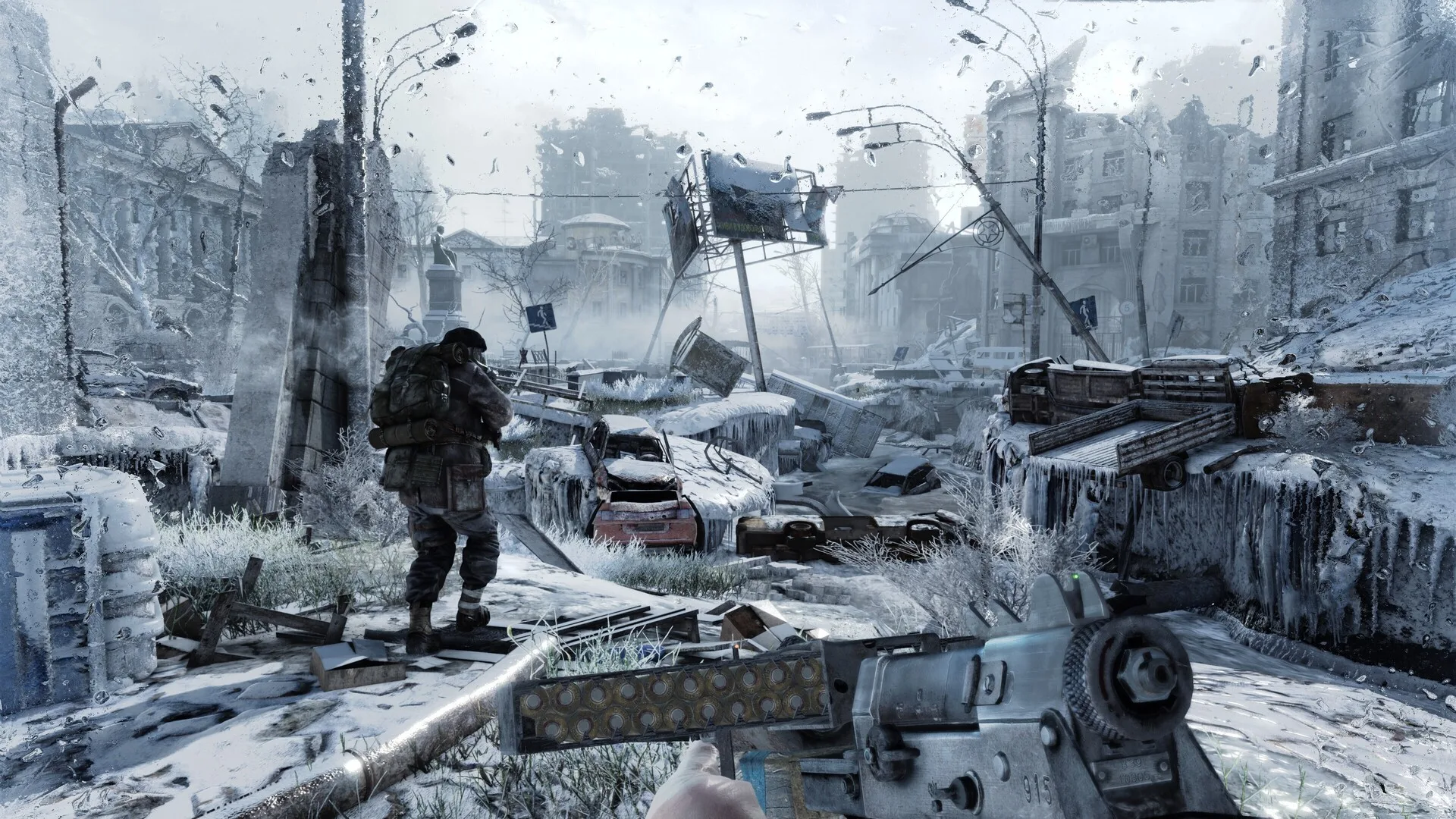
What changed on PC
As of Oct 22, 2026, Deep Silver says the free Next-Gen Update for Metro 2033 Redux and Metro Last Light Redux is live on Steam, Epic and GOG. Our advice is to try it on your current PC and check the available graphics settings before planning a hardware upgrade. The Microsoft Store version follows on October 29, according to PLAION’s FAQ.
Deep Silver’s PC patch notes list unlocked FPS, 4A TSR, DLSS and FSR support, Screen Space Global Illumination and support for 4K textures. They also list more detailed geometry and textures, improved physically based materials, spatial audio and fixes for high-FPS bugs.
Those are announced features and fixes, not measured gains from our own testing. The supplied launch material does not provide benchmark results or a new PC requirements table. It gives no basis for promising a frame rate or choosing a replacement GPU just for this update.
Deep Silver also reports stability improvements on modern PC hardware, including Windows 11, AMD GPUs and high-refresh displays, with fixes for launch and chapter-transition crashes. Its control fixes include mismatched horizontal and vertical mouse sensitivity. Check how the updated game behaves on your setup before assuming you need new hardware.
Which upscaler should you check?
The publisher’s GPU labels are broad. Start with the options available in your updated game, then check support for your exact graphics card.
| Upscaler | Publisher’s GPU label |
|---|---|
| 4A TSR | Any GPU |
| DLSS | NVIDIA |
| FSR | AMD |
Deep Silver does not specify upscaler versions or a GPU-generation list. Confirm support for your exact card; the notes do not establish universal NVIDIA support for DLSS or cross-vendor support for FSR.
For a high-refresh monitor, check the refresh rate selected on your PC and the game’s V-Sync or frame-limit settings. Unlocked FPS removes a limit; Deep Silver explicitly says the result depends on hardware. It is not a promise that the game will reach your display’s refresh ceiling.
Treat 4K texture support as another setting to assess on your current machine. The cited material gives no new VRAM requirement or measured performance cost for those textures. If you are already comparing upgrades, use our graphics card guide and 1440p monitor guide for the wider hardware decision.
What to check before you play
- Confirm the exact Redux title and storefront in your library. The official Steam pages identify Metro 2033 Redux and Metro Last Light Redux; PLAION says some versions may not be compatible with the upgrade.
- Check that your storefront has installed the update. Steam, Epic and GOG have the October 22 PC release; the Microsoft Store version is scheduled for October 29.
- Check the upscalers offered for your GPU. Deep Silver lists 4A TSR for any GPU, DLSS for NVIDIA and FSR for AMD, without a full hardware compatibility matrix.
- Confirm the display’s selected refresh rate, then review V-Sync and any frame limit. Judge smoothness on your own PC instead of treating unlocked FPS as a performance guarantee.
- Try the texture options before deciding to replace your graphics card. No new VRAM target is provided in the cited material.
- If you use the Microsoft Store version, read the save warning before upgrading: Deep Silver says saves will not carry over, recommends a new game and says chapter select will be unlocked with default equipment.
Questions answered by the official FAQ
Is the update free for every existing copy?
PLAION’s FAQ says the free upgrade is available to most owners of either Redux game. Some versions may not be compatible, so confirm eligibility with your platform.
Is this a remake or a remaster?
No. PLAION describes it as a quality-of-life upgrade and says the games have not been moved onto the current version of the 4A Engine.
Does the update add ray tracing?
No. The FAQ explicitly says ray-tracing support is not included. The lighting changes in the patch notes should not be read as a ray-tracing announcement.
Our recommendation
Install the update for an eligible Steam, Epic or GOG copy and check its settings on the hardware you already own. Microsoft Store players should wait for October 29 and review the save-transfer warning before moving to the upgraded version. Keep a GPU or monitor purchase tied to a need across your games, not an unsupported performance prediction for this patch.
Our research method explains how we distinguish publisher claims from independent evidence. For other software and hardware reports, visit THP news.