The dated update
NVIDIA’s October 8 GeForce NOW announcement lists Gears of War: E-Day among that week’s additions, following the game’s October 6 release. NVIDIA describes access through supported Steam and Xbox versions, including Game Pass, and notes that store release dates and cloud onboarding can differ.
The same announcement says direct GeForce NOW membership purchases through Amazon for Fire TV users are coming in the following weeks. That is a future availability statement in the source, not confirmation that the purchasing option works today. We do not quote subscription prices or present a membership offer here.
Cloud access is a different purchasing decision
Before buying hardware for this title, check the supported game/store combination, your account entitlement, device support and the service’s current terms. Verify those requirements at the destination rather than assuming that access through one storefront carries over to another.
Then try your actual connection and input setup where you intend to play. Evening household use, the path between the router and your device, and the controls you use are relevant to that trial. Our article supplies no latency, image-quality or frame-rate measurements for your home.
A cloud service is not a replacement for every local-PC use. If you need offline play, another game without the required support, or a GPU for a separate workload, keep those requirements in the decision. Likewise, access to a remote gaming system does not prove that buying a faster monitor will improve your particular stream.
Our recommendation: establish the path before upgrading
Try the supported service on equipment you already own before buying a graphics card specifically for this announcement. If you choose local gaming instead, our GPU guide starts with the games, resolution and system constraints.
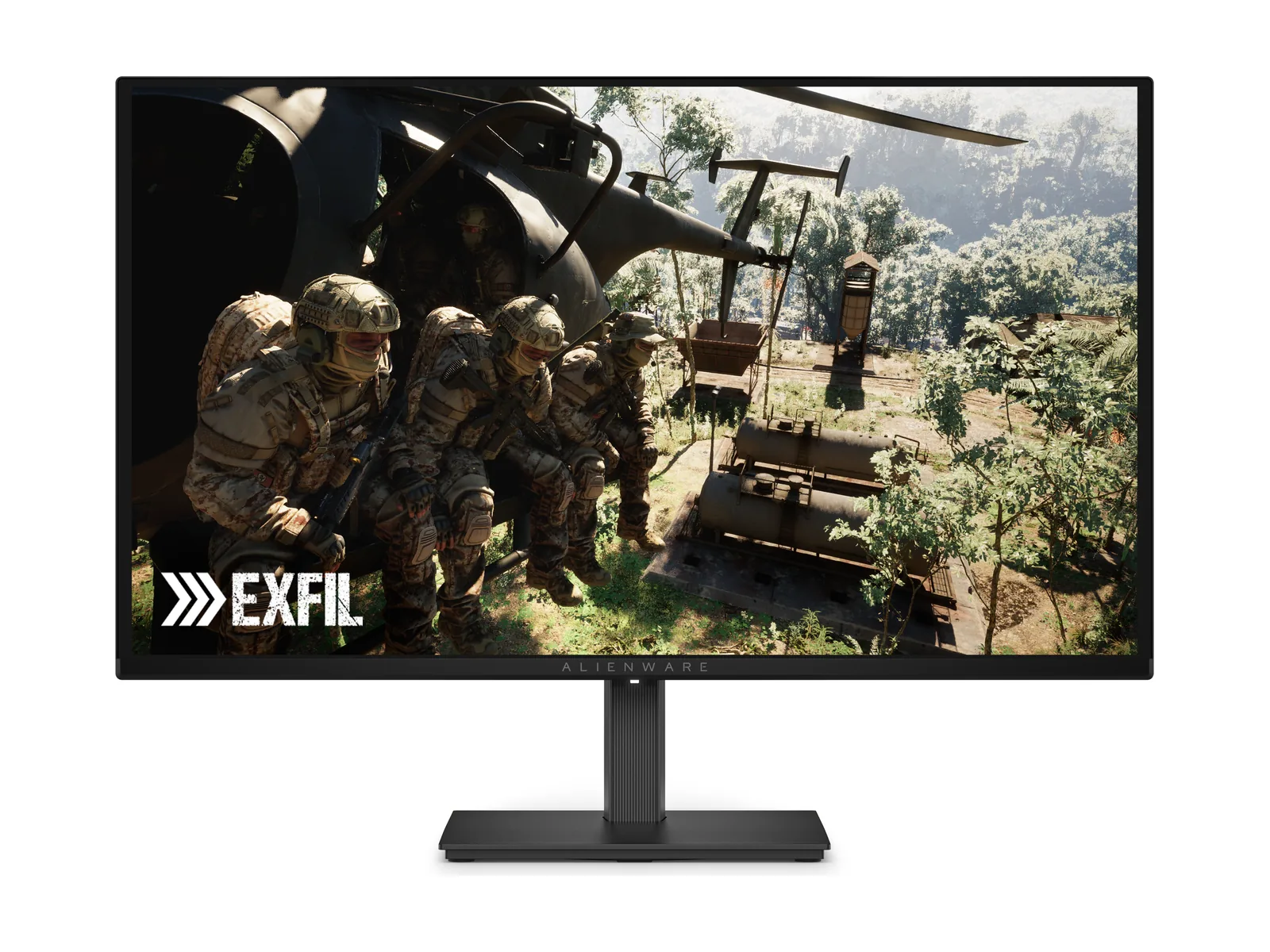
For a display purchase, compare our 1440p monitor options only after establishing what your device and connection can deliver. The Alienware AW2726DM is an existing guide candidate, not a promise of GeForce NOW performance. Skip a display upgrade when your present monitor already meets the requirements of the setup you actually use.