
What changed, and when you can get it
Apple’s October 13 home announcements opened U.S. preorders for HomeView, HomePod mini 2 and the fourth-generation Apple TV 4K. As of Oct 14, 2026, Apple’s announced availability dates are not the same for all three. A preorder does not guarantee a particular delivery date to your address.
The HomeView announcement describes a display for entertainment and home control. Both the tabletop and wall-mounted versions are $299 at launch (Apple; checked 2026-10-14).
Apple opened HomeView preorders on October 13 and lists availability from November 13. The wall-mounted model has separate mounting options; check the complete installation cost before choosing it.
The HomePod mini 2 announcement lists the compact speaker at $149 at launch (Apple; checked 2026-10-14).
Its U.S. preorders also opened October 13, with store availability beginning October 30. Apple says Siri AI will arrive through a future software update. Do not buy on the assumption that every announced assistant feature will be usable on delivery day.
The new Apple TV 4K announcement lists the streaming box at $299 at launch (Apple; checked 2026-10-14).
U.S. preorders opened October 13, with store availability from November 13. Apple also lists Siri AI beta access for second-generation or later Apple TV 4K devices. Check whether your existing model already supports the software feature you want before replacing it.
These are Apple’s U.S. launch prices, checked as of Oct 14, 2026. They are not Amazon prices or verified retailer discounts. We have not confirmed a preorder saving or reviewed the new hardware.
Who should check compatibility first?
The useful starting point is a job: a screen for household controls, a speaker for a particular room, or a streaming box for a TV. Buying all three is not a requirement for every home.
List the accessories you intend to control and the Apple devices you already own. Check the exact software, language, region and account requirements in the linked announcements, including their footnotes. A product name or compatibility logo alone does not establish that every feature works with every accessory.
For the wall-mounted display, decide where it will live and how it will receive power before ordering the hardware. For a streaming or speaker setup, check the room layout and the equipment you plan to keep. Include any subscriptions and accessories in the purchase decision rather than comparing only the device price.
Check coverage before buying a new router
Try your existing connection in the actual rooms where the devices will operate. Review router placement, dead spots and household traffic before assuming a newer Wi-Fi generation is the solution. This announcement does not establish that you need a Wi-Fi 7 router.
If the network already covers those rooms reliably, keep it. If the problem is coverage, compare a different placement or a mesh layout against a router upgrade. Verify the exact ports and bands your other devices can use; an unused feature is not a reason to pay more.
Our recommendation: preorder for a clear need, wait for uncertain features
Preorder only when the current documented feature set and the announced timing fit a specific need. Wait if a future assistant update, installation question or accessory requirement is central to your decision. Keep working equipment when the new announcement does not fill a real gap.
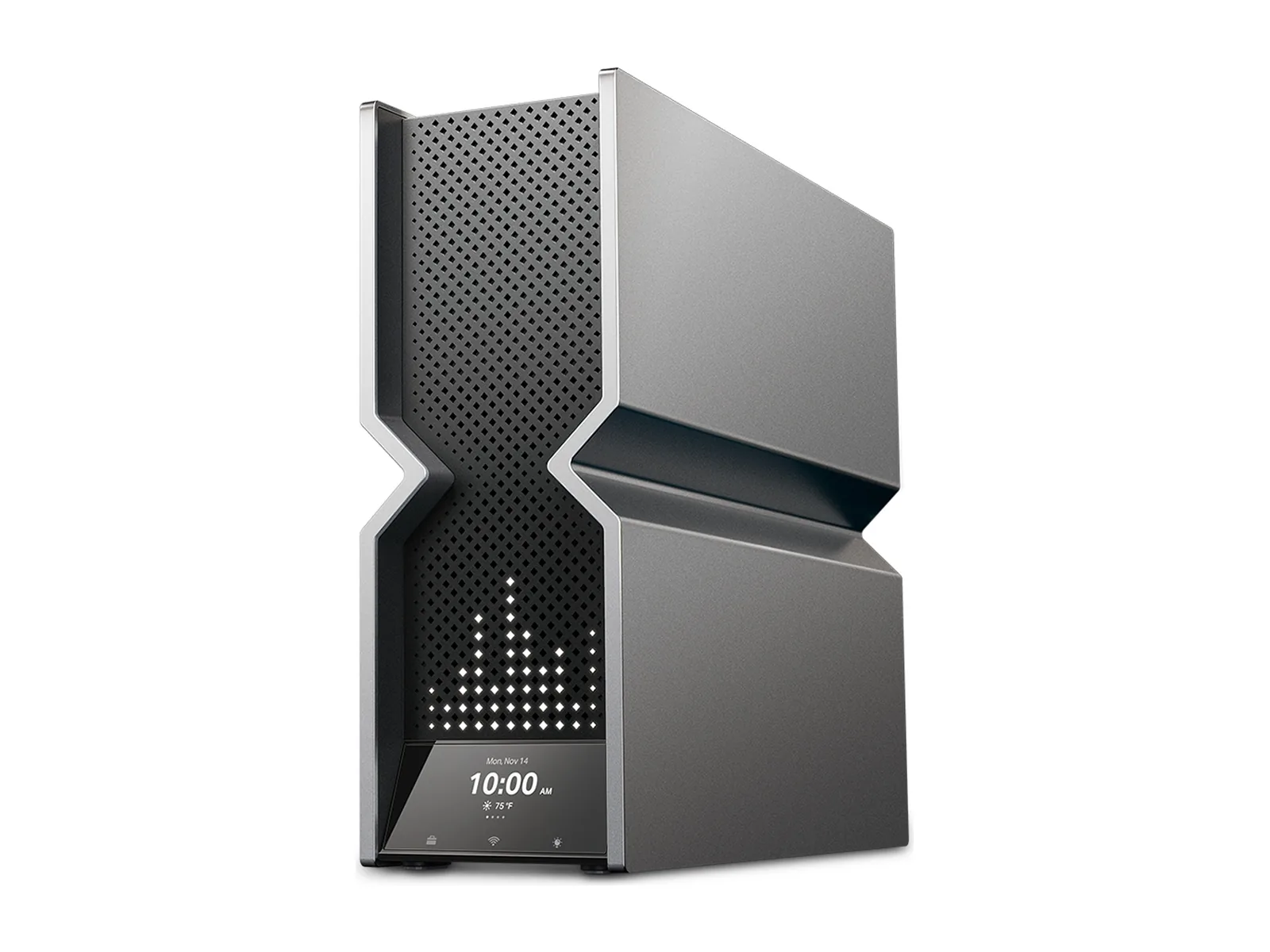
If home coverage is the gap, our Wi-Fi 7 router guide explains the fit and skip cases for existing options, including the TP-Link Archer BE900 pictured here. Use that guide to decide whether a router purchase makes sense; we have not tested it with Apple’s new devices.